CRM SOFTWARE
Best CRM for small business in 2026: top picks for solo sellers and growing teams

By Geethapriya
Last updated on Jul 17, 2026
Written by a CRM growth marketer who has evaluated CRM tools across solopreneur setups and small team workflows, not based on vendor demos or feature checklists alone.
QUICK SUMMARY
Explore this blog to find the best CRM for your small business or solo operation, with honest tool comparisons, transparent pricing tiers, and a practical setup guide
Best CRM tools for small businesses
- HubSpot CRM — best free CRM for small business beginners
- Pipedrive — best visual pipeline CRM for solo sellers
- Zoho Bigin — best lightweight CRM for micro-teams
- SparrowCRM — best AI-native CRM for growing small teams
- Less Annoying CRM — best for simplicity-first small businesses
- Freshsales — best for teams wanting built-in calling and AI lead scoring

Still managing leads in spreadsheets?
See how modern CRMs help small teams automate follow-ups, track deals, and close faster, without enterprise complexity.
Most small businesses start the same way. A spreadsheet that holds up for six months. An email inbox that becomes the default CRM. Then a deal falls through because nobody followed up, and the search for a proper CRM begins.
The problem is not finding one. There are hundreds of CRMs. The challenge is finding one that fits a team of one to twenty, without enterprise complexity, per-user pricing that outruns revenue, or AI features that exist only in the marketing copy.
This guide covers the six best CRM options for small businesses and solopreneurs in 2026, with honest evaluations on pricing, automation depth, and AI capabilities. It also covers what you should actually pay, how to choose based on your current stage, and why Notion is not a long-term answer, even though almost every solopreneur tries it first.
For a broader look at the CRM category, the CRM software guide covers fundamentals through to selection frameworks.
How we evaluated these CRMs
We assessed each tool across five areas: how quickly a one- to five-person team can get set up, the depth of pipeline and contact management, automation quality, AI feature honesty, and total cost at realistic small business usage levels.
Automation quality meant more than whether workflows exist; we looked at what triggers are available without upgrading. AI feature honesty meant distinguishing native intelligence from features bolted on through a third-party integration.
Any tool with a free or starter tier that was genuinely non-functional for business use was excluded. Vendor claims were cross-checked against G2 reviews and community feedback.
Quick comparison: best CRMs for small businesses at a glance
Tool | Best for | Free plan | Starting price | AI features | G2 rating | Ideal team size |
|---|---|---|---|---|---|---|
HubSpot CRM | Free CRM for beginners | Yes (unlimited contacts) | $7/user/mo | Email AI, engagement | 4.4/5 | Solo – 50+ |
Pipedrive | Visual pipeline, solo sellers | No (14-day trial) | $14/user/mo | AI sales assistant (Advanced+) | 4.3/5 | 1 – 20 |
Zoho Bigin | Micro-teams, budget-first | Yes (1 user) | $7/user/mo | Basic AI suggestions | 4.6/5 | 1 – 10 |
SparrowCRM | AI-native small teams | Yes (3 users) | $19/user/mo | ICP fit, buying intent, deal score | — | 2 – 50 |
Less Annoying CRM | Simplicity-first teams | No (30-day trial) | $15/user/mo | None | 4.9/5 | 1 – 10 |
Freshsales | Calling-heavy teams + AI scoring | Yes (3 users) | $9/user/mo | Freddy AI lead scoring | 4.5/5 | 2 – 30 |
HubSpot CRM
Best For
Free CRM for beginners
Free Plan
Yes (unlimited contacts)
Starting Price
$7/user/mo
Ai Features
Email AI, engagement
G2 Rating
4.4/5
Ideal Team Size
Solo – 50+
Pipedrive
Best For
Visual pipeline, solo sellers
Free Plan
No (14-day trial)
Starting Price
$14/user/mo
Ai Features
AI sales assistant (Advanced+)
G2 Rating
4.3/5
Ideal Team Size
1 – 20
Zoho Bigin
Best For
Micro-teams, budget-first
Free Plan
Yes (1 user)
Starting Price
$7/user/mo
Ai Features
Basic AI suggestions
G2 Rating
4.6/5
Ideal Team Size
1 – 10
SparrowCRM
Best For
AI-native small teams
Free Plan
Yes (3 users)
Starting Price
$19/user/mo
Ai Features
ICP fit, buying intent, deal score
G2 Rating
—
Ideal Team Size
2 – 50
Less Annoying CRM
Best For
Simplicity-first teams
Free Plan
No (30-day trial)
Starting Price
$15/user/mo
Ai Features
None
G2 Rating
4.9/5
Ideal Team Size
1 – 10
Freshsales
Best For
Calling-heavy teams + AI scoring
Free Plan
Yes (3 users)
Starting Price
$9/user/mo
Ai Features
Freddy AI lead scoring
G2 Rating
4.5/5
Ideal Team Size
2 – 30
The best CRM tools for small businesses and solopreneurs in 2026
1HubSpot CRM — best free CRM for small business beginners
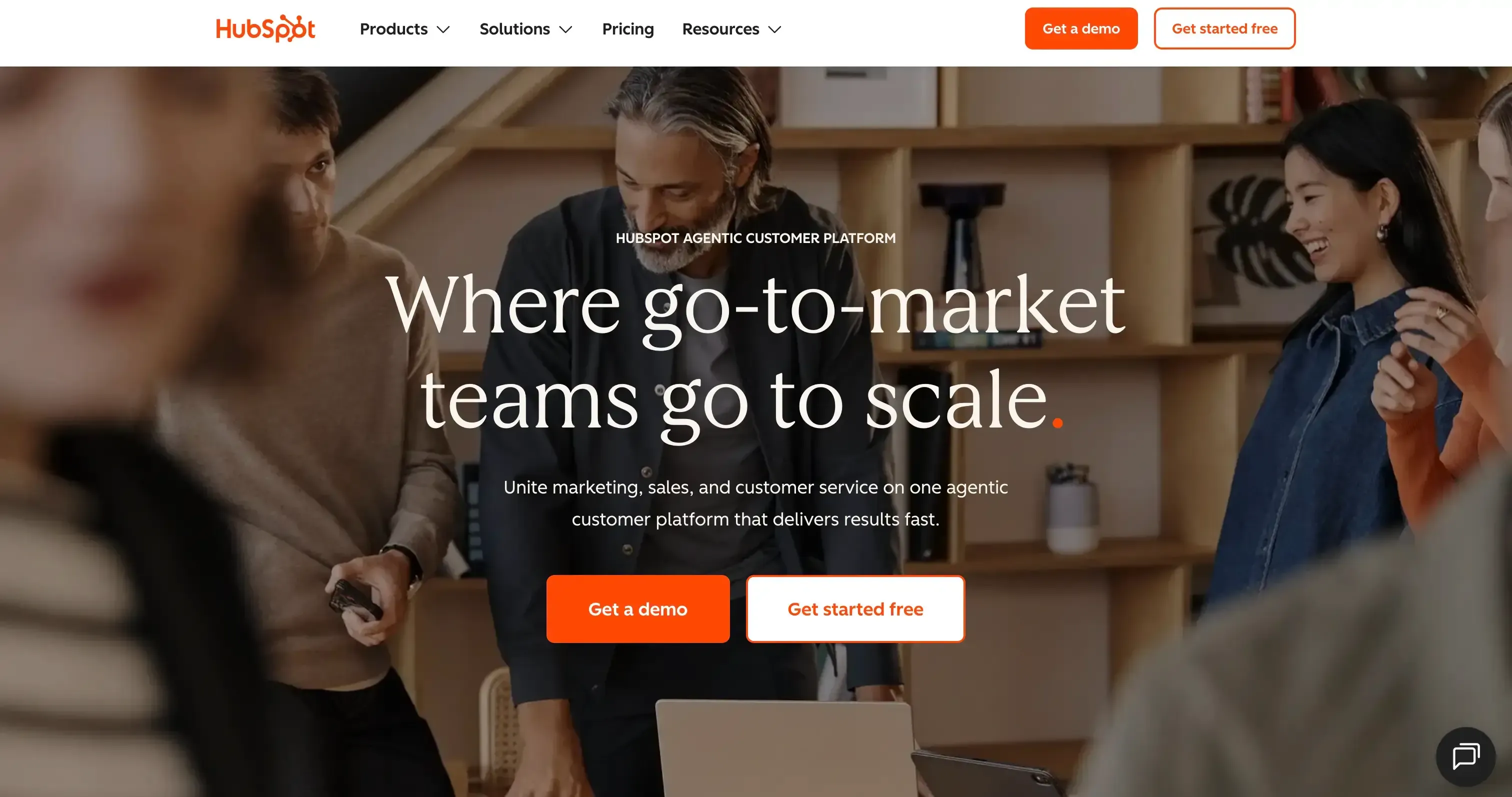
Source:hubspot.com
Best for: Solopreneurs and early-stage teams who need a functional free CRM without a credit card.
HubSpot's free CRM is the most capable zero-cost option available. You get unlimited contacts, a visual pipeline, email tracking, meeting scheduling, and a basic reporting dashboard, all without paying anything.
For a solo founder or a two-person team still figuring out their sales process, that breadth is hard to match at the price.
Growth friction is the real trade-off. Once your team needs multi-step sequences, custom reporting, or automation beyond basic task triggers, you hit HubSpot's paid-tier walls quickly.
The jump from free to Starter ($7/user/month) to Professional ($90/user/month) is steep. Many teams find themselves paying for features they assumed were included, only to discover they were unlocked only after an upgrade.
AI features: Email tracking, content suggestions, and engagement scoring on paid tiers. Free plan AI is limited to basic contact enrichment.
Limitation: Advanced automation requires Starter tier or above. Free plan support is community-only.
G2 rating: 4.4/5 (12,000+ reviews)
Pricing: starts from free for a lifetime
2Pipedrive — best visual pipeline CRM for solo sellers

Source:pipedrive.com
Best for: Solo sales reps and small teams who are primarily pipeline-driven and want a clean visual deal management experience.
Pipedrive was built for salespeople, not admins. Its drag-and-drop pipeline view is the clearest in its class, and deals move through stages in a way that mirrors how sales actually work. For a founder managing ten to thirty active deals solo, that clarity matters day to day.
Basic automation is available on the Lite tier ($19/user/month). The AI Sales Assistant, which surfaces deal insights, suggests next actions, and flags at-risk deals, requires the Growth tier ($34/user/month). For a solo seller who cannot afford to miss pipeline signals, that upgrade is worth evaluating seriously.
AI features: AI Sales Assistant on the Advanced tier and above. Covers deal coaching, next-step suggestions, and performance insights. Not available on Essential.
Limitation: No built-in email inbox, invoicing, or billing. No free plan.
G2 rating: 4.3/5 (2,000+ reviews)
Pricing: Starts from $19 per seat per month when billed monthly
3Zoho Bigin — best lightweight CRM for micro-teams
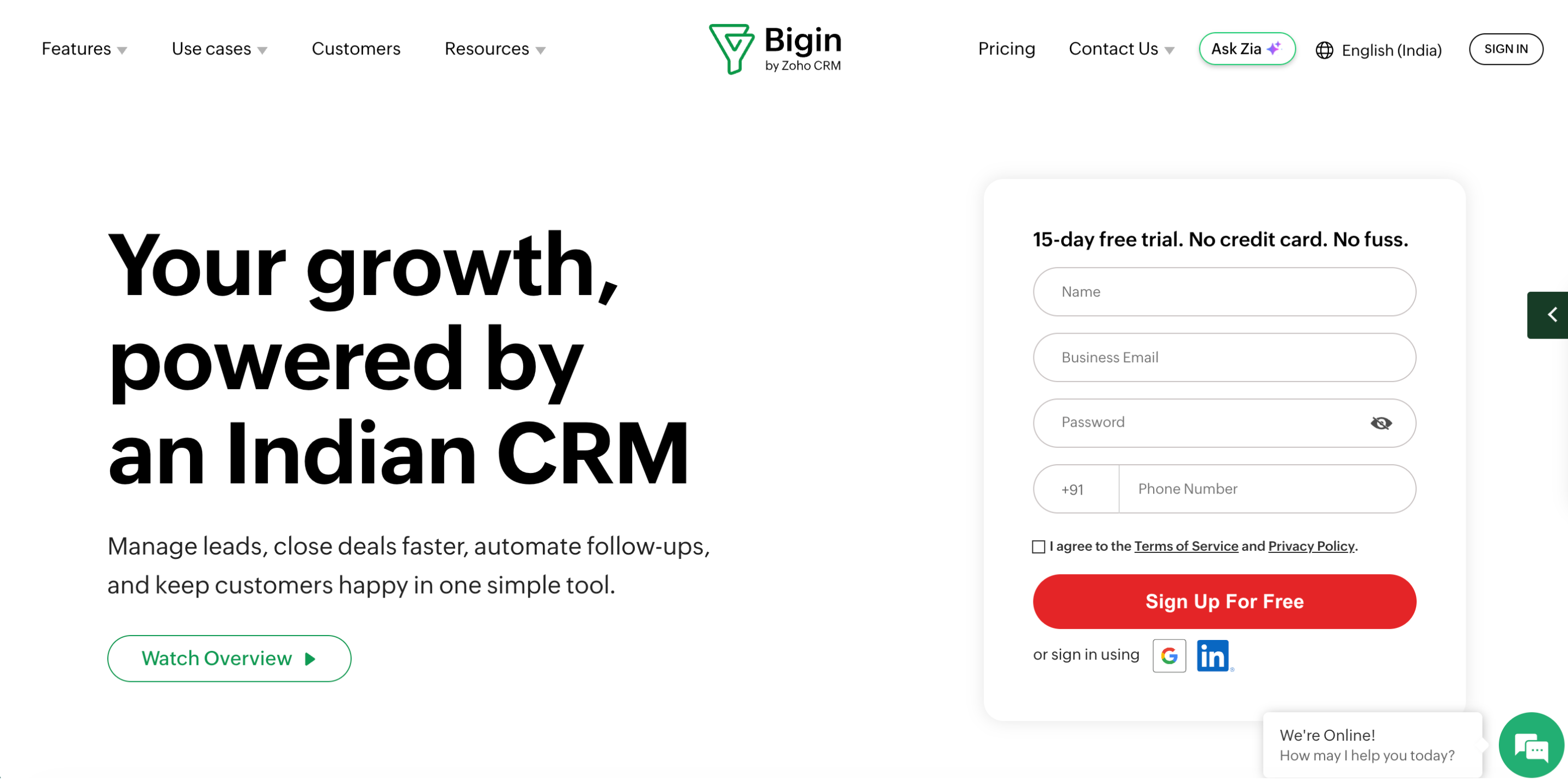
Source:bigin.com
Best for: Micro-teams of one to five who need a real CRM without the complexity of Zoho CRM, at the lowest entry price in the category.
Zoho Bigin is a deliberate step down from Zoho CRM, designed specifically for small businesses. Setup takes around thirty minutes. It supports multiple pipelines, includes built-in telephony with call notes, and connects cleanly to Gmail and Outlook. At $9/user/month, it is the most affordable paid option in this list.
The ceiling comes early. Teams beyond five to eight people, or those needing detailed reporting and forecasting, will feel the limitations. Bigin is a strong starting tool. It is not a platform to grow into.
AI features: Basic AI suggestions for task prioritisation. No lead scoring or predictive analytics.
Limitation: Limited customisation. Reporting is thin. Does not scale well past a small team.
G2 rating: 4.6/5 (500+ reviews)
Pricing: Starts from $9 per eat per month when billed monthly
4SparrowCRM — best AI-native CRM for growing small teams
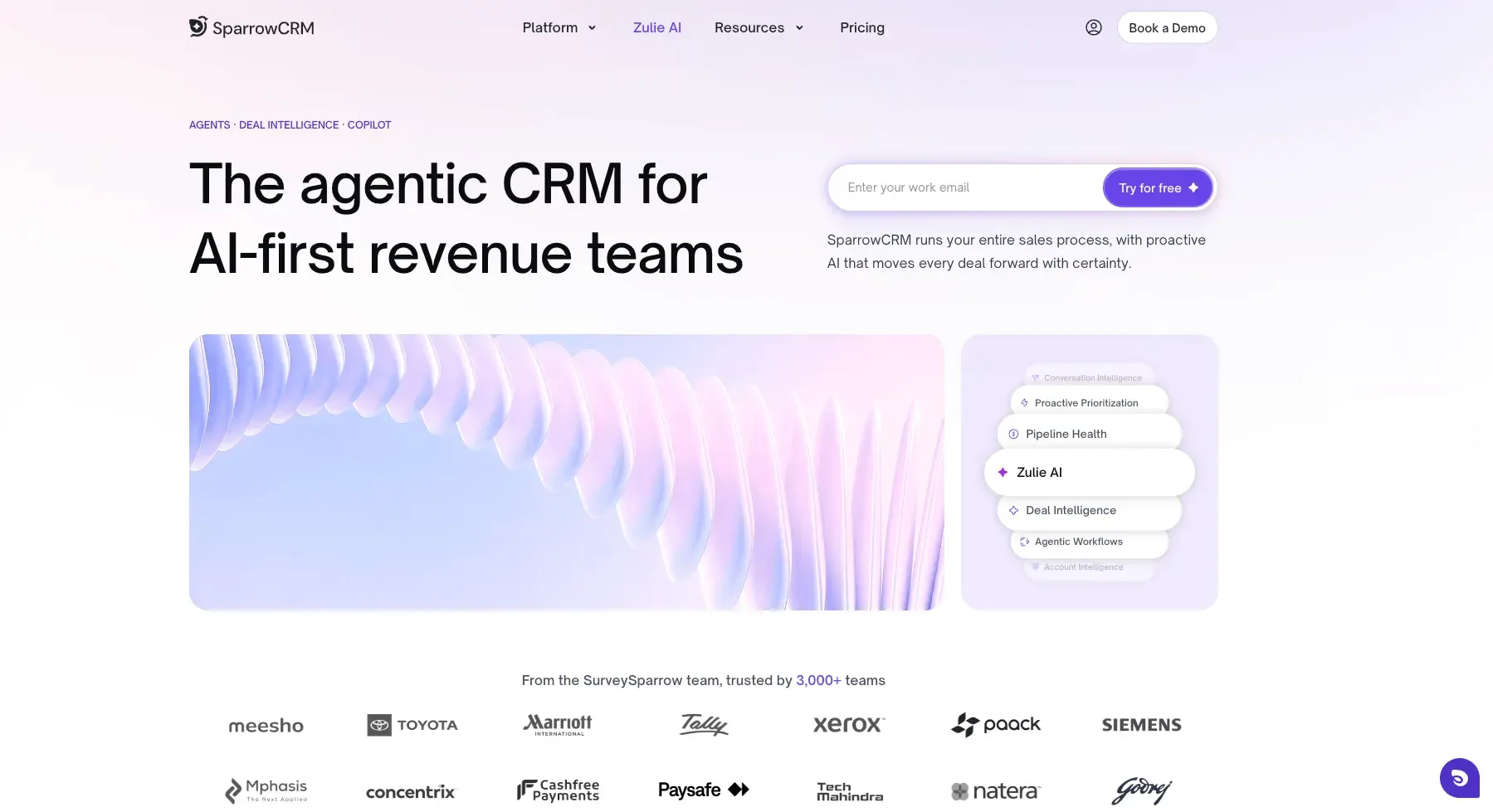
Best for: Founders, VPs of sales, and RevOps leads at two-to-fifty-person companies who need CRM intelligence built in from day one, not added through an integration or a paid upgrade.
Most CRMs added AI on top of existing architecture. SparrowCRM built AI into the core from the start, a distinction that matters for small teams where every rep needs to act as their own analyst.
At the contact level, the AI scoring widget shows ICP fit percentage, engagement rate, response rate, and buying intent in one view. A founder managing forty contacts knows immediately who to prioritise. The AI summary delivers a plain-English snapshot of each relationship; there's no need to scroll through the full activity log before a call.
At the deal level, the deal score tracks opportunity health in real time and flags competitor mentions pulled from emails and call transcripts. The buying committee map shows each stakeholder's role: Decision Maker, Influencer, Economic Buyer, so single-threaded risk is visible early.
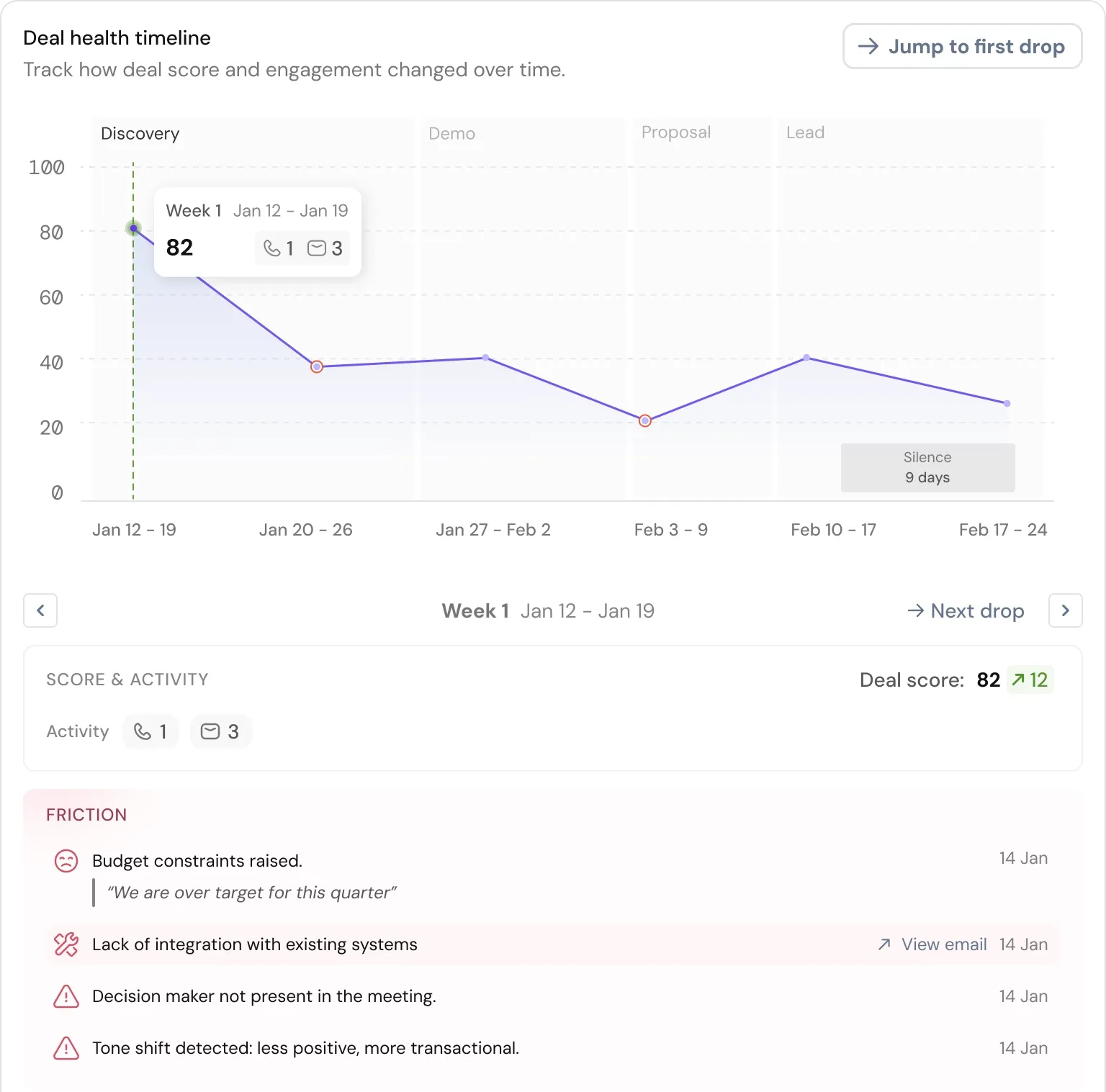
When a deal moves to lost, SparrowCRM runs an AI lost analysis. It cross-references email threads, meeting transcripts, and contact activity to surface what actually went wrong, not just the reason the rep logged.
For a small team, the result is a CRM that functions as a sales coach. It tells you what to do next, not just what happened last.
AI features: ICP fit scoring, buying intent score, AI deal score, competitor mention detection, deal lost analysis, AI-recommended next actions, best contact time, buyer profile mapping.
Pricing: Starts from free for teams of three. Paid plans from $19 per seat per month when billed monthly.
Built for small teams that want to grow faster

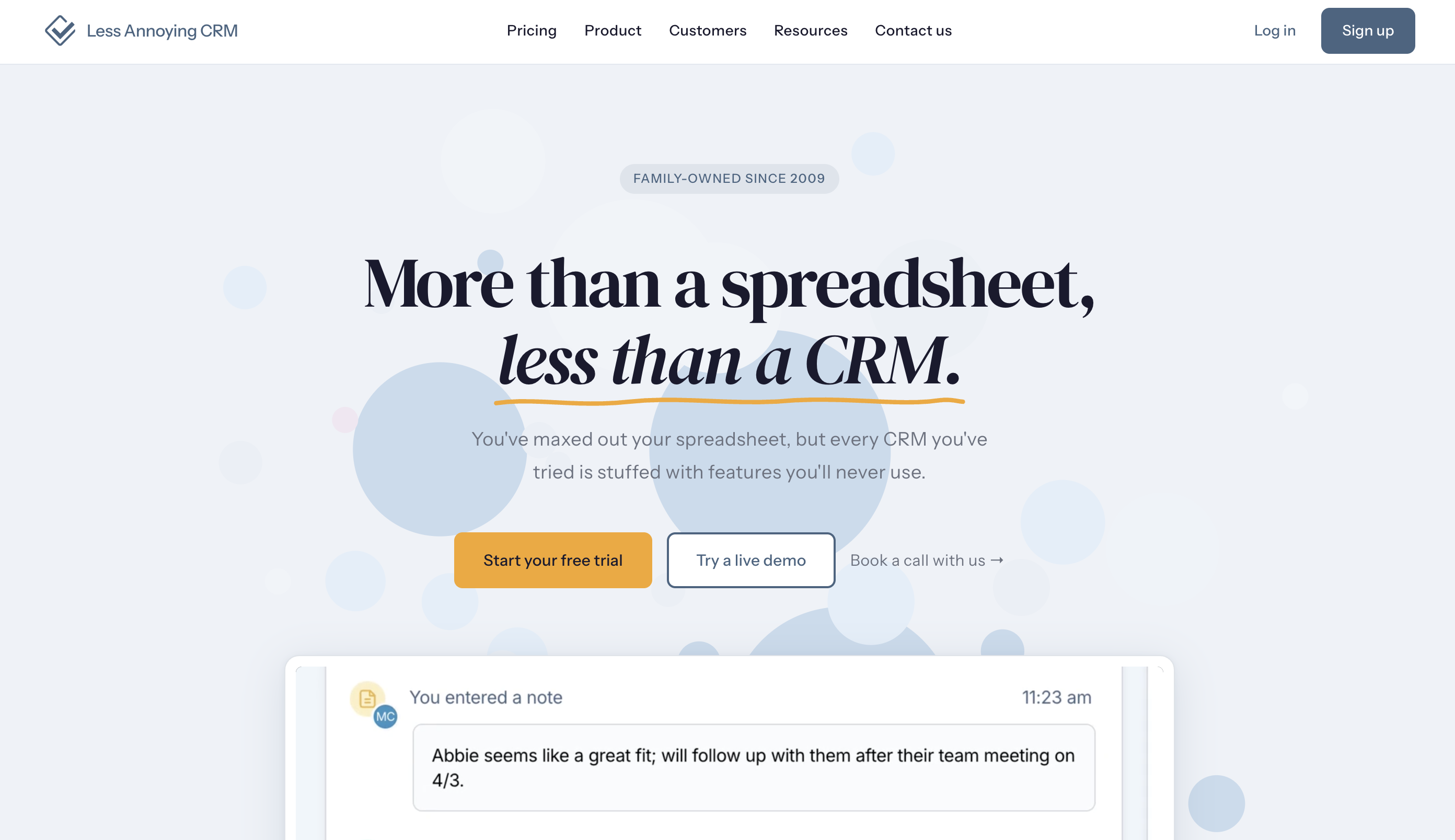
5 Less Annoying CRM — best for simplicity-first small businesses
Source: lessannoyingcrm.com
Best for: Small business owners who found HubSpot or Salesforce overwhelming and want a CRM that does exactly what they need, nothing more.
Less Annoying CRM's philosophy is right there in the name. One pricing tier at $15/user/month. No feature gates, no upsells, no annual contracts. Every user gets the full product from day one. Setup takes under an hour, and the interface is built around task visibility and follow-up reminders, not dashboards or pipeline automation.
The G2 rating of 4.9/5, the highest in this list, reflects a product that delivers consistently on a narrow promise. It is not for teams that need AI insights or complex reporting. It is for teams that need to stop losing leads to disorganisation.
AI features: None. This is a deliberate product decision.
Limitation: No AI, no advanced automation, no forecasting. Not suitable for teams with complex pipeline reporting needs.
G2 rating: 4.9/5 (700+ reviews)
Pricing: Starts from $15 per eat per month when billed monthly
6Freshsales — best for teams wanting built-in calling and AI lead scoring

Source: freshworks.com
Best for: Small teams of two to thirty who run a high volume of outbound calls and want AI lead scoring without moving to an enterprise platform.
Freshsales bundles built-in telephony, email sequencing, and Freddy AI, Freshworks' native AI layer, in a single product. The pricing is competitive with Pipedrive and HubSpot at equivalent tiers.
Freddy AI covers contact scoring, deal insights, and next-best-action suggestions on the Growth tier ($39/user/month). Basic lead scoring is available on the free plan for up to three users, making this one of the few tools where AI features touch the free tier at all.
The free plan supports three users, gives unlimited contacts, and includes built-in phone and email. For a two-person team just getting started, that is real value before any subscription is required.
AI features: Freddy AI for lead scoring, deal insights, and next-best-action suggestions. Basic scoring on free plan; full Freddy AI on Growth tier ($39/user/month).
Limitation: Full AI features require the Growth tier. The UI has a steeper learning curve than Pipedrive or Bigin. Reporting requires an upgrade from the free plan.
G2 rating: 4.5/5 (1,200+ reviews)
Pricing: starts from free for 2 users
How much does a CRM cost for a small business?
For most small businesses, the honest range is $0 to $40 per user per month. Anything above that needs a clear justification; either the team is large enough that advanced analytics pay for themselves, or the pipeline is complex enough to need enterprise-grade automation.
Tier | Price range | What you actually get | Who it suits | Watch-out |
|---|---|---|---|---|
Free | $0 | Contact management, basic pipeline, limited automation | Solopreneurs just starting out | Feature walls hit fast, and automation is often gated |
Starter | $7–$25/user/mo | Workflows, email sequences, basic reporting, mobile app | Solo seller or 2–5 rep team | Per-user cost adds up quickly at team scale |
Growth | $25–$75/user/mo | Advanced automation, AI scoring, forecasting, and integrations | Teams of 5–20 with active pipelines | Check whether AI features are native or bolt-on |
Enterprise | $75+/user/mo | Custom objects, dedicated support, advanced analytics | 20+ reps, complex deal cycles | Almost always overkill for the small business stage |
The most common mistake is upgrading too early. Starting on a free or starter tier and outgrowing it is a good sign, it means the CRM is being used. Buying Growth tier features before the pipeline volume exists to use them is a cost with no return.
Hidden costs worth checking before you commit: per-contact charges above free tier limits (HubSpot), add-on fees for email sequences (Pipedrive), and API call caps on lower tiers that prevent integrations from working at scale.
For a deeper breakdown of how major CRM platforms structure their pricing, the best CRM software compared page covers tiers, feature gates, and total cost across categories.
How to choose the right CRM for your stage
The right CRM depends more on where your business is right now than on how many features you want to have eventually. Three profiles cover most small business situations.
Stage 1: solopreneur or founder-led sales (team of one)
Your priority at this stage is contact organisation and follow-up consistency. You do not need forecasting, territory management, or multi-user permissions yet. A free tier (HubSpot, Freshsales) or a low-cost paid plan (Zoho Bigin, Less Annoying CRM) is the right starting point.
Non-negotiables: a working mobile app, email sync, and task reminders. Everything else is optional until the pipeline grows.
Stage 2: small sales team, 2–10 reps
At this stage, shared pipeline visibility becomes essential. You also need basic automation, follow-up sequences, lead assignment, and reporting that shows where deals are stalling. Pipedrive, Freshsales Growth, or HubSpot Starter all cover this well.
If AI-assisted prioritisation matters, and it should, because no small team can review every contact manually, this is the stage where SparrowCRM's AI-native design becomes directly relevant. Intelligence is built into the workflow, not added through a settings menu.
Non-negotiables: shared pipeline, sequence automation, basic reporting, and a tool your reps open every day without friction.
Stage 3: growing team, 10–50 reps
Forecasting accuracy, account or territory management, and deeper integrations (Slack, marketing automation, data warehouses) become priorities here. Choosing the right CRM guide covers the full evaluation framework for this transition.
Why solopreneurs use Notion and ClickUp first, and when to move on
Almost every solopreneur reading this has already tried Notion or ClickUp as a CRM. The instinct is sound. Both tools are already in the workflow, flexible enough to build a contact tracking system, and free if you are already on a plan.
Notion works well up to around twenty-five contacts. A lead database linked to a company table, filtered by last contacted date and tagged by priority it mirrors how a CRM thinks, without a new tool to learn.
ClickUp takes it a step further with task-based automation: a follow-up task fires two days after a deal moves to “Proposal Sent.” For a solopreneur managing a small pipeline, both setups are genuinely functional.
Both tools hit the same wall. When you need automatic reminders, email integration that logs conversations to the contact record, or any pipeline reporting, neither delivers.
Notion has no native reminders without a workaround. ClickUp’s CRM mode is task logic-adapted, not relationship intelligence. Neither tool tells you which leads are going cold, which deals are slipping, or which contacts have gone quiet for thirty days.
The clearest signal that it is time to move: you are manually scanning your Notion database to find who needs follow-up, instead of the system surfacing that for you. That manual scan is exactly what a CRM replaces. Once you are doing it more than twice a week, the time cost of the migration is lower than the opportunity cost of staying.
How to set up your small business CRM in under a week
Most CRM setups stall for the same reason: teams try to configure everything before using anything. Get operational in five days by following these steps in order, and resist the urge to over-engineer the first version.
Day 1–2: import contacts and clean your data.
Export existing contacts from spreadsheets, email, or whatever you are using now. Import into the CRM and deduplicate. Tag by source (inbound, referral, outbound) and by status (active lead, customer, cold). Do not spend more than two hours on tags; an imported flat list beats a perfectly organised list that is still sitting in a spreadsheet.
Day 3: build your pipeline stages.
Map your actual sales process, not the ideal one. Most small business pipelines have four to six stages: New Lead, Contacted, Meeting Scheduled, Proposal Sent, Negotiation, Closed. Name stages after the action the rep takes, not the deal state. "Send proposal" is clearer than "In review."
Day 4: set up your first automation.
One automation, nothing more. The highest-value trigger for a small team: if a deal has not been updated in five days, create a task for the owner to check in. That single trigger removes the most common cause of lost deals, opportunities going cold because no one noticed.
Day 5: connect your email.
Sync your inbox so conversations log automatically on the contact record. Open a contact and see the full exchange history without digging through your inbox. Most CRMs handle this in under ten minutes via Gmail or Outlook OAuth. Once it is live, the CRM starts feeling like it is working for you.

Frequently Asked Questions (FAQs)
Related Articles

25 Apr, 2025
Choosing the Right CRM: What You Need to Know Before You Decide

20 May, 2025
Spreadsheets vs CRM Software: The Real Cost Comparison for Sales Teams

11 Jun, 2025

