CRM SOFTWARE
Pipedrive pricing (2026): Plans, add-ons, hidden costs, and honest verdict

By Geethapriya
Last updated on Aug 3, 2026
Explore this blog to understand exactly what Pipedrive costs in 2026, every plan, every add-on, and what real teams end up paying once the extras kick in.

- Pipedrive pricing plans at a glance
- Annual vs. monthly billing: What you actually save
- Pipedrive add-ons: What they cost and who needs them
- What real teams actually pay: cost scenarios
- Pipedrive AI features: What is included vs. What costs extra
- What verified users say about Pipedrive pricing
- Is Pipedrive pricing negotiable?
- Pipedrive pricing vs. competitors
- Who should choose Pipedrive
- Final verdict: Is Pipedrive worth the cost in 2026?
Pipedrive pricing starts at $14 per seat per month. That number is real, but it is rarely the number on your final invoice.
The platform runs on four tiers: Lite, Growth, Premium, and Ultimate. Each tier gates a different set of capabilities, and the features most sales teams actually rely on, automation, email sequences, forecasting, lead capture, sit behind the Growth plan and above. Layer in add-ons, factor in seat count, and the advertised price looks very different from what lands on your bill. For a broader look at how Pipedrive stacks up across the full CRM market, see our CRM Software Complete Guide.
This guide breaks down every plan and add-on, what AI features cost at each tier, what the users says about pricing, whether there are negotiation levers, and how Pipedrive compares to its closest competitors in 2026.
Pipedrive pricing plans at a glance
All prices below are in USD, billed annually per seat per month. Monthly billing is available at a 20% to 42% premium, depending on the tier. Verify current rates at the official Pipedrive pricing page before purchasing, as regional variations apply.
Plan | Annual (seat/mo) | Monthly (seat/mo) | What Is Included |
|---|---|---|---|
Lite | $14 | $24 | Visual pipeline, contact and deal management, AI Sales Assistant nudges, basic reporting, 500+ integrations, mobile app, single email account sync |
Growth | $39 | $49 | Everything in Lite, plus full email sync and tracking, workflow automations (50 per company), email sequences, revenue forecasting, meeting scheduler, custom templates, live chat support, AI email drafting and summarization |
Premium | $49 | $64 | Everything in Growth, plus lead scoring, advanced permissions, custom reports, LeadBooster included, Smart Docs included, Projects included, 150 automations per company |
Ultimate | $79 | $99 | Everything in Premium, plus unlimited automations, SSO, IP-based access restrictions, sandbox account, data enrichment, extended phone support, maximum usage caps, and deepest AI deal coaching |
Lite: $14/seat/month (annual)
Lite is Pipedrive's entry point. It covers the fundamentals: visual pipeline management, contact tracking, deal creation, and basic reporting. The AI Sales Assistant is active at this tier, functioning primarily as a nudge engine that suggests next activities rather than producing deal intelligence.
What Lite is missing matters: there is no two-way email sync, no workflow automation, no email sequences, and no revenue forecasting. For a solo founder tracking deals and nothing else, it is serviceable. For any team running coordinated outreach or needing pipeline visibility beyond deal cards, Lite shows its ceiling quickly.

Source: pipedrive.com
Growth: $39/seat/month (annual)
Growth is where Pipedrive becomes genuinely useful for sales teams. Full email sync and tracking lands here, alongside workflow automations, email sequences, revenue forecasting, and a meeting scheduler. AI email writing, drafting, summarizing threads, and suggesting replies are also unlocked at this tier.
The critical constraint: automations on Growth are capped at 50 per company, not per seat. A 10-person team shares that pool, which means each rep can realistically maintain two to three automations before the shared limit becomes a bottleneck.
Premium: $49/seat/month (annual)
Premium is Pipedrive's best-value tier for mid-size teams. It includes LeadBooster, Smart Docs, and Projects at no additional charge, three add-ons that cost $32.50 each per month on lower plans. The automation cap jumps to 150 per company. Lead scoring, advanced permissions, and custom reporting also arrive here.
For teams of five or more that need any two of those three add-ons, the per-seat price difference between Growth and Premium typically pays for itself within the same billing cycle.
Ultimate: $79/seat/month (annual)
Ultimate is the full Pipedrive deployment: unlimited automations, SSO, IP-based access restrictions, a sandbox account for testing workflows, data enrichment for contacts and companies, and extended phone support hours. It also carries Pipedrive's deepest AI capabilities, including advanced deal coaching, risk identification, and automated health scoring.
Designed for larger, more complex organizations with security requirements and dedicated support expectations. For most SMB teams, Premium delivers sufficient capability at a meaningfully lower price.
Annual vs. monthly billing: What you actually save
Pipedrive charges a significant premium for month-to-month flexibility. The savings on annual billing are real, but the commitment is a full 12-month lock-in with no mid-cycle refunds.
Plan | Annual Price | Monthly Price | Annual Saving | Guidance |
|---|---|---|---|---|
Lite | $14/seat/mo | $24/seat/mo | $120/seat/yr | Go annually if staying 7 months or more |
Growth | $39/seat/mo | $49/seat/mo | $120/seat/yr | Best value for most SMB teams; annual saves noticeably at 5 or more seats |
Premium | $49/seat/mo | $64/seat/mo | $180/seat/yr | Largest absolute saving: $360 per user annually for a 5-person team |
Ultimate | $79/seat/mo | $99/seat/mo | $240/seat/yr | Longest commitment; trial thoroughly before locking in 12 months |
The break-even point between monthly and annual billing sits at roughly seven to nine months. If you are confident in using Pipedrive for at least that long, annual billing is the straightforward choice. If you are still evaluating the platform or expect significant team size changes, monthly billing preserves optionality.
For a 25-person team on Premium, switching from monthly to annual saves approximately $9,000 per year, a number worth building into your renewal conversation.
Pipedrive add-ons: What they cost and who needs them
Source: pipedrive.com
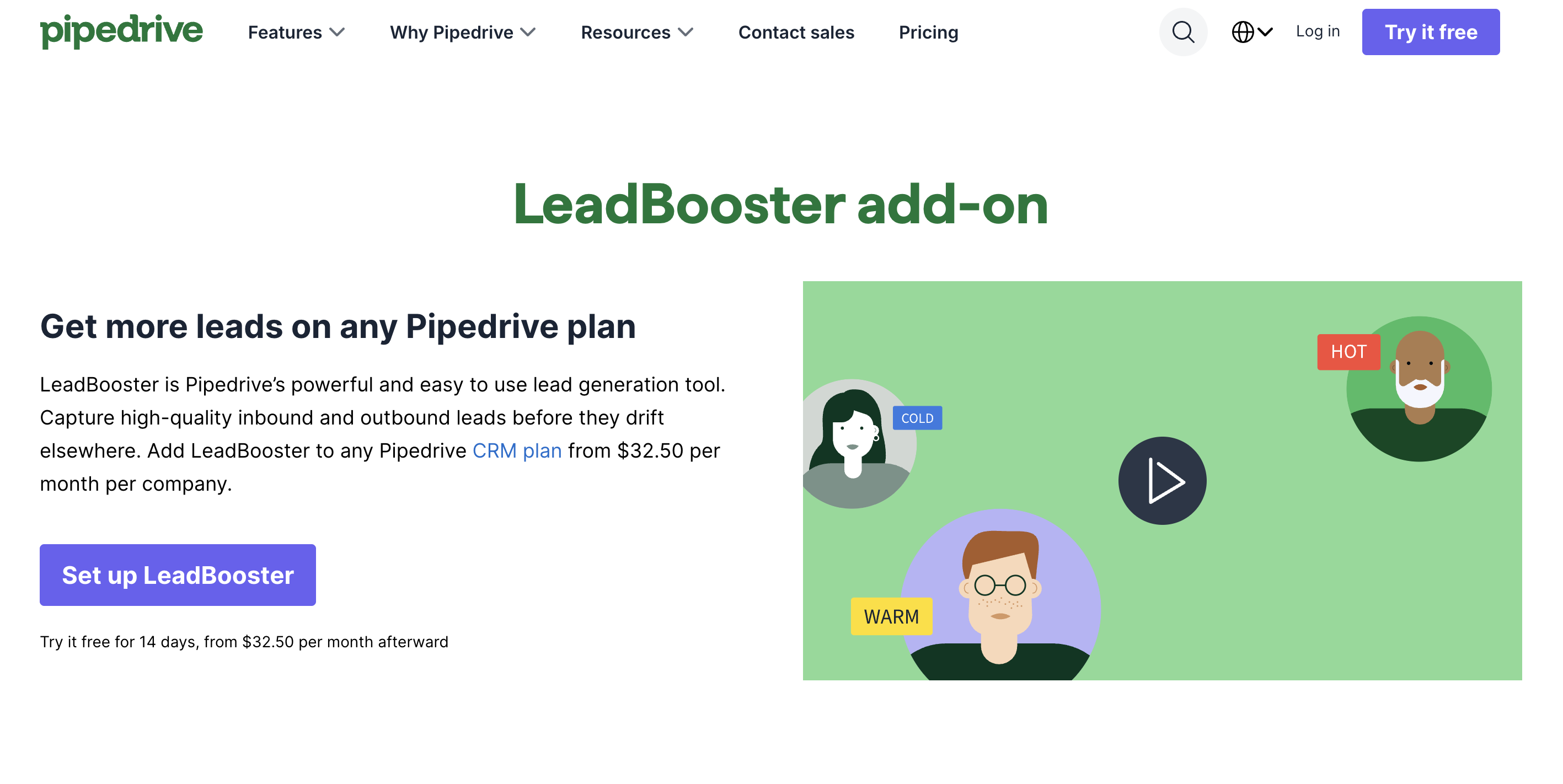
Add-ons are priced per company, not per seat. That structure benefits larger teams: a 20-person team pays the same LeadBooster fee as a 5-person team. For a fuller context on how CRM feature gating works across platforms.
Add-On | What It Does | Cost (Annual) | Who Actually Needs It |
|---|---|---|---|
LeadBooster | Chatbot, live chat, web forms, Prospector outbound finder | From $32.50/mo per company | Included free in Premium and Ultimate. Worth adding on Growth for high-traffic inbound sites or outbound prospecting workflows. |
Web Visitors | Reverse IP lookup identifies which companies visit your site | From $41/mo per company; scales with traffic volume | B2B account-based teams only. Identifies organizations, not individual people. Higher traffic tiers are not publicly listed. |
Campaigns | Email marketing for newsletters, broadcast sends, and nurture | From $13.33/mo per company | Teams wanting email marketing inside Pipedrive. Best for simple nurture. Not a HubSpot Marketing Hub replacement. |
Smart Docs | Proposal and contract creation, eSignatures, document tracking | From $32.50/mo per company | Included free in Premium and Ultimate. Worth adding on Growth only if your team sends proposals regularly. |
Projects | Post-deal Kanban project boards and task tracking | From $6.70/user/mo | Included in Premium and Ultimate. Relevant for agencies or teams with delivery work after the deal closes. |
Caller | In-app calling, call recording, and call scripts | Usage-based; contact Pipedrive for rates | Inside sales teams with high call volume. Evaluate against dedicated dialers such as Aircall or CloudTalk first. |
The key insight: LeadBooster, Smart Docs, and Projects are all included free in the Premium tier. If your team were to purchase even two of those three add-ons on a lower plan, the per-seat price difference between Growth and Premium often pays for itself within the same billing cycle.
What real teams actually pay: cost scenarios
The advertised $14 per month is the floor, not the average. Here is what deployment actually looks like across common team configurations, all using annual billing.
Scenario | Setup | Monthly Cost (Annual Billing) | The Catch |
|---|---|---|---|
Solo founder, deal tracking only | Lite x 1 seat | $14/mo ($168/yr) | No automation, no email sync, no forecasting. Pure pipeline visibility. |
5-person startup, inbound plus outreach | Lite x 5 seats plus LeadBooster plus Web Visitors | Approx. $151/mo ($1,812/yr) | Add-ons more than double the base cost before a single automation is built. |
10-person team, full automation,identifies and lead gen | Growth x 10 seats plus LeadBooster | Approx. $422/mo ($5,064/yr) | Company-wide automation cap of 50 is shared across 10 reps; each gets 2 to 3 automations. |
10-person team, forecasting,, and proposals | Premium x 10 seats (add-ons bundled) | $490/mo ($5,880/yr) | Best predictable total cost at this size; LeadBooster, Smart Docs, and Projects are included. |
The add-on structure is where the gap between sticker price and reality lives. A five-person startup adding LeadBooster and Web Visitors to the Lite base plan immediately more than doubles their monthly spend from $70 to over $150. That is not a hidden fee; it is the architecture of the pricing model. Understanding it before subscribing is the difference between a planned budget and a surprise invoice.
Pipedrive AI features: What is included vs. What costs extra
Pipedrive's AI capabilities expanded significantly through 2025. The company introduced agentic AI experiences, including autonomous email creation, thread summarization, and opportunity identification. For more on what AI-native CRM looks like at the architecture level, see Attio vs. HubSpot and our broader CRM Software Guide.
AI Feature | Available From | What It Actually Does |
|---|---|---|
AI Sales Assistant nudges and next-step suggestions | Lite and above | Activity nudges on all plans. Suggests follow-up actions based on pipeline signals. |
AI email drafting, summarization, and reply suggestions | Growth and above | Full AI email compose, thread summarization, and reply suggestions unlock at Growth. |
Opportunity identification and risk flagging | Growth and above | Flags stalled deals and high-priority opportunities based on pipeline and engagement signals. |
Revenue forecasting | Growth and above | Weighted and snapshot forecasting with adjustable confidence levels. |
Lead scoring with custom models | Premium and above | Rule-based and AI-informed lead scoring. Requires Premium or above. |
Advanced deal coaching and health scoring | Ultimate | Deepest AI capabilities: deal health over time, automated risk detection, and coaching prompts. |
The honest assessment: Pipedrive's AI has improved materially but remains activity-based and surface-level compared to platforms built with AI at the architecture layer. The AI Sales Assistant on Lite and Growth gives reps nudges and email drafting. It does not analyze deal health across contact signals, detect buying intent from email conversations, or surface competitive mentions from call transcripts. Those capabilities sit in a different category of CRM intelligence entirely.
SparrowCRM is built as an AI-native CRM; ICP fit scoring, buying intent detection, deal health scoring, and competitor mention alerts are embedded into every contact, company, and deal record by default, with no add-on required. For teams evaluating whether Pipedrive's AI tier delivers enough intelligence for their pipeline motion, it is a direct comparison worth making.
Planning Your CRM Upgrade?

What verified users say about Pipedrive pricing
Analysis of 2,400+ verified reviews across G2, Capterra, and TrustRadius from the past 12 months reveals consistent patterns in how real teams experience Pipedrive's pricing structure, both positive and critical.
What users appreciate
- The UI is consistently praised as best in class for visual pipeline management. According to G2 reviews, 574 users rate ease of use as 4 or 5 stars, with verified buyers noting that setup is fast compared to Salesforce or HubSpot, and onboarding a new hire takes hours rather than days.
- For teams with straightforward sales processes and under 20 users, Pipedrive delivers strong price-to-value. G2's Spring 2026 Grid Report ranks Pipedrive in the "High Performer" category for small business CRM, with 82% of reviewers rating value for money as 4 or 5 stars.
What users flag as frustrating
The automation cap per company on Growth is a recurring complaint in verified reviews. TrustRadius feedback from 28 mid-market users specifically flags the 50-automation ceiling, with multiple teams noting they hit the limit before realizing it's a shared company pool, not individual per-rep allocation.
The plan to rebrand in late 2024 (Essential to Lite, Advanced to Growth, Professional to Premium, Enterprise to Ultimate) generated confusion among existing customers. Verified reviews from Q4 2024 and Q1 2025 show users on legacy plans who attempted to make changes found themselves pushed onto new pricing structures mid-contract, with one G2 reviewer noting: "We tried to add two seats and ended up on entirely different pricing."
Scaling costs are a consistent concern across mid-market reviews. The pattern described in Capterra and G2 feedback: teams start on Lite ($14/seat), add team members, realize automation or forecasting is needed, upgrade to Growth ($39/seat), purchase add-ons like LeadBooster ($32.50/month), then discover these add-ons were already included in Premium ($49/seat).
The overall verified user verdict: Pipedrive is well-regarded for sales-first teams at the sub-20-user stage, with 86% of small business reviewers on G2 rating it 4 or 5 stars. Sentiment turns more mixed as team size grows.
Is Pipedrive pricing negotiable?
Pipedrive does not publish a discount schedule, but negotiation is possible. According to Pipedrive's own subscription documentation, pricing is seat-based with add-ons billed per company. The leverage for negotiation depends entirely on context.
Where negotiation is realistic
- 50 or more seats: At this team size, contacting Pipedrive's sales team directly rather than using self-serve checkout opens a conversation about custom pricing. No standard discount schedule exists publicly, but seat volume is the clearest lever.
- Multi-year commitments: Agreeing to a two-year contract at renewal typically creates room for meaningful per-seat reductions compared to rolling annual pricing.
- Renewal timing: End-of-quarter or end-of-year renewal conversations, when Pipedrive's own sales team has quota pressure, historically produce better outcomes than mid-cycle requests. Initiating the conversation 30 to 45 days before renewal gives both sides time to negotiate without urgency.
- Top-ups instead of tier upgrades: If you are close to an automation or leads-and-deals limit, Pipedrive offers in-app top-ups that extend specific caps without requiring a jump to the next full tier. For teams bumping against a single constraint, this is often cheaper than upgrading the entire account.
Where it is unlikely
- Nonprofits and educational institutions: Pipedrive does not have a published nonprofit discount program. The only documented regional promotion is a Mastercard Asia Pacific offer providing 50% off for six months for new customers. Some users report receiving discounts when contacting support directly, but there is no formal program to apply through.
- Small teams on standard plans: Below 20 seats on a standard annual plan, the self-serve pricing is effectively fixed. The negotiation leverage does not exist at that scale.
Pipedrive pricing vs. competitors
Pipedrive's entry price is competitive. Where the comparison gets more nuanced is at the mid-tier, where automation, AI, and native features either justify the cost difference or expose the gap. For head-to-head detail on the top alternatives, see HubSpot vs. Salesforce, Attio vs. HubSpot, Freshsales vs. Zoho CRM, and HubSpot vs. ClickUp.
CRM | Entry Price | Mid-Tier | Free Plan | AI Included | Trial |
|---|---|---|---|---|---|
Pipedrive | $14/seat/mo | $39/seat/mo | No | Growth and above (based on all) | 14 days |
HubSpot Sales Hub | $15/seat/mo | $90+/seat/mo | Yes (limited) | Professional and above | Free tier |
Zoho CRM | $14/seat/mo | $23/seat/mo | Yes, up to 3 users | Standard and above (Zia AI) | 15 days |
Freshsales | $9/seat/mo | $39/seat/mo | Yes, up to 3 users | Growth and above (Freddy AI) | 21 days |
Who should choose Pipedrive, and who should not
Best for
- Sales-first SMB teams of 2 to 50 users that want fast onboarding and a clean pipeline UI without weeks of configuration.
- Founders and early-stage teams running deal tracking and basic outreach. Lite and Growth plans cover this well at a fair price.
- Companies where the sales pipeline is the primary workflow and marketing automation, customer service, and deep reporting are handled by separate tools.
- Teams evaluating their first structured CRM and wanting to validate the sales process before committing to a complex platform.
Not ideal for
- Teams that need AI-native deal intelligence, buying intent detection, deal health scoring from multi-channel signals, ICP fit across all records, rather than activity nudges and email drafting. SparrowCRM is built specifically for this use case, with intelligence embedded at the data layer rather than added as a paid tier.
- Organizations scaling past 50 seats will encounter add-on cost compounding and automation limits that make the platform less efficient relative to alternatives.
- Revenue teams that need marketing automation, service ticketing, and CRM in one platform. Pipedrive is sales-only, and integrations with adjacent tools add overhead.
- Teams with heavy outbound call volume who need a platform with native communication infrastructure rather than a bolted-on dialer add-on.
Final verdict: Is Pipedrive worth the cost in 2026?
For what Pipedrive is, a sales pipeline CRM with a best-in-class visual interface and straightforward workflow automation, the pricing is fair. Lite and Growth deliver genuine value for teams that need structured deal tracking and email-based outreach. Premium is the inflection point for mid-size teams: the bundled add-ons and improved automation caps make the per-seat increase worth paying.
The gap between sticker price and deployment reality is real, and it widens with team size and add-on stacking. A five-person team adding LeadBooster and Web Visitors doubles their monthly cost before automation is even in the picture. That is not a hidden fee; it is the architecture. It is a number that should be modeled before committing.
Pipedrive earns its position on pipeline clarity, ease of adoption, and dependable core functionality. Where it falls short: AI depth, all-in-one breadth, and predictable total cost at scale. For teams comparing final options, our choosing the right CRM guide walks through the full evaluation framework.