CRM SOFTWARE
7 best Zoho CRM alternatives in 2026

By Geethapriya
Last updated on Jul 24, 2026
Written by a CRM growth marketer who evaluated each tool across live B2B SaaS workflows, not a feature checklist.
QUICK SUMMARY
Explore this blog to find seven Zoho CRM alternatives evaluated for B2B sales teams, with head-to-head comparisons, G2 ratings, pros and cons, and a verdict by use case.
Top 7 Zoho CRM Competitors to Consider in 2026

See the CRM built for how modern sales teams work
SparrowCRM is an AI-native CRM purpose-built for B2B SaaS sales teams of 10 to 50 people. Deal scoring, buying intent, and next-action intelligence — built in by default.
Zoho CRM is a reasonable starting point for small teams. But as your team grows, the cracks show: automation locked behind paid tiers, workflows that need multiple modules to function, and a UI that slows reps down rather than helping them sell.
This list covers seven alternatives evaluated on the same five parameters: ease of use, pipeline management, AI capabilities, pricing transparency, and best fit. Use the comparisons below to find the right fit for your team size and sales motion.
TL;DR
HubSpot CRM: Best for marketing-led sales teams. Free to start, paid from $15/user/month. G2: 4.4/5.
Attio: Best for modern teams with complex data models. From $29/user/month. G2: 4.8/5.
SparrowCRM: Best for AI-native pipeline management in B2B SaaS teams. Free to start, paid from $19/user/month.
Close.com: Best for high-volume inside sales and SDR teams. From $49/user/month. G2: 4.7/5.
Monday CRM: Best when sales and project management run together. From $12/user/month. G2: 4.6/5.
Freshsales: Best for SMBs in the Freshworks ecosystem. Free plan available, paid from $9/user/month. G2: 4.5/5.
Pipedrive: Best for sales-only teams wanting a clean visual pipeline. From $14/user/month. G2: 4.2/5.
How we chose these tools
Every tool on this list was evaluated against the same five criteria. Each criterion maps directly to a pain point that comes up repeatedly when B2B SaaS sales teams outgrow Zoho CRM.
- Pipeline management depth. How well does the tool handle deal stages, task automation, and workflow customisation without requiring a developer or a premium module?
- AI capabilities. Is AI a native part of the pipeline workflow, or is it a bolt-on feature behind an enterprise tier? What does it actually do in daily selling?
- Pricing transparency. Can a team of 10 calculate their real monthly cost from the pricing page, or does the final number require a sales call?
- Ease of onboarding. How long does it take a sales rep with no CRM admin background to start using the tool productively?
- G2 community ratings. Real user sentiment from verified buyers, prioritising recency and review volume over aggregate score.
Zoho CRM vs the alternatives: feature overview
Tool | Free plan | AI features | Built-in calling | Pipeline automation | Best team size |
|---|---|---|---|---|---|
HubSpot CRM | Yes | Breeze AI (paid tiers) | Add-on | Strong (paid) | 5–500+ |
Attio | No | AI enrichment + workflows | No | Strong | 5–50 |
SparrowCRM | Yes | Native AI (deal scoring, intent) | No | Strong | 10–50 |
Close.com | No | AI call summaries | Yes (native) | Strong | 5–50 |
Monday CRM | No | AI automations (paid) | No | Moderate | 5–200 |
Freshsales | Yes | Freddy AI (paid tiers) | Yes (native) | Strong | 5–100 |
Pipedrive | No | AI assistant (paid) | Add-on | Strong | 3–100 |
HubSpot CRM
Free Plan
Yes
Ai Features
Breeze AI (paid tiers)
Built-in Calling
Add-on
Pipeline Automation
Strong (paid)
Best Team Size
5–500+
Attio
Free Plan
No
Ai Features
AI enrichment + workflows
Built-in Calling
No
Pipeline Automation
Strong
Best Team Size
5–50
SparrowCRM
Free Plan
Yes
Ai Features
Native AI (deal scoring, intent)
Built-in Calling
No
Pipeline Automation
Strong
Best Team Size
10–50
Close.com
Free Plan
No
Ai Features
AI call summaries
Built-in Calling
Yes (native)
Pipeline Automation
Strong
Best Team Size
5–50
Monday CRM
Free Plan
No
Ai Features
AI automations (paid)
Built-in Calling
No
Pipeline Automation
Moderate
Best Team Size
5–200
Freshsales
Free Plan
Yes
Ai Features
Freddy AI (paid tiers)
Built-in Calling
Yes (native)
Pipeline Automation
Strong
Best Team Size
5–100
Pipedrive
Free Plan
No
Ai Features
AI assistant (paid)
Built-in Calling
Add-on
Pipeline Automation
Strong
Best Team Size
3–100
7 Best Zoho CRM Alternatives for B2B Sales Teams in 2026
1HubSpot CRM
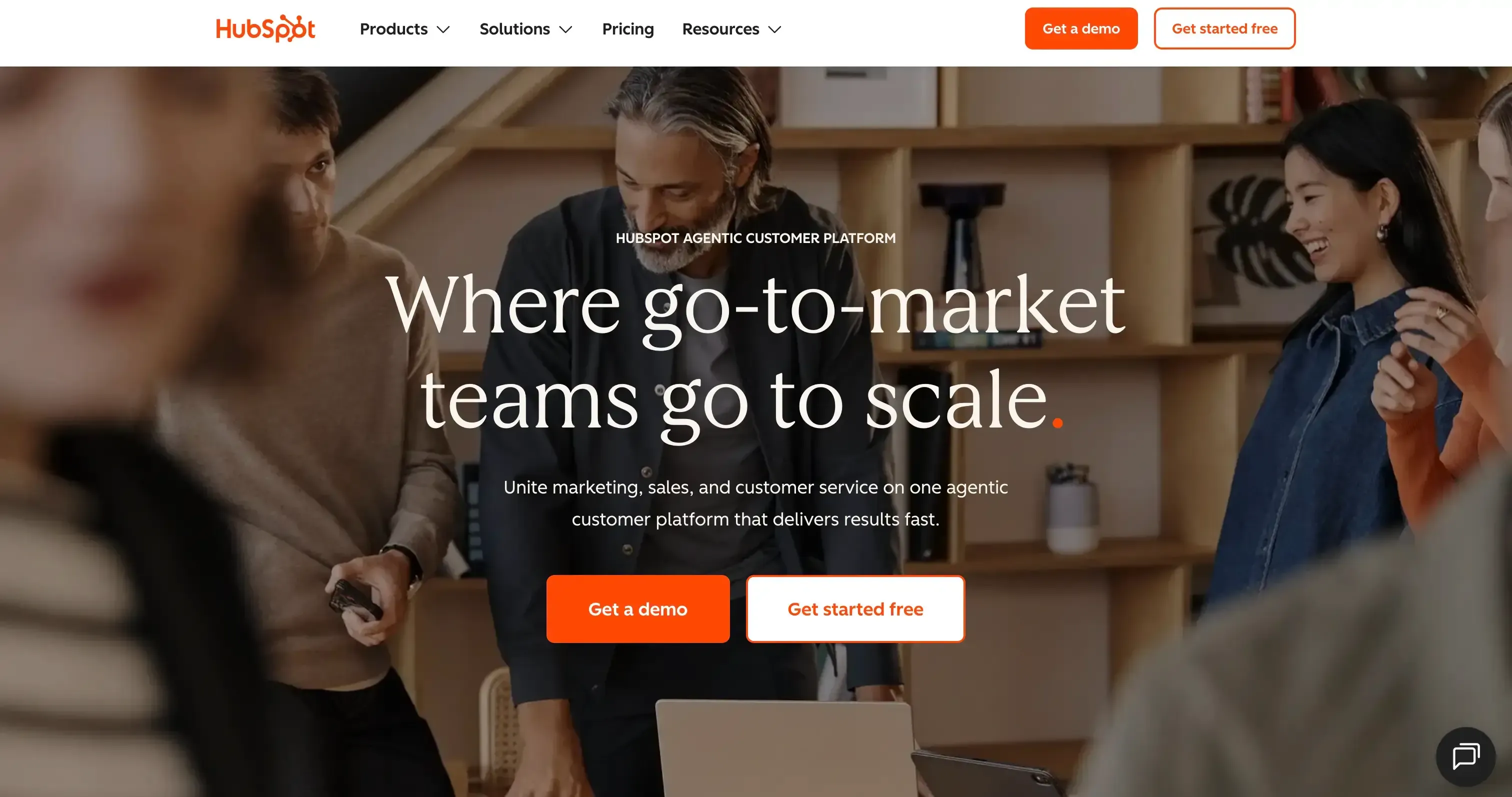
Source:hubspot.com
Best for: Marketing-led sales teams that need a unified platform for inbound leads, email sequences, and sales pipeline in one place.
Overview
HubSpot CRM connects marketing and sales data in a single environment, a marketing team can run lead nurturing, pass qualified prospects into the sales pipeline, and track the full journey from first touch to close without switching tools. The free plan covers the basics, but real value starts at Sales Hub Starter.
For B2B SaaS teams doing inbound marketing alongside outbound pipeline management, HubSpot is the most complete out-of-the-box stack at the SMB price point. The trade-off is cost escalation sequences, deal automation, and advanced reporting sit behind Sales Hub Professional at $90 per user per month.
G2 rating
G2 rating: 4.4/5 • 13,800+ reviews
Pros
- Free CRM is one of the most capable on the market, with contacts, pipeline, deal tracking, and email integration at zero cost
- Marketing Hub and Sales Hub share a single data layer, eliminating the sync problems that plague teams using separate tools
- Breeze AI handles email personalisation, meeting prep summaries, and deal insights natively in paid tiers
Cons
- Pricing escalates Sales Hub Professional sharply at $90/user/month, and Marketing Hub Professional at $800/month are difficult to justify for teams under 20 people
- The free plan caps automation sequences, workflows, and advanced reporting, all of which sit behind paid plans
- Teams often end up paying for multiple Hubs (Sales, Marketing, Service) to get full value, making the total cost hard to predict from the pricing page
HubSpot CRM vs Zoho CRM: head-to-head
Parameter | HubSpot CRM | Zoho CRM |
Ease of use | Excellent, industry-leading UI, fast onboarding | Adequate steeper learning curve, more modules to navigate |
Pipeline management | Strong visual pipeline, deal automation, sequences (paid) | Strong, comparable at equivalent paid tiers |
AI capabilities | Breeze AI in paid tiers, email, deal insights, and meeting prep | Zia AI in Professional+ forecasting, anomaly detection |
Pricing transparency | Complex, per-hub pricing + contact tiers + onboarding fees | More predictable per-user tiers, but module add-ons inflate cost |
Best fit | Marketing-led growth teams, 10–200 person SaaS companies | Cost-conscious SMBs running sales and basic automation |
If you are comparing HubSpot against other enterprise options, see our detailed HubSpot vs Salesforce breakdown.
2Attio
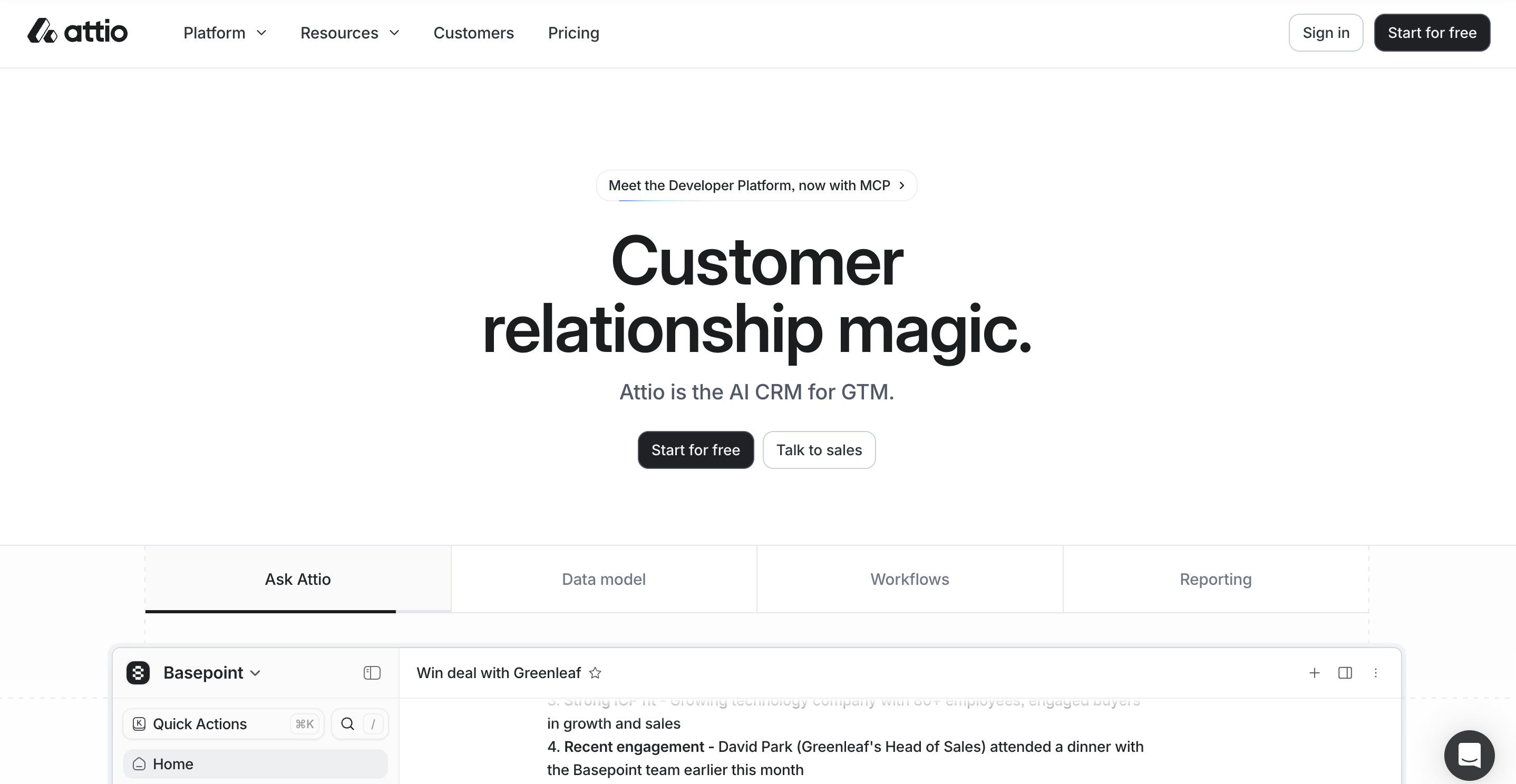
Source: attio.com
Best for: Modern B2B teams that want a flexible, data-model-driven CRM, especially startups and VC-backed companies with non-standard sales workflows.
Overview
Attio takes a different approach to CRM data; instead of locking teams into a fixed set of objects, it lets you build your own data model. For companies with complex relationship maps, where a single deal involves multiple stakeholders across several organisations, that flexibility matters.
The interface is clean and fast, onboarding is quick relative to tools of equivalent depth, and AI enrichment pulls in LinkedIn data and company funding information automatically. Attio is a strong pick for seed-to-Series B SaaS companies that have outgrown spreadsheets but do not want to over-invest in Salesforce.
G2 rating
G2 rating: 4.8/5 • 600+ reviews
Pros
- Flexible data model, build your own objects and relationships rather than being constrained by a vendor's pre-set structure
- AI enrichment auto-populates company and contact data from LinkedIn and funding databases, cutting manual entry time significantly
- Clean, modern interface with genuinely fast performance, one of the better onboarding experiences in this category
Cons
- No native calling or built-in dialer teams doing high-volume outbound will need a separate tool
- Reporting is less mature than HubSpot or Salesforce, and custom dashboards require some configuration
- Smaller integration ecosystem compared to established players; some niche tools will need Zapier or Make to connect
Attio vs Zoho CRM: head-to-head
Parameter | Attio | Zoho CRM |
Ease of use | Excellent, modern UI, fast setup, intuitive data model | Moderate, module-heavy interface takes time to navigate |
Pipeline management | Strong, flexible stages, automations, and relationship mapping | Strong, comparable pipeline depth at paid tiers |
AI capabilities | AI enrichment for company/contact data is natively included | Zia AI for forecasting and suggestions in paid plans |
Pricing transparency | Clear per-seat pricing, no hidden module costs | Add-ons for telephony, marketing, and analytics inflate the actual cost |
Best fit | Seed–Series B SaaS, VC-backed startups, non-standard pipelines | SMBs want a broad feature set at a lower entry price |
For a deeper look at how Attio stacks up against one of the market leaders, read our Attio vs HubSpot comparison.
3SparrowCRM
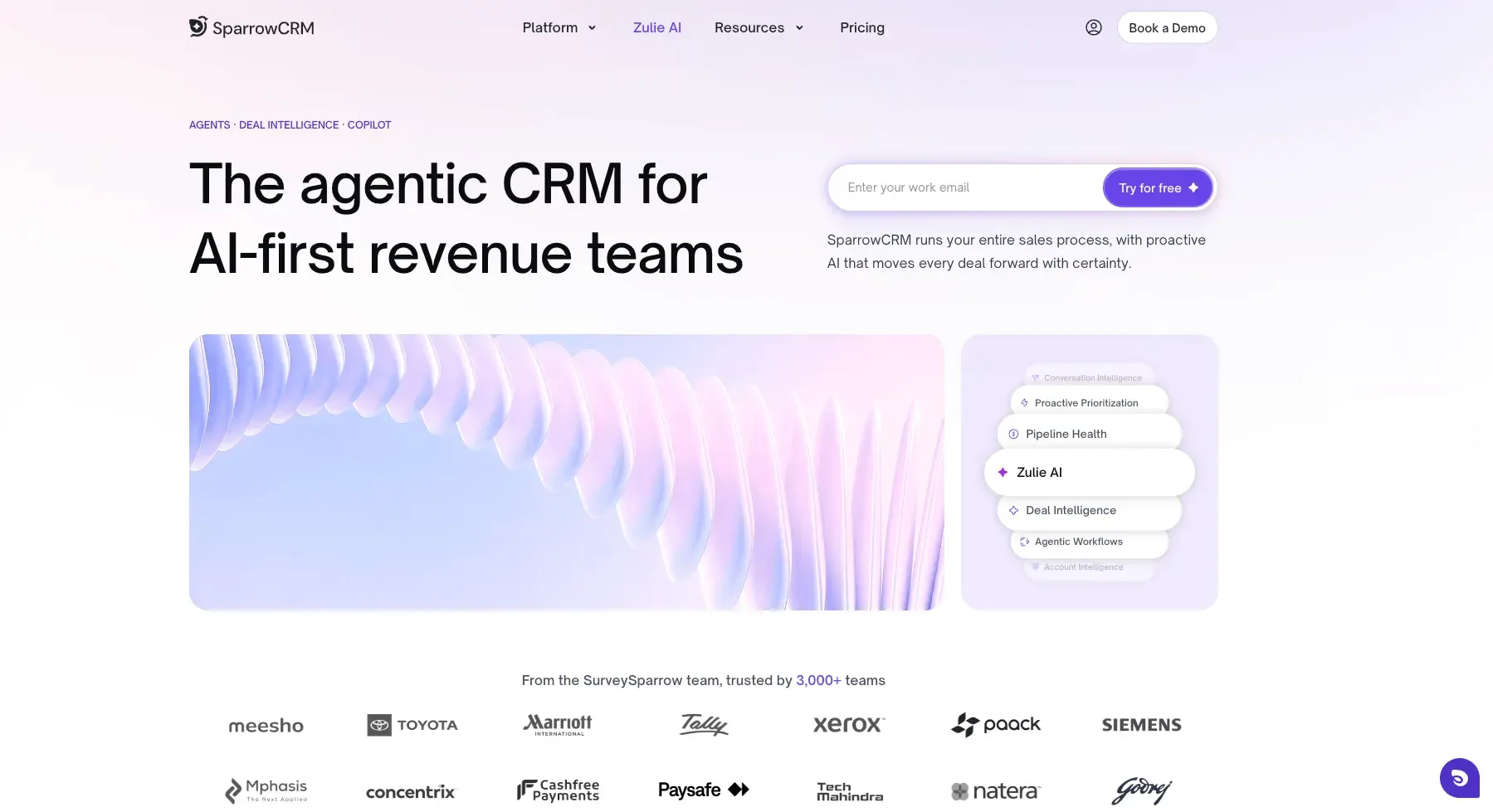
Best for: B2B SaaS and tech sales teams of 10 to 50 people who want AI built into their pipeline from day one, not added as a feature after the fact.
Overview
SparrowCRM is an AI-native CRM; deal scoring, buying intent signals, competitor mention detection, and next-action recommendations are part of the core pipeline for every user, not locked behind an enterprise tier.
For a VP of Sales managing 15 to 30 open deals, the practical difference is that pipeline prioritisation happens automatically rather than through a Monday morning review meeting. The platform is purpose-built for B2B SaaS and tech companies in the 10 to 50 person range, no sprawling module menus, no CRM admin required.
Pros
- AI is native to the core pipeline, deal scoring, buying intent, and next-action suggestions are available to every user without a tier upgrade
- Purpose-built for 10–50 person B2B SaaS teams, no feature bloat, no irrelevant modules, no CRM admin required
- Competitor mention detection inside deal records lets reps adjust positioning in real time
SparrowCRM vs Zoho CRM: head-to-head
Parameter | SparrowCRM | Zoho CRM |
Ease of use | Clean, focused UI, minimal onboarding overhead | Broader interface, steeper learning curve with multiple modules |
Pipeline management | AI-scored pipeline with automatic deal prioritisation | Manual pipeline with automation rules requiring setup in paid tiers |
AI capabilities | Native AI, deal scoring, intent signals, and competitor detection are included by default | Zia AI available in Professional+ but not core to the workflow |
Pricing transparency | Free plan available for teams of three, paid plans starting at $19/user/month, Pro at $49/user/month. | Tiered per-user pricing, but add-ons for full feature access inflate the true cost |
Best fit | 10–50 person B2B SaaS sales teams wanting AI-first pipeline management | Cost-sensitive SMBs wanting broad functionality across sales and marketing |
Turn buying intent into revenue with SparrowCRM

4Close.com

Source: close.com
Best for: High-velocity inside sales teams and SDR-led organisations doing significant call and email volume daily.
Overview
Close.com is built around one idea: to remove friction from the outbound sales workflow. Calls, emails, SMS, and pipeline management all live in the same screen. For a team running 50 to 100 outbound touches per rep per day, that consolidation eliminates the tab-switching and manual data entry that kills productivity on standard CRMs.
The built-in power dialer lets reps move through call queues without leaving the CRM, log outcomes in two clicks, and trigger follow-up sequences automatically. AI call summaries on paid plans reduce post-call admin to near zero.
G2 rating
G2 rating: 4.7/5 • 2,000+ reviews
Pros
- Native power dialer built into the CRM, no separate calling software required, call outcomes log automatically
- AI call summaries reduce post-call admin reps' spending time selling, not writing notes
- Lead views and smart search make it fast to build targeted call and email lists without manual filtering
Cons
- No free plan, entry-level pricing starts at $49 per user per month, which is steep for very small teams
- Weak marketing automation. Close is a pure sales tool; teams needing marketing capabilities will need a separate platform
- Reporting is functional but less advanced than HubSpot or Salesforce for teams that want deep pipeline analytics
Close.com vs Zoho CRM: head-to-head
Parameter | Close.com | Zoho CRM |
Ease of use | Excellent for outbound sales, everything in one screen, minimal clicks | Adequate, feature-rich, but requires navigation across modules |
Pipeline management | Strong opportunity tracking, automated follow-ups, and lead views | Strong comparable pipeline depth in paid tiers |
AI capabilities | AI call summaries on paid plans are a practical, daily-use feature | Zia AI in Professional+ is broader but less outbound-specific |
Pricing transparency | Clear per-seat pricing, no hidden tiers or module add-ons | Per-user tiers, but telephony and marketing add-ons increase real cost |
Best fit | SDR teams and inside sales organisations running high call volumes | SMBs want one platform for sales and basic marketing |
We turned this comparison into a short video. See how SparrowCRM, HubSpot, and Freshsales stack up against Zoho CRM in under two minutes.
5Monday CRM
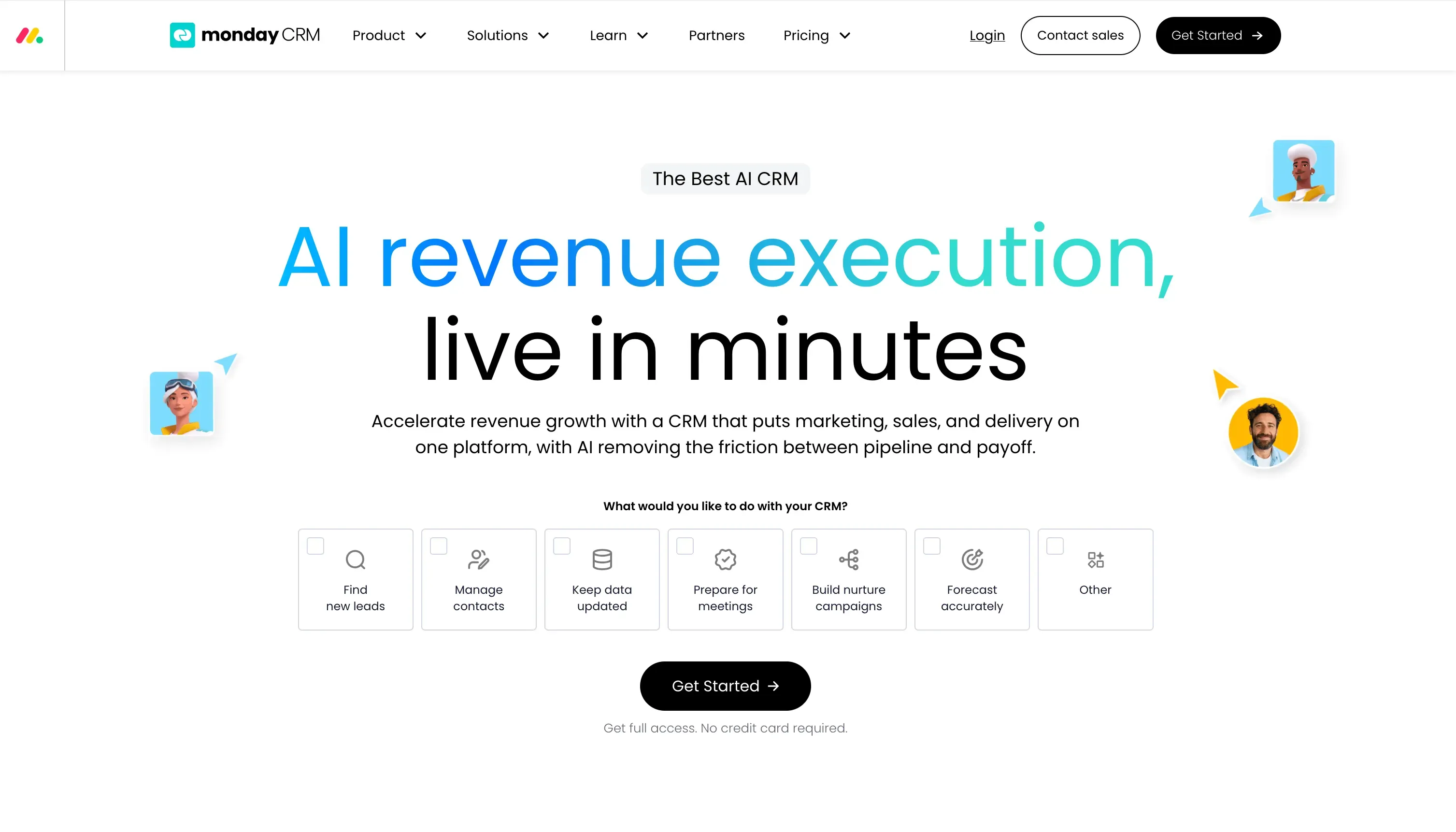
Source: monday.com
Best for: Teams that run sales alongside project management and need both workflows in a single environment.
Overview
Monday CRM is the natural choice for teams already in Monday.com, particularly where sales and project delivery overlap. An agency closing a client and immediately spinning up a delivery board, or a SaaS company where sales and implementation run in parallel, both benefit from having both workflows in the same workspace. The pipeline interface is visual, configurable without technical support, and quick to set up. For pure sales teams that do not need the project management layer, purpose-built tools like Pipedrive or Close will offer more sales-specific depth.
G2 rating
G2 rating: 4.6/5 • 900+ reviews
Pros
- Seamless connection between sales pipeline and project delivery boards, eliminating the sales-to-operations handoff gap
- Highly visual and configurable, non-technical users can build and modify pipeline views without IT support
- Automations are straightforward to set up and cover most standard sales workflow triggers without requiring code
Cons
- No native calling or email sequencing, teams doing structured outbound will need additional tools
- CRM features are less deep than purpose-built sales tools, with limited lead scoring and no AI-native deal prioritisation
- Pricing scales quickly; the CRM plan with full automation and integrations adds up faster than it appears on the pricing page
Monday CRM vs Zoho CRM: head-to-head
Parameter | Monday CRM | Zoho CRM |
Ease of use | Excellent, highly visual, fast to configure for non-technical users | Moderate, module structure requires more initial setup and navigation |
Pipeline management | Good visual pipeline, automations, but limited sales-specific depth | Stronger, deeper sales pipeline features in paid tiers |
AI capabilities | AI automations in paid plans are workflow-focused rather than sales-insight-focused | Zia AI in Professional+ prediction and anomaly detection |
Pricing transparency | Transparent per-seat pricing, but automation limits push teams to higher tiers | Clear entry pricing, but add-ons for telephony and marketing inflate the cost |
Best fit | Teams blending sales with project management or client delivery workflows | SMBs want a dedicated sales and marketing platform in one, too |
See how Monday CRM compares directly against Pipedrive in our Pipedrive vs Monday breakdown.
6Freshsales

Source: freshworks.com
Best for: Small and mid-sized businesses already using Freshworks products, especially those needing a CRM with a built-in dialer at an affordable price point.
Overview
Freshsales is the most direct Zoho competitor on this list, both target SMBs with a broad feature set at an affordable price. Freshsales wins on ease of use: the interface is cleaner, onboarding is faster, and the built-in phone and email tools work without the configuration overhead Zoho requires.
The key differentiator is the Freshworks ecosystem; teams already using Freshdesk, Freshchat, or Freshmarketer get native connections without Zapier. For teams outside that ecosystem, HubSpot or Pipedrive are likely better fits.
G2 rating
G2 rating: 4.5/5 • 1,200+ reviews
Pros
- Built-in phone dialer and two-way email sync included, no separate communication tools required at the entry tier
- Freddy AI provides contact scoring, deal insights, and next best action suggestions on Growth and Pro plans
- Affordable entry price with a functional free plan, suitable for teams moving off spreadsheets or a basic CRM
Cons
- Freddy AI requires the Growth plan or above; the free tier and Growth Starter have very limited AI capability
- Deep customisation can get complex, and building non-standard workflows often requires admin configuration time
- Customer support response times can lag for lower-tier plans, an issue for fast-moving sales teams mid-implementation
Freshsales vs Zoho CRM: head-to-head
Parameter | Freshsales | Zoho CRM |
Ease of use | Cleaner UI than Zoho, faster onboarding for standard workflows | Broader but more complex to navigate and configure |
Pipeline management | Strong visual pipeline, automations, sequences on paid plans | Similar features at equivalent paid tiers |
AI capabilities | Freddy AI on Growth+contact scoring, deal insights, next action | Zia AI on Professional+overlapping capabilities at similar price points |
Pricing transparency | Clear tiered pricing, features per tier are well-documented | Similar structure, but the telephony and marketing modules add cost |
Best fit | SMBs in the Freshworks ecosystem or those wanting built-in calling at an SMB price | Teams wanting a broader, all-in-one business platform at a low per-seat cost |
For a direct feature and pricing comparison, see our Freshsales vs Zoho CRM analysis.
7Pipedrive

Source:pipedrive.com
Best for: Sales-only teams that want a clean, visual pipeline without the complexity of an all-in-one platform.
Overview
Pipedrive does one thing exceptionally well: it makes the pipeline visible and manageable for every rep on the team. The drag-and-drop deal view is intuitive from day one, stage progression and activity reminders work without configuration, and most teams are up and running in under a day.
For a founder-led sales team or a small outbound team that does not need marketing automation or a built-in dialer, it is the fastest path to a working CRM. Teams that grow into needing sequences, lead scoring, or multi-touch attribution will eventually hit the ceiling, but for pure pipeline management, it remains one of the clearest tools in this list.
G2 rating
G2 rating: 4.2/5 • 2,000+ reviews
Pros
- One of the fastest onboarding experiences in the CRM market, most teams are operational in under a day
- Visual pipeline is clear, intuitive, and genuinely helps reps prioritise without manager intervention
- Clean pricing structure, fewer hidden costs than competitors like HubSpot or Zoho at comparable feature levels
Cons
- No built-in email sequences or marketing automation at the base tier, teams doing structured outbound need add-ons
- Reporting is functional but limited; advanced forecasting and custom dashboards require the Professional plan or above
- AI features are less mature than competitors. Pipedrive is primarily a workflow tool, not an intelligence-driven CRM
Pipedrive vs Zoho CRM: head-to-head
Parameter | Pipedrive | Zoho CRM |
Ease of use | Fastest onboarding in class, visual pipeline from day one | Broader feature set, but requires more setup time |
Pipeline management | Strong deal tracking, activity reminders, rotation rules, and visual stages | Comparable depth but with more module configuration required |
AI capabilities | AI assistant for contact enrichment and email suggestions (paid tiers) | Zia AI for forecasting and anomaly detection in Professional+ |
Pricing transparency | Among the most transparent in this list, clear per-seat pricing, and few surprises | Entry price is low, but add-ons for telephony, analytics, and marketing inflate the total cost |
Best fit | Small outbound sales teams, founder-led sales, teams wanting pipeline clarity over breadth | Teams wanting a broad, all-in-one platform covering sales and basic marketing |
Experience AI-Native Selling with SparrowCRM
How to choose a Zoho CRM alternative
Switching CRMs is not a small decision. The tool you choose will shape how your reps work every day for the next two to three years. Before shortlisting, answer these four questions.
1. Is your primary pain point with Zoho the UI, the price, or the AI depth?
If it is the UI, look at Pipedrive, Attio, or HubSpot. All three are onboard faster and are easier for reps to navigate without admin support.
If it is the price, Freshsales and Pipedrive both offer a lower effective cost at comparable feature levels for small teams. Zoho can look affordable on the surface, but the full-featured version requires multiple modules.
If it is AI depth, the honest answer is that most tools in this list offer AI as an upgrade feature. SparrowCRM is the exception: AI is part of the default workflow, not a reason to upgrade.
2. How does your team generate pipeline: inbound, outbound, or both?
Inbound-heavy teams (SEO, paid ads, content) benefit most from HubSpot's marketing-to-sales data bridge. Your leads arrive in the same system your reps work from.
Outbound-heavy teams (SDRs, cold calling, email sequences) will get the most from Close.com or Pipedrive. Close wins on call volume. Pipedrive wins on pipeline simplicity.
Mixed motions benefit from HubSpot or SparrowCRM, depending on whether you want a broad platform or an AI-focused pipeline tool.
3. What is your real budget, not the headline price?
Take any CRM and add up: the plan you actually need (not the entry tier), the add-ons for features you currently use in Zoho, and the onboarding cost if the vendor charges for it. For a 15-person team, that calculation often changes the ranking significantly.
For teams evaluating broader CRM options, our guide to choosing the right CRM covers the full decision framework in detail.
4. Are you moving an existing team or starting fresh?
An established team with data in Zoho will need a clean migration path. HubSpot and Pipedrive both have strong import tools. Attio handles custom data structures well during migration. Freshsales offers dedicated data migration support for teams moving from Zoho specifically.
If team size is a key constraint in your decision, the best CRM for small business guide covers size-specific recommendations with pricing context.

.png?2026-04-29T07:55:51.865Z)

