CRM SOFTWARE
7 best Pipedrive alternatives in 2026

By Ganesh Ravi Shankar
Last updated on Sep 2, 2026
Written by a CRM business head who has evaluated CRM migrations across B2B SaaS teams of 5 to 50 people, not based on vendor marketing materials or feature checklists.
QUICK SUMMARY
Explore this blog to find the best Pipedrive alternatives in 2026, compared by use case, pricing, AI depth, and team size so that you can make the right CRM decision.
The best Pipedrive alternatives
- HubSpot CRM — Best for all-in-one sales and marketing
- Salesforce Sales Cloud — Best for enterprise scalability
- Zoho CRM — Best for budget-conscious SMBs
- Close CRM — Best for outbound-heavy sales teams
- SparrowCRM — Best for AI-native B2B sales teams
- Monday CRM — Best for pipeline management with project delivery
- Freshsales — Best for growing SMB teams

Looking for a CRM that goes further than pipeline tracking?
SparrowCRM is built on AI-first deal scoring, buying intent signals, and competitor mention detection, which are baked into the core, not bolted on as add-ons.
Pipedrive is one of the most widely used sales CRMs for small and mid-sized teams. It is easy to set up, has a clear visual pipeline, and helps sales teams get productive quickly. But as businesses grow, they may need more than straightforward deal and pipeline management.
Teams may start looking for alternatives when they need deeper marketing automation, more advanced AI-powered sales intelligence, stronger customer service capabilities, or greater flexibility and scalability. We have evaluated the 7 tools against Pipedrive by testing the features, pros and cons, and pricing. Here is the complete guide to Pipedrive alternatives.
TL;DR - Quick Summary
- Best for marketing and sales: HubSpot CRM; Best suited for teams that want marketing automation and sales activities connected in one platform rather than relying on multiple tools.
- Best for AI-powered sales: SparrowCRM; Best for B2B sales teams looking for AI-native deal intelligence, pipeline visibility, and next-action recommendations.
- Best value alternative: Zoho CRM; A good fit for budget-conscious teams that want broader CRM functionality without moving into the higher cost of larger platforms.
Why do people look for Pipedrive alternatives?
People look for Pipedrive alternatives for many reasons; here are a few main ones.
- Limited flexibility for complex sales processes: Pipedrive works well for straightforward pipeline management, but teams managing multiple sales processes, teams, or more complex workflows may find its simplicity limiting. As processes grow, teams can end up relying on custom fields and workarounds to fit their workflows.
- Workarounds can start piling up: As teams add more requirements, custom fields, external tools, and other workarounds can become part of the CRM setup. Over time, managing these workarounds can make the system harder to maintain and encourage teams to look for a CRM that supports more of their workflow natively.
- Reporting can become harder with complex data: Pipedrive can work well for standard sales reporting, but reporting can become messy when the underlying data model needs to support greater complexity. Teams with multiple processes, teams, or more advanced reporting requirements may therefore look for alternatives with greater flexibility.
- Add-ons can increase the total cost: Pipedrive's starting price doesn't necessarily represent what a growing team will pay as its requirements expand. Pipedrive's add-on pricing can matter for teams that need capabilities beyond core pipeline management.
- Limited fit for broader marketing and engagement needs: Teams that need marketing automation, customer engagement, and SMS alongside their sales pipeline may look for alternatives that bring more of these capabilities into the same platform.
- Sales-to-delivery handoffs may require additional systems: When the customer journey extends from lead → opportunity → won → handoff → delivery → follow-up and reporting, teams may find that Pipedrive alone doesn't cover the entire workflow. This can lead them to evaluate CRMs that better connect sales with onboarding, delivery, or customer success.
How did we select these alternatives?
Every CRM in this guide was evaluated against the same set of criteria. The goal was to surface tools that are genuinely different from Pipedrive in meaningful ways, not simply tools that share the same category label.
Selection criterion | What we looked for |
|---|---|
Use case fit | Each tool must serve a clearly distinct use case better than Pipedrive, whether that is deeper AI, marketing automation, native calling, enterprise scalability, or visual project-sales blending |
Feature depth | Core sales features must match or exceed Pipedrive at comparable plan tiers, particularly pipeline management, reporting, and automation |
AI capabilities | We evaluated whether AI is a cosmetic add-on (activity suggestions, field auto-fill) or an architectural capability (deal scoring, risk detection, competitor intelligence, buying committee analysis) |
Pricing transparency | Tools must have publicly available pricing or a clear engagement path; pricing that cannot be understood without a sales call was noted explicitly |
G2 review quality | Only tools with a meaningful volume of verified reviews on G2 were considered. G2 ratings reflect real user sentiment, not vendor claims |
Best Pipedrive alternatives at a glance (2026)
Use this table as your starting point. Each tool is positioned by the use case it wins most clearly.
Tool | Best alternative for | Starting price | Free plan | AI features |
|---|---|---|---|---|
HubSpot CRM | All-in-one sales + marketing | $20/user/month (Starter) | Yes, robust free tier | Breeze AI email drafts, pipeline insights, automation |
Salesforce Sales Cloud | Enterprise scalability | $25/user/month (Starter Suite) | No (30-day trial) | Einstein AI predictive scoring, forecasting, and lead routing |
Zoho CRM | Budget-conscious SMBs | $14/user/month (Standard) | Yes, up to 3 users | Zia AI, lead scoring, anomaly detection, conversation intelligence |
Close CRM | Outbound-heavy sales teams | From $49/month | No (14-day trial) | AI call summaries, email writing assistant, activity insights |
SparrowCRM | AI-native B2B sales teams | Contact the SparrowCRM team | Yes, up to 3 users | AI-first deal scoring, buying intent, competitor mentions, and buying committee mapping |
Monday CRM | Visual pipeline + project blend | $12/user/month (Basic CRM) | No (14-day trial) | AI automations, deal summary, email generation |
Freshsales | Growing SMB teams | $11/user/month (Growth) | Yes, up to 3 users | Freddy AI deal scoring, next best actions, predictive contact scoring |
HubSpot CRM
Best Alternative For
All-in-one sales + marketing
Starting Price
$20/user/month (Starter)
Free Plan
Yes, robust free tier
Ai Features
Breeze AI email drafts, pipeline insights, automation
Salesforce Sales Cloud
Best Alternative For
Enterprise scalability
Starting Price
$25/user/month (Starter Suite)
Free Plan
No (30-day trial)
Ai Features
Einstein AI predictive scoring, forecasting, and lead routing
Zoho CRM
Best Alternative For
Budget-conscious SMBs
Starting Price
$14/user/month (Standard)
Free Plan
Yes, up to 3 users
Ai Features
Zia AI, lead scoring, anomaly detection, conversation intelligence
Close CRM
Best Alternative For
Outbound-heavy sales teams
Starting Price
From $49/month
Free Plan
No (14-day trial)
Ai Features
AI call summaries, email writing assistant, activity insights
SparrowCRM
Best Alternative For
AI-native B2B sales teams
Starting Price
Contact the SparrowCRM team
Free Plan
Yes, up to 3 users
Ai Features
AI-first deal scoring, buying intent, competitor mentions, and buying committee mapping
Monday CRM
Best Alternative For
Visual pipeline + project blend
Starting Price
$12/user/month (Basic CRM)
Free Plan
No (14-day trial)
Ai Features
AI automations, deal summary, email generation
Freshsales
Best Alternative For
Growing SMB teams
Starting Price
$11/user/month (Growth)
Free Plan
Yes, up to 3 users
Ai Features
Freddy AI deal scoring, next best actions, predictive contact scoring
7 Top CRM Alternatives to Pipedrive
1HubSpot CRM — Best for all-in-one sales and marketing
Source:hubspot.com
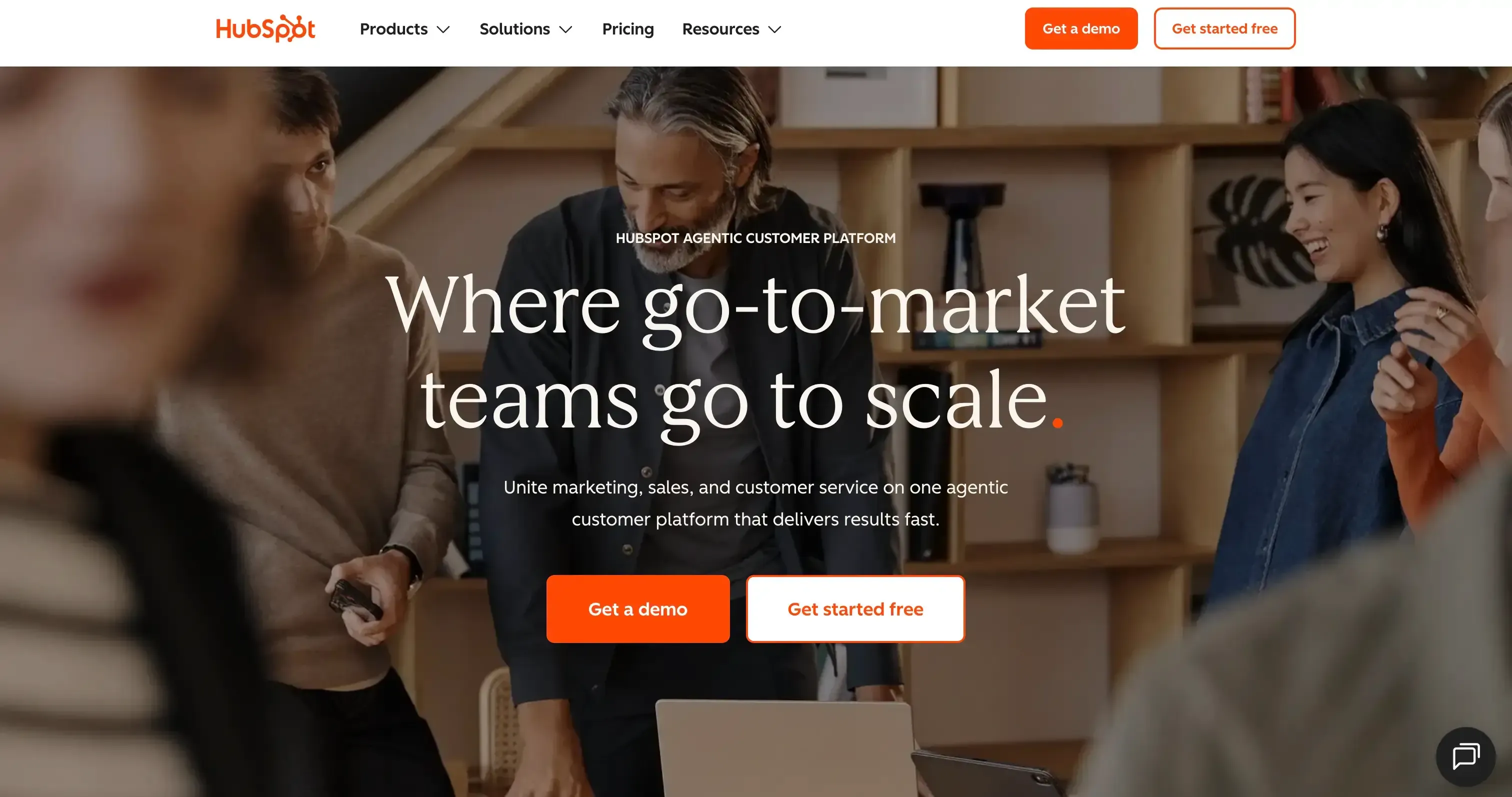
HubSpot CRM is the most recommended Pipedrive alternative for teams where sales and marketing need to work together. Where Pipedrive is a dedicated pipeline tool, HubSpot is a unified platform that brings sales, marketing, customer service, and operations under one roof.
HubSpot offers a Kanban-style pipeline similar to Pipedrive, but with more advanced fields and AI capabilities. Its Breeze AI can track positive and negative feedback, while its lead-scoring system evaluates contact interactions to help sales teams prioritize prospects.
HubSpot's Breeze AI also works across contacts, deals, and emails. Pipedrive's Prospector helps identify potential leads, while HubSpot's Prospecting Agent provides a similar capability for finding and engaging prospects.
G2 rating
HubSpot CRM is rated 4.4 out of 5 on G2 based on over 12,000 reviews. Ease of use, breadth of integrations, and the quality of the free tier are consistently cited as standout strengths.
Pros
- Strong free tier genuinely useful for early-stage teams, not a feature-stripped trial
- Breeze AI is included across all paid plans at no extra cost
- HubSpot includes native marketing tools for email campaigns, landing pages, ads, forms, and automation, reducing the need for separate marketing platforms.
- 100+ native integrations with common sales and marketing tools
- Strong lead-generation capabilities, including forms, live chat, prospecting, and marketing automation
Cons
- Advanced features like marketing automation, custom reporting, and predictive lead scoring are available in Professional and Enterprise tiers, while Free and Starter plans include only basic CRM and standard tools.
- The number of features and customization options can make the platform feel overwhelming for new users
- Managing multiple Hubs and pricing tiers can make the overall pricing structure difficult to understand.
Pricing
- Free: $0, which includes pipeline, contacts, email tracking, meeting scheduling, and live chat
- Starter: $20/user/month, which includes email sequences, simple automation, payments, and ad management
- Professional: $90/user/month, which includes advanced sequences, A/B testing, custom reporting, predictive lead scoring
- Enterprise: $150/user/month, which includes custom objects, advanced permissions, team management, and revenue attribution
HubSpot CRM vs Pipedrive: head-to-head
Feature | HubSpot CRM | Pipedrive |
Starting price | $20/user/month (paid); free tier available | ~$14/user/month (Lite); no free tier |
Pipeline management | Visual pipeline with deal stages, forecasting, and AI summaries | Visual pipeline, Pipedrive's core strength; highly refined |
AI features | Breeze AI email drafts, pipeline insights, Prospecting agents. | AI Sales Assistant like AI-powered notifications, AI email creation, AI-assisted report generation. |
Ease of use | Easy to start; increases in complexity at higher tiers | Very easy, one of the simplest CRM interfaces available |
Best for | Teams needing sales + marketing + service in one platform | Small sales teams wanting a focused, lightweight pipeline CRM |
2Salesforce Sales Cloud — Best for enterprise scalability

Source: salesforce.com
Salesforce is the best of the strongest alternatives for companies that move towards enterprise sales workflows. In testing, this difference became most noticeable when looking at how each CRM handles customer touchpoints.
Salesforce is designed to connect data from interactions such as sales calls, marketing campaigns, website activity, live chat, phone conversations, and commerce channels. Pipedrive, on the other hand, is more focused on giving sales teams a simple and structured way to manage leads, activities, and deals.
Salesforce has AI Agents in sales, marketing, commerce, and service on their Agentforce. Sales agents help the business with updating the crm data, prioritizing the leads, doing account research, and giving alerts on opportunities.
In pipedrive as prospector which helps to identify the right prospect from the Pipedrive database; it also has scoring for leads. Overall, from the discussion on the AI features, Salesforce offers more advanced features on AI to support overall business operations.
G2 rating
Salesforce Sales Cloud is rated 4.4 out of 5 on G2 based on over 23,000 reviews. Enterprise teams rate reporting and customisability highest. Smaller teams most often cite cost and setup complexity as considerations.
Pros
- Most customisable CRM on the market, with no hard ceiling on configuration depth
- Einstein AI delivers genuine pipeline intelligence at enterprise scale
- AppExchange marketplace with 7,000+ integrations covers virtually every stack
- Best-in-class reporting and analytics for enterprise sales operations
- Strong compliance certifications: HIPAA, SOC 2, GDPR
Cons
- Meaningful feature access starts at Pro Suite ($100/user/month). Starter Suite is limited
- Requires a dedicated admin or implementation partner to configure effectively
- Steep learning curve for end users coming from simpler tools
- Too complex for most teams under 20 sales reps.
Pricing
- Starter Suite: $25/user/month, which includes basic CRM, pipeline, email, and reports
- Pro Suite: $100/user/month, which includes Einstein AI, advanced automation, CPQ, Slack integration
- Enterprise: $175/user/month, which includes custom objects, advanced workflows, and territory management
- Unlimited: $350/user/month, which includes the full Einstein AI suite, 24/7 support, premier success plan
Salesforce Sales Cloud vs Pipedrive: head-to-head
Feature | Salesforce Sales Cloud | Pipedrive |
Starting price | $25/user/month (Starter Suite); real value begins at $100+/user/month | ~$14/user/month (Lite); $24/user/month (Growth) |
Pipeline management | Highly customisable pipeline with territory and complex deal support | Clean visual pipeline, best in class for simplicity |
AI features | Einstein AI: predictive scoring, lead routing, and deal forecasting | AI Sales Assistant, activity suggestions only |
Ease of use | Complex, admin configuration required for best results | Very easy, minimal setup required |
Best for | Enterprise and scaling teams with complex, multi-stakeholder sales cycles | Small sales teams wanting a fast, focused pipeline tool |
3Zoho CRM — Best for budget-conscious SMBs
Source: zoho.com
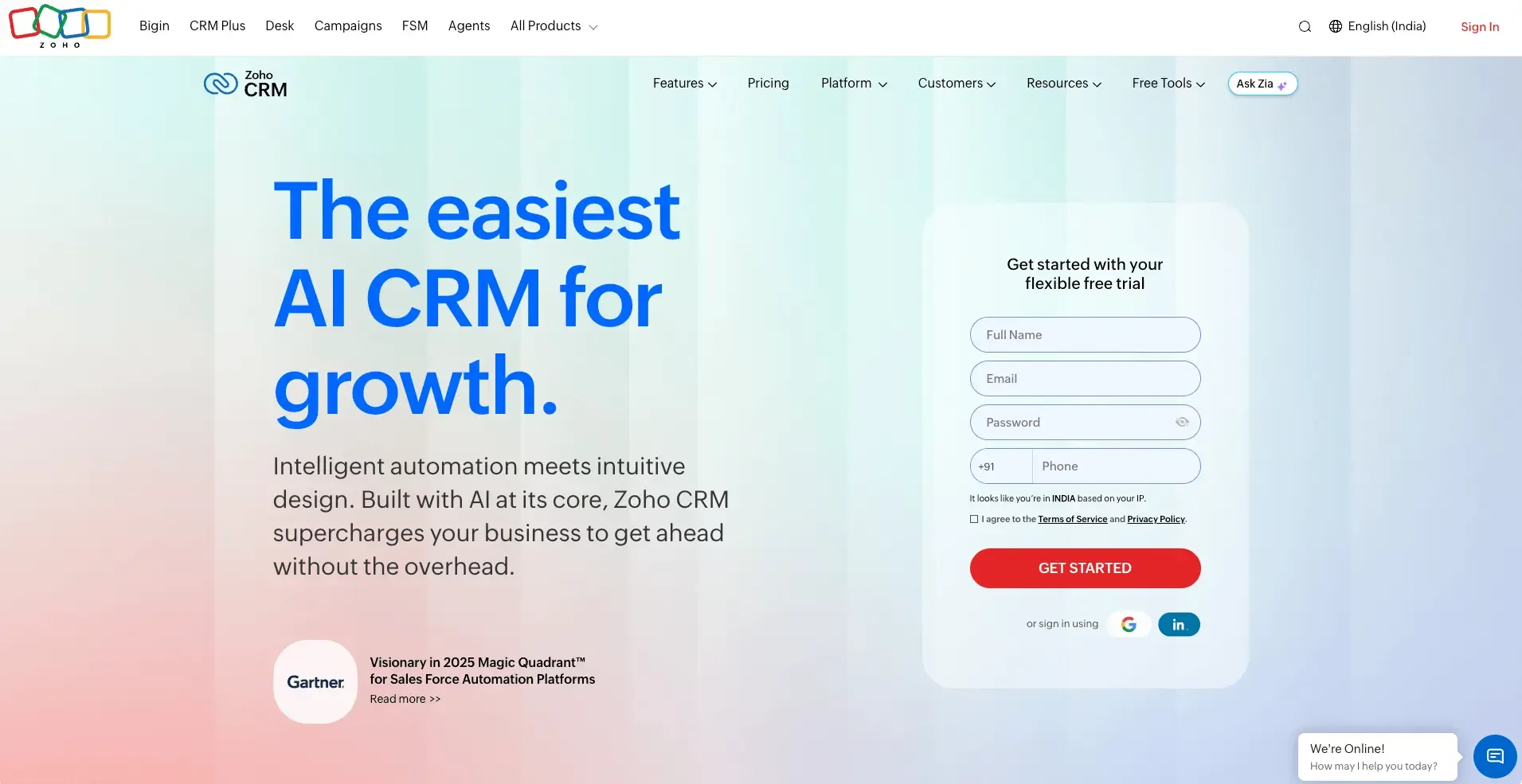
Zoho CRM is one of the most value-driven CRM options because at $14/user/month on the Standard plan, it includes workflow automation, email integration, web-to-lead capture, basic reporting, and Zia AI. In Pipedrive, workflow automation starts at $24. Zoho CRM has stronger lead capture techniques like web forms, emails, and social media. Pipedrive captures leads from web forms and chatbots.
Zoho CRM has an AI agent called Zia, stronger with sales development agents, deal analyzer agent, deal close reminder agent, and sales coach agent, which support sales reps in their entire sales process. Pipedrive has only assistants like AI email creation, AI-assisted report generation, and AI-powered notifications.
G2 rating
Zoho CRM is rated 4.1 out of 5 on G2 based on over 2,700 reviews. Budget value and automation depth are the most frequently cited strengths.
Pros
- Zoho CRM includes workflow automation, lead capture, reporting, and AI capabilities at a lower entry price than Pipedrive's automation-focused plans.
- Web forms, email, and social channels give teams more ways to bring leads into the CRM compared with Pipedrive's more focused web-form and chatbot capture.
- Zoho provides workflow automation and rule-based processes that can automate more of the sales process without relying heavily on add-ons.
- Zia provides AI capabilities across lead management, deal analysis, sales recommendations, and other sales activities, giving it a broader AI layer than Pipedrive.
Cons
- Zoho offers more configuration options, but this also makes the initial setup and learning process more involved.
- Pipedrive's interface feels more focused on the core sales workflow, while Zoho exposes more features and configuration options.
- Some of Zoho's more advanced AI, analytics, and automation capabilities are reserved for higher-tier plans.
- Teams that only need a straightforward pipeline may find Zoho's broader feature set unnecessary.
Pricing
- Free: $0, up to 3 users, which includes contacts, leads, deals, and a basic pipeline
- Standard: $14/user/month, which includes workflows, scoring rules, email insights, and web forms
- Professional: $23/user/month, which includes blueprints, SalesSignals, inventory management, and Google Ads integration
- Enterprise: $40/user/month, which includes Zia AI (full), CommandCenter, multi-user portals, and advanced analytics
- Ultimate: $52/user/month, which includes advanced BI, Zia Voice, and full customisation
For the full breakdown of every Zoho CRM plan, add-ons, and hidden costs, see our complete Zoho CRM pricing guide
Zoho CRM vs Pipedrive: head-to-head
Feature | Zoho CRM | Pipedrive |
Starting price | $14/user/month; free tier for up to 3 users | ~$14/user/month (Lite); no free tier |
Pipeline management | Multi-pipeline with stages, probability, and forecasting | Visual Kanban pipeline cleaner UI, strong deal stage management |
AI features | Zia AI, lead scoring, anomaly detection, and conversation intelligence from the Standard tier | AI Sales Assistant, activity suggestions only |
Ease of use | Moderate setup time; more configuration needed than Pipedrive | Very easy, fastest time-to-value in the market |
Best for | Budget-conscious SMBs needing automation and AI without enterprise pricing | Small teams wanting a clean, simple pipeline tool |
Prefer a quick visual breakdown? Watch our video comparison of the 7 best Pipedrive alternatives in 2026, covering SparrowCRM, HubSpot, Close CRM, and more, matched to real use cases and team sizes.
4Close CRM — Best for outbound-heavy sales teams

Source: close.com
Close CRM is a strong option for outbound-focused sales teams because it has a built-in power dialer that allows reps to call prospects efficiently. Pipedrive, on the other hand, is more balanced for both inbound and outbound sales teams.
It supports calling through its web-to-mobile calling feature and also enables outreach through Business WhatsApp. Close CRM stands out for outbound prospecting with its power dialer, which allows reps to work through multiple prospects in succession and spend less time manually dialling numbers.
G2 rating
Close CRM is rated 4.7 out of 5 on G2 based on over 1,100 reviews. Built-in calling, speed of use, and the sales-first design are consistently cited as the product's biggest differentiators.
Pros
- Close combines calling, email, and SMS in one platform, making it well suited for sales teams that spend most of their time prospecting and following up.
- Reps can move through prospect lists more efficiently without manually dialling each number.
- Calls, emails, and SMS are managed from the same workspace, reducing the need to switch between different tools during outreach.
- Email sequences support structured follow-ups and help reps manage high-volume outbound campaigns.
- AI features such as call summaries and activity insights help reps reduce manual note-taking and keep sales records updated.
Cons
- Close is less suitable for teams that need extensive inbound marketing, campaign management, or broader marketing automation.
- The per-user pricing can add up for larger sales teams, particularly when compared with lower-cost CRM options.
- Teams requiring highly customised objects, complex data relationships, or advanced enterprise workflows may find Close limiting.
- Pipedrive supports both inbound and outbound sales activities, while Close is particularly strong when the team's workflow is centred around proactive prospecting and calling.
Pricing
- Solo: $19, which includes 1 user,10k leads, enrichment, forms, and pipelines.
- Essential: $49, which includes batch calling, unlimited contacts, and follow-up reminders.
- Growth: $109, which includes AI workflows, auto updates, automation, and meeting outcomes.
- Scale: $149, which includes suggested actions, AI email rewrite, and call coaching.
Close CRM vs Pipedrive: head-to-head
Feature | Close CRM | Pipedrive |
|---|---|---|
Starting price | From $49/month (base plan), see Close pricing page for team tiers | ~$14/user/month (Lite) |
Pipeline management | Pipeline with deal stages; optimised for speed over visual complexity | Visual Kanban pipeline, the strongest pipeline UI in the market |
AI features | AI call summaries, email writing assistant, activity insights | AI Sales Assistant, activity suggestions only |
Ease of use | Very easy for outbound reps, built around the call-first workflow | Very easy, built around the pipeline workflow |
Best for | High-volume outbound B2B teams where phone and email are the primary channels | Small teams focused on pipeline management without native calling needs |
5SparrowCRM — Best for AI-native B2B sales teams

SparrowCRM is an AI-native CRM that helps small and midsize teams maintain a straightforward sales process and spend more time facing clients. Its pipeline has a Kanban view that, in addition to the regular deal amount, displays the deal score and AI insights on whether a deal is a high fit or at risk. This helps sales reps quickly understand which deals should be prioritised.
Pipedrive also has a Kanban view that displays deal amounts, but it does not provide the same AI insights directly within the deal view. However, Pipedrive makes it easy to view upcoming activities without opening the detailed deal view, which helps reps stay on top of their tasks.
SparrowCRM's AI features include Buying Committee Analysis, which helps reps understand all the contacts associated with a deal, as well as the Deal Health Timeline and Deal Loss Analysis, which provide additional insights into the sales process. Pipedrive does not offer equivalent Buying Committee Analysis or Deal Loss Analysis features. However, it does provide Prospector, which helps sales teams identify relevant leads and prospects.
Pros
- Deal scores, deal health indicators, risk signals, and AI insights are surfaced directly in the pipeline and deal view.
- Buying committee analysis maps stakeholder roles, decision-making power, and focus areas automatically
- The interface focuses on helping small and midsize sales teams manage deals without the configuration overhead of enterprise CRMs.
- Real-time deal health scoring based on multi-signal analysis across emails, calls, and meetings.
- The product is designed to reduce administrative work and help reps spend more time on customer-facing activities.
Pricing
- Free: $0, up to 3 seats, unlimited records, which includes the AskZulie AI copilot, AI scoring on deals/contacts/meetings, and one AI agent per rep
- Growth: $19/user/month, which includes everything in Free plus the ZulieAI Notetaker, buying intent signals, email sequences with AI tracking, and 3 AI agents per rep
- Pro: $49/user/month, which includes everything in Growth plus full conversation intelligence, Deal Loss Analysis, call recording and transcription, and unlimited dashboards and AI-generated reports
- Enterprise: Custom pricing, which includes everything in Pro plus a dedicated customer success manager, full REST API access, SLA guarantees, and custom onboarding
SparrowCRM vs Pipedrive: head-to-head
Feature | SparrowCRM | Pipedrive |
Starting price | $19/user/month (Growth); free tier for up to 3 users | ~$14/user/month (Lite) |
Pipeline management | AI-enriched pipeline with deal scoring, health indicators, and risk flags | Clean visual pipeline strong for activity-based selling |
AI features | Deal scoring, buying intent signals, competitor mention detection, buying committee mapping, all native | AI Sales Assistant, activity suggestions only; no deal intelligence |
Ease of use | Built for SMB sales teams, designed for fast adoption without admin overhead | Very easy, industry-leading simplicity |
Best for | B2B teams selling to multiple stakeholders who need deal intelligence, not just pipeline tracking | Small teams wanting a clean, focused pipeline tool |
Your First 3 CRM Seats Are Free

6Monday CRM — Best for pipeline management with project delivery
Source: monday.com
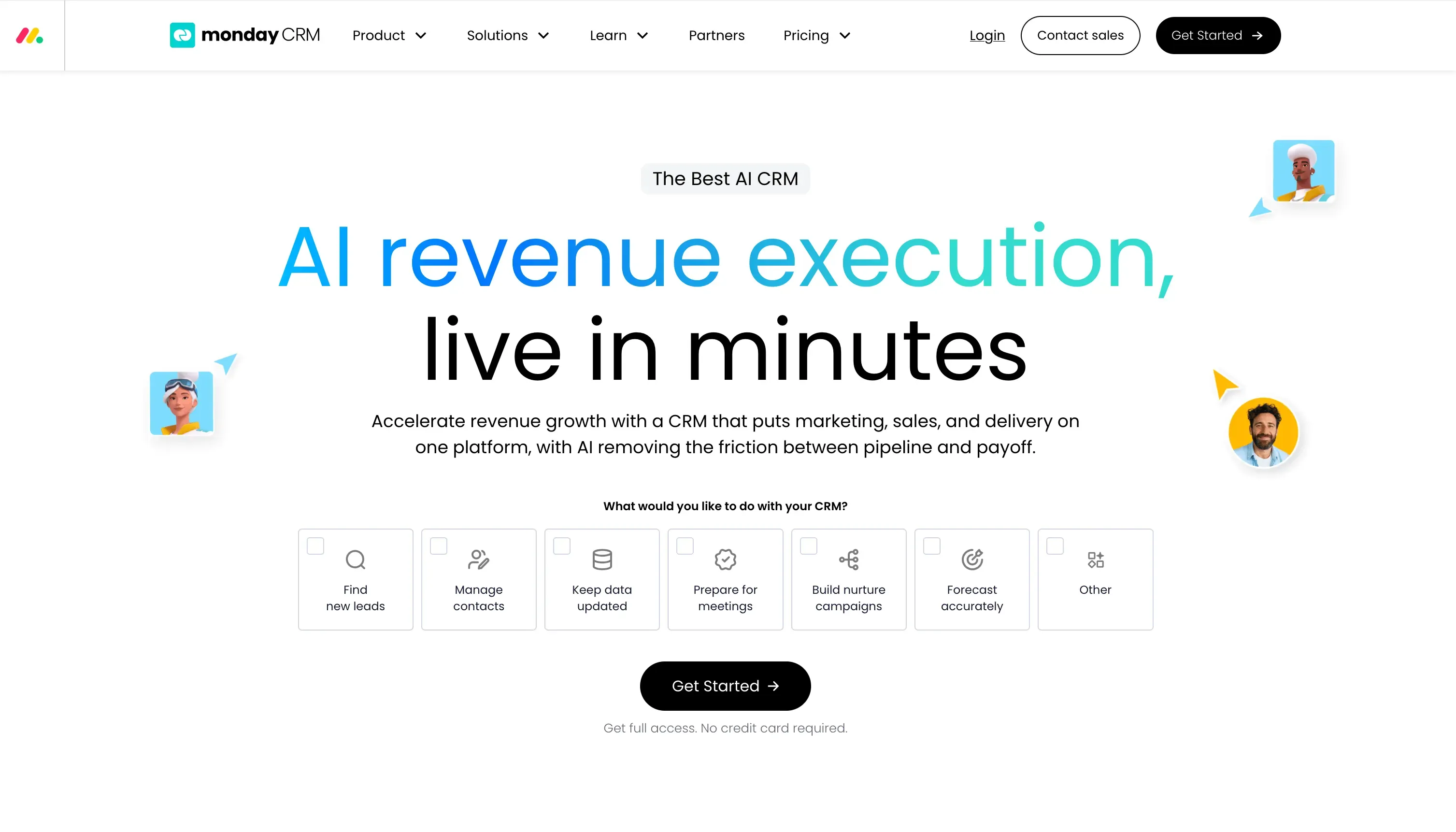
Monday CRM is a strong Pipedrive alternative for teams that want more flexibility to build and customise their sales workflow. While Pipedrive is primarily designed around a traditional sales pipeline, monday CRM uses a highly visual, customisable workspace where teams can manage deals, contacts, activities, and sales processes in a way that fits their workflow.
In our testing, one of monday CRM's biggest advantages was its AI-powered workflow creation. Instead of manually searching through different objects and settings, I could describe the workflow I wanted and use AI to build the initial setup.
The pipeline also provides a visual way to track deals, while monday's customisable boards make it possible to add the fields and views that are most relevant to a sales team. This gives monday CRM more flexibility than Pipedrive when teams want to adapt their CRM around a specific sales process.
G2 rating
Monday CRM is rated 4.6 out of 5 on G2 based on over 900 reviews. Visual clarity, ease of use, and the project-sales workflow blend are the most commonly praised features.
Pros
- Teams can adapt boards, fields, views, and processes instead of being restricted to a rigid CRM structure.
- Monday CRM can use natural-language prompts to help create workflows, reducing the need to manually search through CRM objects and settings.
- The board-based approach makes it easy to see deals, stages, owners, and other sales information at a glance.
- The same workspace can connect sales activities with other business processes, making monday CRM useful for teams that want a broader work-management platform.
Cons
- Teams looking for a CRM built specifically around sales may find Pipedrive's dedicated sales experience more straightforward.
- As workflows become more complex, maintaining boards, automations, fields, and dashboards can require additional effort.
- If the main requirement is managing deals and activities with minimal configuration, Pipedrive's focused approach may be easier.
Pricing
- Basic CRM: $12/user/month, which includes unlimited contacts, pipelines, and board views
- Standard CRM: $17/user/month, which includes email integration, AI email composer, and advanced pipeline management
- Pro CRM: $28/user/month, which includes sales forecasting, email sequences, automation, and Google Calendar sync
- Enterprise: Custom pricing, which includes advanced analytics, custom permissions, and enterprise security
Monday CRM vs Pipedrive: head-to-head
Feature | Monday CRM | Pipedrive |
|---|---|---|
Starting price | $12/user/month (Basic CRM) | ~$14/user/month (Lite) |
Pipeline management | Highly visual pipeline with Kanban, Gantt, and timeline board views | Visual Kanban pipeline, purpose-built for sales deal tracking |
AI features | AI automations, deal summaries, and email generation on paid plans | AI Sales Assistant, activity suggestions only |
Ease of use | Very easy, one of the most intuitive interfaces in the market | Very easy, Pipedrive's long-standing strength |
Best for | Teams that blend sales pipeline management with project delivery or client work | Pure sales teams focused on pipeline management without project needs |
For a detailed comparison, check out our Monday CRM vs HubSpot guide to see how they compare on features, pricing, and ease of use.
7Freshsales — Best for growing SMB teams

Source: freshworks.com
Freshsales is a strong Pipedrive alternative for teams that want a CRM with built-in AI, multichannel communication, and sales automation. While Pipedrive focuses heavily on giving sales teams a simple visual pipeline, Freshsales combines pipeline management with email, phone, chat, automation, and AI-powered sales insights in the same platform.
Freshsales also stands out with Freddy AI, which provides capabilities such as contact and account insights, deal insights, lead scoring, and AI-assisted sales activities. This gives sales reps more context around their leads and deals instead of simply showing the current deal stage and value.
Compared with Pipedrive, Freshsales is a better fit for teams that want more built-in sales engagement and AI capabilities. Pipedrive remains a strong choice for teams that prioritise a clean, straightforward pipeline and minimal setup.
G2 rating
Freshsales is rated 4.5 out of 5 on G2 based on over 1,200 reviews. Freddy AI, ease of use, and the value of bundled telephony are consistently mentioned as standout strengths.
Pros
- Freddy AI provides lead, contact, account, and deal insights to help reps prioritise opportunities and make better sales decisions.
- Email, phone, chat, and other communication capabilities are available within the Freshsales environment, reducing the need to switch between tools.
- Freshsales connects lead management, contact information, activities, and deals in one workflow.
- Clean UI with fast onboarding comparable to Pipedrive in time-to-value
- Sales teams can use AI-based insights to identify leads that are more likely to convert and prioritise follow-ups.
Cons
- Teams may need to spend more time setting up automation, fields, workflows, and sales processes.
- Not every Freddy AI capability is available at every pricing tier, so teams need to compare plans carefully.
- The Freshworks product ecosystem can feel fragmented, and product integrations require setup
- Teams that only want a basic visual pipeline may find Pipedrive's simpler approach easier to manage.
Pricing
- Free: $0, which includes up to 3 users, contacts, accounts, deals, built-in chat, email, and phone
- Growth: $11/user/month, which includes Freddy AI, deal scoring, next-best-action, sequences, and custom reports
- Pro: $47/user/month, which includes advanced AI, multiple pipelines, time-based workflows, and WhatsApp Business
- Enterprise: $71/user/month, which includes custom modules, audit logs, IP whitelisting, and advanced forecasting
Freshsales vs Pipedrive: head-to-head
Feature | Freshsales | Pipedrive |
|---|---|---|
Starting price | $11/user/month (Growth); free tier for up to 3 users | ~$14/user/month (Lite); no free tier |
Pipeline management | Multi-pipeline with stage management, deal rotten indicators, and forecasting | Visual pipeline, Pipedrive's core strength; highly refined |
AI features | Freddy AI — deal scoring, next-best actions, predictive contact scoring | AI Sales Assistant, activity suggestions only |
Ease of use | Easy, comparable to Pipedrive in onboarding speed | Very easy, industry benchmark for simplicity |
Best for | Growing SMB teams want AI and native telephony without enterprise pricing | Small sales teams wanting a focused, lightweight pipeline CRM |
Sign Up and Get 3 Free CRM Users
What migration support do Pipedrive alternatives offer?
Pipedrive supports exporting Leads, Deals, People, Organizations, Products, Activities, Notes, Projects, and Files as CSV or XLSX files. It also provides API access for programmatic extraction, which can be useful when you need more control over data mapping or are moving a large or customized CRM setup.
- HubSpot offers a dedicated Pipedrive Data Sync app that can move data between the two CRMs without relying solely on manual CSV exports. It supports two-way syncing, default field mappings, and historical syncing, with Pipedrive People, Deals, Organizations, Products, and Activities mapped to corresponding HubSpot records.
- Zoho CRM provides a dedicated Pipedrive migration tool that connects through the Pipedrive API, rather than requiring a manual CSV export. It supports migrating Organizations to Accounts, Persons to Contacts, Deals to Deals, Tasks, Events, Calls, Products, Users, and Files, with Pipedrive fields mapped to their corresponding Zoho CRM fields.
- SparrowCRM supports CSV imports, API access, and integrations, giving teams multiple options when moving away from Pipedrive. CSV imports can be used for core CRM records, while API-based migration provides more flexibility for larger datasets, custom field mapping, and transferring historical activities.
- Salesforce provides multiple migration routes, including its Data Import Wizard, Data Loader, and APIs. This makes Salesforce suitable for larger or more complex Pipedrive migrations where teams need greater control over record relationships, custom fields, and data transformation.
- Freshsales supports CSV/XLSX imports and API-based migration, allowing Pipedrive data to be mapped into Freshsales records. Teams can use spreadsheet imports for core records, while API-based migration is better suited to larger or more customized migrations where additional data mapping is required.
- Close CRM provides a dedicated CRM migration workflow powered by Import2, with Pipedrive among the supported source CRMs. The migration can map Pipedrive data such as People, Deals, Pipelines, and custom fields into their corresponding Close records, reducing the need to manually rebuild the data structure.
- monday.com supports CSV and Excel imports for bringing Pipedrive data into boards, with field mapping between exported Pipedrive fields and monday.com columns. For larger migrations, monday.com also provides a bulk-import API, while historical activities and CRM relationships may require additional mapping or API-based migration.
How to choose a Pipedrive alternative
Choosing a CRM is not just about feature lists. The right platform is the one that fits how your team actually sells, what your budget can sustain, and how much disruption you can manage during a transition. The four dimensions below give you a practical framework for narrowing your options.
1. Start with the features that matter most to your team
Not every CRM feature is equally important for every team. Before comparing platforms, list the two or three capabilities that are non-negotiable for how you sell. The table below maps common must-have capabilities to the tools in this guide that cover them best.
The capability you need | Best-fit tools from this list |
|---|---|
Visual pipeline management | Pipedrive (incumbent), HubSpot CRM, Monday CRM |
Marketing automation is built in | HubSpot CRM is the most complete combined platform |
AI deal scoring and deal intelligence | SparrowCRM (AI-native), Salesforce Einstein (enterprise), Freddy AI in Freshsales (SMB) |
Native calling and SMS for outbound teams | Close CRM, built-in dialer, power dialer, and SMS in one product |
Project and delivery management alongside CRM | Monday CRM, the only tool in this list with a native project-sales workspace |
Deep enterprise customisation and reporting | Salesforce Sales Cloud: AppExchange, custom objects, territory management |
Low-cost entry with automation and AI included | Zoho CRM or Freshsales, both include AI and free tiers at sub-$15/user/month |
2. Work out the true cost at the feature level you need
Starting prices are useful for shortlisting. The real cost is the plan you will actually need to run your sales process. A few principles that help with this:
- Map features to plan tiers before starting a trial. Identify the specific features you need: sequences, AI, forecasting, custom fields, and confirm which plan tier unlocks them. For HubSpot, this often means the jump from Starter ($20/user/month) to Professional ($90/user/month).
- Count add-ons separately. Some CRMs keep the headline price low but require paid add-ons for common functionality. Check whether calling, email enrichment, lead capture tools, or document tracking are included or priced separately.
- Model the cost at your expected team size in 12 months. Per-seat pricing looks reasonable at 5 people. For 20 people, the same plan can cost four times more. Run the numbers at your growth target, not just your current headcount.
- Contact-based vs seat-based pricing. HubSpot charges per contact tier as well as per seat. If you plan to grow a large database, Zoho CRM's flat seat-based model may be more predictable over time.
3. Pressure-test the migration before you commit
Every CRM migration has a productivity cost. The best way to reduce that cost is to validate migration complexity during the free trial, before you sign a contract. A practical checklist:
- Export a real data slice from Pipedrive. Pipedrive exports contacts, deals, activities, notes, and custom fields as CSV. Download a representative sample, not demo data, and import it into the trial environment.
- Check custom field mapping. Standard fields (name, email, deal value, stage) import cleanly into most CRMs. Custom fields and custom pipelines require manual mapping. This is where most migrations slow down.
- Verify historical deal import. Confirm whether the platform supports importing closed/won and closed/lost deals with their original dates. This matters for pipeline reporting and forecasting accuracy from day one.
- List your current integrations. Write down every tool currently connected to Pipedrive: email, calendar, dialer, sequencer, enrichment tools. Confirm each has a native connector or Zapier path in the new platform before you commit.
- Run the trial with real data. How the import looks and feels in the new interface is the most reliable signal of how smooth or painful the full migration will be.
4. Confirm compliance requirements before signing
For most SMB sales teams, compliance is not the first thing on the evaluation checklist. But if you sell into regulated industries, such as financial services, healthcare, legal, or enterprise procurement, it can become a hard requirement. A few things to confirm with any vendor:
- Data residency. If your buyers are based in the EU, confirm whether the CRM can store data within EU infrastructure. GDPR requirements around data storage location affect which platforms are viable.
- SOC 2 and ISO 27001. Enterprise buyers and procurement teams commonly ask for these certifications as part of a vendor security review. Salesforce, HubSpot, and Zoho all hold SOC 2 certifications. Confirm the status of any newer platform before committing.
- Data processing agreements (DPAs). If you handle personal data for EU residents, confirm the vendor has a DPA available and that it covers your use case. Most established CRMs have standard DPA templates available on request.
- Role-based access controls. For teams where different reps should see different deal records, confirm the platform supports field-level and record-level permissions. This is available in Salesforce, HubSpot, and Zoho. Some lighter CRMs restrict this to higher-tier plans.