CRM SOFTWARE
11 Top-Rated CRM Tools with Email Integration (2026 Guide)

By Geethapriya
Last updated on Aug 3, 2026
Written by a growth marketer who evaluated each platform's email integration capabilities against real outreach workflows, not just a feature checklist.
QUICK SUMMARY
Explore this blog to compare 11 CRM platforms with email integration, covering two-way sync, automation sequences, email analytics, and AI features, so you can pick the one that fits your sales workflow without switching between tools.
Compare the Top CRM Email Integration Tools
Explore the best CRM tools for Gmail and Outlook integration, automated follow-ups, and email tracking.
- Salesflare — Smart Email Tracking CRM
- Copper CRM — Gmail-Native Email CRM
- HubSpot CRM — Full-Funnel Email CRM
- SparrowCRM — AI-Powered Email CRM
- Freshsales — Email Auto & Calling CRM
- Streak — Gmail CRM with Email Tracking
- Zoho CRM — High-Volume Email CRM
- Pipedrive — Pipeline CRM with Email Sync
- BIGContacts — Pipeline Email CRM
- Insightly — Unified Email & CRM Platform
- EngageBay — Affordable Email CRM

Find your CRM with email integration
SparrowCRM syncs your inbox, automates follow-ups, and shows exactly when and why deals move, or stall. See how it compares before you commit.
Email stands as the #1 communication channel for sales professionals, which makes CRM email marketing crucial to your business success. At the time you invest in the right tools, the returns are impressive – businesses see an average ROI of $36 for every $1 spent on email marketing.
The right CRM with email integration can change your results completely. HubSpot customers acquire 129% more leads, close 36% more deals, and improve ticket closure rates by 37% after just one year. You don't need a massive budget to access powerful features like contact management, sales tracking, and workflow automation in 2026.
This piece breaks down the top 11 CRM and email integration solutions for 2026. Whether you need two-way Gmail sync, conditional email sequences, or AI-driven email analytics, you'll find which platform best matches your specific needs.
CRM Email Integration: Quick Comparison
Use this table to compare all 11 platforms across the dimensions that matter most for email integration: sync depth, automation capability, analytics, AI features, G2 rating, and starting price.
Tool | Gmail / Outlook Sync | Two-Way Sync | Email Automation | Email Analytics | AI Features | G2 Rating | Starting Price |
|---|---|---|---|---|---|---|---|
Salesflare | Both | ✓ | Multi-step sequences, conditional triggers | Opens, clicks, page views, and deliverability | Lead scoring, relationship intelligence | 4.8 / 5 | $29 / user/mo |
Copper CRM | Gmail only | ✓ | Sequences, bulk email (900/day) | Opens, link clicks, sequence stats | Limited | 4.5 / 5 | $23 / user/mo |
HubSpot CRM | Both | ✓ | Dynamic sequences, workflow automation | Opens, clicks, A/B testing, outcome reports | Predictive lead scoring (Enterprise) | 4.4 / 5 | Free / $15 / user/mo |
SparrowCRM | Both | ✓ | AI-driven sequences, conditional steps, A/B testing | Opens, clicks, reply rates, and the deliverability dashboard | AI scoring, buying intent, next actions, and deal loss analysis | - | Free / $19/user/mo |
Freshsales | Both | ✓ | Smart workflows, drip emails | Opens, clicks, bounces, engagement dashboard | AI lead scoring (Freddy AI) | 4.5 / 5 | Free / $9 / user/mo |
Streak | Gmail only | ✓ | Mail merge, follow-up sequences | Opens, clicks, location, device data | AI deal summaries | 4.5 / 5 | Free / $49 / user/mo |
Zoho CRM | Both | ✓ | Mass emails, auto-responders, workflow triggers | Delivery, opens, clicks, template performance | Zia AI assistant | 4.1 / 5 | Free / $14 / user/mo |
Pipedrive | Both | ✓ | Bulk email, sequences, delay + wait steps | Opens, clicks (live) | Limited | 4.2 / 5 | $14 / user/mo |
BIGContacts | Outlook focus | ✓ | Pipeline-triggered campaigns, drip sequences | Opens, CTR, unsubscribes | Limited | 4.6 / 5 | Free / $9.99 / user/mo |
Insightly | Both (Sidebar) | ✓ | Workflow-based sequences (Pro+) | Opens, CTR, reply rates | AI email summariser | 4.2 / 5 | $29 / user/mo |
EngageBay | Both | ✓ | Multi-step drip, behavioural triggers | Opens, clicks, downloads, unsubscribes | Limited | 4.6 / 5 | Free / $12.99 / user/mo |
Salesflare
Gmail / Outlook Sync
Both
Two-way Sync
✓
Email Automation
Multi-step sequences, conditional triggers
Email Analytics
Opens, clicks, page views, and deliverability
Ai Features
Lead scoring, relationship intelligence
G2 Rating
4.8 / 5
Starting Price
$29 / user/mo
Copper CRM
Gmail / Outlook Sync
Gmail only
Two-way Sync
✓
Email Automation
Sequences, bulk email (900/day)
Email Analytics
Opens, link clicks, sequence stats
Ai Features
Limited
G2 Rating
4.5 / 5
Starting Price
$23 / user/mo
HubSpot CRM
Gmail / Outlook Sync
Both
Two-way Sync
✓
Email Automation
Dynamic sequences, workflow automation
Email Analytics
Opens, clicks, A/B testing, outcome reports
Ai Features
Predictive lead scoring (Enterprise)
G2 Rating
4.4 / 5
Starting Price
Free / $15 / user/mo
SparrowCRM
Gmail / Outlook Sync
Both
Two-way Sync
✓
Email Automation
AI-driven sequences, conditional steps, A/B testing
Email Analytics
Opens, clicks, reply rates, and the deliverability dashboard
Ai Features
AI scoring, buying intent, next actions, and deal loss analysis
G2 Rating
-
Starting Price
Free / $19/user/mo
Freshsales
Gmail / Outlook Sync
Both
Two-way Sync
✓
Email Automation
Smart workflows, drip emails
Email Analytics
Opens, clicks, bounces, engagement dashboard
Ai Features
AI lead scoring (Freddy AI)
G2 Rating
4.5 / 5
Starting Price
Free / $9 / user/mo
Streak
Gmail / Outlook Sync
Gmail only
Two-way Sync
✓
Email Automation
Mail merge, follow-up sequences
Email Analytics
Opens, clicks, location, device data
Ai Features
AI deal summaries
G2 Rating
4.5 / 5
Starting Price
Free / $49 / user/mo
Zoho CRM
Gmail / Outlook Sync
Both
Two-way Sync
✓
Email Automation
Mass emails, auto-responders, workflow triggers
Email Analytics
Delivery, opens, clicks, template performance
Ai Features
Zia AI assistant
G2 Rating
4.1 / 5
Starting Price
Free / $14 / user/mo
Pipedrive
Gmail / Outlook Sync
Both
Two-way Sync
✓
Email Automation
Bulk email, sequences, delay + wait steps
Email Analytics
Opens, clicks (live)
Ai Features
Limited
G2 Rating
4.2 / 5
Starting Price
$14 / user/mo
BIGContacts
Gmail / Outlook Sync
Outlook focus
Two-way Sync
✓
Email Automation
Pipeline-triggered campaigns, drip sequences
Email Analytics
Opens, CTR, unsubscribes
Ai Features
Limited
G2 Rating
4.6 / 5
Starting Price
Free / $9.99 / user/mo
Insightly
Gmail / Outlook Sync
Both (Sidebar)
Two-way Sync
✓
Email Automation
Workflow-based sequences (Pro+)
Email Analytics
Opens, CTR, reply rates
Ai Features
AI email summariser
G2 Rating
4.2 / 5
Starting Price
$29 / user/mo
EngageBay
Gmail / Outlook Sync
Both
Two-way Sync
✓
Email Automation
Multi-step drip, behavioural triggers
Email Analytics
Opens, clicks, downloads, unsubscribes
Ai Features
Limited
G2 Rating
4.6 / 5
Starting Price
Free / $12.99 / user/mo
Best CRM Software With Email Integration for Sales Teams
1Salesflare — Smart Email Tracking CRM
Source: salesflare.com
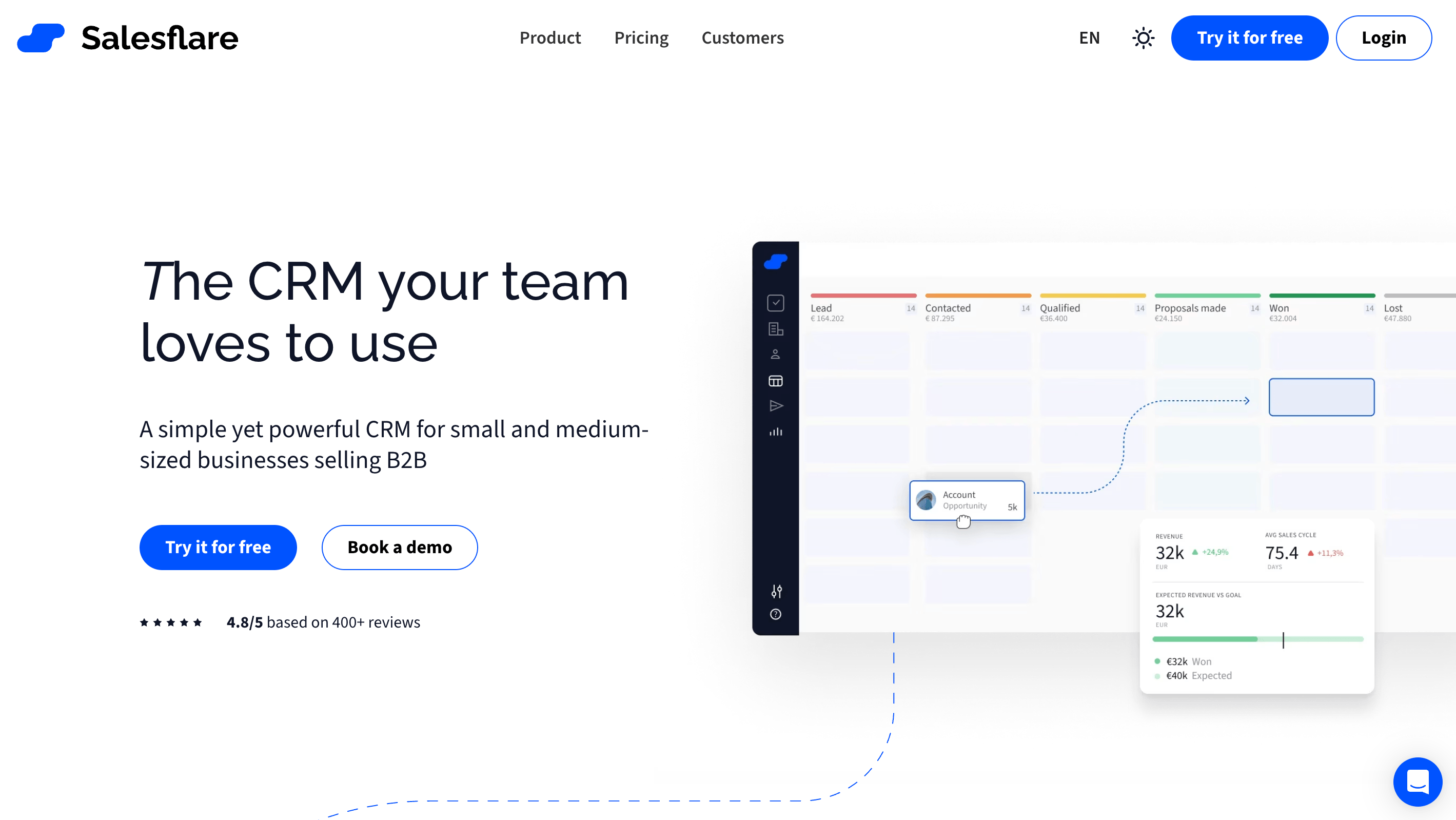
Salesflare is an intelligent CRM built for small and medium-sized B2B businesses. The system automatically gathers information from your communication channels instead of burdening you with data entry. This lets you focus on what truly matters, closing deals.
Salesflare Email Automation Capabilities
The email workflow system helps you build stronger relationships without constant manual follow-ups. Multi-step email sequences trigger based on specific actions or data points in your CRM. You could send different follow-up messages based on whether a prospect clicks a link or doesn't respond.
The workflow system lets you:
- Send personalized email campaigns from your connected mailbox
- Create conditional sequences that stop when recipients reply, open, or click
- Trigger automated emails based on pipeline stage changes or other CRM events
- Use personalization beyond just first name and company name
"Email Workflows comes as a big upgrade to Campaigns, which only allowed you to send one-step email campaigns to your contacts," notes Salesflare's product documentation.
Salesflare Email Analytics
Salesflare's email tracking delivers more than simple open notifications. The system records and notifies you through browser or mobile alerts when someone opens your email.
The tracking shows which specific pages prospects viewed and their time spent on each page. This gives you valuable data to tailor your follow-ups. Advanced technology filters out your own email opens and clicks to ensure accurate engagement data.
Salesflare maintains high inbox placement rates through optimized tracking, scoring 9.4/10 in automated deliverability tests.
Salesflare Pricing and Plans
Salesflare offers three simple pricing tiers:
- Growth: $29/user/month (annual billing) or $35/user/month (monthly) Has: Automated data input, email tracking, mobile app, email sidebar, personalized campaigns, 25 email finding credits
- Pro: $49/user/month (annual) or $55/user/month (monthly) Has: All Growth features plus multi-step email workflows, user permissions, custom dashboards, 500 email finding credits
- Enterprise: $99/user/month (annual only) Has: All Pro features plus data migration assistance, custom training, dedicated account manager, unlimited email finding credits
Salesflare Best for
Best suited for small to medium-sized B2B teams that need automated email tracking and multi-step sequence logic without manual data entry. Particularly strong for teams running outbound workflows from Gmail or Outlook who want complete contact timelines built automatically from email activity.

Is email marketing an important source of leads for your business?
2Copper CRM — Gmail-Native Email CRM
Source: copper.com
Copper CRM stands out with its exceptional Google Workspace integration. Teams already using Google's suite of tools will find it a perfect fit. The company, previously known as ProsperWorks, built its foundation around Google Workspace.
Copper Email Automation Capabilities
Copper's email automation works through custom email sequences. You can:
- Run individual-specific campaigns straight from Gmail
- Set up automatic follow-ups that stop after replies
- Send up to 900 automated emails daily from your company
Copper sends emails through your Google Account. This makes automated messages look like they're coming directly from you instead of a marketing system. Your emails are more likely to land in the "Important" tab and get better engagement.
Copper Email Analytics
The Business plan has complete email tracking features such as:
- Live notifications for email opens
- Tracking of when and which links people click
- Detailed stats showing how well automated sequences perform
You can see all tracked emails in one dedicated section. This gives you a clear picture of how prospects interact with your messages.
Copper Pricing and Plans
Copper has four pricing tiers:
- Starter: $9/user/month (annual) or $12/user/month (monthly): Has: 1000 contacts, Google integration
- Basic: $23/user/month (annual) or $29/user/month (monthly) Has: 2,500 contacts, Google integration, no workflow automation
- Professional: $59/user/month (annual) or $69/user/month (monthly) Has: 15,000 contacts, workflow automation, bulk email, templates
- Business: $99/user/month (annual) or $134/user/month (monthly) Has: Unlimited contacts, email sequences, custom analytics
Copper best for
Businesses deeply invested in Google Workspace will get the most from Copper. Teams looking for a simple CRM without extensive training will appreciate its user-friendly design. Companies wanting to handle all communication through Gmail while getting great tracking and automation features will find it especially useful.
3HubSpot CRM — Full-Funnel Email CRM
Source:hubspot.com
HubSpot transforms sales and marketing through its unified CRM platform that naturally blends customer data, communication, and analytics. The Sales Hub expands these capabilities with specialized tools to improve your sales process from the original contact to closed deal.
HubSpot email automation capabilities
HubSpot's email automation tools help you save time and keep prospects engaged. The system lets you:
- Create sequences of customized emails and engagement activities
- Use workflows to add prospects based on intent signals
- Customize messages using data from the Smart CRM
- Use dynamic sequences that adapt based on prospect engagement
You can automate lead rotation, create tasks, and improve follow-ups through the workflow system. The platform sends automated emails to contacts who take specific actions, such as filling out a form.
HubSpot email analytics
HubSpot offers detailed email tracking and analytics capabilities. The system:
- Tracks when contacts open your emails with live notifications
- Monitors link clicks within emails for higher-tier plans
- Filters out non-human interactions and bot activity
- Provides A/B testing to optimize messaging
- Shows outcome reports to reveal which sequences generate the most revenue
HubSpot CRM pricing and plans
HubSpot offers tiered pricing across its Sales Hub:
- Free: $0/month with simple CRM functionality, email tracking, and meeting scheduling
- Starter: $15/user/month (annual) for two users with sales automation and reporting dashboard
- Professional: $90/user/month (annual) with sales analytics, forecasting, and e-signature
- Enterprise: $150/user/month (annual) including predictive lead scoring and conversation intelligence
HubSpot CRM best for
Best for SMB and midmarket teams that want a unified email + CRM platform with deep analytics and A/B testing on sequences. The free plan’s email tracking makes it accessible for early-stage teams, while the Professional tier’s outcome reports give revenue-focused teams clear ROI visibility. Compare HubSpot vs Salesforce if you’re evaluating both.
4SparrowCRM — AI-Powered Email CRM
SparrowCRM is an AI-native CRM built for SMB and midmarket sales teams that need email integration to do more than just log messages. The platform connects Gmail and Outlook bidirectionally and uses AI to turn every email thread, meeting, and call transcript into actionable sales intelligence automatically.
SparrowCRM Email Automation Capabilities
SparrowCRM’s Sequences module lets you build multi-step outreach campaigns that combine automated emails with manual tasks. Each step supports conditional logic, sequences pause, exit, or branch based on whether a prospect replies, opens, or books a meeting. A/B testing across email variants (round-robin, weighted, or performance-based) is built in, so you can continuously improve what you send without leaving the CRM.
The workflow builder connects email triggers to the full CRM record, a reply automatically updates the contact’s lifecycle stage, surfaces next actions, and logs the interaction against the deal. No manual update required.
SparrowCRM Email Analytics
Every email sent through SparrowCRM is tracked for opens, clicks, reply rates, and bounce events. The deliverability dashboard surfaces spam complaint rates, inbox placement, and sender reputation, so teams proactively protect domain health, not just track individual email performance. AI Insights layer on top: buying intent scores update after each email exchange, competitor mentions from email threads are surfaced in the deal record, and the AI flags risk factors like “Single-Threaded Risk” or “Low Engagement” before they become closed-lost reasons.
When a deal is marked lost, SparrowCRM runs an automatic deal-loss analysis, cross-referencing email threads, call transcripts, and engagement patterns to pinpoint the exact reason, not just the logged one. Teams get excerpts in the prospect’s own words pulled from email history.
SparrowCRM Pricing and Plans
- Free: $0/month for up to 3 users. Includes AskZulie AI copilot, AI scoring on deals/contacts/meetings, and one AI agent per rep
- Growth: $19/user/month. Adds email sequences with AI tracking, buying intent signals on every contact, and 3 AI agents per rep
- Pro: $49/user/month. Adds full conversation intelligence, Deal Loss Analysis, call recording and transcription, and unlimited AI-generated reports
- Enterprise: Custom pricing. Adds a dedicated customer success manager, full REST API access, SLA guarantees, and custom onboarding
SparrowCRM Best for
Best for VP of Sales, Revenue Officers, and Founders at companies between 2 and 50 people who need email integration to drive pipeline intelligence, not just activity logging. If your team runs outbound sequences and wants AI to surface buying intent, flag risk, and recommend next actions from email data, SparrowCRM is built for that workflow. Get early access to see how it fits your stack.
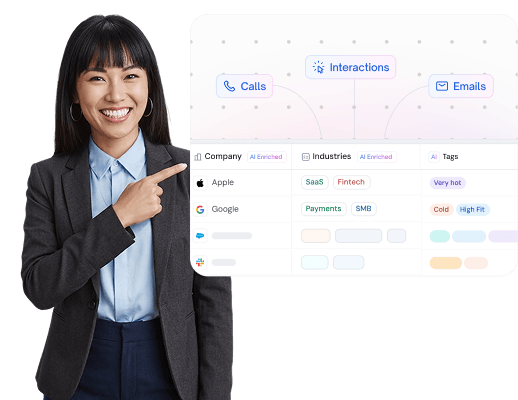
SparrowCRM Brings AI Into Your Sales Inbox
5Freshsales — Email Auto & Calling CRM

Source: freshworks.com
Freshsales CRM offers a detailed solution that puts all your customer data in one place and automates repetitive tasks. The platform, previously called Freshsales, combines strong sales tools with powerful email features.
Freshsales Email Automation Capabilities
The platform excels at email workflow automation to boost your team's efficiency. You can:
- Create smart workflows that start when records are created or updated
- Send automated welcome emails to new contacts based on specific conditions
- Set up reminder emails for deals that haven't been touched in a while
- Add personal touches to messages using contact data from the CRM
These automation features save time significantly—some businesses see a 20% reduction in administrative tasks after they start using it.
Freshsales Email Analytics
The email tracking system gives you valuable insights about engagement. With tracking enabled, you'll see:
- Your recipients opening emails through live notifications
- Links clicked in your emails
- Emails that didn't reach their destination
The analytics dashboard shows you essential metrics like open rates, clicks, replies, bounce rates, and delivered emails. Team leaders can monitor performance through email engagement metrics and stay updated about customer communications.
Freshsales CRM Pricing and Plans
The platform has four clear pricing tiers:
- Free: $0 for up to 3 users with simple CRM features
- Growth: $9/user/month (billed annually) includes contact lifecycle stages, Slack collaboration, and simple workflows
- Pro: $39/user/month (annual) adds contact scoring, sales sequences, and advanced workflows
- Enterprise: $59/user/month (annual) includes field-level permissions, forecasting insights, and audit logs
Freshsales CRM best for
Best for growing sales teams that need email automation alongside built-in calling, without stitching multiple tools together. The Growth plan’s email tracking and sequence capabilities make it one of the most affordable entry points for teams moving off spreadsheets.
Prefer a quick visual summary? We broke down SparrowCRM, HubSpot, and Pipedrive side by side; features, AI, and pricing, in a short video below.
6Streak — Gmail CRM with Email Tracking
Source: streak.com
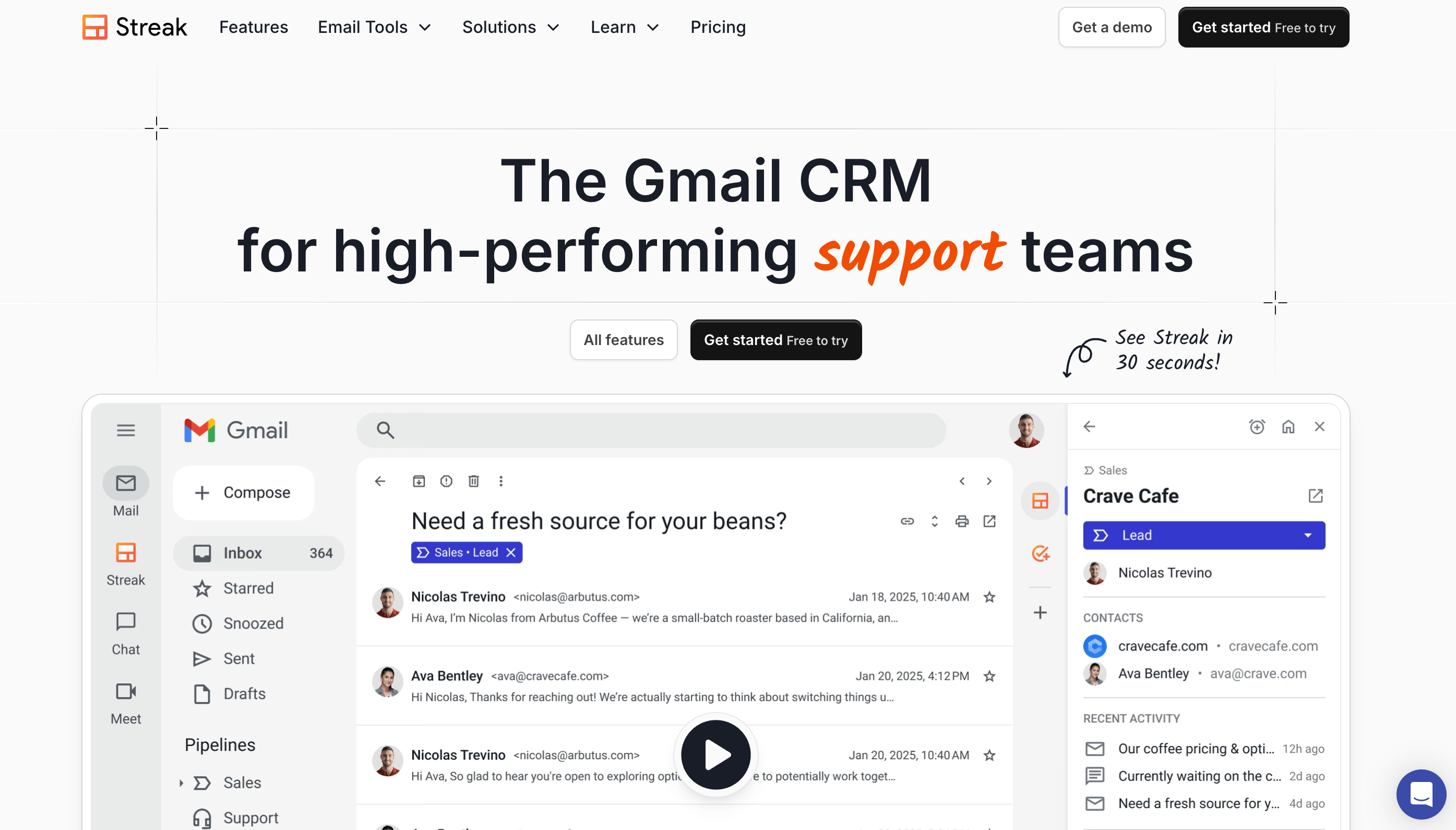
Streak turns your Gmail inbox into a complete customer relationship management platform that serves over 750,000 users. This Chrome extension helps you manage your workflow without leaving your email.
Streak key features
The power of Streak comes from how well it works with Gmail. Your inbox becomes a CRM workspace with:
- Customizable pipelines that track sales, hiring, or any business process
- Email tracking to show when people open your messages
- A deal sidebar that shows relevant contact details right in Gmail
- AI-powered deal summaries to quickly understand complex conversations
- Smart data entry that pulls information from emails automatically
The system spots and organizes emails into appropriate boxes, which saves much time.
Streak email analytics
Streak gives you detailed email tracking features such as:
- Immediate notifications when recipients open your messages, through browser or email
- Exact count of email opens
- Link click tracking to see how people interact with shared content
- Location data that shows where recipients opened emails
- Device information to see how contacts view your content
A "Recently Viewed" folder collects all opened emails in one place, making follow-ups easier.
Streak email automation capabilities
The platform's powerful email automation tools have:
- Mail merge to send tailored mass emails straight from Gmail
- Follow-up sequences that boost engagement rates automatically
- Shared email snippets for team message consistency
- Automatic email logging that tracks team communications
Streak pricing and plans
Streak comes with several pricing tiers:
- Free: Simple email tracking and limited pipeline features
- Pro: $49/user/month (annual) with advanced CRM, mail merge, shared pipelines
- Pro+: $69/user/month (annual) has advanced reports, automations, AI copilot
- Enterprise: $129/user/month (annual) with custom roles and data validation
Streak best for
Best for Gmail-first sales reps and small teams who want CRM capabilities without leaving their inbox. Email tracking, mail merge, and pipeline management all live inside Gmail, ideal for teams where adoption is the biggest CRM challenge.
7Zoho CRM — High-Volume Email CRM
Source: zoho.com
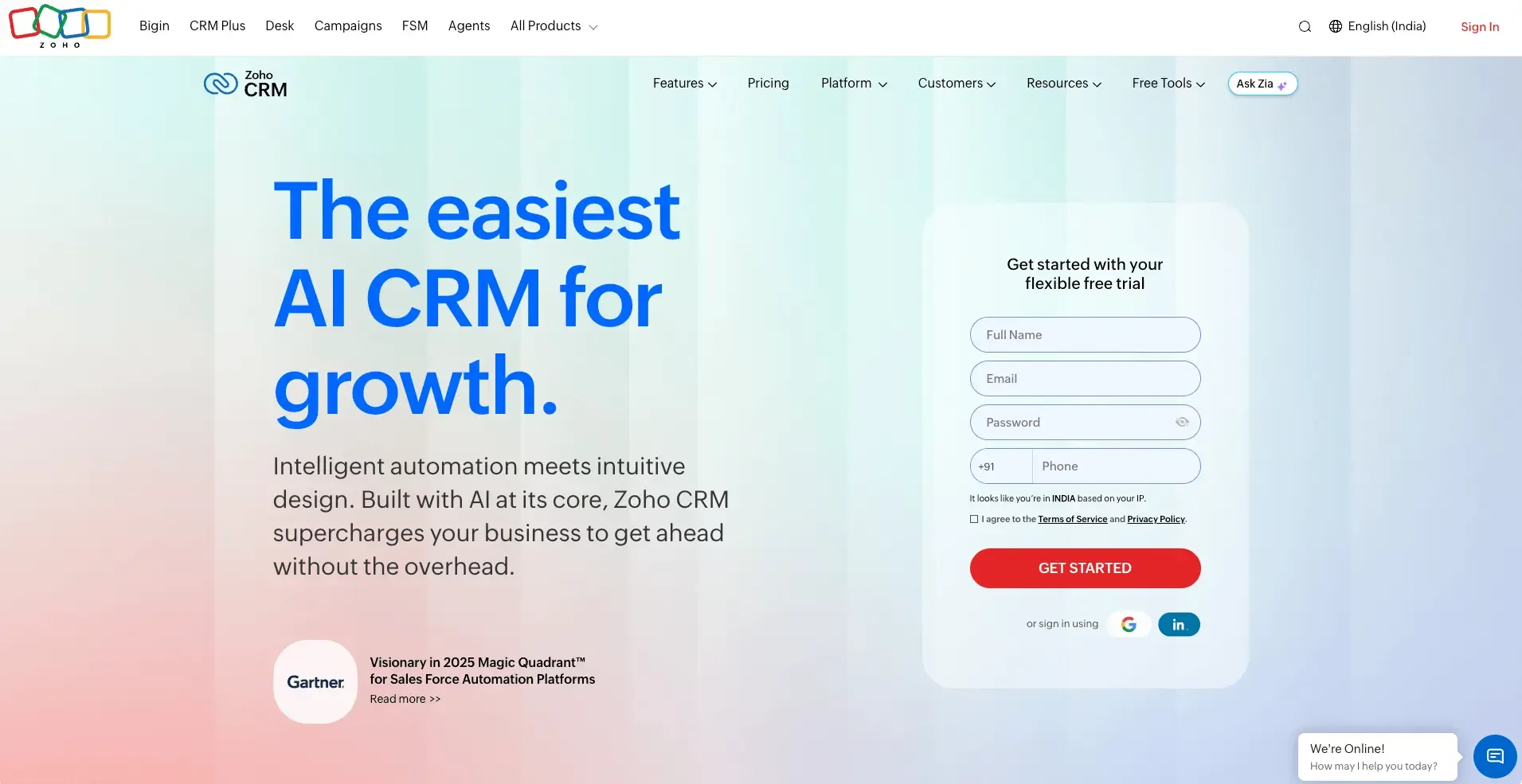
Zoho CRM gives businesses the ability to build customer relationships and optimize sales with flexible tools. This platform adapts to different business needs through deep customization options. Companies of all sizes, from small startups to global enterprises, can benefit from its features.
Zoho CRM key features
Zoho CRM combines powerful sales tools with accessible design. Your team can focus on building relationships instead of data entry because the system automatically tracks contact information and interactions.
Key capabilities include:
- End-to-end automation across the sales funnel
- AI-powered assistant (Zia) that predicts outcomes and flags anomalies
- Customizable modules and fields to match your unique sales process
- Visual orchestration to create better customer experiences
- Multi-currency support to handle international businesses
Zoho email automation capabilities
Marketing teams can run efficient campaigns while qualifying leads for sales with Zoho's email tools. The platform allows you to:
- Send personalized mass emails (up to 2,000 per day on higher-tier plans)
- Create unlimited custom email templates with tracking capabilities
- Schedule emails at optimal times
- Set up auto-responders to engage prospects immediately
- Create workflow rules that trigger emails based on specific actions
Zoho email analytics
Email Insights provides detailed visibility into recipient engagement with your messages. The platform tracks:
- Email delivery status (delivered or bounced)
- Open rates with timestamps for first and last opens
- Click tracking with detailed link engagement data
- Response rates to prioritize follow-ups better
Template performance analytics show which messages generate the highest engagement.
Zoho CRM pricing and plans
Zoho offers flexible pricing options:
- Free: Simple CRM for up to 3 users
- Standard: $14/user/month (annual) with mass emails and workflows
- Professional: $23/user/month (annual) adding inventory management and Google Ads integration
- Enterprise: $40/user/month (annual) with Zia AI assistant and advanced customization
- Ultimate: $52/user/month (annual) featuring enhanced AI capabilities and analytics
Zoho CRM best for
Best for teams that need high-volume email campaigns alongside CRM data, up to 2,000 emails per day on paid plans with full template tracking. Strong choice for companies already using the Zoho ecosystem. Compare CRM options by cost if budget is a deciding factor.
8Pipedrive — Pipeline CRM with Email Sync

Source:pipedrive.com
Pipedrive stands out with its easy-to-use, visual approach to sales management that makes deal tracking simple. The Motley Fool named it the "Easiest to Use" CRM, and this platform revolutionizes how sales teams see their process.
Pipedrive key features
The interactive dashboards give you clear views of your sales KPIs to help build analytical strategies. Sales managers can track performance and predict future revenue with forecasting tools that make it easy to spot where teams need support.
You can access all web customizations on iOS and Android devices. The mobile CRM lets you track calls, take notes, and get ready for meetings while you're out.
Pipedrive email automation capabilities
You can sync Gmail, Outlook, or company email accounts with Pipedrive to send bulk messages. The platform tracks opens and clicks live. Teams can create sequences of tailored emails with scheduled follow-ups and automate routine tasks through workflows.
The platform handles complex scenarios with delay steps and wait conditions. You can trigger follow-up emails when recipients take specific actions like opening messages or clicking links.
Pipedrive pricing
The pricing starts at $14/user/month with the Lite plan (annual billing). You'll get email automation and tracking features in the Growth plan ($39/user/month). The Premium plan ($49/user/month) has full-cycle sales tools. The Ultimate plan ($79/user/month) gives you the complete Pipedrive experience.
Pipedrive best for
Best for sales-focused teams that want visual pipeline management paired with solid email sync and sequence automation. Works well for teams already structured around a clear, stage-based sales process.
9BIGContacts — Pipeline Email CRM
Source: bigcontacts.com
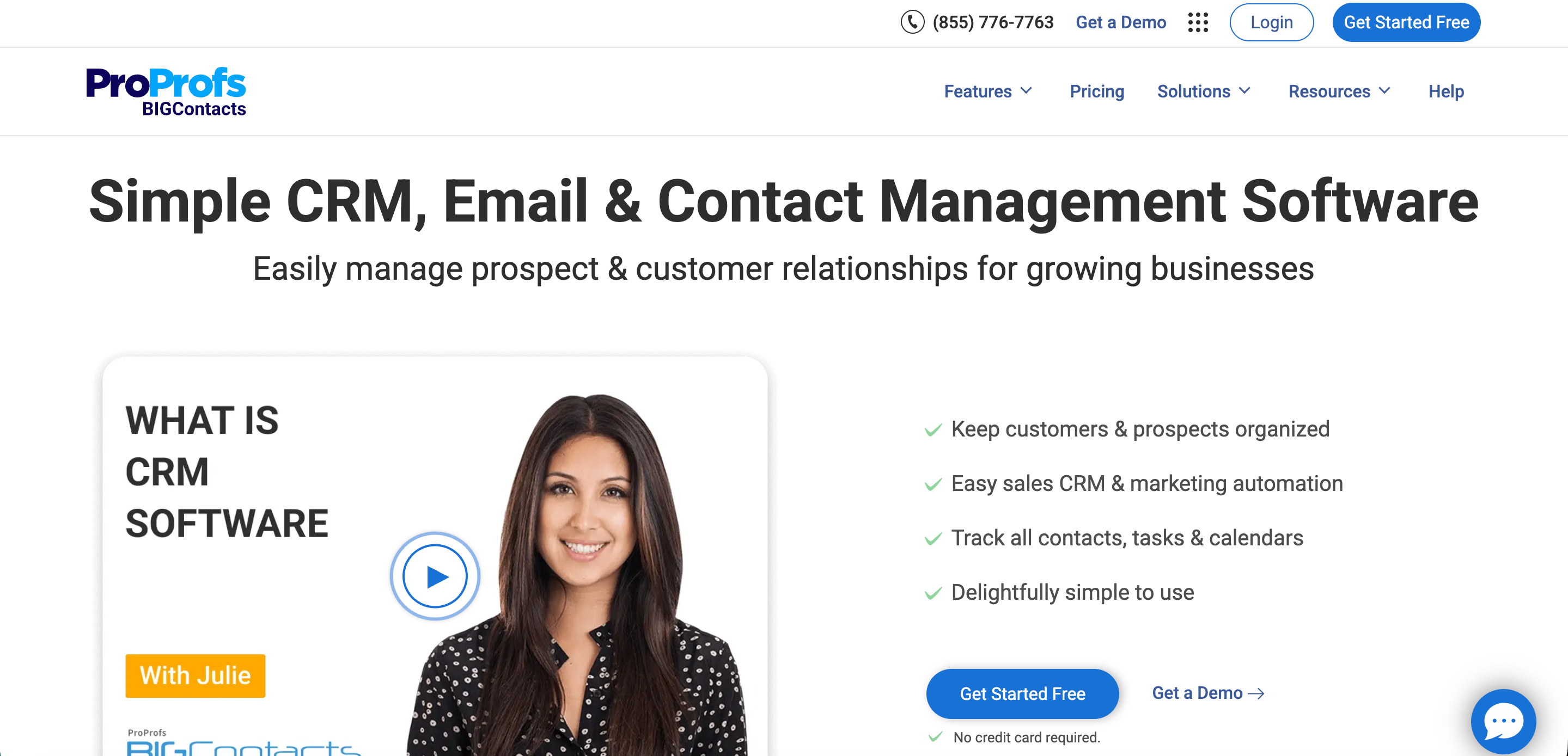
BIGContacts is a cloud-based CRM solution that makes email management and customer data organization simple.
BIGContacts email integration features
BIGContacts works smoothly with email platforms, especially Microsoft Outlook. Users can:
- Sync contacts, meetings, and tasks between platforms both ways
- Store incoming emails against contact records automatically
- Use a custom email address to send from any system outside BIGContacts
- Send emails right from contact records with full HTML support
BIGContacts email automation capabilities
The platform makes communication easier through several automation tools:
- Email campaigns that start automatically based on sales pipeline stages
- Automated tasks that boost business productivity
- Custom workflows with pre-set steps
- Drip campaigns that adapt to each contact's sales cycle position
BIGContacts email analytics
The email tracking system shows:
- Live tracking of open rates, click-through, and unsubscribe rates
- Campaign results to show what works
- Smart notifications for key communications
- Detailed reports that track email performance
BIGContacts pricing and plans
BIGContacts keeps pricing simple:
- Forever Free: $0 for up to 100 contacts
- Business: $9.99/month per user (billed annually) for 1,000+ contacts
BIGContacts best for
Best for small teams using Microsoft Outlook as their primary email platform who need CRM-triggered email campaigns without complex setup. The free tier is one of the most generous for contact volume.
10Insightly — Unified Email & CRM Platform
Source: insightly.com
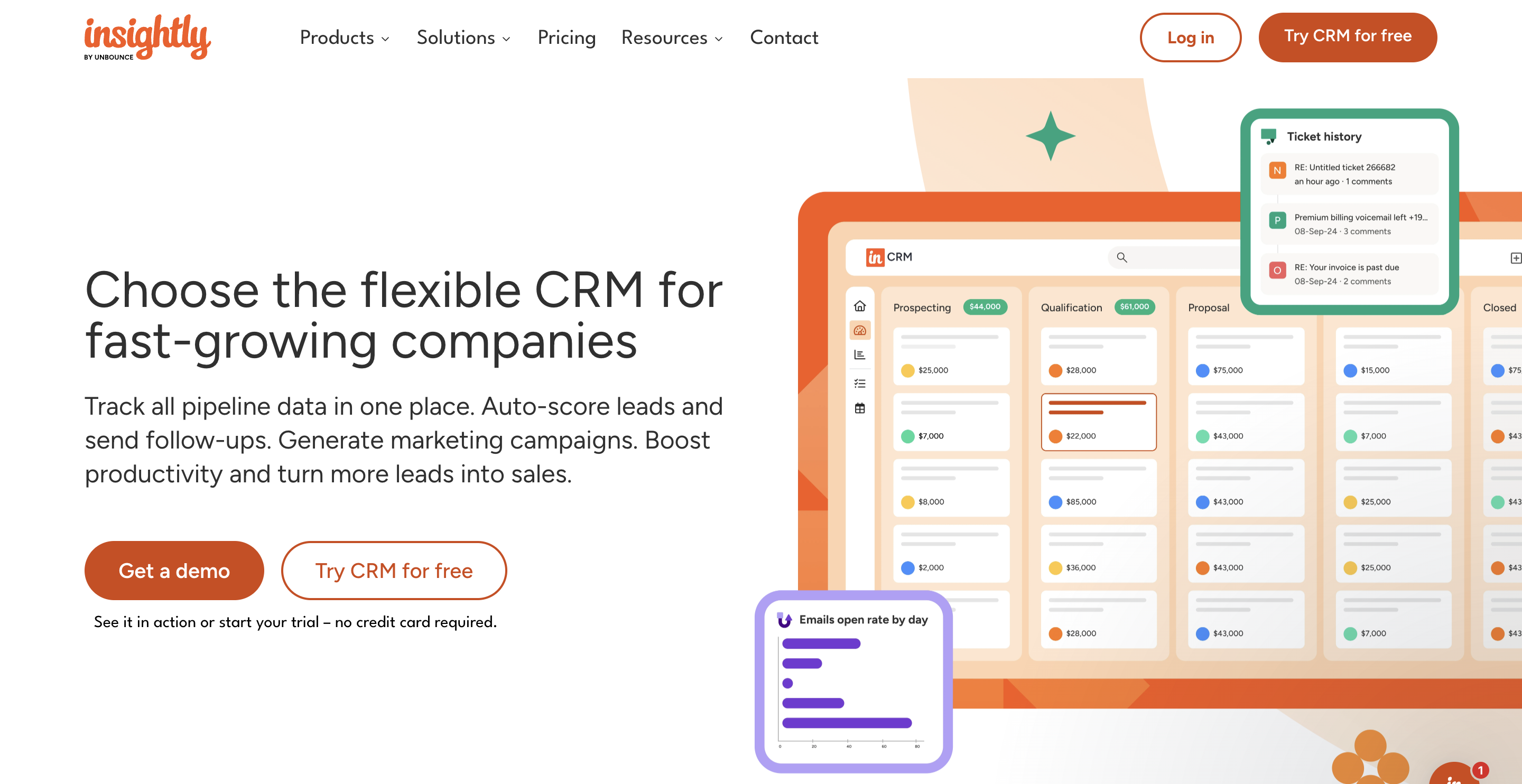
Insightly brings together CRM, marketing, and customer service applications on a single platform to create a detailed system that manages customer relationships. Teams can access customer data without switching tools.
Insightly email integration features
Insightly provides smooth integration with Gmail and Outlook through its Sidebar extension. Your CRM data appears directly in your inbox, so you can create contacts, view records, and save emails as CRM records while staying in your email platform. The system lets you link emails to specific opportunities, leads, or projects and organize them better.
Insightly email automation capabilities
Professional and Enterprise plans come with workflow automation that helps you create sophisticated email sequences based on specific actions. These workflows send customized welcome emails, follow-up reminders, and alert your team about new leads. You can schedule emails to go out at specific times within a 7-day window.
Insightly email analytics
The platform notifies you when recipients open your emails. An AI summarizer helps compile key information from long email threads quickly. Marketing teams can track campaign performance through detailed reports on opens, click-through rates, and reply rates.
Insightly pricing and plans
The pricing structure works like this:
- Plus: $29/user/month (annual) with mass emailing features
- Professional: $49/user/month with scheduled emails and workflow automation
- Enterprise: $99/user/month with unlimited customizable insight cards
Insightly best for
Best for teams that need email automation as part of a broader CRM + marketing + service platform. The Gmail and Outlook Sidebar extension keeps CRM data in view while composing, without requiring a tab switch.
11EngageBay — Affordable Email CRM
Source: engagebay.com
EngageBay stands out as an all-in-one CRM solution built for small businesses that need powerful email capabilities at an affordable price.
EngageBay email integration features
EngageBay provides smooth two-way email integration with Gmail, Office365, and other email platforms. The system consolidates all sent and received emails in one central location, which eliminates switching between multiple inboxes. The Chrome extension lets you track emails from your mailbox and see exactly when recipients open your messages.
EngageBay email automation capabilities
Email automation tools are this platform's strength to scale your outreach efforts. The system lets you build multi-step sequences, implement drip campaigns, and design targeted workflows. Customer actions trigger these automations and guide leads through individual-specific experiences without manual work.
EngageBay email analytics
The immediate analytics dashboard shows key performance metrics such as open rates, click-throughs, downloads, and unsubscribes. You will receive instant notifications at the time someone views your email or downloads attachments, which creates perfect timing to follow up.
EngageBay pricing and plans
EngageBay comes with flexible pricing options:
- Free: $0/month to manage up to 250 contacts with simple features
- Basic: $12.99/user/month handles 500 contacts with improved capabilities
- Growth: $49.99/user/month supports 20,000 contacts and advanced automations
- Pro: $79.99/user/month includes 30,000 contacts with full feature access
EngageBay delivers detailed email marketing tools in an affordable CRM package that suits growing businesses perfectly.
What Sales Teams Actually Want from CRM Email Integration
A recent discussion on the r/CRM subreddit asked the community specifically about CRMs with “universal email linking”, the ability to log and track emails across multiple accounts, not just one connected inbox. The responses surfaced priorities that don’t always show up in vendor marketing:
- Two-way sync matters more than one-way logging; users consistently flagged frustration with CRMs that record sent emails but miss inbound replies unless manually tagged
- Multi-account support is a dealbreaker for agencies and founders. Several commenters needed one CRM to handle email from multiple company domains or personal accounts simultaneously
- Automation exit conditions are underrated. The ability to stop a sequence the moment a prospect replies was cited as the single most important automation feature by multiple respondents
- Deliverability visibility is missing from most tools. Users noted that most CRMs track opens and clicks but don’t surface sender reputation or inbox placement data, which matters at scale
These signals informed how we evaluated and structured each tool review above, specifically the emphasis on two-way sync, conditional sequence logic, and email analytics depth.
How to Choose a CRM with Email Integration
With 11 options on this list, the right choice comes down to five criteria. Use this framework alongside our CRM features guide to narrow down your shortlist.
1. One-way vs two-way email sync
One-way sync logs emails you send from the CRM. Two-way sync captures both outbound and inbound replies from prospects appear automatically on the contact and deal record. For active sales workflows, two-way sync is non-negotiable. All 11 tools on this list offer it, but depth varies: some require a Chrome extension, others sync natively at the server level.
2. Native vs third-party integration
Native integration (built directly into the CRM, like Copper’s Gmail sidebar or Streak’s Chrome extension) typically delivers lower latency and fewer sync gaps than third-party middleware. If your team lives in Gmail or Outlook all day, a native integration reduces friction significantly. For broader tech stacks, check our CRM API integration guide for how to evaluate connection depth.
3. Automation sequence logic
Basic automation sends a timed sequence of emails. Advanced automation branches based on prospect behaviour: did they open? Did they reply? Did they book a meeting? The more conditional logic available, the more your sales sequence can adapt without manual intervention. Evaluate: Does the platform support exit conditions, wait steps, and A/B testing at the plan you can afford?
4. Email analytics depth
Open and click tracking is table stakes. What separates strong email analytics from basic is: deliverability scoring (is your domain healthy?), reply rate trends by sequence step, and engagement data tied to deal stage. If your team is running high-volume outbound, platforms that surface deliverability data, not just engagement metrics, protect your sender reputation long-term.
5. Team size and plan affordability
Most platforms gate their best email automation features behind mid or high-tier plans. Map your must-have features to the actual plan they live in, not the starting price. For a structured cost comparison, see our CRM pricing models guide. If you’re evaluating across multiple tools, our compare top CRM costs breakdown shows plan-by-plan feature gates side by side.
Find the Right CRM Email Integration for Your Team
The right CRM with email integration depends on where your team actually works and what you need email to do. Salesflare and Copper are strong for Gmail-heavy teams. HubSpot covers the full sales and marketing funnel. SparrowCRM adds AI-driven intelligence on top of sync and automation. Freshworks, Streak, and Zoho each serve distinct use cases at different price points.
Start from your must-have feature, two-way sync, sequence automation, or deliverability analytics, and use the comparison table above to shortlist. Most platforms offer a free plan or trial. If you want to see how AI-powered CRM features change what email integration can do, SparrowCRM's early access is open now