CRM SOFTWARE
7 best Salesforce alternatives in 2026 (and how to pick the right one)

By Geethapriya
Last updated on Jul 17, 2026
Explore this blog to find 7 Salesforce alternatives evaluated for B2B sales teams, with head-to-head comparisons, G2 ratings, pros and cons, and a verdict by use case.
QUICK SUMMARY
Explore this blog to find a Salesforce alternative that actually fits your team's size, budget, and sales motion.
Compare the top alternatives

Find a CRM That Fits Your Team
Explore how SparrowCRM helps small sales teams close more deals with AI built into every plan.
Salesforce is one of the most powerful CRMs on the market, but it isn't the right fit for every business. Many small and growing sales teams find its pricing, setup, and ongoing administration more complex than they need to be.
The good news is that several modern CRM platforms offer similar core capabilities with simpler implementation and lower costs. In this guide, we'll compare the best Salesforce alternatives in 2026 to help you choose the right CRM for your team's size, budget, and sales process.
Why do teams look for Salesforce alternatives?
Salesforce is still the biggest name in CRM, and for a 5,000-person enterprise with a dedicated admin team, that scale is often worth the cost. For a 12-person sales team, the same platform can turn a simple task, like adding a follow-up reminder, into a configuration project. Four reasons most often come up when small teams start evaluating Salesforce alternatives.
Extremely high pricing
Sales Cloud runs from about $25 per user a month on the Starter Suite to $165 on Enterprise, $330 on Unlimited, and $550 on the AI-bundled Agentforce 1 tier.
Salesforce raised Enterprise and Unlimited pricing again in late 2025, so a quote from last year is already stale. Costs climb further once you add Premier Success support, typically priced at 30% of your license fee, so the real per-seat cost is often higher than the plan page suggests.
Steep learning curve
Salesforce wasn't built to be configured by a sales manager on a lunch break. Setting up pipelines, automations, and reports properly usually requires either a trained in-house admin or a paid implementation partner, and full rollouts commonly run months rather than weeks. For a small team without dedicated admin headcount, that learning curve becomes real lost selling time before the tool pays for itself.
Customization challenges
Automation is capped on the lower tiers; Pro Suite allows only five automated flows per organization, for instance, so meaningful customization usually means upgrading tiers or bringing in developer time for custom objects and Apex code. Integrating other tools in your stack often means paying for AppExchange add-ons or middleware rather than getting a native connection out of the box.
Inconsistent support
Standard support is bundled into every license, but response times for non-urgent cases can be slow, and many teams find they need the optional Premier Success plan to get faster turnaround, an extra cost on top of an already expensive license. Smaller accounts in particular report leaning on community forums and partner consultants more than direct Salesforce support.
How did we evaluate these alternatives?
Every tool on this list was assessed against four criteria: pricing transparency at the entry and mid tiers, genuine ease of setup for a small team without a dedicated CRM admin, depth of native automation and AI features, and fit for sales teams in the 2–50 person range specifically, not enterprise sales orgs and not solo freelancers.
We pulled current published pricing directly from each vendor's pricing page as of mid-2026. Where a vendor has changed its plan names or tiers more than once this year, we've flagged that so you can verify before budgeting.
We also weighted how much setup a genuinely non-technical founder or sales manager could do alone in the first week, since that's usually the bottleneck for small teams switching off Salesforce, more than any single feature gap.
Quick comparison table
A fast reference before the full breakdown of each Salesforce alternative below. All prices are per user, per month, billed annually unless noted.
Tool | Best for | Starting price | Standout feature |
|---|---|---|---|
HubSpot Sales Hub | Sales + marketing on one platform | Free; $20/seat | Free CRM that's actually usable, not a crippled trial |
Zoho CRM | Budget-conscious, customization-heavy teams | Free; $14/user | Lowest cost-per-feature of the major alternatives |
Pipedrive | Pipeline-first sales teams | $14/user | Visual, drag-and-drop deal pipeline |
SparrowCRM | 2–50 person SaaS/tech teams wanting AI built in | Free; $19/seat | AI-native from the Free tier, no separate AI add-on |
Monday Sales CRM | Teams already on monday.com | $12/seat | Highly customizable boards shared with other work |
Freshsales | Budget-focused teams needing built-in phone/email | Free; $9/user | Cheapest full-featured option with native calling |
Close CRM | Outbound-heavy inside sales teams | ~$19/user | Native power dialer built into the CRM record |
HubSpot Sales Hub
Best For
Sales + marketing on one platform
Starting Price
Free; $20/seat
Standout Feature
Free CRM that's actually usable, not a crippled trial
Zoho CRM
Best For
Budget-conscious, customization-heavy teams
Starting Price
Free; $14/user
Standout Feature
Lowest cost-per-feature of the major alternatives
Pipedrive
Best For
Pipeline-first sales teams
Starting Price
$14/user
Standout Feature
Visual, drag-and-drop deal pipeline
SparrowCRM
Best For
2–50 person SaaS/tech teams wanting AI built in
Starting Price
Free; $19/seat
Standout Feature
AI-native from the Free tier, no separate AI add-on
Monday Sales CRM
Best For
Teams already on monday.com
Starting Price
$12/seat
Standout Feature
Highly customizable boards shared with other work
Freshsales
Best For
Budget-focused teams needing built-in phone/email
Starting Price
Free; $9/user
Standout Feature
Cheapest full-featured option with native calling
Close CRM
Best For
Outbound-heavy inside sales teams
Starting Price
~$19/user
Standout Feature
Native power dialer built into the CRM record
Best Salesforce Alternatives in 2026
1 HubSpot Sales Hub
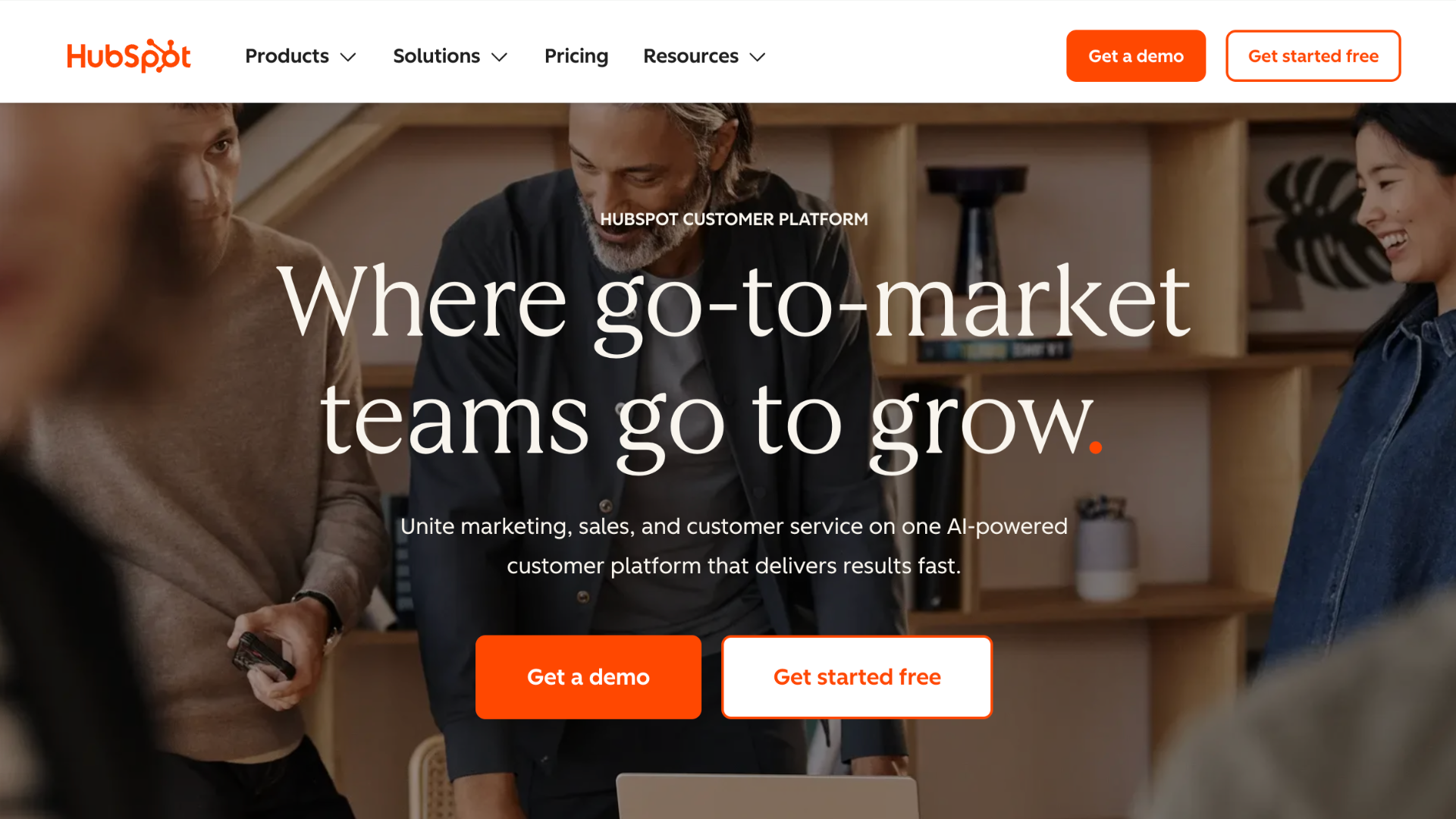
Source:hubspot.com
Best for: Teams that want sales and marketing on one platform and don't mind paying for that breadth.
Overview: HubSpot pairs a genuinely usable free CRM with paid Sales Hub tiers that add sequences, forecasting, and reporting. The free tier covers contact and deal management well, which makes it a common first stop for teams leaving Salesforce's complexity behind.
Because HubSpot prices Marketing, Sales, and Service as separate hubs, a team that only needs sales tools can generally avoid paying for capabilities it won't use, but that also means the pricing page requires more careful reading than a single flat rate would. Our full side-by-side breakdown is in HubSpot vs Salesforce if you want the deeper comparison.
Pros:
- Free plan covers core CRM functions well, not just a crippled trial
- Strong marketing-to-sales handoff if you already use HubSpot's Marketing Hub
- Large third-party app marketplace
- Sequences, forecasting, and advanced reporting unlock at Professional
Cons:
- Professional jumps to roughly $90 per seat a month plus a mandatory $1,500 onboarding fee
- Enterprise adds a $3,500 or higher onboarding fee
- Marketing, sales, and service are priced and configured as separate hubs
Pricing: Free; Starter ~$20/seat/month; Professional ~$90/seat/month (plus $1,500 onboarding); Enterprise ~$150/seat/month (plus $3,500–7,000 onboarding).
2Zoho CRM
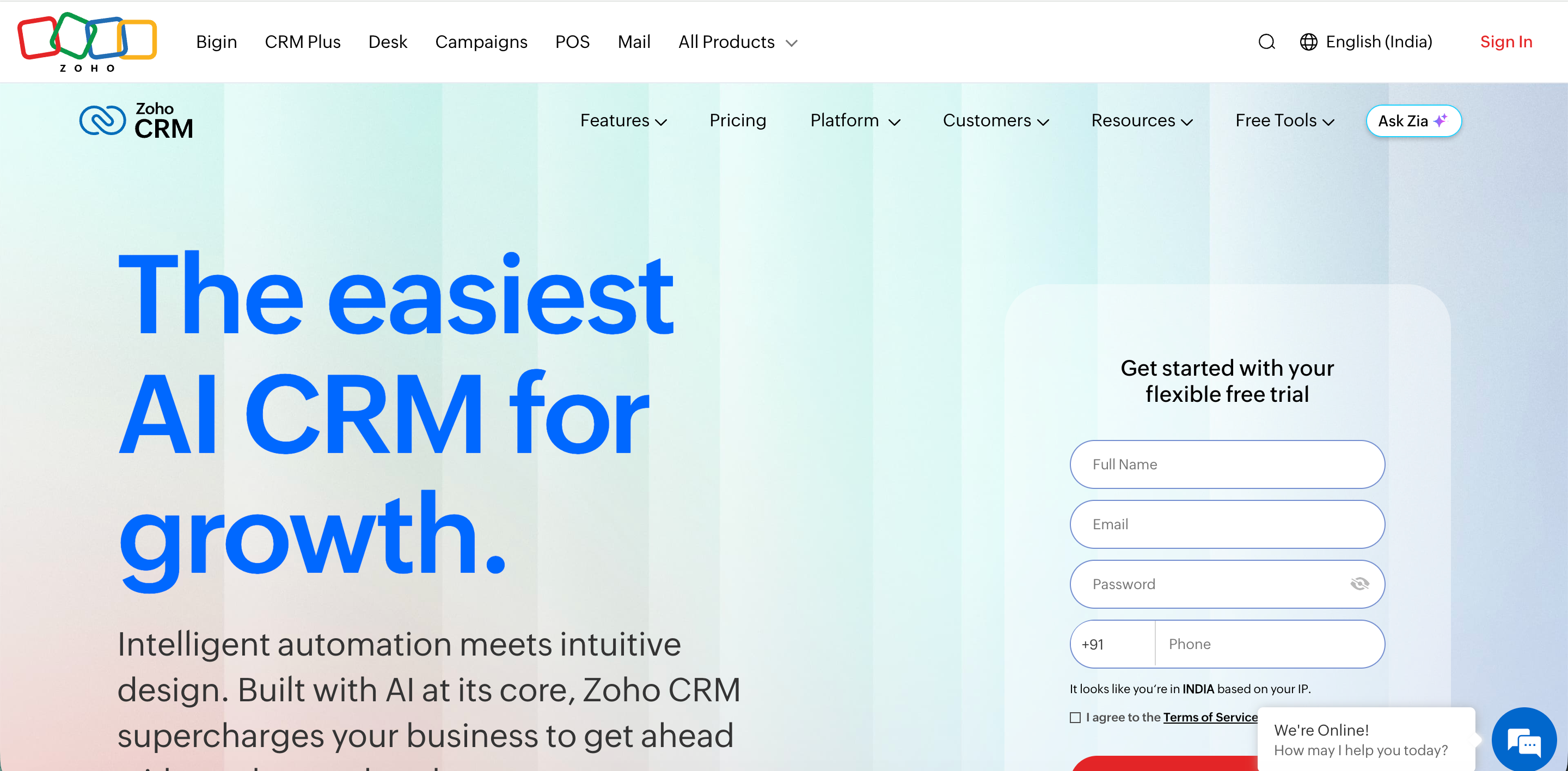
Source: zoho.com
Best for: Budget-conscious teams that want deep customization and don't mind a steeper learning curve.
Overview: Zoho undercuts Salesforce on price at nearly every tier while covering most of the same ground: pipelines, automation, and its own AI assistant, Zia. It's a common landing spot for teams that specifically want lower cost without giving up configurability.
Zoho also sits inside a much larger suite of business apps (Books, Desk, campaigns), so teams already using other Zoho products often find the CRM slots in with less new setup than a standalone tool would require.
Pros:
- Lowest cost-per-feature of the major Salesforce alternatives
- Genuinely useful free tier for up to 3 users
- Zia AI assistant included from the Professional tier up
- Deep integration with the wider Zoho application suite
Cons:
- Interface feels dated next to newer, design-forward tools
- Heavier customization options mean more setup time upfront
- Support quality and response time vary noticeably by tier
Pricing: Free (3 users); Standard $14/user/month; Professional $23/user/month; Enterprise $40/user/month; Ultimate $52/user/month (annual billing). See our guide on Zoho CRM's pricing for a deeper comparison
3Pipedrive
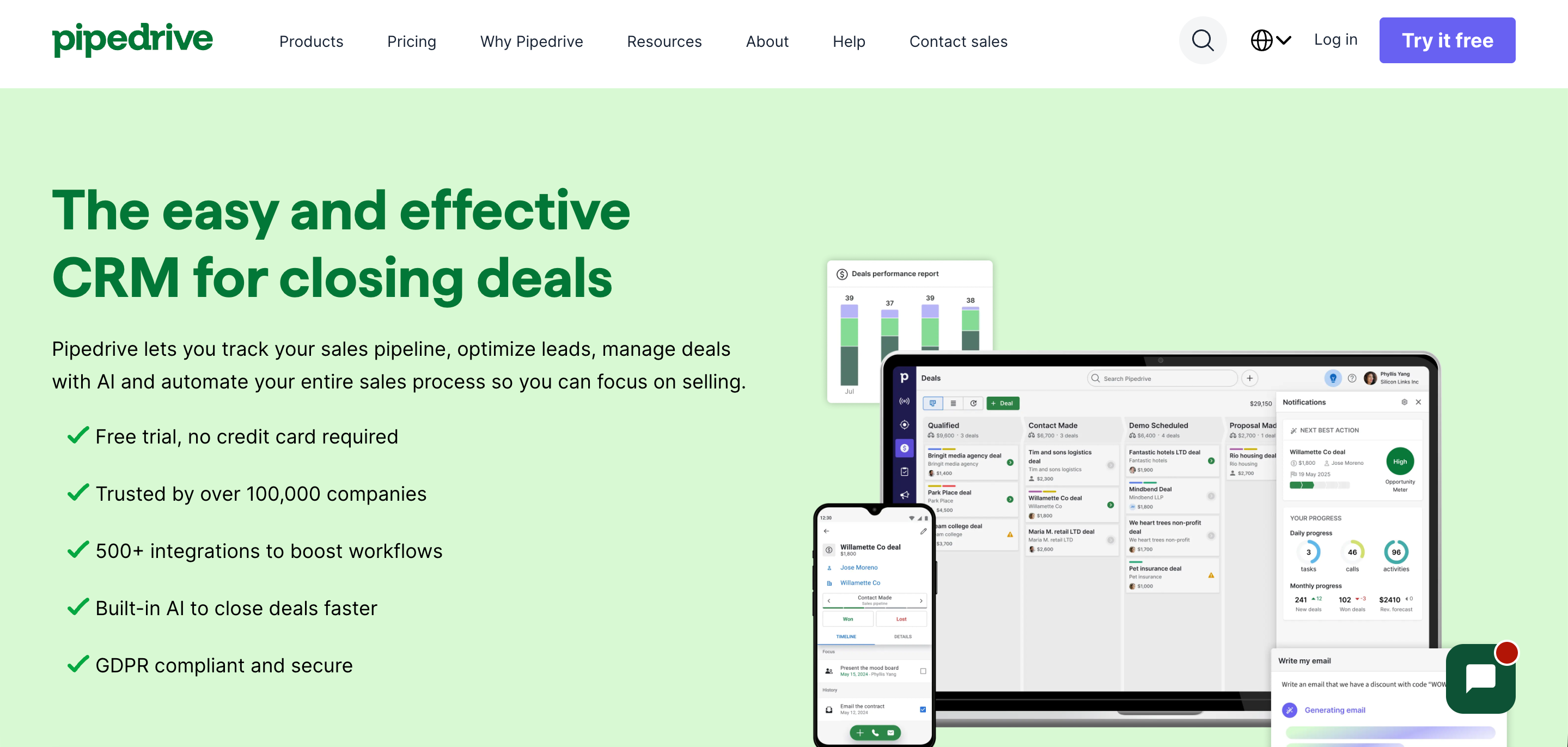
Source:pipedrive.com
Best for: Sales teams that want a visual, pipeline-first tool without marketing features bolted on.
Overview: Pipedrive built its reputation on the drag-and-drop deal pipeline and has kept that focus even as it added automation and AI features. It suits reps who live in their pipeline view all day rather than teams that need a broader marketing suite. Because it's a narrower product than HubSpot or Salesforce, most teams find they can get a working pipeline live within days, which is a meaningful advantage for a team mid-migration and short on setup time.
Pros:
- Clean, visual pipeline interface that reps adopt quickly with little training
- Email sync and workflow automation available from the Advanced tier
- Strong reporting and forecasting from Professional up
Cons:
- No native marketing automation features
- Workflow automation isn't available on the entry Essential tier
- Add-ons like Web Visitors and LeadBooster stack on top of the base seat price
Pricing: Essential $14/user/month; Advanced $29/user/month; Professional $59/user/month; Power $69/user/month; Enterprise $99/user/month (annual billing). Full breakdown in our Pipedrive vs Monday comparison.
4SparrowCRM
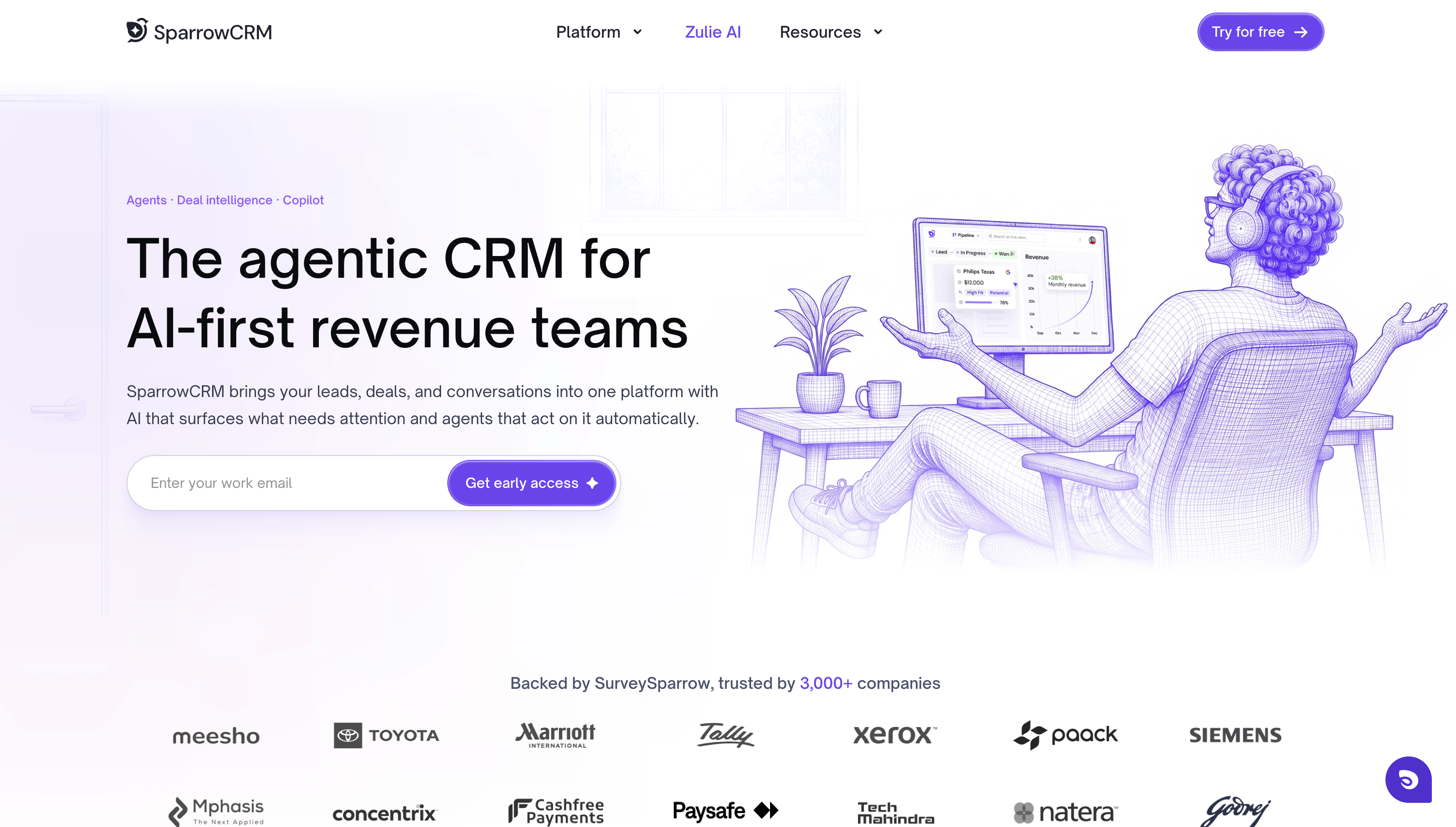
Best for: 2–50 person SaaS, tech, finance, and retail sales teams that want AI built into the core product rather than sold as a separate add-on.
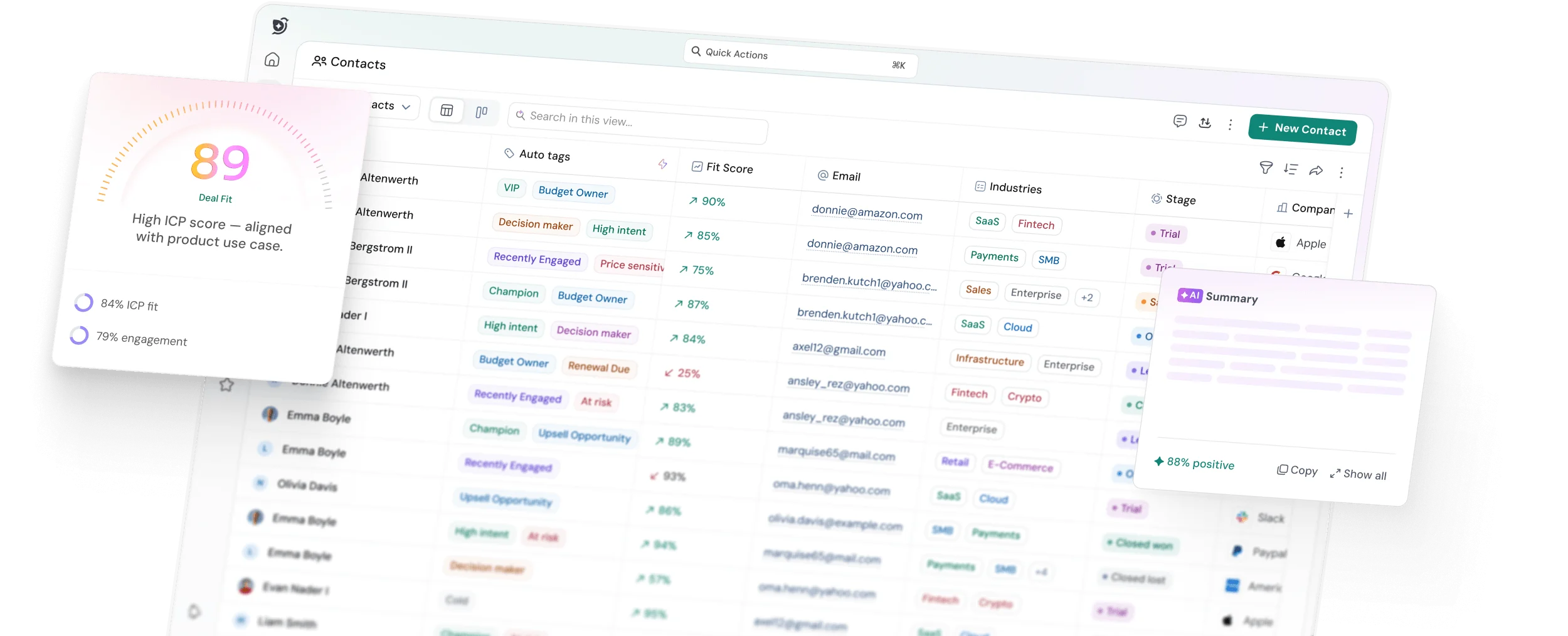
Overview: SparrowCRM is an AI-native CRM built for 2- to 50-person SaaS, tech, finance, and retail sales teams. Deal scoring, next-action suggestions, and automated activity logging are part of the core product from the Free tier up, so reps see a prioritized view of their pipeline without configuring automation rules themselves.
Every call, email, and stage change logs to the deal record automatically, which keeps pipeline data current without reps needing to update it manually. A small team can typically get a working, AI-assisted pipeline live within the first week, without a dedicated CRM admin or an outside consultant.
Pros:
- AI features, including deal scoring and next-action suggestions, are included at every tier, starting with Free
- Automated activity logging keeps deal records current without manual data entry
- Built for a fast, self-serve setup — no admin or consultant needed to get a working pipeline live
- Straightforward per-seat pricing from Free through Pro, with no separate charge for AI capability
Pricing: Free, $0/seat/month (up to 3 seats); Growth: $19/seat/month; Pro: $49/seat/month; Enterprise: custom pricing. Full plan details, including what's included at each tier, are on the SparrowCRM pricing page.
Get Enterprise AI Without Enterprise Complexity with SparrowCRM
5Monday Sales CRM
Source: monday.com
Best for: Teams that already run projects on monday.com and want their CRM in the same workspace.
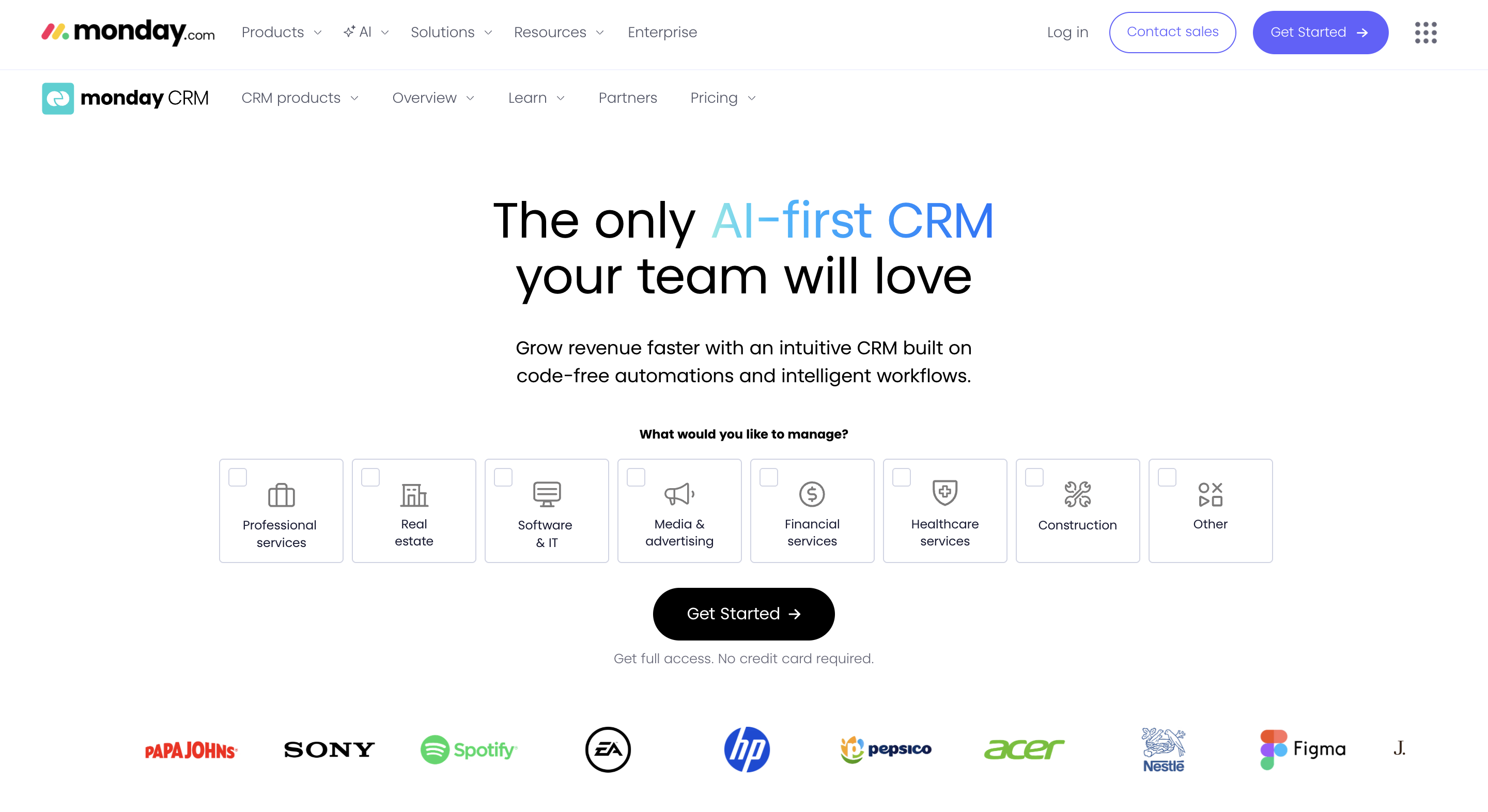
Overview: Built on the monday.com Work OS, this CRM inherits the platform's customizable boards and automation engine. It suits teams that want sales, project delivery, and general operations visible in one connected workspace rather than three separate tools.
The tradeoff is that it was built by extending a general work-management product into sales, rather than being designed as a CRM from the ground up, which shows up in a few sales-specific gaps compared with purpose-built tools.
Pros:
- Highly customizable boards and views, closer to a work OS than a fixed CRM template
- Automation actions scale up meaningfully by tier
- Strong fit if your team already runs other work through monday.com
Cons:
- Every plan has a 3-seat minimum, even for a 2-person sales team
- Automation caps are tight on Basic and Standard — 250 actions a month on Standard
- Can feel like a flexible work tool retrofitted for sales rather than a purpose-built CRM
Pricing: Basic $12/seat/month; Standard $17/seat/month; Pro $28/seat/month; Enterprise — custom pricing (3-seat minimum, annual billing).
6Freshsales
Best for: Budget-focused teams that want built-in phone and email without paying HubSpot or Salesforce rates.
Overview: Freshsales, Freshworks' CRM product, is one of the more affordable full-featured options on this list, with AI-based lead scoring and automation available well below what Salesforce or HubSpot charge for comparable capability.
It's frequently the tool teams land on when the primary driver for leaving Salesforce is cost rather than any specific missing feature, since the core pipeline and automation functionality is broadly comparable at a much lower price point.
Read the full Freshsales vs Zoho CRM comparison if you're deciding between the two budget-focused options.
Pros:
- Sizable cost gap versus Salesforce and HubSpot at comparable feature tiers
- Built-in phone and email without a separate dialer integration
- Genuinely usable free tier for teams of up to 3 users
Cons:
- Feature jump from Growth to Pro is steep — roughly 4x the price — and that's where most real sales automation lives
- Add-ons like the Freddy AI Copilot and CPQ tools raise the effective per-seat cost quickly
Pricing: Free (3 users); Growth $9/user/month; Pro $39/user/month; Enterprise $59/user/month (annual billing).
7Close CRM
Source: close.com
Best for: Outbound-heavy inside sales teams that live on the phone and want calling built into the CRM itself.
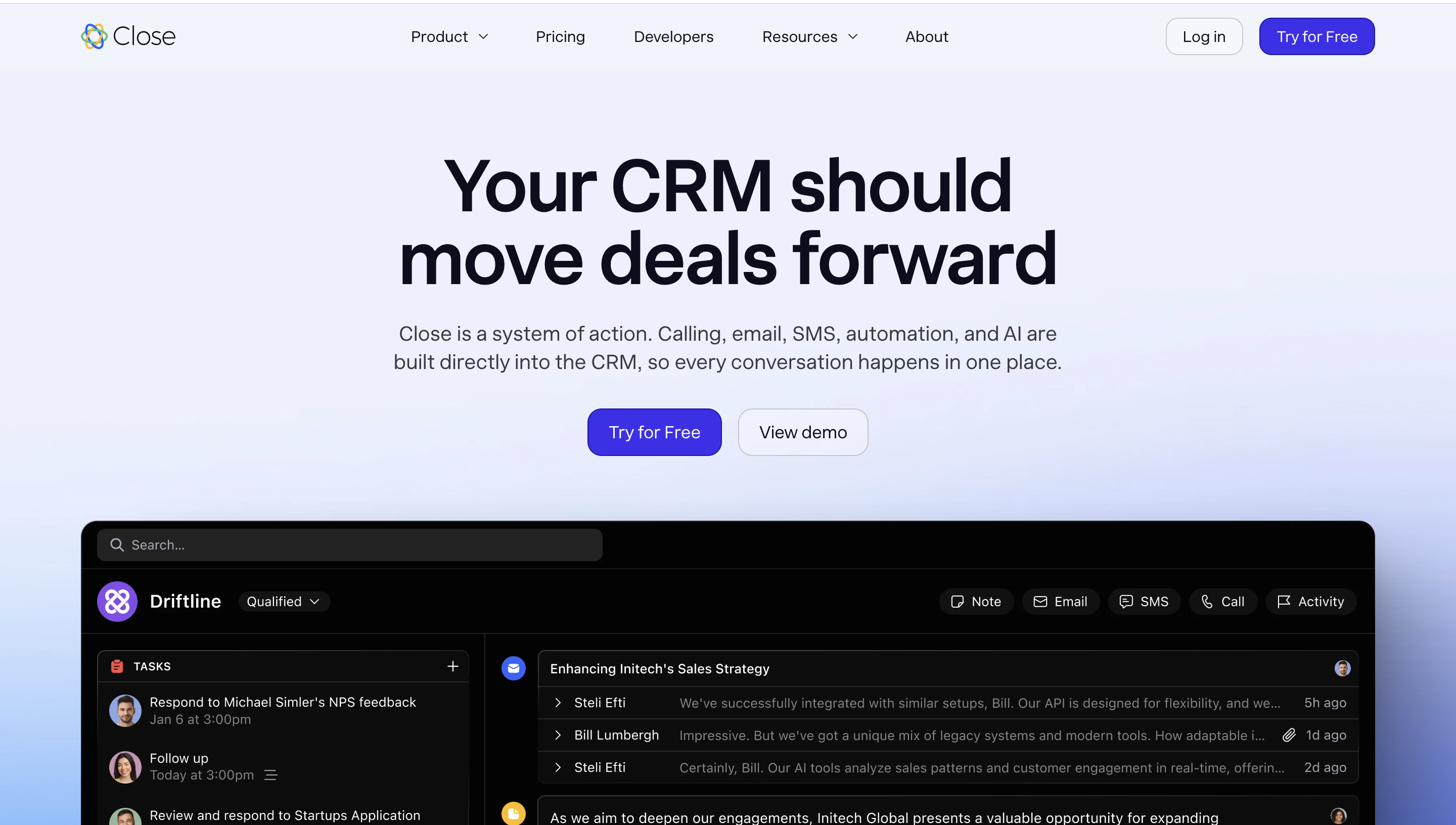
Overview: Close is built around a native power dialer, email, and two-way SMS, aimed squarely at teams doing high-volume outbound rather than teams that need marketing automation or a large third-party app ecosystem. Teams switching from Salesforce specifically for calling-heavy outbound often find Close faster to get reps productive on, since the dialer and CRM record live in the same view instead of requiring a separate telephony integration configured by an admin.
Pros:
- Native calling, SMS, and email inside a single contact record
- Reps report faster call logging than tools requiring a separate dialer integration
- Publishes pricing directly rather than gating it behind a sales call
Cons:
- Close has renamed and restructured its plan tiers more than once in the past year, so figures vary by source — confirm current tiers directly before budgeting
- Call minutes, premium phone lines, and contact enrichment are billed separately from the seat price and can meaningfully raise the real monthly cost
Pricing: Published per-seat plans span roughly $19 to $139 per user, per month across four tiers as of 2026, before add-ons like call minutes and premium lines. Our own Close CRM pricing breakdown walks through the add-on math in detail.
How to choose the right Salesforce alternative
The seven tools above solve the same broad problem in different ways. The filters below narrow the field faster than reading every feature list side by side.
Start with team size
Team size is the first filter, because it determines which tool's minimums and defaults actually fit. Under 10 reps doing mostly outbound calling, Close's native dialer earns its price since the whole product is built around high call volume.
A small SaaS or tech sales team that wants AI-native automation without configuring it themselves is the profile SparrowCRM is built for; deal scoring and next-action suggestions work out of the box, rather than needing a Salesforce admin to set up Flow Builder from scratch.
Match it to your budget
Budget is the second filter, and it's usually the fastest way to cut the list down. If you're currently paying Salesforce Enterprise at $165 per user a month, most tools on this list save you money immediately; Zoho and Freshsales both undercut that by more than 70% at their mid-tiers. Set a per-seat ceiling before you start evaluating features, or the feature list will pull you toward the most expensive plan by default.
Weight it by sales motion
Sales motion is the third filter. Outbound-heavy teams that live on the phone should weight Close and Pipedrive higher, since both are built around fast pipeline updates and, in Close's case, native calling.
Teams that need marketing and sales working from the same contact data should weight HubSpot or Monday higher, since both connect more naturally to broader marketing or project workflows than a pure sales tool does.
Factor in implementation time
Don't skip the implementation question either. A tool that's cheaper per seat but takes eight weeks to configure properly can end up costing more in lost selling time than a slightly pricier tool that a team can run in week one.
Ask each vendor directly how long a typical migration takes for a team your size, and be skeptical of any answer that sounds identical across every tool; implementation reality varies more than sales pages suggest.
Quick reference by team profile
A shortcut version of the filters above, mapped to the most common team profiles we see evaluating Salesforce alternatives:
If your team is... | Consider... |
Under 10 reps, outbound-heavy | Close CRM, native dialer, SMS, and email in one record |
2–50 person SaaS/tech, want AI without setup | SparrowCRM, AI-native from the Free tier, no separate AI purchase |
Price-sensitive, comfortable customizing | Zoho CRM, lowest cost-per-feature of the major alternatives |
Need sales and marketing together | HubSpot Sales Hub, usable free CRM with marketing handoff |
Already run projects on monday.com | Monday Sales CRM, same workspace as your existing boards |
Final thoughts
Choosing the right Salesforce alternative isn't about finding the platform with the longest feature list—it's about finding one that matches how your team actually sells. For many small and growing businesses, an easier-to-use CRM with transparent pricing, faster implementation, and built-in automation delivers more value than a complex enterprise platform. Compare your options based on your team size, budget, and sales process, then shortlist the tools that best fit your needs. The right CRM should help your team close more deals, not create more work.