CRM SOFTWARE
Best retail CRM software in 2026: Top systems compared

By Geethapriya
Last updated on Sep 18, 2026
Written by a CRM growth marketer with hands-on experience evaluating retail CRM tools for single and multi-location businesses.
QUICK SUMMARY
Explore this blog to find the best retail CRM software for your store, compare top tools at a glance, understand what makes retail CRM different from generic CRM.
Best retail CRM software in 2026
- Salesforce — Enterprise omnichannel CRM
- HubSpot CRM — Best for customer data centralisation across retail channels
- Zoho CRM — Best budget retail CRM software for small and growing stores
- SparrowCRM — AI-native CRM built for sales-driven retail teams
- Creatio CRM — Best for complex retail automation without coding
- ActiveCampaign — Best retail CRM for email-first marketing and e-commerce
- Pipedrive — Best retail CRM system for visualising and managing sales pipelines
- Microsoft Dynamics 365 — Best enterprise retail CRM for Microsoft-first businesses

Stop Losing Repeat Customers
See how AI-powered retail CRM keeps customers coming back. Track every interaction, automate follow-ups, and build loyalty that outlasts promotions.
Retail is one of the largest and fastest-moving industries in the business world. With customers interacting across stores, websites, social media, and other channels, retail teams need tools to streamline their work processes and capture all the touchpoints of the customer to act promptly. A retail CRM helps businesses centralize customer data, manage leads, track interactions, and build more personalized customer experiences.
We have evaluated the tools based on their features for retail industries and touchpoints, pricing, and user insights. Here is a complete guide that compares the best retail CRM systems and CRM software for retail available in 2026.
Key takeaways
- For Full Omnichannel Infrastructure: Salesforce and Microsoft Dynamics 365 Commerce offer the deepest native retail capabilities, including built-in POS, inventory tracking, order orchestration, and headless commerce.
- For an All-in-One Budget Ecosystem: Zoho provides the broadest first-party retail stack, combining CRM with proprietary POS, inventory control, payments, e-commerce, and loyalty programs under one vendor.
- For Core Sales & Customer Management: HubSpot and Pipedrive are ideal for retailers seeking an intuitive CRM to track deals and customer histories, though both rely on third-party integrations for physical POS and inventory management.
- For Lifecycle & E-Commerce Automation: ActiveCampaign excels at behavior-triggered marketing automation and abandoned cart recovery for online stores.
- For AI-Driven B2B & Wholesale Intelligence: SparrowCRM focuses strictly on sales intelligenceusing native AI for customer scoring, deal intelligence, stakeholder mapping, and automated next-action recommendations.
What are the best retail CRM options available?
The best retail CRM options depend on how you sell, how many locations you operate, and whether you need CRM alone or a broader retail system with POS, inventory, loyalty, and e-commerce capabilities.
1. Salesforce
Choose this if: You need a retail platform with deep omnichannel capabilities, POS, inventory, loyalty, and enterprise-scale operations.
2. Zoho CRM
Choose this if: You want CRM alongside POS, inventory, e-commerce, payments, and loyalty within the broader Zoho ecosystem.
3. SparrowCRM
Choose this if: Your retail business has a sales team and you want AI to help identify buying signals, prioritize accounts, and recommend next actions.
What is retail CRM?
Retail CRM (Customer Relationship Management) is software specifically designed for retail businesses to manage customer data, purchase history, loyalty programs, and marketing communications in one system.
Retail CRM solutions integrate directly with point-of-sale (POS) systems, e-commerce platforms, and inventory tools to give store owners and retail teams a complete view of every customer across every channel. When evaluating CRM retail software, the key distinction is whether the platform was designed around the retail customer lifecycle or retrofitted from a generic sales tool.

What would you expect from a retail CRM?
Best retail CRM solutions at a glance
G2 ratings as of Q1 2026. Pricing shown is the entry tier per user per month. Always verify current pricing directly with vendors.
CRM Tool | Best For | POS Integration | Loyalty Built-in | AI Features | Global Support | Starting Price | G2 Rating |
|---|---|---|---|---|---|---|---|
SparrowCRM | SMB & midmarket retail teams | Via integrations | Via workflow automation | Deal scoring, buying intent, call intelligence | Yes,multi-region | Free / $19/user/mo | |
Salesforce | Enterprise retail chains | Yes, native | Yes, full loyalty cloud | Einstein AI suite | Yes, global | $25/user/mo | 4.4 / 5 |
HubSpot | All retail sizes | Via integrations | Via third-party | AI assistant, content AI | Yes, multi-language | Free / $20/user/mo | 4.4 / 5 |
Zoho CRM | SMB retail & boutiques | Via the Zoho ecosystem | Via Zoho Loyalty | Zia AI (predictive) | Yes, 28+ languages | Free / $14/user/mo | 4.1 / 5 |
Creatio | Mid–large retail ops | Via third-party | Yes, built-in | Copilot AI, no-code automation | Yes | $25/user/mo | 4.7 / 5 |
ActiveCampaign | E-commerce & email-first retailers | Via integrations | No | AI lead scoring, automation AI | Yes | $15/mo (1 user) | 4.5 / 5 |
Pipedrive | Retail with complex sales cycles | Via integrations | No | AI assistant (limited) | Yes, 179 countries | $14/user/mo | 4.3 / 5 |
Microsoft Dynamics 365 | Enterprise retail | Yes, native | Yes, full module | Copilot AI, deep integration | Yes, global | $65/user/mo | 3.8 / |
SparrowCRM
Best For
SMB & midmarket retail teams
Pos Integration
Via integrations
Loyalty Built-in
Via workflow automation
Ai Features
Deal scoring, buying intent, call intelligence
Global Support
Yes,multi-region
Starting Price
Free / $19/user/mo
Salesforce
Best For
Enterprise retail chains
Pos Integration
Yes, native
Loyalty Built-in
Yes, full loyalty cloud
Ai Features
Einstein AI suite
Global Support
Yes, global
Starting Price
$25/user/mo
G2 Rating
4.4 / 5
HubSpot
Best For
All retail sizes
Pos Integration
Via integrations
Loyalty Built-in
Via third-party
Ai Features
AI assistant, content AI
Global Support
Yes, multi-language
Starting Price
Free / $20/user/mo
G2 Rating
4.4 / 5
Zoho CRM
Best For
SMB retail & boutiques
Pos Integration
Via the Zoho ecosystem
Loyalty Built-in
Via Zoho Loyalty
Ai Features
Zia AI (predictive)
Global Support
Yes, 28+ languages
Starting Price
Free / $14/user/mo
G2 Rating
4.1 / 5
Creatio
Best For
Mid–large retail ops
Pos Integration
Via third-party
Loyalty Built-in
Yes, built-in
Ai Features
Copilot AI, no-code automation
Global Support
Yes
Starting Price
$25/user/mo
G2 Rating
4.7 / 5
ActiveCampaign
Best For
E-commerce & email-first retailers
Pos Integration
Via integrations
Loyalty Built-in
No
Ai Features
AI lead scoring, automation AI
Global Support
Yes
Starting Price
$15/mo (1 user)
G2 Rating
4.5 / 5
Pipedrive
Best For
Retail with complex sales cycles
Pos Integration
Via integrations
Loyalty Built-in
No
Ai Features
AI assistant (limited)
Global Support
Yes, 179 countries
Starting Price
$14/user/mo
G2 Rating
4.3 / 5
Microsoft Dynamics 365
Best For
Enterprise retail
Pos Integration
Yes, native
Loyalty Built-in
Yes, full module
Ai Features
Copilot AI, deep integration
Global Support
Yes, global
Starting Price
$65/user/mo
G2 Rating
3.8 /
8 best retail CRM systems compared
1Salesforce — Enterprise omnichannel CRM

Source: salesforce.com
Salesforce CRM key features
Salesforce has a separate retail cloud for retailers that need to connect customer interactions across online and physical stores. Its retail solution brings customer data, orders, fulfillment, marketing, and service into one platform, making it easier to get a complete view of each customer.
The key features we found useful for retail include:
- Unified Customer Profiles (Data 360): Browsing behavior, in-store purchases, and customer service interactions come together in one customer profile, giving retailers a more complete view of each shopper.
- Agentforce 360 for Retail: AI agents can assist with shopping, merchandising, commerce, and customer service tasks, extending automation beyond the traditional CRM workflow.
- Unified Order Management: Orders, returns, and fulfillment stay connected with customer information, so teams can follow the post-purchase journey across channels.
- Modern POS: Store associates can search inventory, process sales and returns, and access customer information directly from the point of sale, including mobile selling scenarios.
- Clienteling: Purchase history, preferences, and loyalty information are available to store associates during customer interactions, giving them more context for personalized recommendations.
- Endless Aisle: Products don't have to be limited by what's sitting on a particular store shelf. Associates can sell from inventory held at another store or warehouse.
Salesforce CRM pros and cons
Pros | Cons |
Centralized platform that organizes all customer data | New users face a steep learning curve |
Smooth integration with external systems through AppExchange | Complex pricing structure that's hard to understand |
Powerful analytics and reporting tools for evidence-based decisions | Data storage limitations might require additional purchases |
Highly customizable to meet specific retail needs | Users need stable internet connectivity for full functionality |
Salesforce CRM is best for
Salesforce is best for mid-size to enterprise businesses that need to have unified control over all functions of their business. It works particularly well for businesses managing multiple stores, ecommerce channels, large customer databases, and different customer touchpoints.
For a small retailer looking for a simple CRM to manage contacts and sales, Salesforce can feel unnecessarily complex. But for retailers that need to connect online and offline customer experiences at scale, its broader retail capabilities make it a strong option.
G2 Rating: 4.4 / 5 (12,000+ reviews) | Starting price: $25/user/month (Basic Sales Cloud); Retail Cloud & Agentforce features require Enterprise/Custom quoting.
2HubSpot CRM — Best for customer data centralisation across retail channels
Source:hubspot.com
HubSpot CRM key features
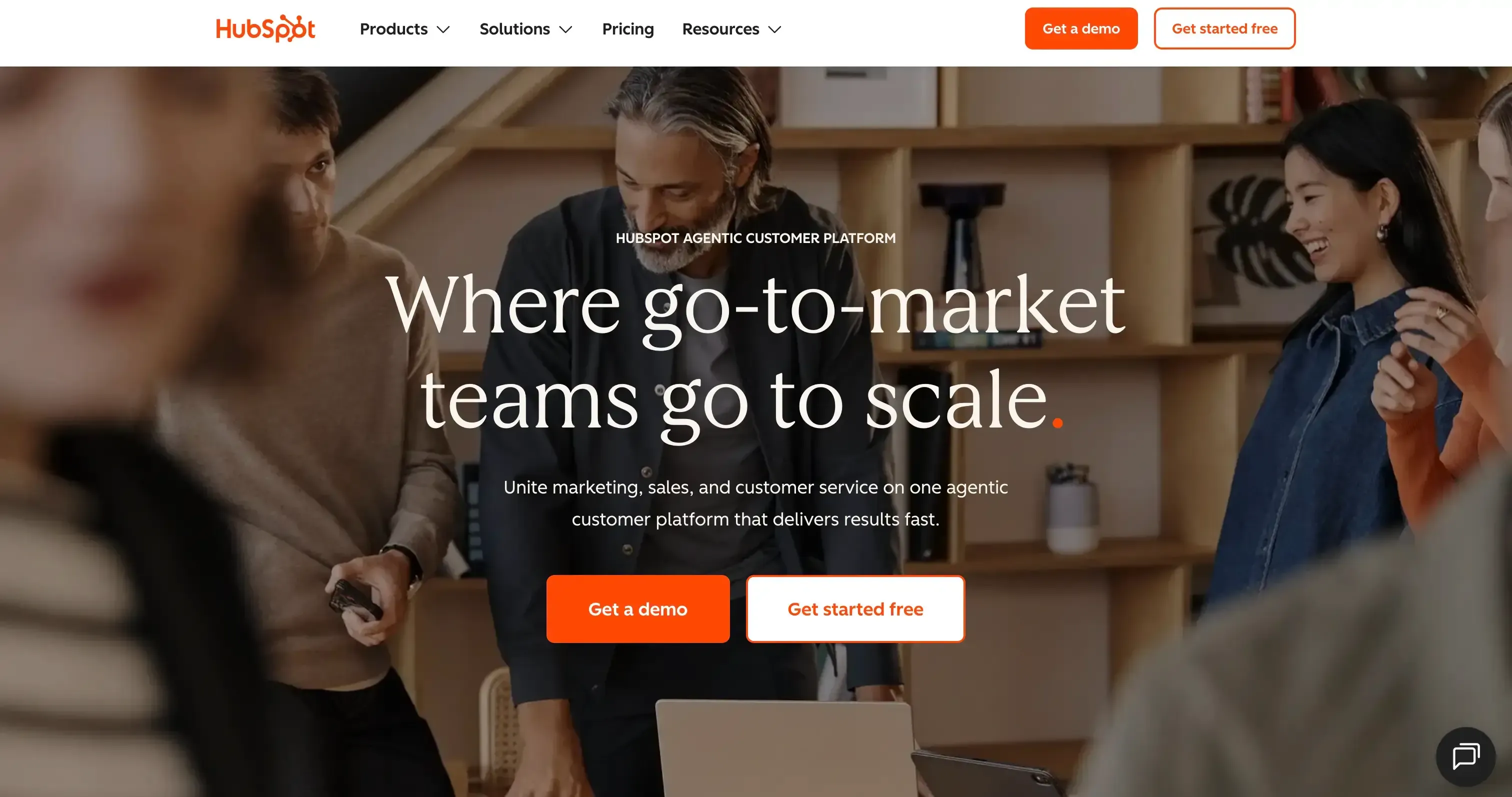
HubSpot brings a Sales Hub, Marketing Hub, Service Hub, and Operations Hub for retailers to manage all customer interactions, sales, marketing, and tickets under one platform. It connects all your touchpoints
- Operations Hub: Customer, purchase, and inventory data can be synchronized across connected systems, making HubSpot more useful for retailers that already have separate commerce tools.
- Marketing Hub: Purchase behavior, seasonal trends, and engagement levels can drive customer segments and automated campaigns, including product recommendations and abandoned-cart follow-ups.
- Sales Hub: The familiar HubSpot pipeline becomes the center for managing retail sales opportunities, customer conversations, and follow-ups rather than a dedicated retail sales system.
- Service Hub: Tickets, chat, and customer conversations are brought into one workspace, giving support teams a shared history of customer interactions.
- Ecommerce Integrations: Shopify, WooCommerce, Magento, and BigCommerce can feed ecommerce activity into HubSpot, which makes the platform a better fit for retailers already operating on one of these platforms.
HubSpot CRM pros and cons
Pros | Cons |
A free plan that never expires and supports unlimited customer data | Paid plans get pricey as your team grows |
Strong ecommerce integrations, including Shopify | Professional and Enterprise plans require annual contracts with no opt-out option |
Uninterrupted integration with over 1,700 business apps through third-party connections | Dedicated POS support is not clearly defined |
Strong automation features that streamline repetitive tasks | A/B testing isn't available on lower-tier plans |
HubSpot CRM is best for
Retail businesses of all sizes that want to centralize customer data for individual-specific shopping experiences. It's especially valuable for retailers who aim to increase repeat purchases through targeted marketing campaigns based on purchase history. The adaptable platform grows with your business, from startups to enterprise-level organizations with multiple locations.
G2 Rating: 4.4 / 5 (12,000+ reviews) | Starting price: Free / $20/user/month (Starter)
3Zoho CRM — Best budget retail CRM software for small and growing stores
Source: zoho.com
Zoho CRM key features
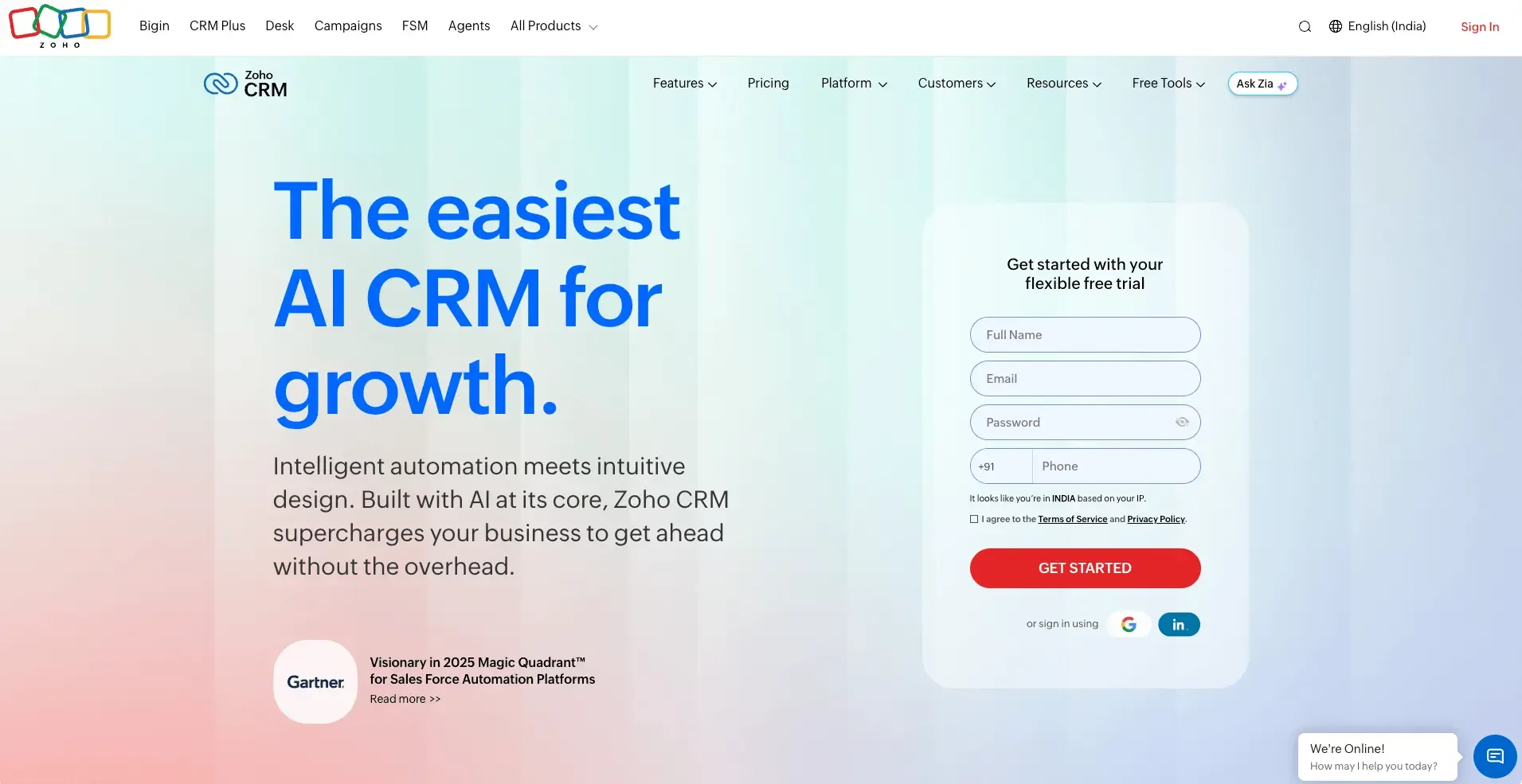
Zoho's retail offering goes beyond its CRM and combines Zoho CRM with POS, inventory, ecommerce, payments, and loyalty tools to cover different parts of the retail operation. This makes Zoho more retail-focused than a CRM that relies mainly on third-party integrations.
- Connected Retail Ecosystem: Zoho's retail offering goes beyond CRM, bringing together POS, inventory, ecommerce, payments, and loyalty products within its wider product ecosystem.
- Zoho POS: In-store checkout is handled through Zoho's own POS product, giving the platform a more direct role in retail transactions than CRM-only competitors.
- Zoho Inventory: Stock levels can be tracked across locations, with reorder alerts and inventory visibility built into the retail workflow.
- Zia AI: AI is applied to inventory-related tasks such as product categorization and packing optimization, rather than being limited to sales conversations.
- Zoho Thrive: Loyalty programs can be built around points that customers earn from purchases and redeem during future transactions.
- Retail-Specific Capabilities: The platform addresses different retail models with details such as size and color variants for fashion, serialized products for electronics, perishable-goods handling for supermarkets, and tiered pricing for wholesale.
Zoho CRM pros and cons
Pros | Cons |
Very affordable with a free plan that supports up to three users | Customer support response times need improvement |
Combines smoothly with over 800 apps through Zoho Marketplace | Retail capabilities are spread across multiple Zoho products |
Offers a broader retail ecosystem with its own POS, inventory, ecommerce, and loyalty products | Lower-tier plans have limited reporting features |
Strong customization options for modules, layouts, and workflows | Businesses may need multiple products to get the complete retail stack |
Zoho CRM is best for
Zoho is best for retailers that want a broader retail technology ecosystem covering CRM, POS, inventory, ecommerce, payments, and loyalty. It is particularly suitable for businesses with more complex retail operations, such as multi-location stores, wholesale businesses, fashion retailers, electronics retailers, and grocery businesses.
G2 Rating: 4.1 / 5 (2,700+ reviews) | Starting price: Free / $14/user/month (Standard)
4SparrowCRM — AI-native CRM built for sales-driven retail teams
SparrowCRM key features
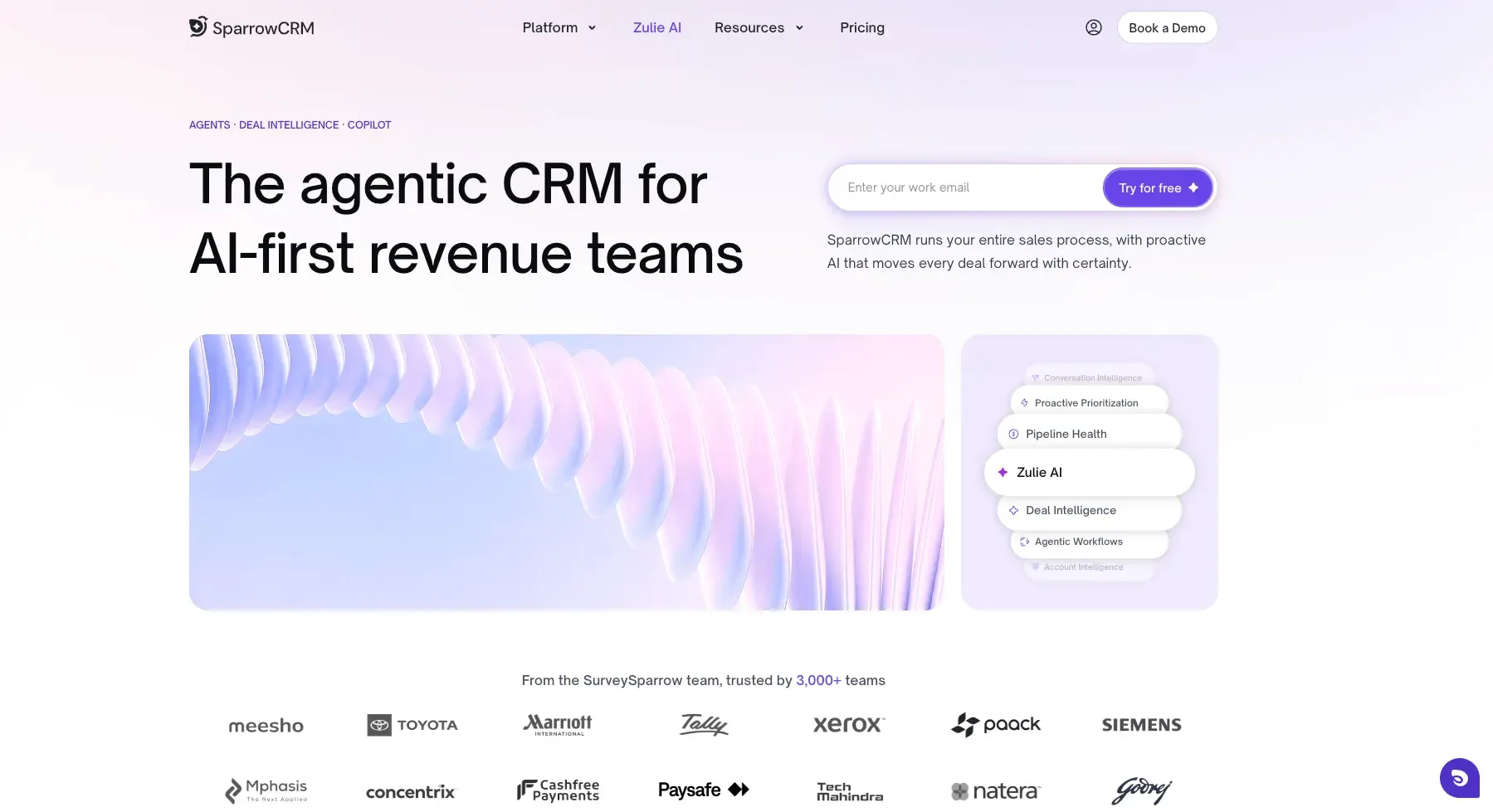
SparrowCRM is an AI-native CRM built for small and mid-sized businesses that need a clearer view of customer relationships, buying signals, and sales activity. It uses AI to help retail teams understand customer engagement and prioritize the relationships most likely to convert or need attention.
- AI Customer Scoring: Purchase signals, engagement history, and buying patterns feed into AI Customer Scoring, helping sales teams quickly identify which customer relationships deserve attention.
- Account Intelligence: For wholesale accounts, corporate buyers, and franchise partners, SparrowCRM maps the people involved in a deal and highlights their influence within the buying process.
- AI-Driven Next Actions: Instead of leaving reps to decide what to do after every interaction, SparrowCRM turns conversation and engagement signals into recommended next steps.
- Customer Sentiment: Customer interactions provide sentiment signals that give sales teams more context around how a relationship is progressing before they follow up.
- Deal Intelligence: Deal activity and engagement signals help sales teams spot opportunities that are moving forward as well as those that may need intervention.
SparrowCRM pros and cons
Pros | Cons |
AI is embedded natively in customers with scores, buying intent, and next actions without any configuration | Currently in early access |
Call intelligence automatically transcribes and summarizes every customer conversation | POS integration is not native and requires integration setup with the existing stack |
Pipeline visibility with real-time risk detection reduces customer churn before it happens | Best suited for sales-driven retail and B2B retail, less suited for pure transactional retail with no sales team |
Built for global teams, multi-region support from the ground up |
SparrowCRM is best for
Retail businesses with a dedicated sales team, whether that's an account management function for corporate clients, a retail chain where store managers track customer relationships, or an e-commerce operation with a sales overlay.
SparrowCRM is particularly powerful for retailers where the customer relationship spans multiple touch points over time: in-store visits, online purchases, follow-up calls, and loyalty milestones. If you need your CRM to actively tell your team what to do next, rather than just storing data, SparrowCRM is worth evaluating first.
Starting price: Free / $19/user/month (Growth)
Explore SparrowCRM to Unlock Retail Growth Opportunities
5Creatio CRM — Best for complex retail automation without coding
Source: creatio.com
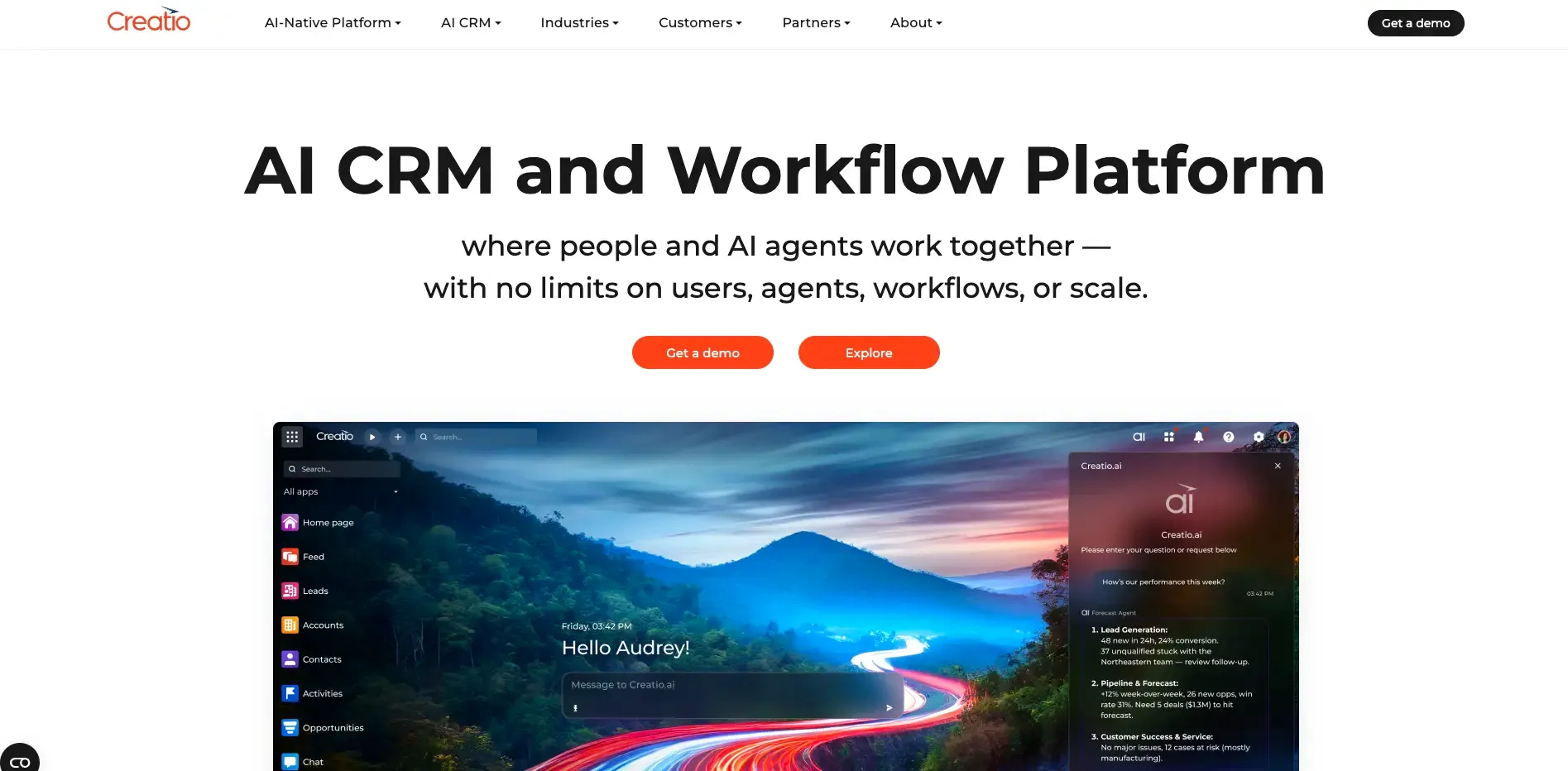
Creatio's no-code platform stands out among retail CRMs. It lets businesses automate workflows without needing coding skills. My experience implementing Creatio across several retail chains shows how retail staff can easily customize processes to get better customer engagement.
Creatio CRM key features
This retail customer relationship management solution comes with powerful features:
- A no-code/low-code environment with drag-and-drop interfaces that build custom applications
- AI-powered virtual assistant (Copilot) that creates workflows, segments audiences, and prepares opportunity summaries
- Omnichannel marketing tools for email campaigns with advanced trigger capabilities
- Process automation that makes inventory management and order processing efficient
- Complete analytics with customizable dashboards that track KPIs
Creatio CRM pros and cons
Pros | Cons |
|---|---|
Wide customization options without technical expertise | Higher pricing than competitors like Zoho CRM |
Reliable workflow automation that cuts down repetitive tasks | New users face a steep learning curve despite the no-code approach |
AI capabilities that improve personalization and make operations efficient | Limited out-of-the-box integrations compared to competitors |
Strong integration capabilities with third-party applications | Large data volumes can cause performance slowdowns |
High user satisfaction with 4.7/5 rating from customers | Complex pricing structure needs careful planning |
Creatio CRM is best for
Medium to large retail businesses that need complex automation. Retailers who want to personalize customer interactions throughout the shopping experience will like Creatio's way of blending data from multiple touchpoints. The platform might get pricey, but it brings strong ROI through better sales forecasting and efficient operations for businesses with complex retail processes.
G2 Rating: 4.7 / 5 (300+ reviews) | Starting price: $25/user/month
How is AI changing retail CRM?
AI is helping retail CRM systems turn customer history and behavior into timely, personalized actions.
- Product recommendations: Suggests relevant products based on purchase history, browsing behavior, and customer preferences.
- Targeted campaigns: Identifies customer segments and helps create personalized campaigns based on shopping patterns and engagement.
- Churn alerts: Flags customers showing signs of disengagement, helping teams act before they stop buying.
The result is a CRM that helps retailers decide what to recommend, whom to target, and when to act.
6ActiveCampaign — Best retail CRM for email-first marketing and e-commerce
Source: activecampaign.com
ActiveCampaign key features
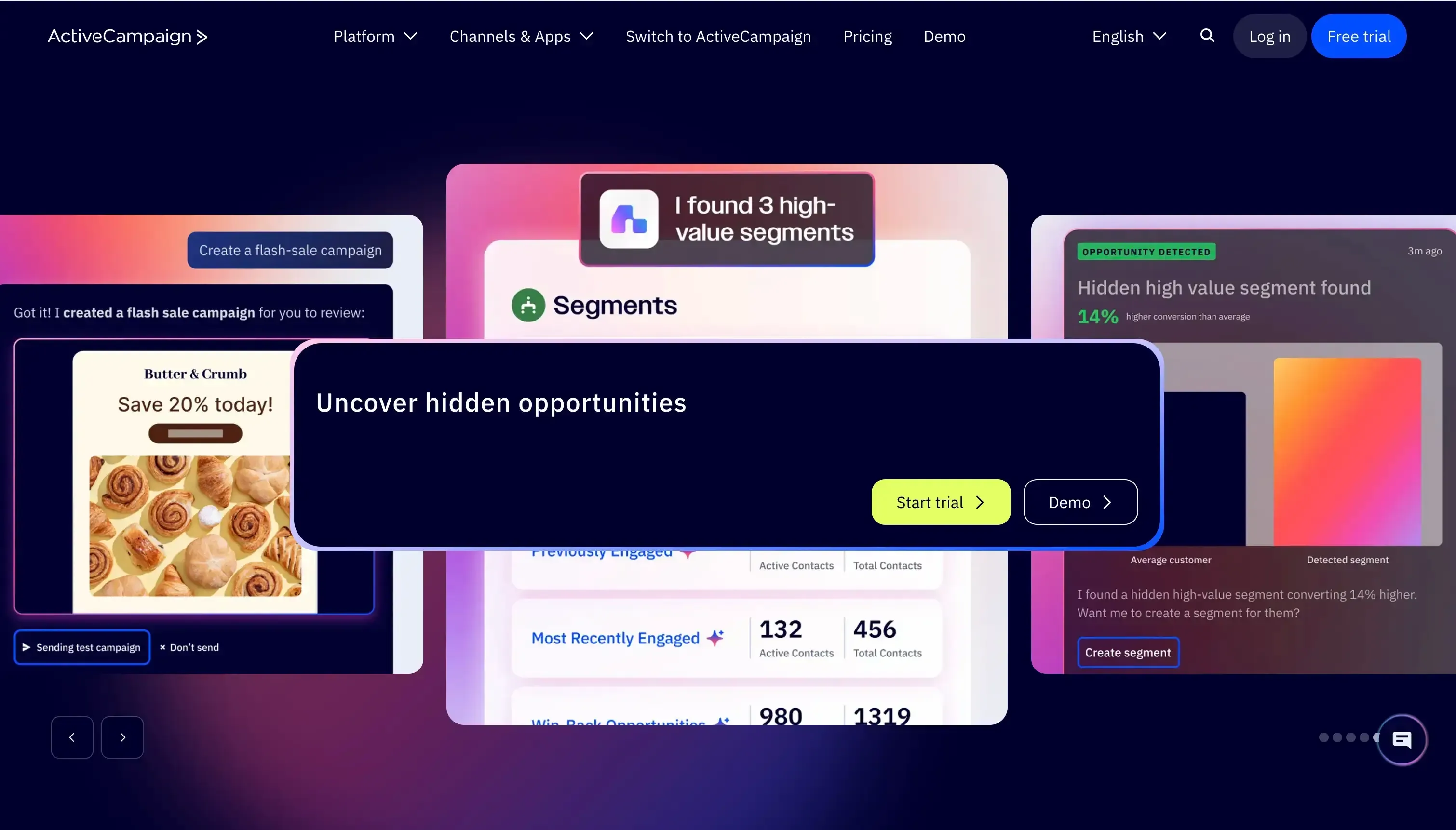
ActiveCampaign's retail offering is primarily focused on ecommerce marketing automation rather than retail operations. It works on top of an existing ecommerce platform, using store and customer data to automate personalized marketing, abandoned-cart recovery, and post-purchase engagement.
- Marketing Automation: Customer activity and purchase behavior can trigger personalized email and SMS journeys, making ActiveCampaign particularly relevant to retailers focused on lifecycle marketing.
- Abandoned Cart Recovery: Shoppers who leave items behind can automatically receive follow-up messages designed to bring them back to the purchase.
- Cross-Sell and Upsell Automation: Previous purchases and product activity can be used to trigger recommendations or promotional messages for related products.
- Ecommerce Data Sync: Shopify and WooCommerce can feed store and product information into ActiveCampaign, giving marketers the data needed to build more targeted automations.
- Post-Purchase Automation: A completed transaction can start a new customer journey, from follow-up communication to additional product recommendations and ongoing engagement.
ActiveCampaign pros and cons
Pros | Cons |
Advanced segmentation lets you create targeted marketing campaigns | No native inventory management system |
Email automation makes timely follow-ups with prospects easier | Simple CRM features compared to dedicated CRM platforms |
Strong Shopify and WooCommerce integrations | No dedicated loyalty management product |
High deliverability rates help your email campaigns work better | No free plan exists, just a 14-day trial |
ActiveCampaign best for
ActiveCampaign is best for small and mid-sized, ecommerce-first retail businesses that want to automate customer engagement and lifecycle marketing. It is particularly useful for Shopify- or WooCommerce-based retailers that want to recover abandoned carts, send personalized offers, and automate cross-sell, upsell, and post-purchase campaigns.
It is less suitable for retailers looking for an all-in-one retail CRM with built-in POS, inventory, payments, or store-management capabilities, as these functions remain outside ActiveCampaign's core platform.
7Pipedrive — Best retail CRM system for visualising and managing sales pipelines

Source:pipedrive.com
Pipedrive key features
Pipedrive is a sales-focused CRM that adapts its core pipeline and customer management capabilities to retail use cases. Unlike platforms with dedicated retail modules, Pipedrive relies on its standard CRM features and integrations to help retailers manage sales, customer relationships, and order activity.
- Visual Sales Pipeline: Deals move through a clear, visual pipeline, giving retail sales teams an easy way to track opportunities, conversations, and follow-ups.
- Products Catalog: Products and pricing can be attached to deals, keeping purchase details alongside the customer record. It is useful for sales tracking, but it isn't a substitute for a dedicated inventory system.
- LeadBooster: Web forms, chatbots, and live chat provide ways to capture prospects from a retailer's website and move them into the sales pipeline.
- Sales Reporting: Retail teams can break down sales activity and pipeline performance to see which products or opportunities are generating results and where deals are slowing down.
- POS Integrations: Pipedrive can bring information from an existing POS into the CRM through integrations. The important distinction is that Pipedrive remains the CRM layer rather than becoming the retailer's checkout or inventory system.
Pipedrive pros and cons
Pros | Cons |
User interface adapts to your specific retail needs | No permanent free plan, just a 14-day trial |
Interactive dashboards show team KPIs for evidence-based strategies | No native POS system |
Activities overview makes sure you never miss follow-ups | No built-in inventory management |
Scheduler tool brings all calendar management together for demos and customer interactions | POS and ecommerce integrations need to be evaluated individually |
Pipedrive is best for
Pipedrive is best for small and mid-sized retailers that primarily need a simple CRM for managing sales opportunities, customer relationships, and follow-ups. It can work well for retailers that already have separate POS and inventory systems and want to use Pipedrive as the sales and relationship-management layer.
It is less suitable for retailers looking for an all-in-one retail platform with native POS, inventory, payments, or loyalty management. Its strength is sales pipeline management rather than retail operations infrastructure.
G2 Rating: 4.3 / 5 (2,000+ reviews) | Starting price: $14/user/month (Essential)
Which retail CRM platforms support loyalty programs and segmentation?
Salesforce, Zoho CRM, and HubSpot support customer segmentation and loyalty-focused workflows, with capabilities varying by plan and integrations. Salesforce offers dedicated loyalty capabilities, while Zoho supports loyalty through its wider retail ecosystem. HubSpot is stronger for customer segmentation and personalized marketing, particularly when connected to e-commerce and other retail systems.
8Microsoft Dynamics 365 — Best enterprise retail CRM for Microsoft-first businesses
Source:microsoft.com
Microsoft Dynamics 365 key features
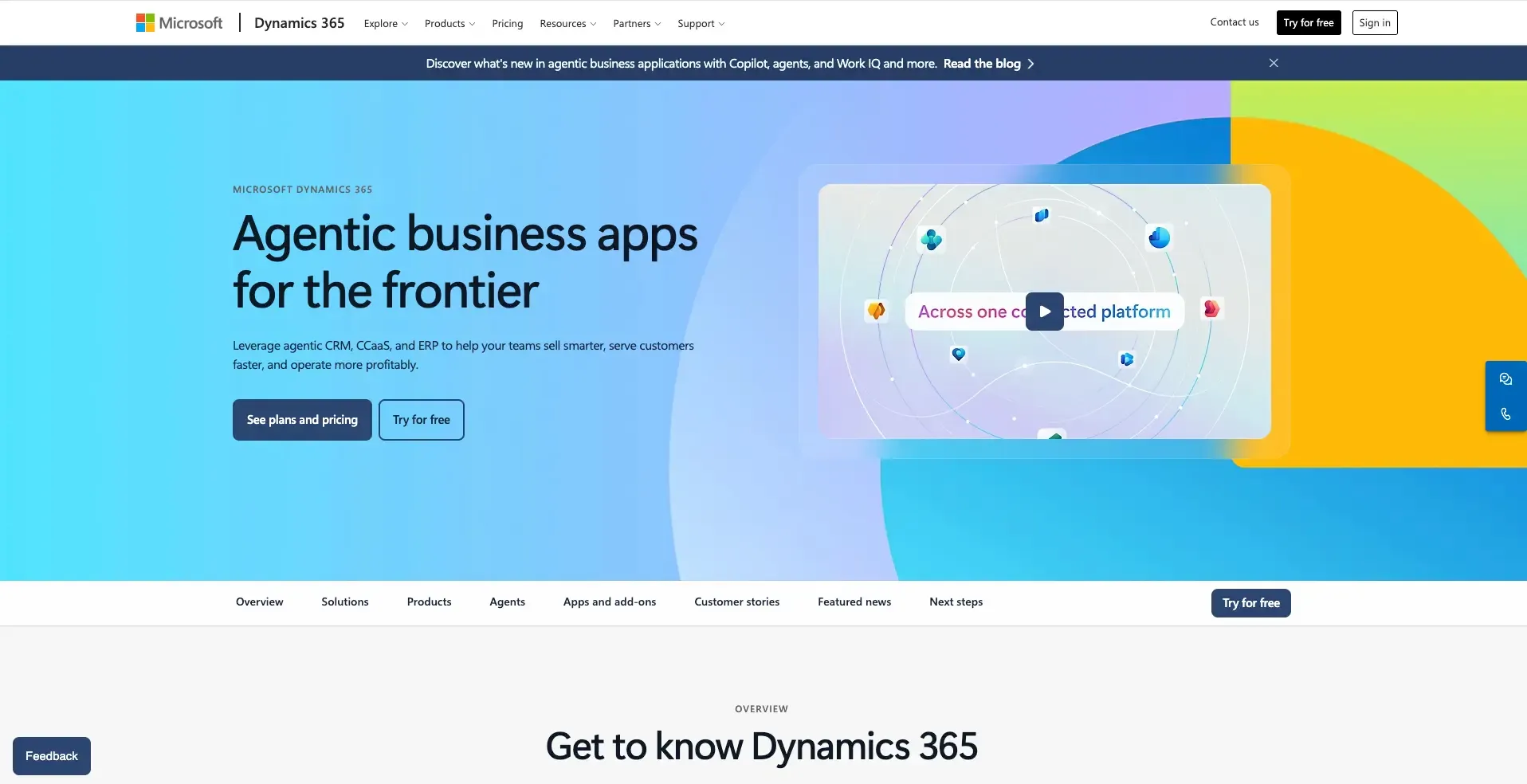
Microsoft Dynamics 365 Commerce is a unified commerce platform built specifically for retail, covering areas such as POS, inventory, order management, e-commerce, and loyalty. other CRM platforms in this list that rely on integrations to connect retail systems, Dynamics 365 Commerce provides many of these capabilities natively.
- Cloud and Edge POS: Sales and returns happen directly at the point of sale, while edge capabilities keep stores operational when the connection to the cloud is interrupted.
- Real-Time Inventory Management: Inventory visibility extends across stores, warehouses, and online channels, giving retailers a centralized view of available stock.
- Distributed Order Management: Orders can be routed between stores and warehouses to support different fulfillment options, including delivery and pickup.
- Endless Aisle: A product being out of stock in one store doesn't necessarily mean losing the sale. Customers can access inventory from other stores or warehouses.
- Loyalty Management: Retailers can create loyalty schemes where customers earn and redeem points across their purchasing journey.
- Headless Commerce: The commerce engine can sit behind a custom digital experience, allowing retailers to control the front end without separating it from the underlying commerce, inventory, and order-management systems.
- B2B Commerce: Wholesale customers can get self-service purchasing experiences with customer-specific catalogs and negotiated pricing.
- Global compliance infrastructure, GDPR, CCPA, and regional regulatory requirements built in
Pros | Cons |
Native POS, inventory, order management, and commerce capabilities | Highest implementation complexity in this comparison — requires a certified Microsoft partner in most cases |
Supports true omnichannel retail operations | Starting at $65/user/month, it is the most expensive entry point in this list |
Microsoft Copilot AI provides deep AI assistance across sales, service, and marketing modules | Not appropriate for small or mid-sized retail; the complexity and cost exceed the ROI for most SMB retailers |
Global compliance infrastructure is enterprise-grade, strong for multinational retail | G2 rating (3.8/5) is the lowest in this comparison, reflecting implementation complexity and user experience issues |
Microsoft Dynamics 365 is best for
Microsoft Dynamics 365 Commerce is best for mid-sized and enterprise retailers that need a complete omnichannel commerce platform with native POS, inventory, order management, ecommerce, and loyalty capabilities. It is particularly suited to businesses operating multiple stores, warehouses, ecommerce channels, or complex fulfillment workflows.
For a small retailer that only needs customer management and sales follow-ups, Dynamics 365 Commerce would likely be more platform than necessary. Its capabilities and implementation model are better suited to retailers with complex operations and the budget to support an enterprise commerce system.
G2 Rating: 3.8 / 5 (1,800+ reviews) | Starting price: $65/user/month
How retail CRM drives real business results
Case Study: Sephora: How CRM-driven loyalty built a 25 million member programme
Sephora is one of the most documented examples of CRM-driven retail transformation. Faced with growing consumer demand for personalised, two-way brand relationships, Sephora implemented a CRM 2.0 strategy — a three-layer architecture combining CRM (transactional and declared customer data), a DMP (behavioural and navigational data), and data mining with automation. Every customer interaction, from in-store purchases to online browsing to post-purchase feedback, was unified into a single customer view that fed personalised messaging across every channel.
What the results showed:
- Over 25 million Beauty Insider loyalty members built on CRM-powered personalisation, tier-based engagement, and purchase-history-driven product recommendations (Smile.io, 2023)
- AI-powered multi-channel orchestration enabled Sephora to reach customers on their preferred channel without over- or underexposure, driving consistent engagement across every touchpoint
- Post-purchase feedback loops were automated: customer ratings collected after each purchase were passed directly to in-store teams to trigger operational improvements
- CRM data enabled the shift from a purely transactional retail relationship to a trust-based customer relationship, underpinning long-term loyalty, repeat purchasing, and brand advocacy at scale (Artefact x Sephora CRM 2.0 Case Study)
The pattern holds across retail sizes and regions. Companies using CRM software report an average 29% increase in sales and 34% improvement in sales productivity (Salesforce Research). For retail specifically, the ROI is most visible in customer retention metrics because, as Bain & Company research shows, a 5% increase in customer retention can increase profits by 25–95% depending on the category.
The key lesson: the biggest impact does not come from the CRM features themselves. It comes from consolidating data that was previously disconnected and giving your team one place to understand, act on, and build customer relationships.
How to choose a CRM for your retail store
Selecting the right CRM for your retail business is about finding a system that matches your store’s goals, size, and customer experience needs. Retail thrives on customer relationships, and your CRM should act as the central hub that connects customer data, sales, marketing, and inventory.
Here are the key steps to guide your choice:
1. Define your goals clearly
Start with the “why.” Do you want to boost repeat purchases, manage loyalty programs, or gain better visibility into sales across multiple stores? Outlining your goals will help you filter out CRMs that look impressive but don’t fit your needs.
2. Prioritize retail-specific features
Not all CRMs are designed for retail. Look for features like customer purchase history, POS integration, rewards tracking, and omnichannel support. These ensure you’re not just managing contacts but actually driving more sales.
3. Check integrations with your existing tools
Your CRM should plug directly into your POS, e-commerce platform, and marketing tools. Seamless integration reduces manual work and ensures your sales, stock, and customer data are always in sync.
4. Keep usability in mind
Retail teams often have high turnover, so your CRM should be easy to learn, mobile-friendly, and quick to adopt. If it feels like a burden, employees won’t use it, and unused software won’t deliver ROI.
5. Evaluate costs and scalability
Start with an affordable package, but make sure the system can grow with you. A single-store retailer today might be a multi-location business tomorrow. Check if pricing is per user, per location, or based on transactions so you don’t face hidden costs.
6. Test with a pilot program
Don’t lock yourself into a long-term contract right away. Run a pilot with one location or a single department. Track KPIs like customer retention, sales lift, and staff adoption to see if the CRM truly adds value.
A CRM should feel less like “software” and more like a natural extension of your retail operation. If it helps you understand your customers better, simplifies operations, and drives more repeat business, you’ve chosen the right one.
Final thoughts
Retail is no longer about stacking shelves and ringing up sales. It is about building relationships that bring customers back again and again. A CRM is not just a back-office tool but a frontline system that shapes how your brand is experienced every single day. The statistics already prove it: customers reward businesses that understand them, and retailers who personalize their approach see measurable gains in loyalty and revenue.
The question is not whether your business needs a CRM. The real question is whether you are ready to compete in a market where the customer now holds all the power. Choosing the right CRM is choosing to put your customer at the center of every decision. That choice will separate the retailers who thrive from the ones who get left behind.



