CRM SOFTWARE
Salesforce vs SAP: Key Differences, Pricing, Ratings & Which Is Right for Your Business (2026)

By Ganesh Ravi Shankar
Last updated on Jun 11, 2026
Explore how Salesforce and SAP CRM differ in capabilities, costs, and how they impact your sales and operations.
Salesforce vs SAP CRM is a rivalry that drives strong opinions and plenty of skepticism in the crowded enterprise software world. While Salesforce is celebrated as the cloud CRM everyone knows, and SAP is seen as the classic choice for businesses with deep, interconnected systems, users often end up frustrated with both: setups get complex, costs climb quickly, and neither platform feels perfect at solving the whole “customer experience” puzzle.
"Salesforce Sales Cloud fits perfectly for our sales team. It adapts incredibly well to different sales models, industries, and team sizes. The ability to customize objects, automate processes with Flow, and build meaningful dashboards gives both sales reps and leadership exactly what they need." — Verified reviewer, via G2
In reality, the choice between them is rarely about features on a brochure,it’s figuring out which headaches you’re willing to trade for which advantages, and whether your team has the appetite to manage all the moving parts.
What Is Salesforce?
Salesforce is the world's leading cloud-based CRM platform, used by over 150,000 companies globally. It was built around one core premise: every customer interaction should be visible, trackable, and improvable. The platform covers the full revenue lifecycle, lead capture, deal management, forecasting, customer service, and marketing automation, all within a single cloud environment.
Salesforce is a pure-play CRM. It does not manage payroll, inventory, or manufacturing. What it does managing customer-facing operations, it does in depth and at scale.
What Is SAP?
SAP (Systems, Applications, and Products in Data Processing) is the world's leading ERP platform, used by over 400,000 organizations across 180 countries. SAP's CRM product SAP Sales Cloud is part of the SAP Customer Experience suite, which sits within the broader SAP Business Suite alongside finance (S/4HANA), HR (SuccessFactors), and procurement (Ariba).
Unlike Salesforce, SAP CRM is not a standalone product. It is one module within a suite designed for end-to-end enterprise operations. This makes SAP extraordinarily powerful for large, operationally complex enterprises, but considerably heavier for teams that primarily need a sales and customer relationship tool.
Difference Between SAP and Salesforce - At Glance
Feature | Salesforce | SAP |
Primary Focus | Dedicated cloud-based CRM for marketing, sales, and customer service | ERP-focused with CRM as part of broader ecosystem |
G2 Rating (Q1 2026) | 4.3 / 5 (23,000+ reviews) | 4.1 / 5 (1,800+ reviews) |
Market leadership | #1 CRM globally — Gartner Magic Quadrant Leader 2024 | #1 ERP globally |
Industry Strength | Tech, media, retail | Manufacturing, finance, healthcare |
User Interface | Clean, modern, intuitive design | Function-first, more complex interface |
AI Platform | Einstein (33% faster meeting prep, 10% increased win rates) | Joule (80% faster sales tasks, 50% boost in service productivity) |
Customization Approach | Low-code/no-code with App Builder and Flow Builder | Developer-heavy, requires technical resources |
Integration Capability | Strong marketing tech stack integration | Superior ERP and supply chain integration |
Implementation Timeline | 3-6 months | 6-12 months for complex deployments |
Cost Structure | Subscription-based SaaS model | Traditional licensing + maintenance fees; cloud options available |
Training Resources | Trailhead platform with interactive learning | Customer Experience Onboarding Resource Center |
Best Suited For | Sales-driven organizations, SMBs seeking growth | Operations-driven enterprises, complex supply chains |
Implementation Costs | $50,000 - $200,000 | $50,000 - $200,000 |
The real question isn't which platform has shinier features. Salesforce gives you flexibility with data models that can handle pretty much any workflow you throw at them. SAP brings enterprise level power, especially when you need serious CPQ and sales performance management.
So what's it gonna be for your enterprise? The answer depends on what you actually need, not what sounds impressive in a boardroom presentation.
Want a quick breakdown instead? Watch our detailed video comparison of Salesforce vs SAP vs SparrowCRM to see which CRM fits your business best in 2026.
Business Needs and CRM Fit
Figuring out whether you need Salesforce or SAP starts with being brutally honest about what your business actually does and what it needs to do better. I've seen too many companies get caught up in feature lists when they should be looking at their core operations first.
The lines between customer-facing work and backend operations are getting blurrier every year, but the fundamental DNA of these platforms hasn't changed. Each one still has its sweet spot.
1. Front-office vs Back-office Priorities
Salesforce is optimized for the front lines: pipeline, campaigns, service queues, and field interactions. SAP is optimized for the run-the-business backbone: planning, procurement, manufacturing, finance. When the two are integrated well, support agents see shipment ETAs and inventory truth, and reps quote against real capacity but you only get this if integration is deliberate.
2. Sales-driven vs Operations-driven Organizations
Sales-driven companies live for the hunt. These are organizations where revenue comes from relationships, deals, and customer conversations. Salesforce fits like a glove because it tracks every lead, every interaction, every opportunity moving through your pipeline. Your sales team can focus on what they do best selling instead of wrestling with clunky systems.
Operations-driven companies are different animals entirely. They're the manufacturers, the logistics companies, the financial services firms where the magic happens in the backend. SAP shines here because it connects inventory with budgets, production schedules with procurement, HR with finance, all the moving parts that keep the machine running.
Tech companies, media firms, and retailers usually find a home with Salesforce. For manufacturing, logistics, and finance, SAP’s ERP-first approach typically makes more sense.
3. Scalability Requirements: SMBs vs Enterprises
Salesforce built their reputation on being the scrappy cloud solution that didn't need a server room or an IT department. Small businesses prefer this because they can start simple and grow without replacing everything.
SAP takes a different approach; they're the enterprise solution for companies with enterprise-sized problems. Global supply chains, complex manufacturing processes, multi-currency operations across dozens of countries. Sure, it's more expensive upfront, but when you're managing that level of complexity, the investment starts to make sense.
Here's what's interesting though: more companies are saying "why choose?" They're using both platforms Salesforce for customer relationships and SAP for operations. It's not the cheapest route, but for the right organization, it creates a pretty powerful combination.
4. User Experience and Customization
The interface can make or break your CRM adoption. I've seen companies spend millions on a platform only to watch their teams avoid using it because it feels like navigating a maze blindfolded.
Interface Design: Modern UI vs Functional UI
Salesforce nailed the "make it look good" game. Their interface feels like a modern user experience that actually wants you to succeed. Sales reps can jump in, find what they need, and get back to selling without feeling like they need a computer science degree. It's the kind of design where your team doesn't need a manual to figure out where the customer data lives.
SAP took a different route. Their interface says "function over form" loud and clear. Sure, it's not going to win any beauty contests, but it handles serious business operations across every department you can think of. The complexity isn't because they couldn't design something prettier, it's because running enterprise operations is genuinely complex. Sometimes you need more buttons, more screens, and more data fields. That's just reality

A reddit reviewer writes , Your staff will need a huge amount of training, because it is not intuitive, most of the UI is terrible, a lot of the wording used is unique to SAP and doesn't make sense to new team members.
5. No-code vs Developer-heavy Customization
Here's where things get interesting. Salesforce built their low-code approach like they actually understand that not everyone wants to become a programmer. App Builder and Flow Builder let your business users create workflows and dashboards without calling the IT department every five minutes. It's democratized customization in a way that makes sense for most organizations.
SAP gives you customization superpowers, but with great power comes great complexity. Most of their customizations need technical folks or consultants to make it happen. The trade-off? You can customize almost everything. For companies with specific, complex needs, that thoroughness becomes worth the extra technical investment.
6. Training and Onboarding Complexity
Trailhead (free) plus Trailhead Academy (paid) gives Salesforce customers a deep, gamified learning path across roles and adoption lever SMBs value. SAP has built a Customer Experience Onboarding Resource Center with ungated guides and regular webcasts across SAP Sales Cloud/Service Cloud v2 and S/4HANA. For net-new SAP teams, plan more structured enablement, especially if they’re coming from non-SAP systems.
“SAP Fiori looks modern, but the navigation is slow and the learning curve is steep.”
From first touch to close, automate your entire sales pipeline with AI
AI and Automation in CRM
AI has become the make-or-break factor for CRM decisions in 2025. Both Salesforce and SAP have poured serious money into artificial intelligence, but their approaches tell very different stories about where they see the future heading.
Salesforce Einstein: Predictive Sales and Service
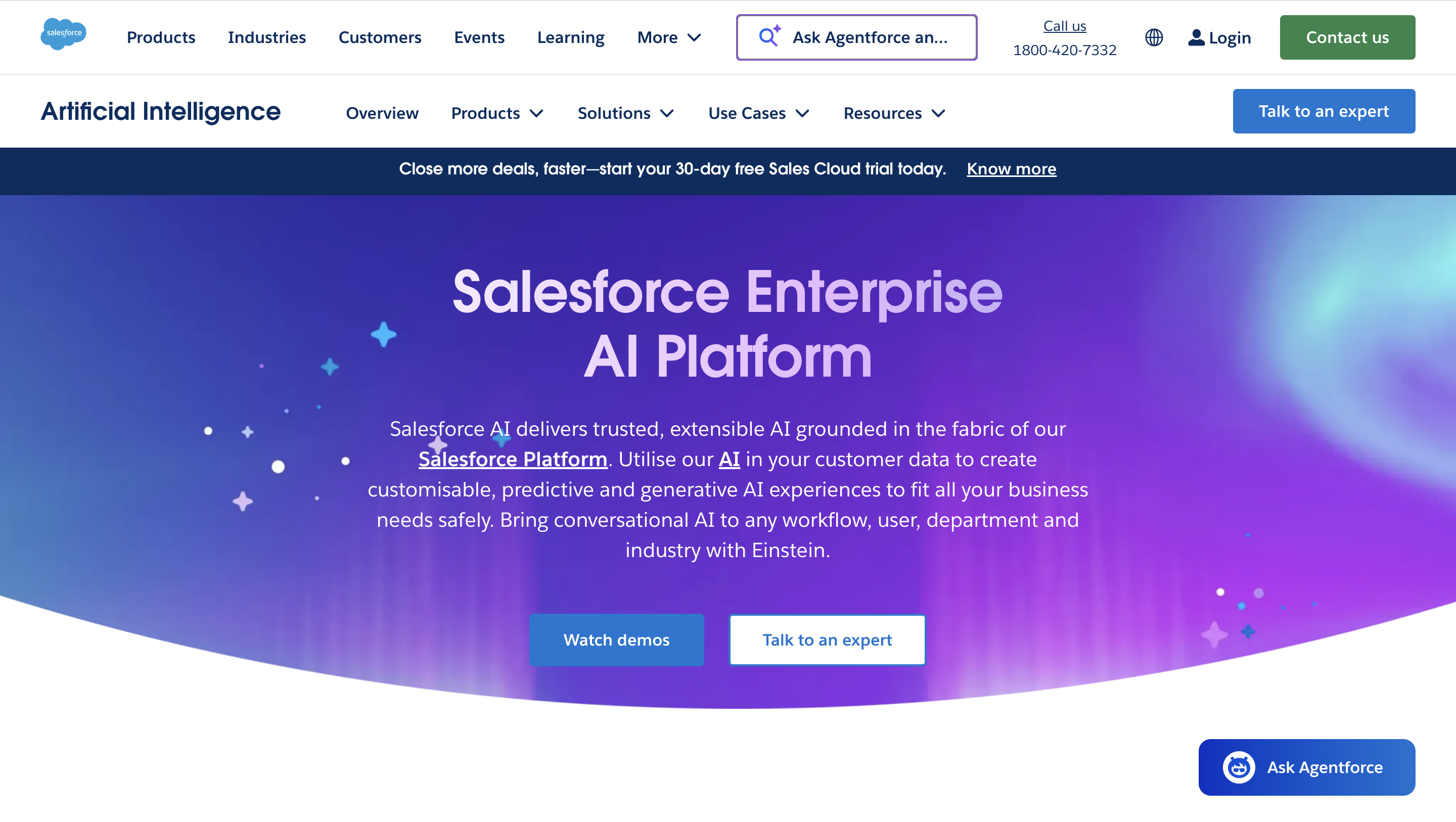
Einstein is Salesforce's answer to the "AI everything" movement, and it actually delivers predictive insights where you need them most right in your daily workflows.
The platform bundles autonomous, generative, and predictive capabilities into the CRM itself, all wrapped up in what they call the Einstein Trust Layer. Einstein's toolkit includes Copilot Builder for custom AI actions, Prompt Builder for workflow-specific prompts, and Model Builder for creating or importing AI models
Source:salesforce.com
SAP AI: Forecasting and Compliance Automation
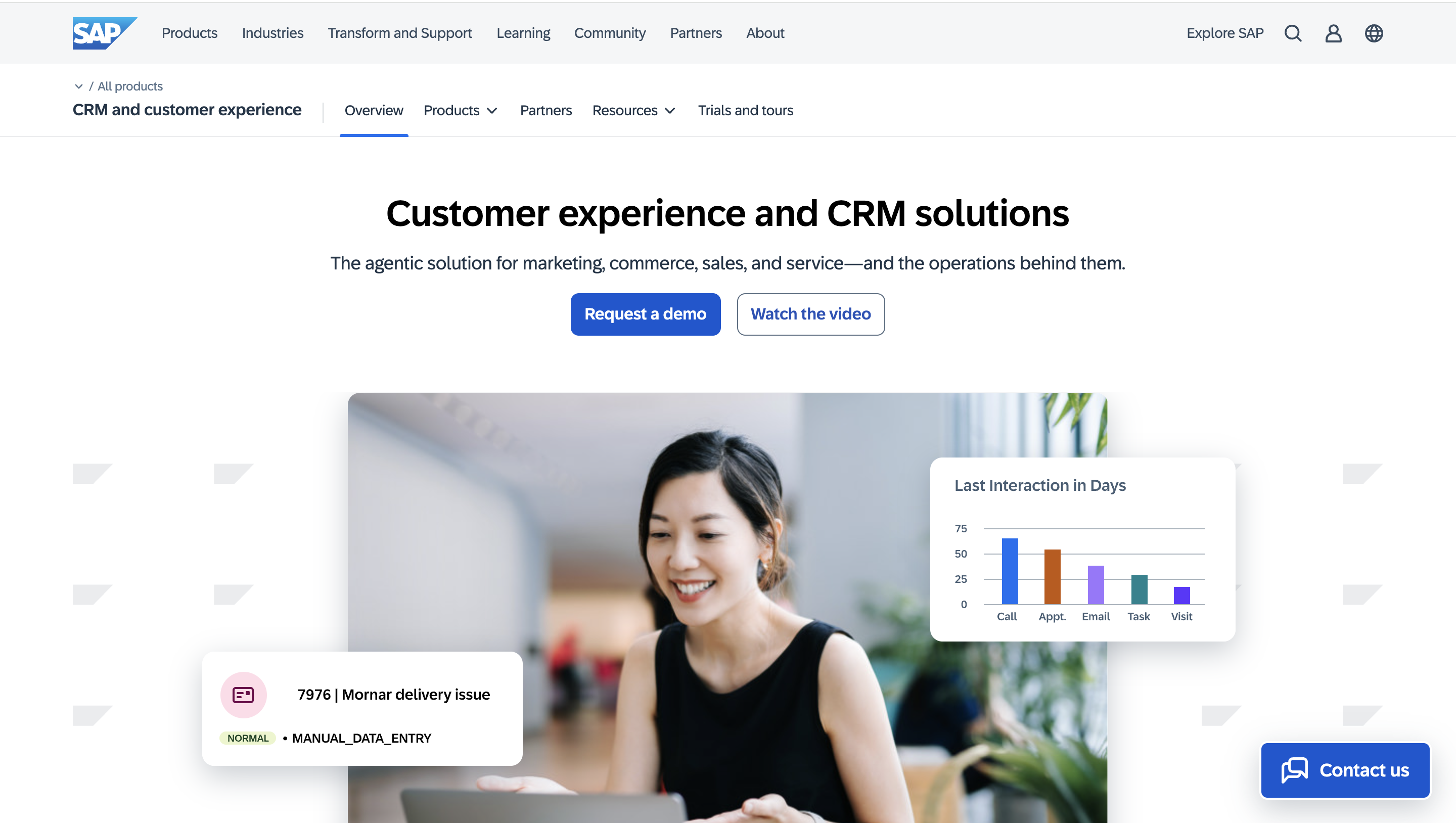
SAP took a different route with Joule, their generative AI copilot that's built for business analytics and automation. Joule integrates with SAP Analytics Cloud to handle report creation, dashboard building, and planning automatically. They're using SAP HANA Cloud's vector engine to combine large language models with your actual business data, pretty sophisticated stuff.
Their AI solutions help businesses finish everyday sales tasks 80% faster and boost service team productivity by 50%.
SAP has also beefed up their Datasphere with a knowledge graph that gives large language models better context, which cuts down on AI making stuff up and improves its reasoning. That's a big deal when you're dealing with complex business processes.
Source: sap.com
AI Use Cases Comparison
Use case | Salesforce (Einstein) | SAP (Joule / SAP AI) |
Lead scoring | Einstein Lead Scoring blends explicit data, behavioral signals, and external sources to auto-prioritize prospects. | Uses SAP landscape context to enrich scores with operational data for more grounded prioritization. |
Conversational AI | Flags key moments in sales calls and surfaces objections and questions without replaying full recordings. | Entity extraction structures emails and cases, cutting repeat issues by up to 30% for faster resolution. |
Predictive analytics | Learns from historical outcomes to predict conversion likelihood and timelines. | Delivers service and equipment insights that boost field productivity and first-time fixes by up to 65%. |
Platform direction | Expanding Einstein GPT across sales and service workflows. | Rolling out Joule with hyperscale LLMs across SAP apps for deeper cross-suite intelligence. |
The AI arms race between these platforms shows no signs of slowing down. Salesforce keeps pushing Einstein GPT while SAP integrates Joule with hyperscaler AI LLMs. Both are betting big that AI will reshape how businesses handle customer relationships.
Integration and Data Flow
CRM integration ties your data together. When it’s tight, teams sync effortlessly. When it’s loose, silos creep in and your reports go fuzzy.
Salesforce with Marketing Tech Stack
Integrations are where Salesforce proves its value across the stack, not just in marketing. Tying in ERP, billing, support, data warehouses, and contract tools gives teams one place to see customers, orders, usage, and revenue. The upside is clear: fewer manual updates, cleaner handoffs, and workflows that trigger themselves instead of relying on copy-paste.
“Every time management decides to integrate with some 3rd party enterprise software that "integrates with Salesforce", only to find out it only does 20% of what we need and then the integration specialist tells us we need to create 6 new custom fields and 3 flows to gain some feature we thought would be native.”
That pain is common. Most connectors cover the basics, and you configure the last mile.
SAP with ERP and Supply Chain Systems
SAP CPQ seamlessly passes quotes into S/4HANA for order processing, while SAP SuccessFactors Incentive Management handles complex commission schemes. The Integration Suite offers pre-built workflows and an official Salesforce adapter for hybrid scenarios. The main advantage is working with native SAP objects throughout when your processes rely heavily on materials management, manufacturing routings, or compliance requirements, this native approach eliminates the fragile data mapping issues that plague third-party integrations.
Middleware and API Support for Both
Both platforms give you multiple ways to connect the dots, depending on how technical your team wants to get. For Salesforce-SAP connections, most organizations pick one of these paths:
API-based integration: Using RESTful or SOAP APIs for real-time data exchange. Flexible, but requires some technical chops.
iPaaS solutions: Pre-built connectors from platforms like MuleSoft, SAP CPI, or Dell Boomi that make implementation simpler. Think plug-and-play for enterprise software.
Custom middleware: Tailored connectors for unique business requirements, though you'll need more technical resources. This is the "we do things our way" option.
Each approach has its sweet spots. API integration gives you flexibility, iPaaS gets you deployed faster, and custom solutions deliver maximum control for specialized industries.
Just don't forget about the costs. Integration expenses typically run from $50,000 to $200,000 depending on how complex your setup gets. Timeline-wise, you're looking at 3-4 months for pre-built connectors versus 6-12 months for complex custom deployments. Plan accordingly.
Integration Ecosystem Comparison
Integration Dimension | Salesforce | SAP |
Own ecosystem | Strong — Slack, Tableau, MuleSoft | Very strong — S/4HANA, Ariba, SuccessFactors |
Third-party SaaS | Excellent — 7,000+ AppExchange apps | Moderate — requires BTP or custom development |
API accessibility | Open REST APIs, well-documented | Available but complex — IDoc and BAPI patterns |
No-code options | Strong — native connectors, Zapier-compatible | Limited — most require technical resources |
Best fit | SaaS-heavy, cloud-first tech stacks | SAP-native enterprise environments |
Cost, Licensing, and Long-term Value
Here's the part that makes CFOs sweat figuring out what these platforms actually cost you. And trust me, the sticker price is just the beginning.
Subscription vs Licensing: Two Different Games
Salesforce keeps it straightforward with their subscription model you pay monthly or annually based on how many users you have and what features you need. Want to add five more sales reps next quarter? No problem. Need to scale back during a slow period? You can do that too.
SAP plays by different rules. They've traditionally gone with the one-time licensing approach for on-premise setups, plus those ongoing maintenance fees that never seem to go away. Though they've started offering cloud-based subscriptions similar to Salesforce. Here's the kicker: neither company will just tell you what it costs upfront. You'll need to sit through sales calls to get actual numbers.
For a breakdown of how SaaS CRM pricing models work across platforms, see our CRM pricing models explained guide.
Salesforce Pricing (per user / per month, billed annually — verified Q1 2026):
Plan | Price | Best For |
Starter Suite | $25 / user/month | Small teams, basic CRM |
Pro Suite | $100 / user/month | Growing sales teams |
Enterprise | $165 / user/month | Advanced automation, custom workflows |
Unlimited | $330 / user/month | Full AI, 24/7 support, unlimited customization |
Unlimited+ (Einstein 1) | $500 / user/month | AI-first enterprise with full Data Cloud |
Source: Salesforce Sales Cloud pricing
SAP Sales Cloud Pricing: SAP does not publish per-seat pricing publicly. Based on industry benchmarks, the typical starting price is approximately $75–$150 per user per month. Enterprise implementations commonly add $200,000–$1M+ in implementation partner fees on top of licensing.
The Hidden Costs That Bite
I've seen too many companies get blindsided by what they didn't budget for. Implementation alone can run you $50,000 to $200,000 depending on how complex your setup gets. Then there's data migration costs vary wildly based on how much data you're moving and where it's coming from.
Premium support? Tack on another 20% to your license costs. Want customizations? That's anywhere from $5,000 to over $150,000 depending on what you're trying to build. Even storage can sneak up on you; some plans charge around $125 monthly for just 500MB of additional space.
Which Platform Actually Pays Off?
If you're a sales-focused organization that needs to move fast, Salesforce usually gives you quicker returns. Their 3-6 month implementation timeline means you're seeing results sooner. Plus, you can scale your costs up and down as needed.
SAP makes more sense for enterprises with complex operational needs. Yes, you'll spend more upfront and wait longer to see results, but if you need deep ERP integration across multiple departments, that investment pays off over time.
The bottom line? The "better" ROI isn't about which platform is cheaper, it's about which one actually solves your specific problems without creating new ones.
Salesforce wants to get you up and running fast with minimal fuss. SAP wants to give you enterprise-grade everything, complexity included.
The implementation timeline makes the difference clear: 3-6 months versus 6-12 months isn’t just about features; it’s about how these companies solve business problems.
The Bottom Line on Salesforce vs SAP
I've helped dozens of enterprises make this exact decision, and here's what I've learned: There’s no universal “winner.” The right answer aligns to your business processes, integration posture, and change capacity:
- Pick Salesforce when front-office agility is king you want a CRM that sales, marketing, and service can adopt quickly, with low-code to keep momentum.
- Pick SAP when operations drive the mandate manufacturing, supply, finance, and asset data need to be first-class citizens right alongside customers.
- Pick both when you need Salesforce’s customer muscle and SAP’s operational backbone, and you’re willing to fund integration to avoid compromise.
On AI, don’t buy the badge alone. Validate Einstein or Joule claims with sandbox pilots and clean data. Even analysts are urging caution: Barron’s summarized investor skepticism that Agentforce (Salesforce’s AI agent push) may be a more shiny promise than immediate revenue driver, underscoring the need for proof in your workflows.
Plan for hidden costs from day one: implementation, data migration, enablement, support plans, storage/integration add-ons, and the governance needed to keep sprawl in check.

.png?2026-04-29T07:55:51.865Z)