CRM SOFTWARE
What is CRM in retail?

By Geethapriya
Last updated on Oct 26, 2026
Explore the blog to learn why CRM matters in the retail industry and what it can do for your business.

Geethapriya
Updated on Oct 26, 2026
A customer visits an online store, adds a product to their cart, and later visits the physical store to purchase it after seeing and feeling the product in person. This is a simple example of how a customer’s journey can move across different retail channels. But does the retailer have a system to capture and connect all these interactions? This is where CRM in retail comes in.
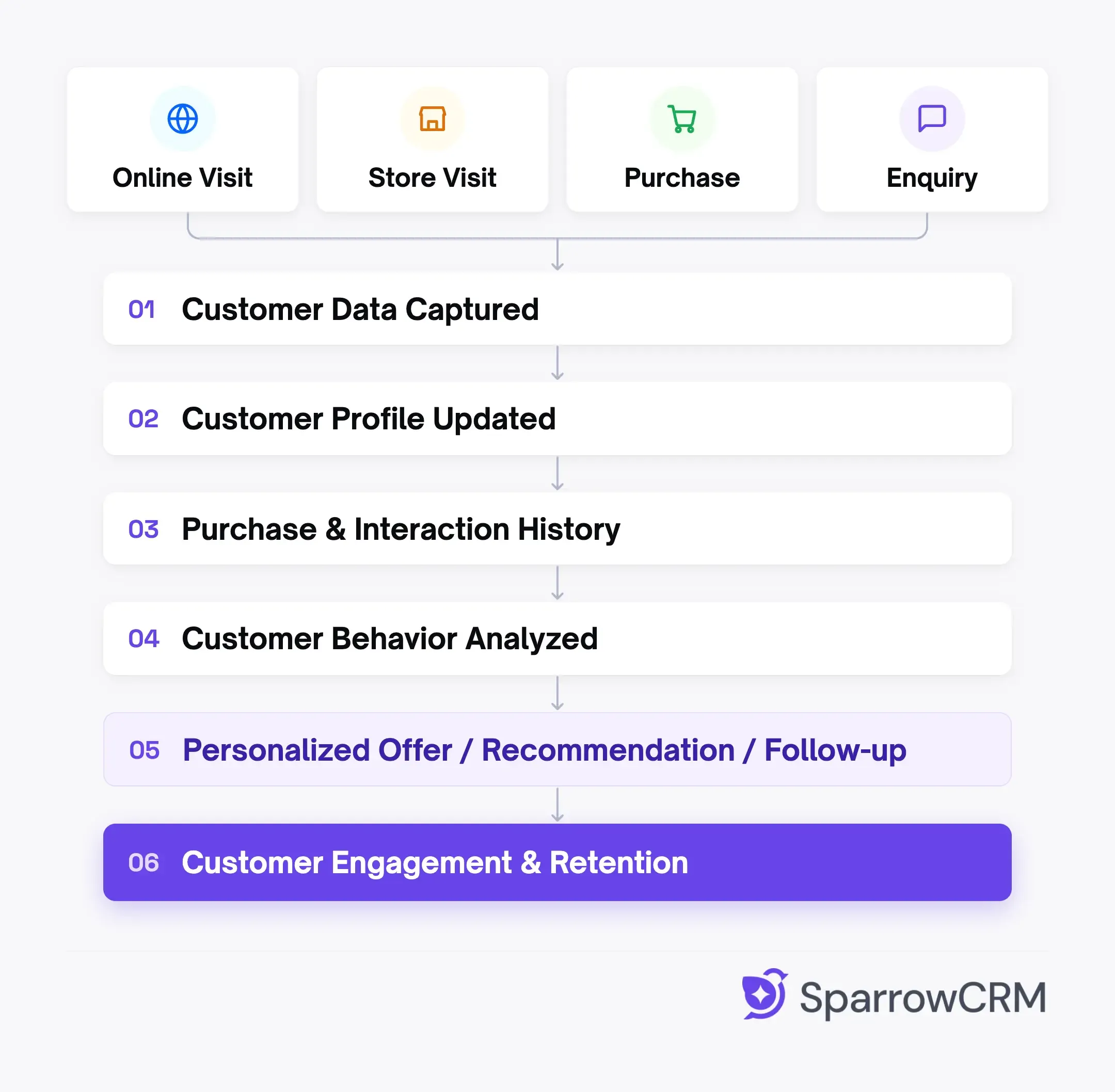
A retail CRM brings customer information, interactions, purchase history, and follow-ups together, helping retailers understand their customers and build better relationships throughout the buying journey. Explore this guide to understand what CRM in retail is, how it works, and how it can help your retail business.
What is CRM in retail?
CRM in retail is a system that helps retailers manage and understand their customer relationships. It brings customer information, purchase history, interactions, preferences, and follow-ups into one place, giving retail teams a clearer view of each customer.
In simple terms, CRM in retail helps businesses move from simply knowing what a customer bought to understanding how, why, and when they interact with the business.
How does Retail CRM impact the business?
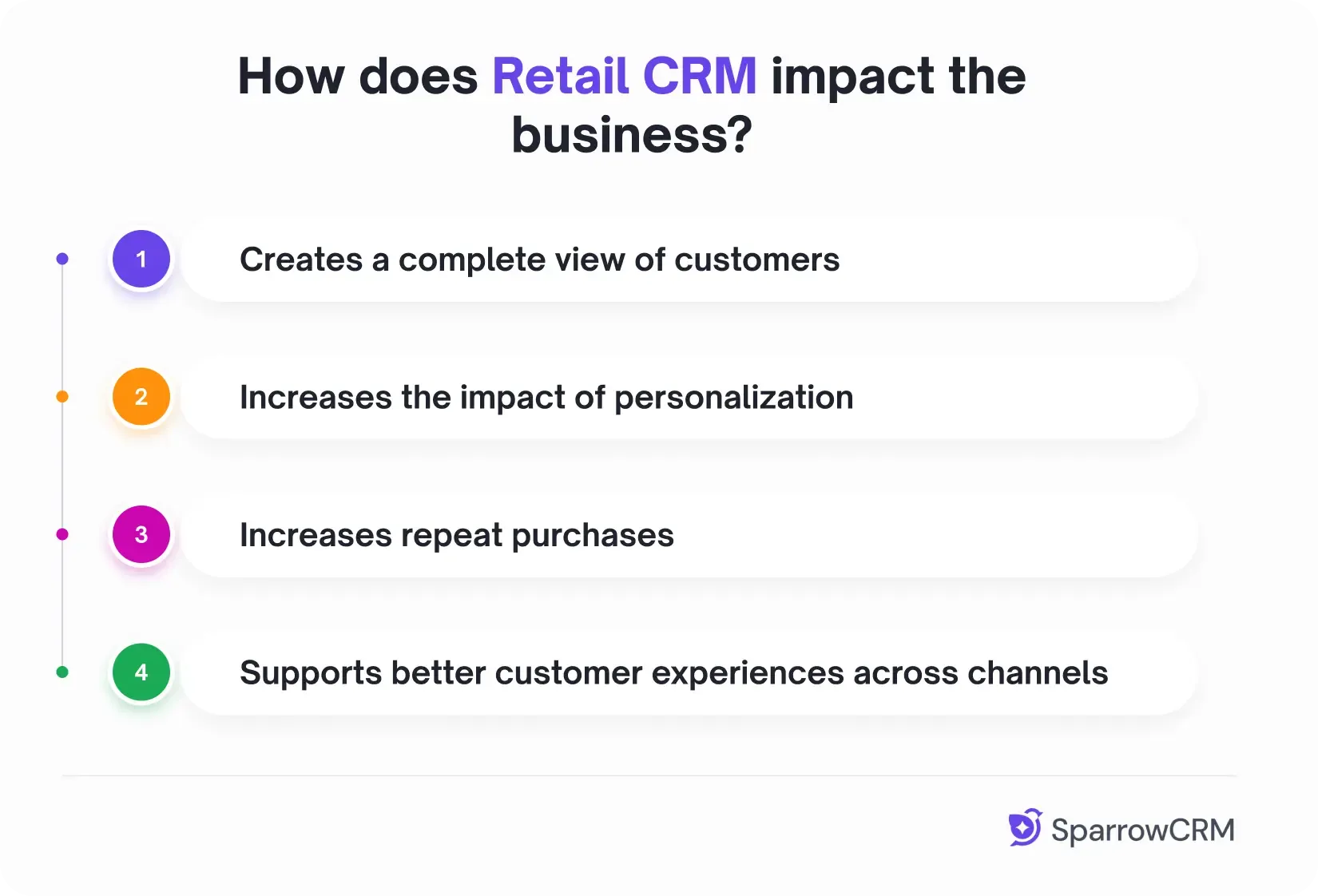
1. Creates a complete view of customers
A retail CRM brings customer details, purchase history, interactions, and preferences into one place. This helps teams understand customers beyond individual transactions.
2. Increases the impact of personalization
Personalization can directly influence retail sales. McKinsey found that personalization at scale can generate a 1–2% lift in total sales for grocery companies, with an even higher impact for other retailers. CRM data can provide the customer context needed to make these experiences more relevant.
3. Increases repeat purchases
Retailers can identify buying patterns, follow up with customers, and create targeted campaigns that encourage repeat purchases and improve customer retention.
4. Supports better customer experiences across channels
Retail customers often move between online and offline touchpoints. KPMG's India CX research found that 59% of retail customers considered the point-of-sale experience the most impactful stage of their overall experience in the retail segment. Connecting customer information across touchpoints can help retailers provide a more consistent experience.
Key features of retail CRM
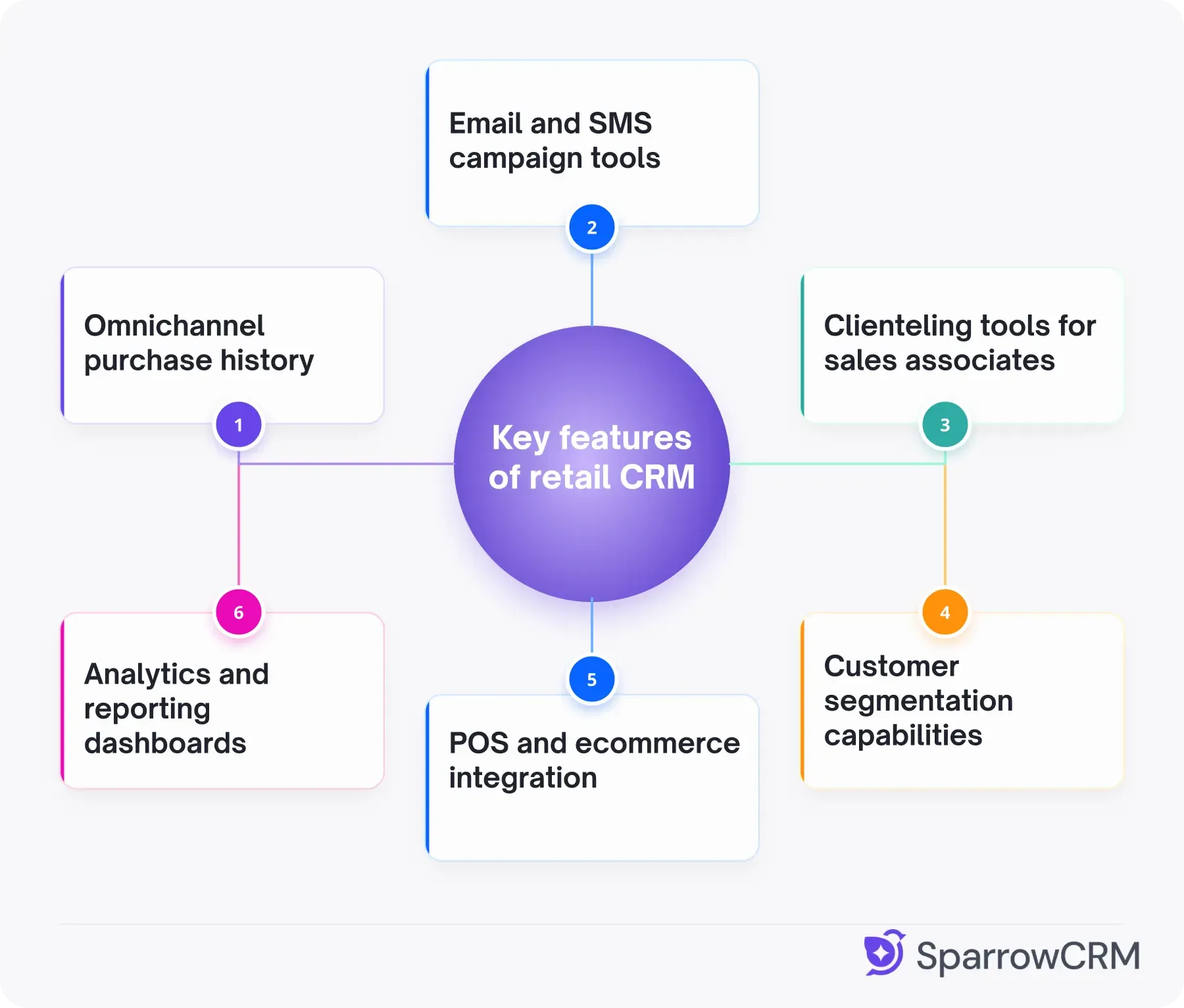
1. Omnichannel purchase history
Retail CRM pulls data from POS systems and e-commerce platforms live, allowing store associates to view online orders, browsed products, and lifetime spend across all channels when customers enter physical locations.
2. Email and SMS campaign tools
Built-in campaign capabilities enable customized email, SMS, and WhatsApp messages directly from the CRM platform. Automation supports welcome flows, post-purchase messages, abandoned cart recovery, and winback campaigns triggered by customer behavior or timing.
3. Clienteling tools for sales associates
Clienteling tools give sales associates detailed customer data to deliver customized services. Mobile-first interfaces allow associates to access customer profiles on the sales floor, capture notes via voice or photo, and send customized follow-ups without leaving customer-facing areas.
4. Customer segmentation capabilities
Segmentation groups customers by behavior or shared traits. It creates dynamic, rule-based groups based on purchase history, engagement level, lifecycle stage, and lead source. Segments enable targeted campaigns while automation keeps groups updated as customer behavior changes.
5. POS and ecommerce integration
Integration connects in-store POS and online stores into one centralized system. It synchronizes sales, inventory, and customer data. This unified view makes cross-channel promotions, gift card redemption, and consistent customer experiences possible.
6. Analytics and reporting dashboards
Reporting dashboards provide visibility into customer lifetime value, associate performance, campaign effectiveness, and in-store traffic patterns through interfaces teams use regularly.
Explore our complete guide to retail CRM best practices to learn how to use customer data, automate follow-ups, and improve customer retention.
How does retail crm works?
Examples of retail CRM
1. SparrowCRM
SparrowCRM can help retail sales teams manage customer information, track interactions, follow up on opportunities, and use customer activity to identify relevant next actions.
2. HubSpot CRM
HubSpot CRM brings contacts, sales activity, customer interactions, and marketing information together, making it useful for retailers managing customer relationships across multiple channels.
3. Zoho CRM
Zoho CRM helps retailers manage customer data, sales activities, follow-ups, and customer interactions from a centralized system.
Bottom line
CRM in retail helps businesses connect customer data, purchases, interactions, and follow-ups in one place. Instead of treating every customer interaction as a separate activity, retailers can use this information to understand customer behavior, deliver more relevant experiences, and encourage repeat purchases.
The right retail CRM depends on the business’s sales process, customer volume, channels, and automation needs. If you’re evaluating different options, explore our guide to the best retail CRM systems to compare the platforms available for retail businesses.

Geethapriya
Geethapriya is a Growth Marketer and Business Researcher who researches and writes about CRM, sales, marketing, and customer engagement. Her work focuses on understanding industry trends, customer and sales challenges, and how businesses can use technology to build more effective growth processes.