CRM SOFTWARE
12 Best CRM for Real Estate Agents in 2026

By Geethapriya
Last updated on Aug 3, 2026
Written by a CRM practitioner with hands-on experience evaluating sales tools across small real estate teams, not a feature checklist.
QUICK SUMMARY
Explore this blog to compare 12 real estate CRMs on contact source tracking, location management, pipeline visibility, and pricing, with tested insights and real agent signals.
Best CRM Platforms for Real Estate Agents and Brokerages

Run Your Pipeline. Close Faster.
SparrowCRM tracks every contact, source, and deal stage automatically.
Real estate runs on relationships, but relationships run on data. Which leads came from open houses? Which contacts have gone cold in a specific zip code? Which pipeline stage loses the most deals? The right CRM answers all three without you having to dig for it.
We evaluated 12 CRM tools on the criteria real estate agents actually use in the field: contact source tracking, location-based filtering, pipeline management, and pricing that scales with small teams. Here is what we found.
Agents considering switching from a spreadsheet or migrating from a tool like Notion will find the pipeline management differences between these tools significant.
How We Tested These CRMs
We evaluated each platform on five criteria that reflect how real estate agents actually work. Tools were assessed through product documentation, trials, and verified user review data from G2.
Criteria | What We Looked For |
Contact Source Tracking | Does the CRM capture where leads originate: open house, website, referral, social? Can this be filtered and segmented for reporting? |
Location-Based Management | Does the tool support filtering contacts or leads by geography, zip code, or territory? Is this native or requires a workaround? |
Pipeline Management | Visual pipeline views, custom stages, deal aging alerts, and drag-and-drop. Is the workflow usable in the field? |
Mobile Accessibility | Can agents update records, log activity, and view pipelines from a phone between showings? |
Pricing vs. Team Size Fit | Does the pricing model work for solo agents, small teams (2–10), and small brokerages without punishing growth? |

Which matters more in a real estate CRM?
Best Real Estate CRM Software: Quick Comparison Table
A full overview of all 12 tools. Detailed profiles follow. G2 ratings reflect verified reviews as of May 2026.
Tool | Starting Price | G2 Rating | Best For | Contact Tracking | Pipeline Management | Location | Mobile |
|---|---|---|---|---|---|---|---|
Freshsales | Free / $9/u/mo | 4.5 / 5 | Tech-savvy agents | Multi-source | Visual Kanban | Via enrichment | Yes |
Pipedrive | $14/u/mo | 4.3 / 5 | Visual pipeline teams | Yes | Best-in-class | Via integrations | Yes |
Zoho CRM | Free / $14/u/mo | 4.1 / 5 | Solo agents & growing teams | Yes + Zia AI | Multi-pipeline | Yes (native) | Yes |
SparrowCRM | Free / $19/u/mo | N/A | Sales-focused SMB teams | Yes + AI scoring | Deals pipeline | Via enrichment | Yes |
Wise Agent | $49/mo flat | 3.6 / 5 | Budget-conscious agents | Unlimited | Visual + checklist | Limited | No app |
Realvolve | $94/u/mo | 4.3 / 5 | Teams 3+, workflow-heavy | Yes | 4D workflow | Limited | Yes |
Follow Up Boss | $69/u/mo | 4.6 / 5 | Multi-source lead teams | Smart Lists | Action Plans | Via routing | Yes |
Lone Wolf | ~$25-30/mo | N/A | Budget drip & nurture | Yes | Basic | Limited | Yes |
HubSpot | Free / $20/u/mo | 4.4 / 5 | Mid-size brokerages | Custom objects | Custom pipeline | Limited | Yes |
Salesforce | $25/u/mo | 4.3 / 5 | Large brokerages | Advanced | Enterprise-grade | Territory management | Yes |
Real Geeks | $399/mo | 4.5 / 5 | Digital lead-gen agents | Lead Feed | Drip Workflows | Hyperlocal | Yes |
Agile CRM | Free / $8.99/u/mo | 4.0 / 5 | Small teams, budget-first | 360 view | Basic | Map search | Yes |
Freshsales
Starting Price
Free / $9/u/mo
G2 Rating
4.5 / 5
Best For
Tech-savvy agents
Contact Tracking
Multi-source
Pipeline Management
Visual Kanban
Location
Via enrichment
Mobile
Yes
Pipedrive
Starting Price
$14/u/mo
G2 Rating
4.3 / 5
Best For
Visual pipeline teams
Contact Tracking
Yes
Pipeline Management
Best-in-class
Location
Via integrations
Mobile
Yes
Zoho CRM
Starting Price
Free / $14/u/mo
G2 Rating
4.1 / 5
Best For
Solo agents & growing teams
Contact Tracking
Yes + Zia AI
Pipeline Management
Multi-pipeline
Location
Yes (native)
Mobile
Yes
SparrowCRM
Starting Price
Free / $19/u/mo
G2 Rating
N/A
Best For
Sales-focused SMB teams
Contact Tracking
Yes + AI scoring
Pipeline Management
Deals pipeline
Location
Via enrichment
Mobile
Yes
Wise Agent
Starting Price
$49/mo flat
G2 Rating
3.6 / 5
Best For
Budget-conscious agents
Contact Tracking
Unlimited
Pipeline Management
Visual + checklist
Location
Limited
Mobile
No app
Realvolve
Starting Price
$94/u/mo
G2 Rating
4.3 / 5
Best For
Teams 3+, workflow-heavy
Contact Tracking
Yes
Pipeline Management
4D workflow
Location
Limited
Mobile
Yes
Follow Up Boss
Starting Price
$69/u/mo
G2 Rating
4.6 / 5
Best For
Multi-source lead teams
Contact Tracking
Smart Lists
Pipeline Management
Action Plans
Location
Via routing
Mobile
Yes
Lone Wolf
Starting Price
~$25-30/mo
G2 Rating
N/A
Best For
Budget drip & nurture
Contact Tracking
Yes
Pipeline Management
Basic
Location
Limited
Mobile
Yes
HubSpot
Starting Price
Free / $20/u/mo
G2 Rating
4.4 / 5
Best For
Mid-size brokerages
Contact Tracking
Custom objects
Pipeline Management
Custom pipeline
Location
Limited
Mobile
Yes
Salesforce
Starting Price
$25/u/mo
G2 Rating
4.3 / 5
Best For
Large brokerages
Contact Tracking
Advanced
Pipeline Management
Enterprise-grade
Location
Territory management
Mobile
Yes
Real Geeks
Starting Price
$399/mo
G2 Rating
4.5 / 5
Best For
Digital lead-gen agents
Contact Tracking
Lead Feed
Pipeline Management
Drip Workflows
Location
Hyperlocal
Mobile
Yes
Agile CRM
Starting Price
Free / $8.99/u/mo
G2 Rating
4.0 / 5
Best For
Small teams, budget-first
Contact Tracking
360 view
Pipeline Management
Basic
Location
Map search
Mobile
Yes
12 Best CRM for Real Estate Agents
1Freshsales

Source: freshworks.com
Freshsales uses AI-powered tools to streamline customer relationship management, helping real estate agents simplify their workflows. While you direct listings and client relationships, Freddy AI works behind the scenes to simplify your job.
Freshsales key features
Freshsales delivers a complete suite of tools that streamline your real estate operations:
- Contact management helps you organize leads, clients, and contacts based on location, priorities, and participation history
- Visual sales pipeline with Kanban view lets you track deals across stages and manage your daily priorities
- AI-powered lead scoring identifies your most promising leads automatically
- Built-in communication tools including email, phone, and chat capabilities from a single platform
- Workflow automation handles repetitive tasks like sending follow-ups, creating invoices, and updating records
The platform's unified dashboard provides a 360° view of customer behavior at all touchpoints. This helps you identify trends and patterns that might go unnoticed otherwise.
Freshsales pros and cons
Pros:
- Freddy AI provides deal-specific insights and risk signals like lowered property viewings
- User-friendly interface with minimal learning curve
- Complete analytics with customizable reports
- Over 100 third-party app integrations
Cons:
- The platform lacks some industry-specific features since it's not built specifically for real estate
- Customer support response times can be slow with limited phone communication
- Email templates for mass emails have some limitations
Freshsales pricing
Free plan for up to 3 users. Growth: $9/user/mo (annual). Pro: $39/user/mo (annual). Enterprise: $59/user/mo (annual). 21-day free trial available.
G2 Rating: 4.5 / 5 (1,229+ reviews)
2Pipedrive

Source:pipedrive.com
Pipedrive offers a visual pipeline approach that helps agents track real estate deals. The platform shows you exactly where each property transaction stands with just a quick look.
Pipedrive key features
Pipedrive has several tools to optimize your real estate business operations:
- Visual sales pipeline lets you track deals through customizable stages that show exactly where opportunities stand
- LeadBooster has chatbot, live chat, web forms, and prospector tools to capture potential clients from your website
- Mobile app for both Android and iOS keeps you connected between property showings
- Email integration syncs with Gmail and Outlook to track all communications
- AI Sales Assistant provides evidence-based advice to move deals forward with the best chance of success
You can create pipelines for properties, investors, and buyers that give you complete visibility into your real estate business.
Pipedrive pros and cons
Pros:
- Customizable fields and pipelines that match your workflow
- User-friendly design with minimal training needed
- Over 300 app integrations with Zoom, PandaDoc, and Google Drive
- Reliable mobile features for agents on the go
- Automated lead distribution for quick client response
Cons:
- No dedicated listing management solution for properties
- Monthly subscription cost runs high for new agents or small teams
- Some learning curve for new CRM users
- LeadBooster and other add-ons increase the total cost
Pipedrive pricing
Lite $14 | Growth $39 | Premium $49 | Ultimate $79 per user/month (annual). 14-day free trial.
G2 Rating: 4.3 / 5 (2,974+ reviews)
3Zoho CRM
Source: zoho.com
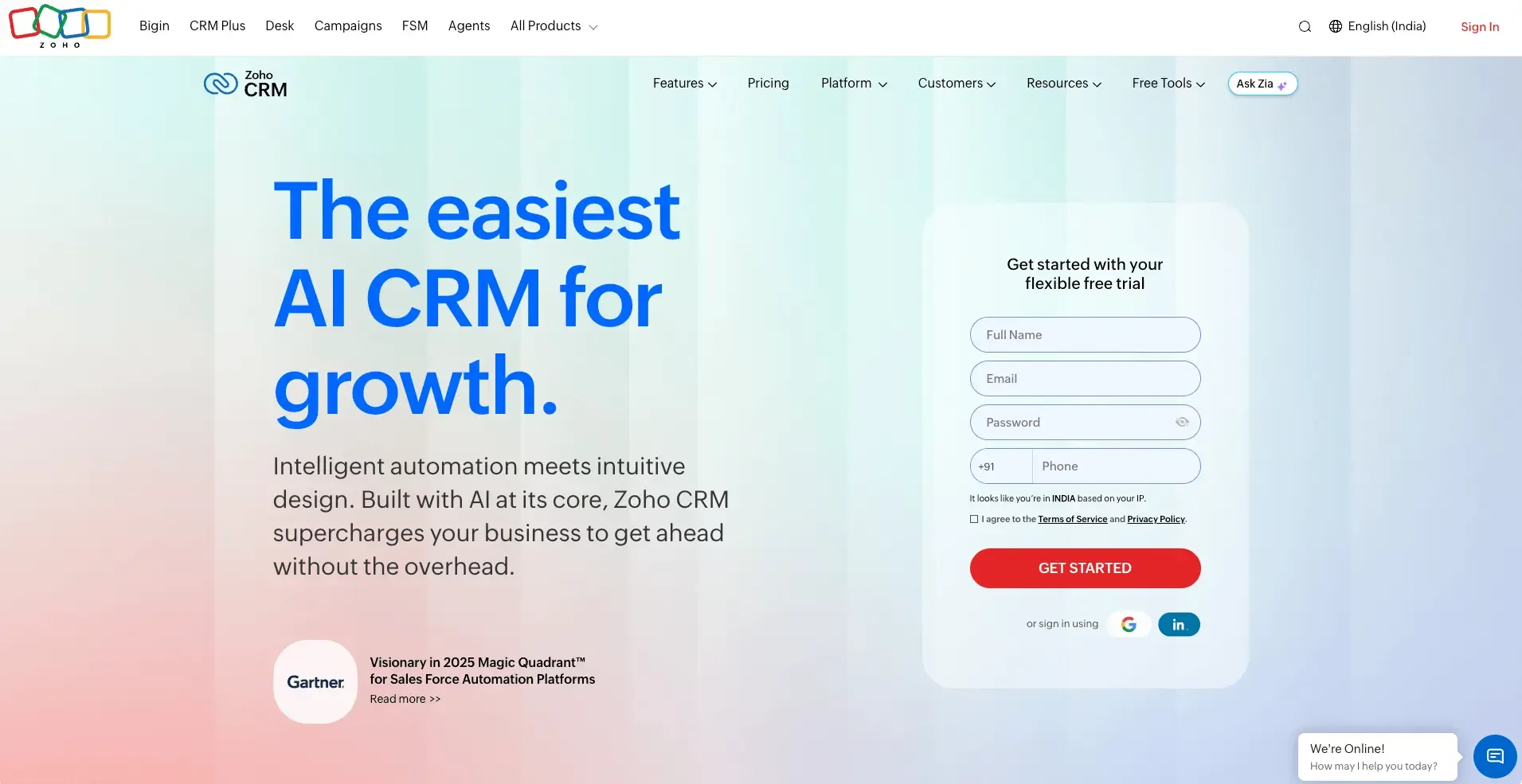
Zoho CRM gives real estate professionals a complete solution that excels at customization and automation. Real estate agencies can use this platform to handle their entire business cycle from generating leads to managing post-sale activities.
Zoho CRM key features
Zoho CRM comes packed with tools specifically designed for real estate operations:
- Lead management captures prospects from multiple sources including social media, webforms, and business cards
- Automated lead assignment sends leads to agents based on territory or through round-robin distribution
- Blueprint process automation helps teams follow the right sales process and spots any bottlenecks
- Zillow integration shows property availability, values, and Zestimates® right inside the CRM
- Mobile app scans business cards in 17 languages and finds prospects based on location
- Zia AI assistant recommends optimal client contact times and suggests individual-specific automation
The platform streamlines real estate workflows by centralizing document management for property details and transaction paperwork.
Zoho CRM pros and cons
Pros:
- Free plan supports up to three users
- Modules, fields, and workflows adapt to your needs
- Lead conversion rates improved by 300%
- Sales revenue per person increased by 41%
- Zoho CRM provides a range of customization options to tailor the platform to different workflows.
Cons:
- Customer support can be slow to respond
- Feature-rich platform might seem complex initially
- Moving data from other systems presents challenges
- Performance slows down during busy periods
- Advanced features need additional payment
Zoho CRM pricing
Free (3 users). Standard $14 | Professional $23 | Enterprise $40 | Ultimate $52 per user/month (annual).
G2 Rating: 4.1 / 5 (2,880+ reviews)
4Wise Agent
Source: wiseagent.com
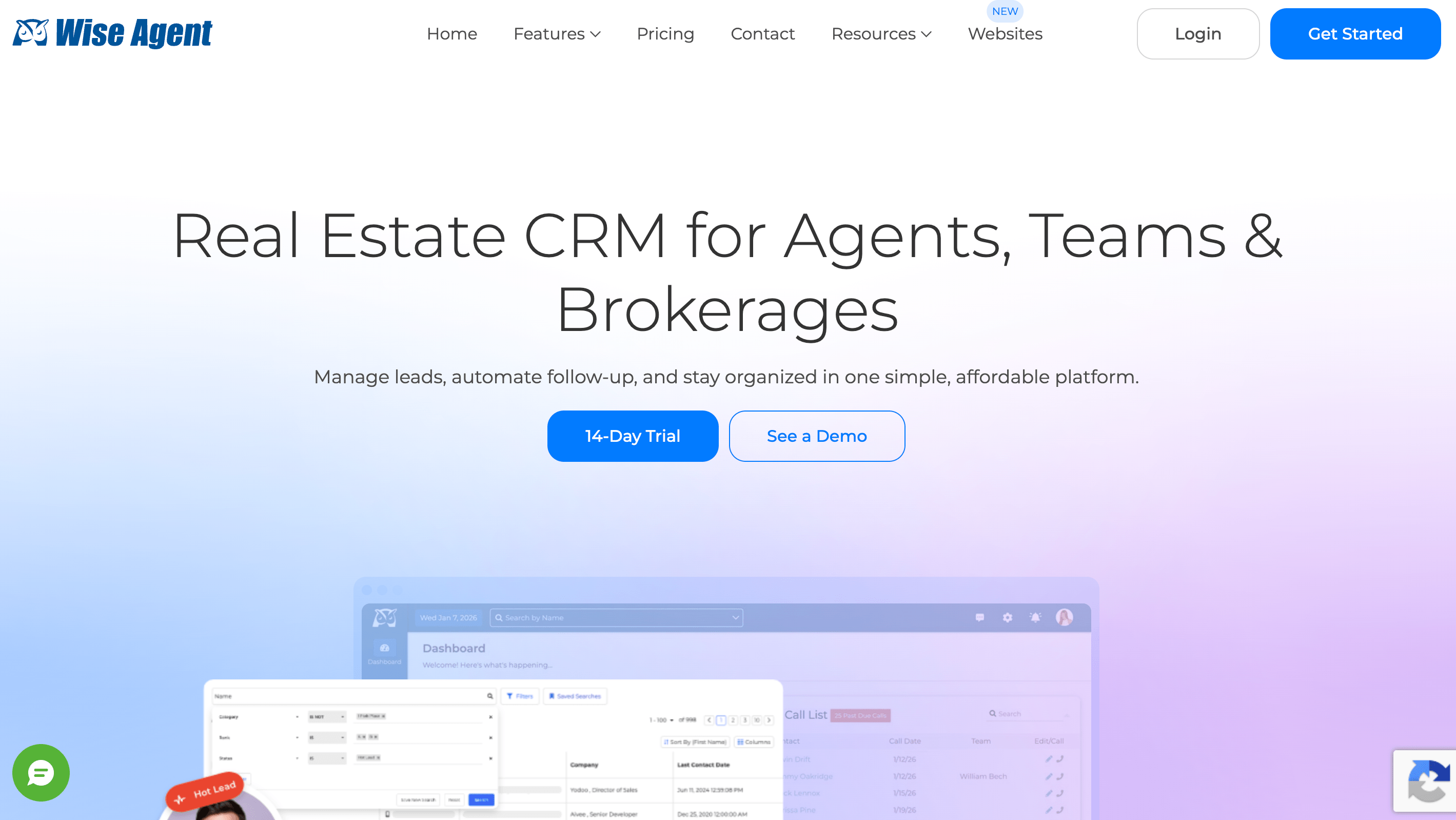
Wise Agent has earned its place as an affordable and reliable real estate CRM since 2002. The platform stands out because of its exceptional customer service and simple approach to managing your real estate business.
Wise Agent key features
Wise Agent has essential tools that help you manage your real estate business:
- Contact management with unlimited notes, birthday reminders, and automatic categorization
- Transaction management with templates, checklists, and visual progress reports
- Communication tools including email (up to 2,500 daily), text messaging, and drip campaigns
- Built-in power dialer that can call up to three contacts simultaneously
- Unlimited document storage for all your property listings and client files
- Customizable landing pages for lead generation with various templates
The platform's AI bot automatically responds to leads, so you won't miss any potential clients.
Wise Agent pros and cons
Pros:
- Customer support team responds quickly around the clock
- One-on-one onboarding call comes free with your subscription
- Hundreds of software companies integrate with the platform
- Prices stay competitive compared to other real estate CRMs
Cons:
- Mobile app doesn't exist yet
- Text messaging costs extra
- Some users find the interface challenging
- Updates can make the system run slower
Wise Agent pricing
$49/month (no contract) | $499/year | Enterprise: custom.
G2 Rating: 3.6 / 5 (10+ reviews)
5Realvolve
Source: realvolve.com
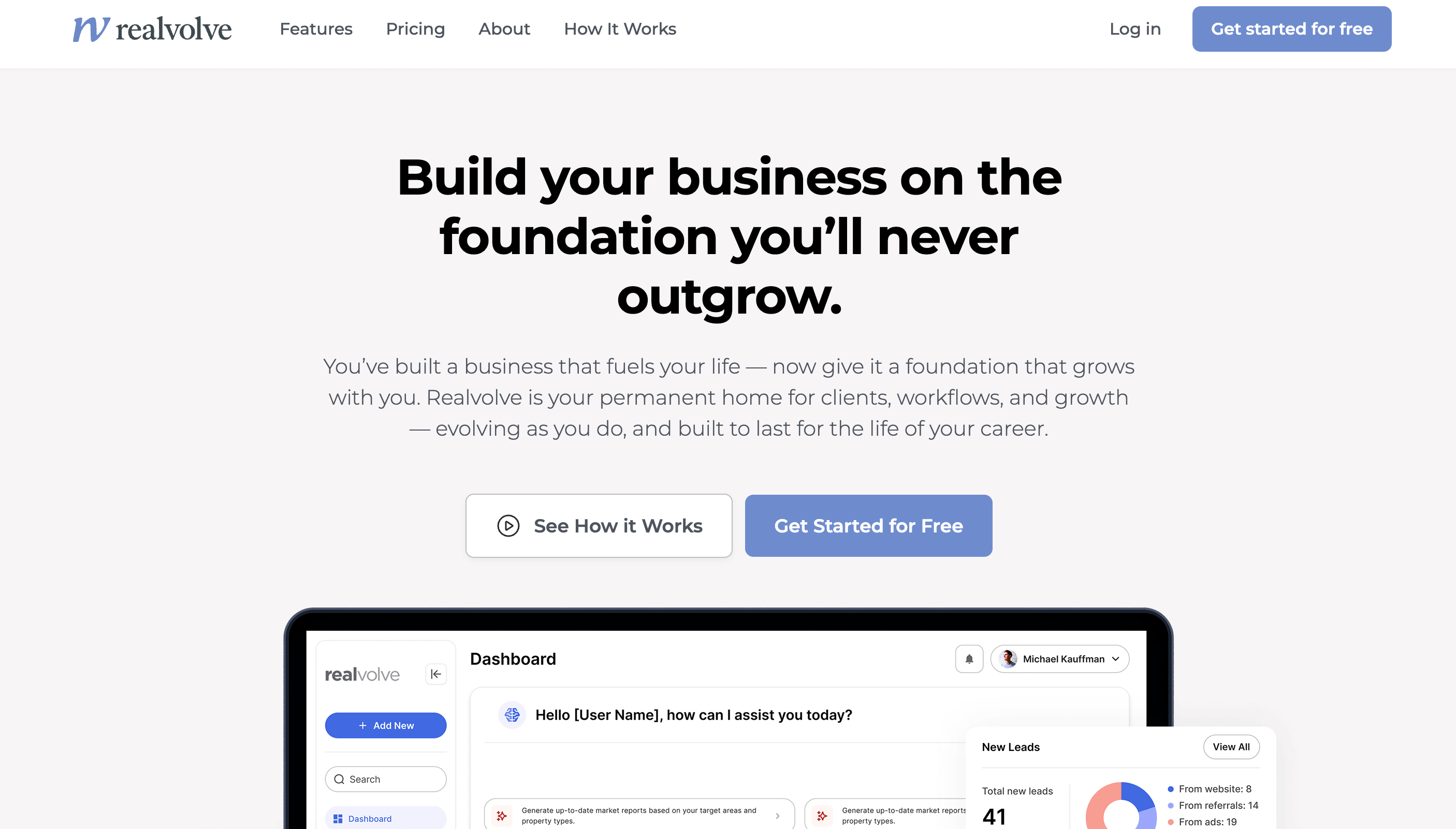
Realvolve stands out as the backbone of your real estate business, not just another database. This platform helps you build lasting client relationships through simplified processes that handle your daily tasks automatically.
Realvolve key features
Realvolve provides several tools to simplify your real estate operations:
- 4D Workflow Automation takes care of repetitive tasks such as follow-ups, deadline reminders, and creates consistent client experiences
- Dynamic text messaging lets you send individual and bulk SMS messages directly from the platform
- Property and transaction tracking gives you a central location to manage listings and deals
- Team management tools allow admins to "login as" team members when coaching
- Mobile app keeps you connected at open houses or client meetings
- Revenue prediction uses rFactor technology to analyze your database and forecast potential income
You can customize the platform extensively to match your specific business needs as your company grows.
Realvolve pros and cons
Pros:
- Highly customizable interface and workflows
- Strong workflow automation that reduces transaction time by 40%
- Comprehensive texting capabilities included with all plans
- Excellent training resources and support
- Team-focused features perfect for brokerages
Cons:
- Learning curve increases with extensive customization options
- Support limited to help desk and chat - no phone support
- Interface feels dated and less accessible
- Window-in-window popups can be glitchy
Realvolve pricing
Essential $41/user/mo (when billed annually) | professional $65/user/mo | Elite Start: $2,499 (one-time service fee)
G2 Rating: 3.6 / 5 (15+ reviews)
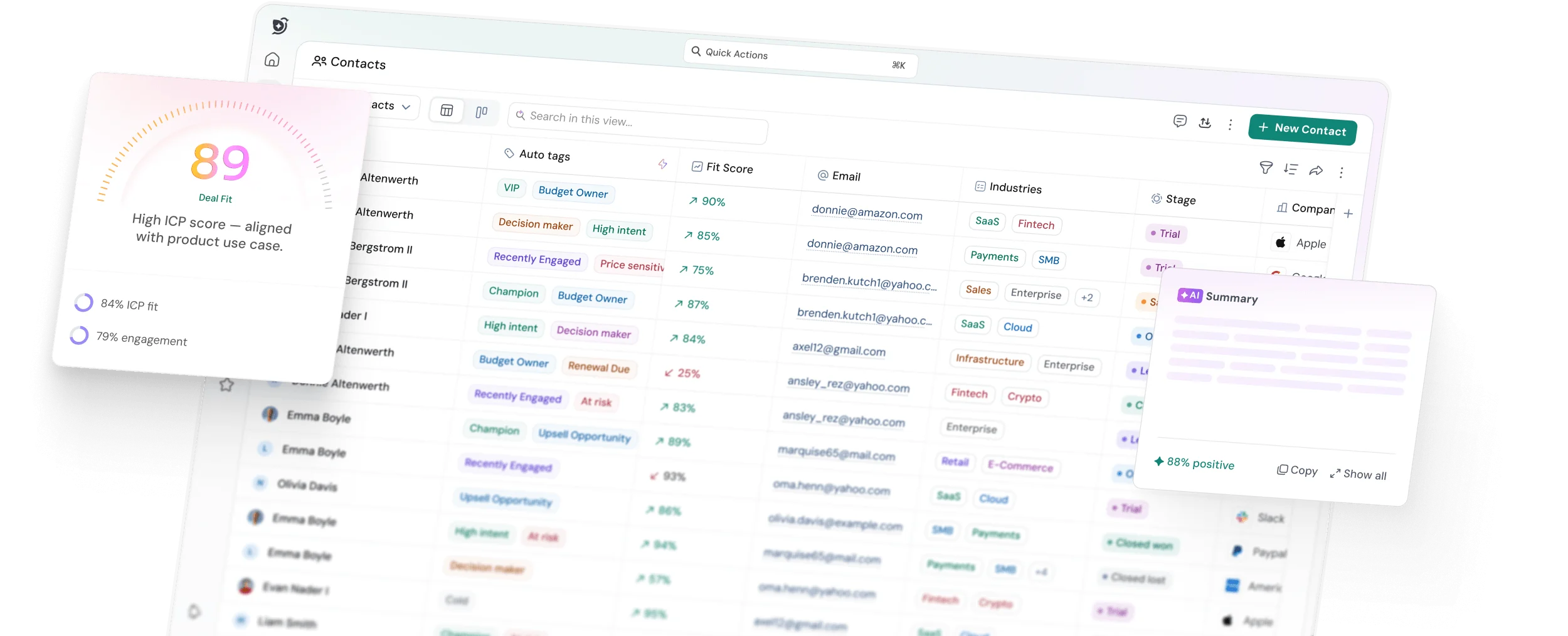
6SparrowCRM
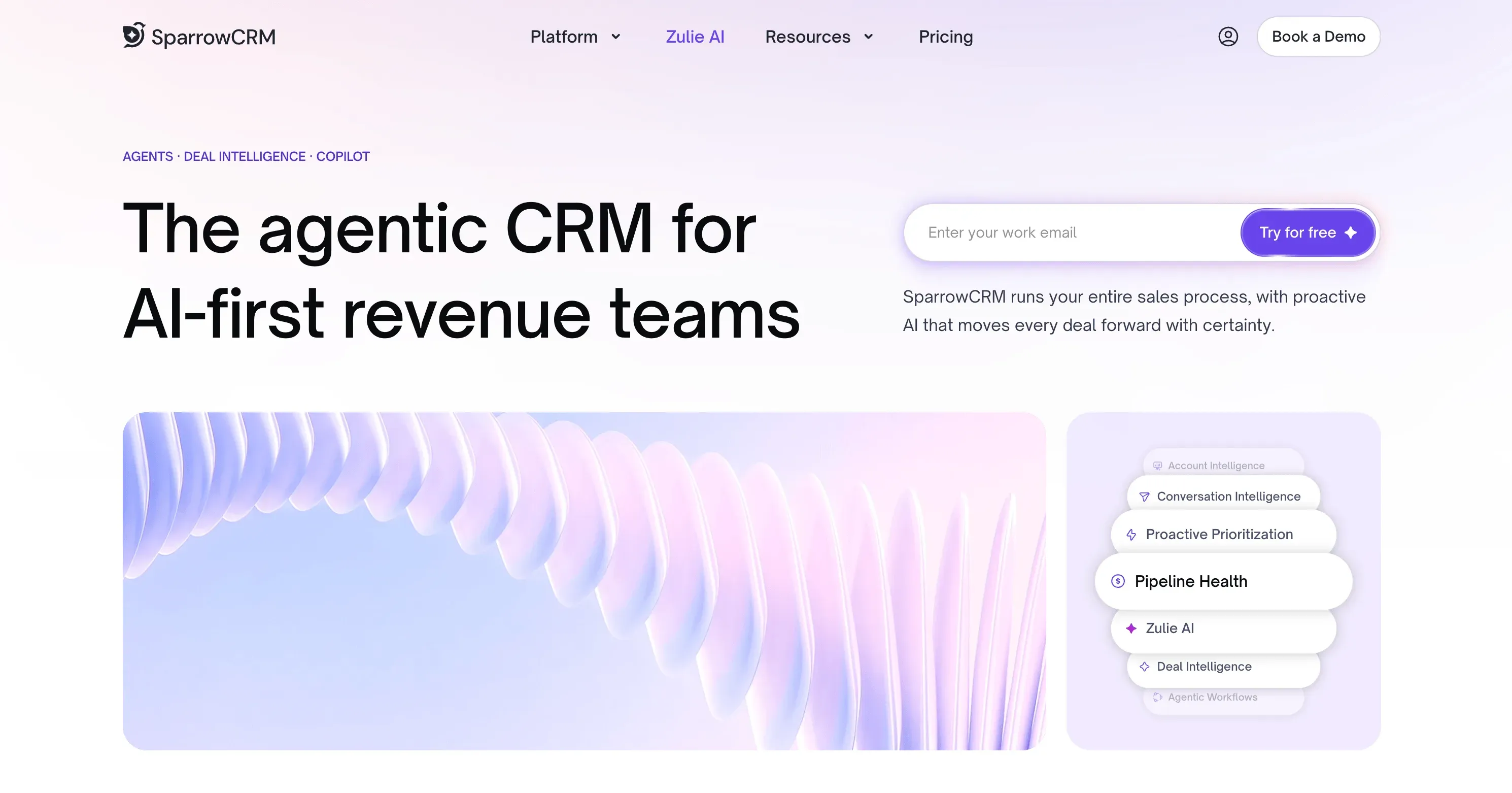
SparrowCRM is an AI-native CRM built for sales teams at small and mid-sized companies. Unlike tools that treat the CRM as a database, SparrowCRM is built around signal, surfacing who to contact next, when to contact them, and what to say, based on real engagement data. For agents managing multiple lead sources and property stages simultaneously, this focus reduces the time spent deciding where to allocate their efforts.
SparrowCRM key features
- Contact source tracking: Every contact record captures lead origin website, referral, open house, and integration, so you can filter by source and report on which channels convert.
- AI contact scoring: ICP fit score, engagement rate, response rate, and buying intent calculated automatically from activity data. Surfaces whose contacts are worth pursuing right now.
- Visual deals pipeline: Drag-and-drop Kanban board with custom stages, deal age tracking, stage duration monitoring, and next activity date visibility across all open opportunities.
- AI lead prioritization: The AI Filters view surfaces high-fit contacts, at-risk leads, and activity-stalled contacts, replacing manual list review with an automatically maintained priority queue.
- Automated follow-up sequences: Multi-step outreach combining email and manual tasks. Exit conditions trigger on reply, meeting booked, or unsubscribe, no orphaned contacts mid-sequence.
- Meeting intelligence: Post-meeting AI summaries, competitor mention tracking, and next-action recommendations generated from call and meeting transcripts.
- Deal loss analysis: When a deal is marked lost, SparrowCRM automatically analyzes email threads, transcripts, and engagement data to identify the actual cause, not just the logged reason.
SparrowCRM pros and cons
Pros:
- AI scoring surfaces the right contacts at the right time, no manual list management
- Contact source tracking and behavioral fields give clear visibility into where leads originate
- Sequences and smart router automate outreach without requiring a dedicated CRM administrator
- Built for small and mid-size sales teams, usable on day one
- Deal loss analysis helps teams learn from lost opportunities rather than just logging them
SparrowCRM pricing:
Free plan for up to 3 users. Growth: $19/user/mo (annual). Pro: $49/user/mo (annual). Enterprise: custom pricing.
Run Your Real Estate Pipeline Without the Spreadsheet Chaos
7Follow Up Boss
Source: followupboss.com
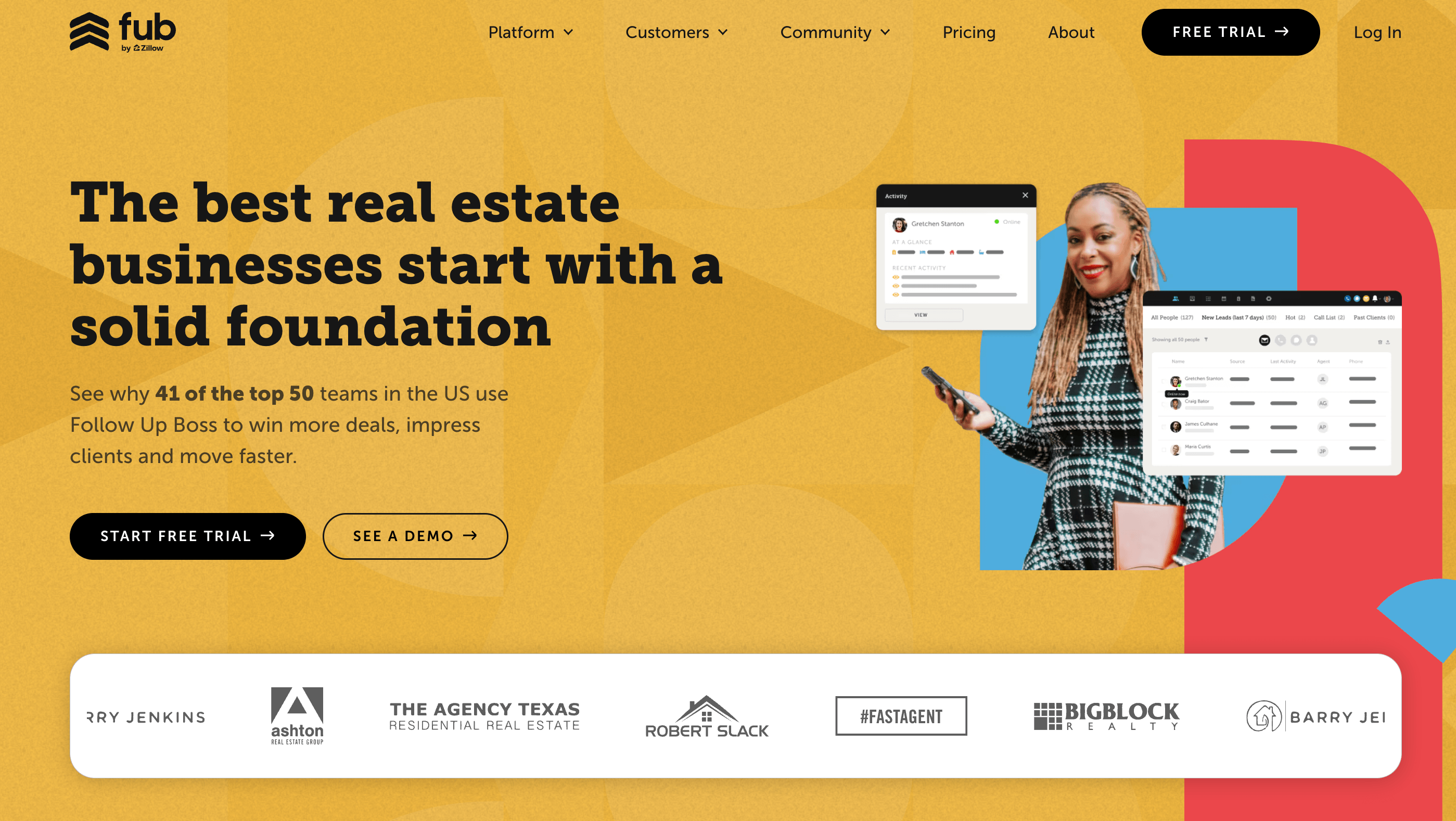
Follow Up Boss transforms chaos into clarity for real estate teams that juggle multiple lead sources. This specialized real estate CRM combines smoothly with your entire lead ecosystem to create one optimized system.
Follow Up Boss key features
Follow Up Boss provides tools crafted specifically for real estate professionals:
- Advanced lead routing distributes leads based on factors like zip code, property value, or round-robin assignment
- Integrated calling, texting, and email with unlimited communication capabilities
- Smart Lists for organizing contacts and creating dynamic lead segments
- Action Plans (drip campaigns) with pre-built templates to ensure consistent follow-up
- 200+ integrations with real estate sites and lead generation platforms
- Performance analytics to track agent activity, lead sources, and conversions
The system's FUB Pixel tracks website visitor activity and gives you insights into client behavior and property interests.
Follow Up Boss pros and cons
Pros:
- Easy-to-use interface that new users pick up quickly
- Automatically imports leads from multiple sources
- Great for team collaboration with features like team inbox
- Highly-rated US-based support team
- Mobile app designed for agents on the go
Cons:
- Per-user pricing gets expensive for larger teams
- Lacks built-in transaction management
- Support isn't available 24/7 and response times can lag
- Limited native texting automation (only first text in drip campaigns)
- Missing advanced lead routing features for large teams
Follow Up Boss pricing
Grow $58/per user/mo | Pro $416/mo up to 10 users | Platform $833/mo up to 30 users (annual).
G2 Rating: 4.6 / 5 (117+ reviews on G2)
8Lone Wolf Relationships (formerly LionDesk)
Source: lwolf.com
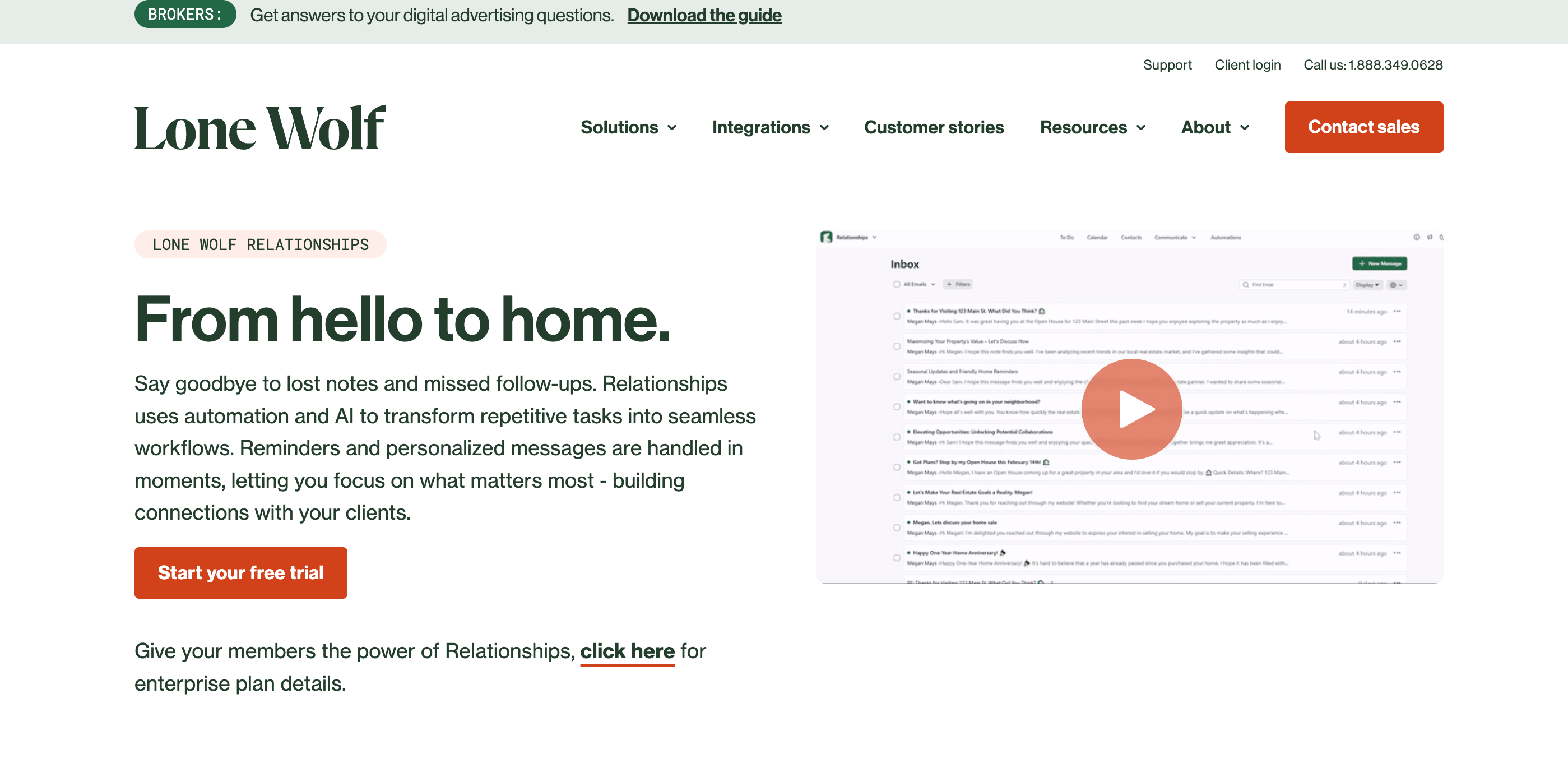
Lone Wolf helps agents who value visual communication with its video messaging capabilities. This social-first CRM helps real estate professionals track prospect interactions and close more deals.
Lone Wolf key features
- Video email and texting lets you record individual-specific messages directly in the platform
- Automated drip campaigns including text messages to follow up consistently
- Bulk communication tools to send mass emails and text messages
- Text-2-Sell feature with local area codes drives higher response rates
- Power dialer options make cold-calling sessions quick
- Landing page builder with customizable templates generates leads
- Facebook lead integration captures and nurtures social media prospects
- Transaction management tracks deals
The platform helps you build relationships with high-value prospects through consistent, individual-specific communication.
Lone Wolf pros and cons
Pros:
- User-friendly, customizable dashboard makes navigation simple
- Cost-effective pricing compared to other real estate CRMs
- Excellent mass communication tools with video messaging
- Integrations with platforms like Zillow and Facebook
- Features can be added as your business grows
Cons:
- Interface feels clunky sometimes
- Simple transaction management capabilities
- Limited performance tracking analytics
- Customer support problems are systemic
- Not suitable for large teams or brokerages
9HubSpot

Source: hubspot.com
HubSpot Sales Hub revolutionizes standard CRM functionality into a powerful real estate management system with its custom object capabilities. You can create property-specific data models that work better than forcing real estate listings into generic company records.
HubSpot Sales Hub key features
- Custom property objects track physical real estate assets instead of using companies or deals
- Visual sales pipeline shows deal stages, revenue forecasts, and transaction progress
- Playbooks guide agents through consistent qualification conversations with clients
- Sequences send customized follow-up emails that look like they're from your inbox
- Deal management uses custom properties to track milestones like inspections and appraisals
- Mobile functionality gives full access to client information in the field
- Reporting dashboards offer customizable views for different team members
The platform helps you build simplified processes that line up with your specific real estate sales process.
HubSpot Sales Hub pros and cons
Pros:
- Advanced property object creation makes it highly customizable (Enterprise tier)
- Strong automation capabilities through workflows
- Detailed reporting with filterable dashboards
- Excellent integration with marketing tools tracks leads completely
- Mobile app gives full functionality to agents on the move
Cons:
- Expensive tiered pricing increases costs quickly
- Marketing Hub needed for complete workflow automation
- Extensive feature set creates a steep learning curve
- Enterprise plan exclusively offers custom objects
HubSpot Sales Hub pricing
Free | Starter $9/user/mo | Professional $90/user/mo | Enterprise $150/user/mo (annual).
G2 Rating: 4.4 / 5 (13,700+ reviews)
10Salesforce

Source: salesforce.com
Salesforce stands at the top as the #1 CRM provider that gives real estate professionals enterprise-level capabilities through customization options. This cloud-based platform serves as a central hub to manage client interactions, property listings, and transactions.
Salesforce key features
- Custom property objects to create tailored real estate asset tracking systems
- Advanced analytics with customizable dashboards that show property performance and sales metrics
- Marketing automation to target property listing campaigns and nurture leads
- Workflow automation to optimize repetitive tasks throughout the transaction process
- Mobile accessibility that lets agents update information while showing properties
- AI capabilities to predict deal outcomes and identify high-value opportunities
- Resilient integrations with real estate portals, data providers, and third-party tools
The platform creates a "360-degree customer profile" to deliver customized client experiences based on analytical insights.
Salesforce pros and cons
Pros:
- Deep customization with extensive configuration options
- Industry-leading security protocols with multi-factor authentication
- Rich community resources and educational materials
- Continuous connection with existing software
- Excellent scalability as your business grows
Cons:
- Steep learning curve due to the feature-rich platform
- Premium pricing compared to real estate-specific CRMs
- Lacks dedicated real estate cloud (needs customization)
- Data storage caps at 10GB per organization
- Setup typically needs consulting support
Salesforce pricing
Starter Suite $25 | Pro Suite $100 | Enterprise $175 | Unlimited $350 per user/mo (annual). 30-day free trial.
G2 Rating: 4.3 / 5 (22,000+ reviews)
11Real Geeks
Source: realgeeks.com
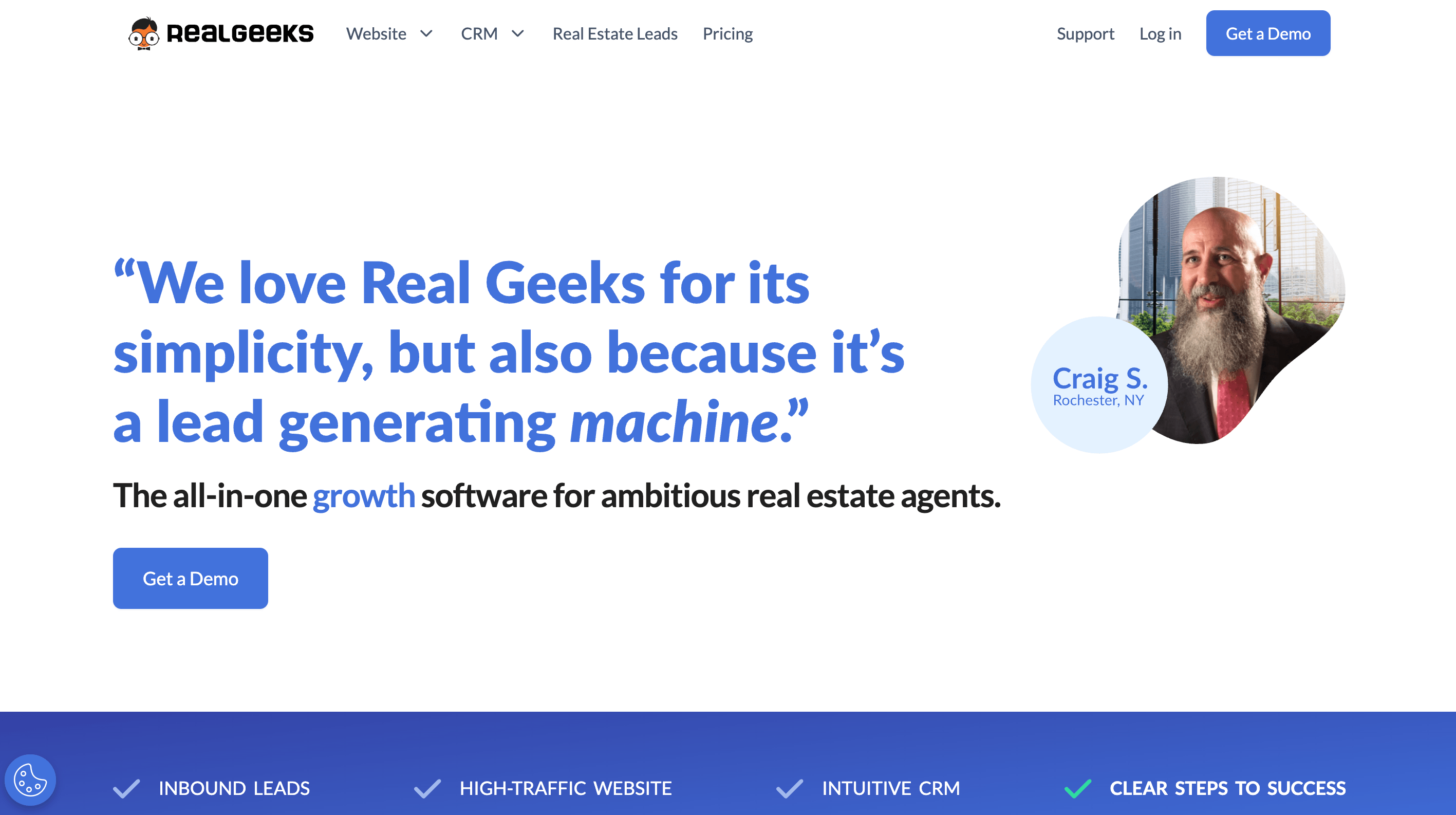
Real Geeks combines website building with reliable CRM functionality on a single platform. This makes it popular among agents who focus on digital lead generation. The system connects online presence with lead management through tools built for today's real estate professionals.
Real Geeks key features
- Lead Feed shows high-priority leads sorted by live behavior right when you log in
- Smart Filters help you find high-potential leads so you can focus on what matters
- Drip Workflows send automated texts, emails, and videos to nurture prospects
- IDX Website Integration with SEO optimization attracts organic traffic
- Market Activity Reports automatically send updates to clients who keep taking them
- Geek AI Assistant involves leads around the clock and qualifies them before contact
- Mobile app connects you to your business anywhere
The platform tells you the exact moment clients browse properties. This lets you step in at just the right time.
Real Geeks pros and cons
Pros:
- Website deployment takes less than a week versus 4-6 weeks with other providers
- Websites optimize lead generation efficiently
- Complete Facebook and Google PPC ad management
- Users report 600% average ROI
- Smart messaging reaches leads during crucial moments
Cons:
- Website customization options are limited
- Calling leads requires external dialer
- Multiple services increase costs significantly
- Platform quality declined after Fidelity National Financial acquisition
- Lead generation focuses on hyperlocal rather than broader targeting
Real Geeks pricing
Real Geeks offers four plans; Establish, Grow, Expand, and Conquer, but pricing is now available only through sales consultation/request pricing.
G2 Rating: 4.5 / 5 (100+ reviews)
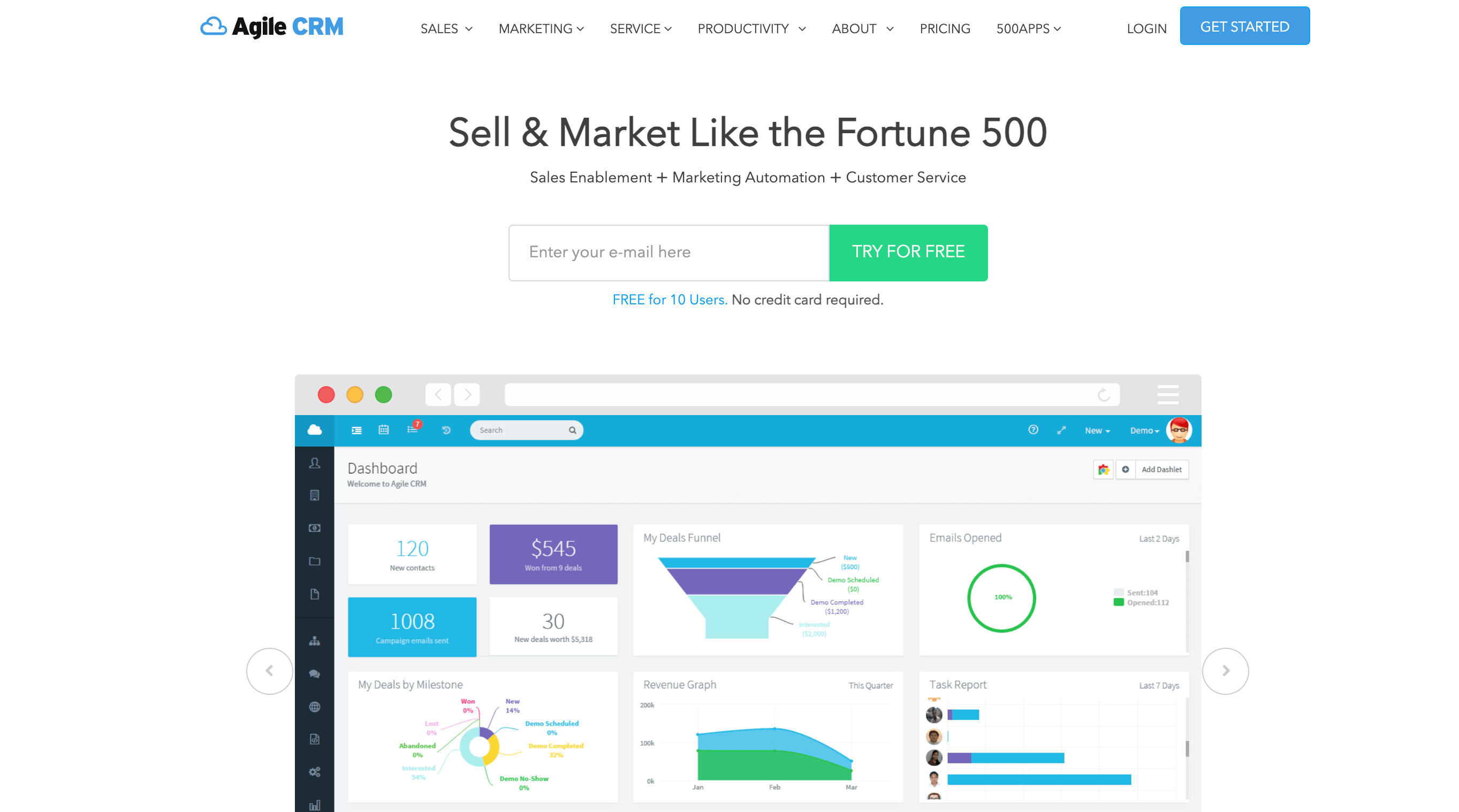
12Agile CRM
Source: agilecrm.com
Agile CRM offers tools designed to support various stages of the real estate sales process, including property appraisals and closings. The platform aims to reduce paperwork by automating certain tasks, allowing agents to spend more time on client interactions.The free plan, supporting up to 10 users, may appeal to small real estate teams beginning to use CRM software.
Agile CRM key features
- MLS integration pulls your listings automatically into the CRM, making them available without leaving the system
- IDX website displays both private and MLS listings to continuously generate new leads
- Lead capture from popular real estate sites like Zillow and Trulia with just a few clicks
- Geographical property search with interactive map viewing and note-taking capabilities
- 360° contact view showing client interactions, web activity, and communication history
- Automated lead scoring identifies which prospects are ready to buy and who needs nurturing
- Mobile accessibility syncs live data across phones, tablets, and computers
The platform brings sales, marketing, and support together in one unified system. This prevents data leaks and ensures your client messaging stays consistent.
Agile CRM pros and cons
Pros:
- Free plan for up to 10 users with simple CRM features
- Built-in telephony with click-to-call and call recording capabilities
- Video embedding in email marketing campaigns for property showcases
- Automated matching of open listings with similar property requests
- Affordable compared to other all-in-one solutions
Cons:
- Limited dashboard customization options
- Steep learning curve for beginners
- Mobile app sometimes loads slowly
- Simple reporting and analytics
- Automation workflows can be hard to set up
Agile CRM pricing
Free (10 users) | Starter $8.99/user/mo | Regular $29.99/user/mo | Enterprise $47.99/user/mo (annual).
G2 Rating: 4.0 / 5 (363+ reviews)
What Real Agents are Saying
We researched real estate agent communities across r/RealEstateTechnology, r/CRMSoftware, and r/CRM and analyzed hundreds of practitioner conversations to understand how agents actually choose and use CRM tools. The clearest signal is that the business stage drives the decision far more than feature comparison.
Solo agents consistently gravitate toward flat-rate or free tools, HubSpot for its no-cost entry point, Wise Agent for its $49 flat pricing and round-the-clock support, Zoho CRM for the depth it unlocks at low cost when set up properly. Agents who have committed to Zoho describe a level of operational integration that goes well beyond CRM: bookkeeping, file storage, email marketing, and workflow automation, all running from a single platform for roughly $50 per user per month, with transaction deadlines and offer tasks calculated automatically.
At the team level, sentiment shifts toward platforms with stronger lead routing and adaptive automation: Follow Up Boss is cited most often for managing high-volume multi-source pipelines, while Lofty is referenced for AI-driven sequences that adjust based on contact behavior rather than running on a fixed schedule. The consistent conclusion from practitioners is to start with the tool that fits your current volume, use it fully, and upgrade only when you hit a real operational constraint, not because a feature list looks more complete.
How to Choose a Real Estate CRM?
The right CRM for your real estate business is not the one with the most features; it is the one that fits where you are today without limiting where you are going tomorrow. Before comparing tools, get clear on your own requirements: how your leads arrive, how your team is structured, and what your client journey looks like from first inquiry to close. Then use these criteria to evaluate your options.
Will the pricing still make sense when your team grows?
A CRM that fits a solo agent at $50 a month can quietly become a $500-a-month problem once you bring on two or three people. Per-seat pricing models scale with your headcount, and if you are not paying attention, a growing team will burn through your budget faster than it builds your pipeline. Before you commit, work out what the tool will cost at two times and three times your current team size. Look for plans where the jump to the next tier is gradual rather than a sudden cliff. If the pricing at your projected team size feels uncomfortable today, it will feel worse once you are locked in and dependent on the system.
How quickly can your team get productive on it?
A CRM that takes two months to configure is two months of leads managed in a spreadsheet, a notebook, or not at all. Setup time is a real cost, and for small real estate teams without a dedicated operations person, a complex implementation can stall adoption entirely. Ask yourself honestly: Does your team have the time and technical comfort to get this running? The best CRM for your business is the one your team will actually log into every day, not the one that scores highest on a comparison chart but sits half-configured six weeks after purchase.
Does it capture where your leads come from?
Real estate agents rarely rely on a single source. Leads arrive from open houses, property portals, referrals, website inquiries, and social media, often all at once. Your CRM should record the origin of every contact at the point of entry and let you filter and segment by source. Without that, you cannot answer the most important question in lead management: which channels are actually producing deals? Source attribution turns a contact database into a decision-making tool. Without it, you are managing volume rather than quality.
Can it work with your geography?
Real estate is local by nature. If you cover multiple zip codes, neighborhoods, or territories, you need a CRM that can filter, segment, and assign contacts by location without requiring a manual workaround every time. Think about how you currently slice your database geographically, and then check whether the tools you are evaluating can replicate that without custom-field hacks. Location-based management is often an afterthought in general-purpose CRMs and a core feature in real estate-specific ones. Know which you need before you choose.
How much follow-up do you need to automate?
Not every agent needs the same level of automation. A solo agent managing forty active contacts has different needs from a team running two hundred simultaneous drip sequences. Before selecting a CRM, map out your follow-up volume: how many contacts need outreach each week, how many touches does a typical lead require before conversion, and how much of that do you want the system to handle without manual input? Start with what you will actually use and configure. An automation-heavy platform that you only use for contact storage is an expensive address book.
What happens when something breaks?
A CRM becomes the infrastructure your business runs on. When a workflow stops firing, a lead does not route correctly, or an integration breaks mid-week, you need a fast answer, not a support ticket that resolves in two business days. Before committing, test the support channel yourself during your trial: send a question and measure the response. Check whether live support is available on weekdays only or around the clock. For real estate agents whose income depends on timely follow-up, slow support is not an inconvenience; it is a missed deal.
Is your client data protected?
A CRM stores your entire client relationship history, contact details, conversations, transaction data, and financial information. That data needs to be protected at every layer. At a minimum, verify that the tool you choose offers role-based access controls so only the right people can see sensitive records, data encryption in transit and at rest, and a clear policy on what happens to your data if you cancel your subscription. For teams subject to data privacy regulations, confirm compliance before you migrate a single contact, not after.
The Bottom Line
The best CRM for real estate is the one that fits how you actually work, not the one with the longest feature list. Solo agents on a budget do well with Agile CRM, Wise Agent, or Zoho CRM. Small teams handling multiple lead sources tend to perform better with SparrowCRM, Freshsales, or Follow Up Boss. Mid-size brokerages that need custom workflows and deep reporting typically land on HubSpot Sales Hub. Large brokerages with complex territories and dedicated admin resources belong on Salesforce.
Run a trial with your actual contacts before committing. Import your last 30 leads, walk through your follow-up process, and check whether the pipeline view reflects how you work, not how the vendor wants you to work. The CRM that speeds up your process this quarter is the right one. Start there and upgrade when you hit real limits.

Geethapriya
Geethapriya is a Growth Marketer and Business Researcher who researches and writes about CRM, sales, marketing, and customer engagement. Her work focuses on understanding industry trends, customer and sales challenges, and how businesses can use technology to build more effective growth processes.
Frequently Asked Questions (FAQs)
Related Articles

11 Jun, 2025
Best CRM for Financial Advisors in 2026: Reviewed and Compared

12 Jun, 2025
Industry-Specific CRM: What It Is, How It Works, and Which One Fits Your Business

26 Sep, 2025