AI & AUTOMATION
10 Best AI Scheduling Assistants I Actually Tested in 2026

By Ganesh Ravi Shankar
Last updated on Aug 13, 2026
Built by a team that tested 10+ AI scheduling tools across real workflows from calendar chaos to sales pipeline management.
QUICK SUMMARY
Explore the 10 best AI scheduling assistants in 2026, tested and ranked so you can stop losing hours to calendar chaos.
10 Best AI Scheduling Assistants in 2026
Jump to any tool that fits your workflow, from personal productivity to full sales pipeline scheduling

See why sales teams choose SparrowCRM for AI scheduling
See the platform in action — every meeting auto-linked to your deals, with AI briefings before every call and scoring after. Our product expert will show you how it works.
What you'll learn in this blog
If you've ever felt like scheduling eats half your week, this guide is for you. After testing the top AI scheduling assistants, I've pulled together the insights that actually matter—no fluff, no hype. Here's what you'll walk away with:
- The difference between smart calendars and AI calendars (and why it matters for productivity)
- The ten best AI scheduling tools in 2026 and what makes each one stand out
- How to decide between tools built for personal productivity vs team coordination
- The must-have features in AI scheduling software that save real hours, not just clicks
- Practical tips to choose the right scheduling assistant for your workflow, budget, and goals
By the end, you'll know exactly which AI scheduling assistant can free you from endless back-and-forths and help you focus on the work that matters.
What is an AI scheduling assistant?
An AI scheduling assistant is software that uses artificial intelligence and intelligent scheduling algorithms to automatically book, reschedule, and manage your meetings and calendar events. Unlike a regular calendar app, it understands your context, your priorities, time zones, working hours, and preferences, and adapts your schedule in real time. The best AI scheduler tools save professionals 3–5 hours per week by handling the back-and-forth that normally falls on you. For sales teams, AI scheduling is just one capability inside a broader shift — our AI-powered CRM guide covers how the full stack of AI selling tools works together.
How I evaluated these tools
I didn't just click around each ai calendar app for an afternoon. I ran every one of them through the same set of real scenarios: reshuffling a packed week after a last-minute conflict, coordinating a meeting across three time zones, protecting a recurring focus block when the calendar filled up, and adjusting plans mid-day without losing everything that was already committed.
Here's what I looked for in every scheduling assistant tool:
- Real AI behaviour: Does it make decisions and adapt to change, or just apply rules you've already written?
- Calendar intelligence: Does it handle multiple calendars, time zones, and working hours without constant manual correction through calendar sync and calendar integration?
- Meeting coordination: Does it actually reduce back-and-forth with automated meeting scheduling, or does it just give you a booking link?
- Task and time blocking: Can it turn a to-do list into a realistic schedule that fits around existing meetings with calendar blocking?
- CRM and sales integration: For sales teams specifically — does scheduling connect to deal records, or does it live in a separate silo?
- Ease of use: Can a busy person set this up in under an hour and get value from it the same day?
Honest pricing: Is the value worth what it costs at each tier?

Which would you automate first?
Smart calendars vs. AI calendars
Aspect | Smart Calendars | AI Calendars |
Core approach | Fixed rules set by developers | AI models that adapt and decide dynamically |
How they work | Example: "If task = jogging, schedule daily at same time" | Send event data to AI which creates, edits, or removes events with calendar automation |
Adaptability | Same results for the same inputs | Learns from behavior and patterns |
User interaction | Rule-based suggestions | Natural language input and context understanding |
Context awareness | Limited to dates and times | Handles time zones, workloads, and team needs |
Learning ability | No improvement over time | Gets smarter with more use |
Scheduling intelligence | Shows conflicts but user resolves | Prevents scheduling conflicts and prioritizes important meetings |
Impact on productivity | Basic reminders and tracking | Cuts scheduling time by about 50% (Gartner) |
Overall role | Passive tool | Active calendar assistant |
The key difference from a smart calendar is how it responds when plans change. A standard calendar shows you what's booked. A smart calendar applies rules you set once. An AI calendar uses intelligent scheduling to reason through conflicts, weigh priorities, and reshuffle your week automatically with calendar optimization, so your schedule actually reflects what matters most, not just what got booked first.
Research backs up the practical difference: professionals spend an average of 4.8 hours per week on scheduling, close to 250 hours a year. Gartner data shows AI for scheduling cuts that roughly in half through automatic scheduling and calendar management.
Finding the right one is harder than it sounds. I tested a dozen AI calendar apps over the past month. Most of them just send calendar links and call it a day. The ones that made this list either genuinely changed how I managed my time with automated scheduling, or they solved a specific problem like sales scheduling inside a CRM that nothing else handles as well.
What to look for in AI scheduling software
The right AI scheduling assistant should make your life easier, not just offer flashy features. My testing of many options has revealed what truly sets helpful tools apart from those that just create more work.
Personal vs. Team Use
You need to think about whether the tool serves individual productivity or team coordination. Personal users should focus on apps with excellent task integration capabilities. Team-focused solutions need smooth calendar sharing and meeting coordination features to minimize scheduling errors.
Budget Considerations
AI scheduling assistants are available on the market at various pricing points, ranging from free to premium. Cost variances vary by the extent of automation and integration capabilities. People schedule meetings for an average of 4.8 hours per week, or 249 hours per year. An effective tool is well worth the investment.
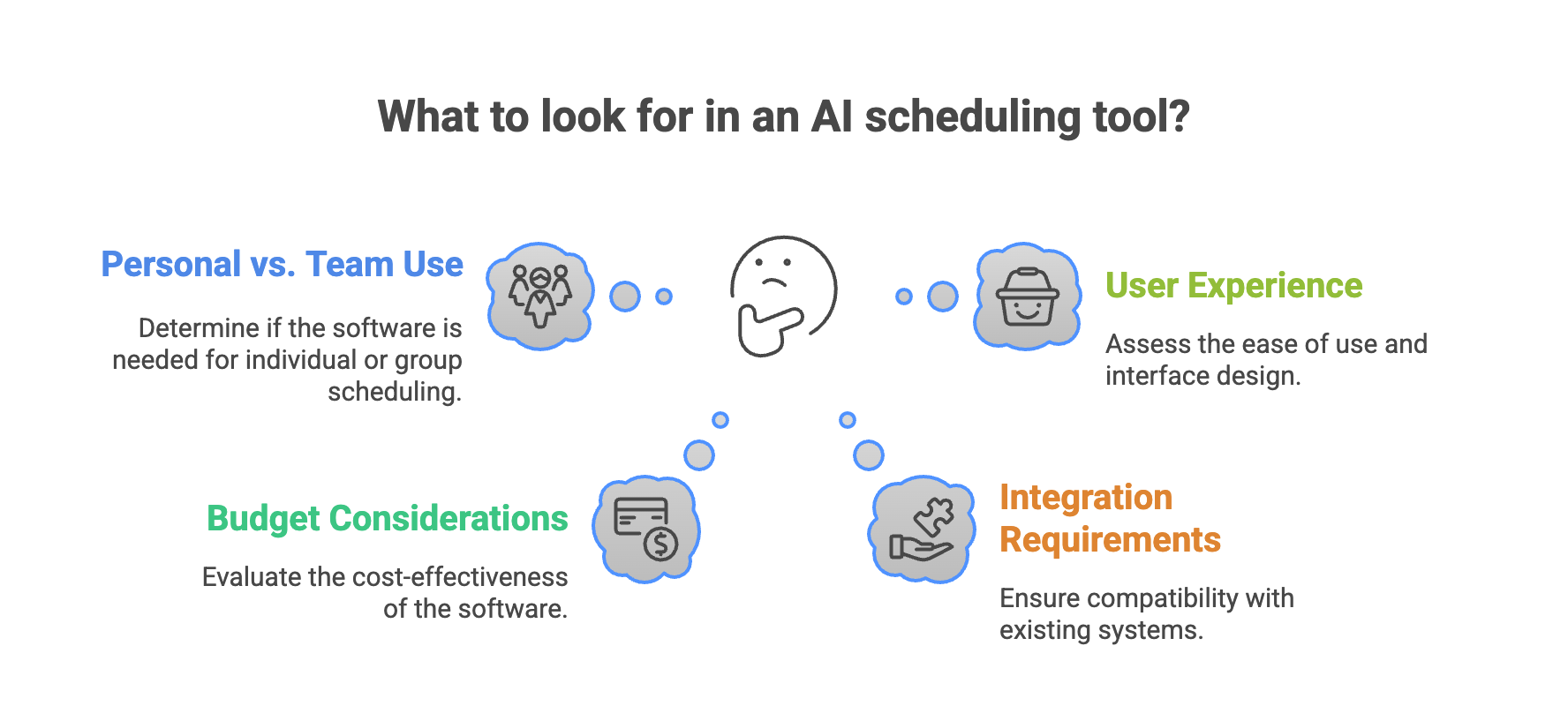
Integration Requirements
The best AI scheduling tools work smoothly with your existing tech ecosystem — and for sales teams, that ecosystem starts with the CRM. If you're still evaluating platforms, our CRM software guide covers what to look for before committing to a stack.
User Experience
A user-friendly interface substantially affects adoption rates. Free versions help you assess how natural the system feels before committing. The best tools give you personalized reminders and respond to natural language commands like "Schedule a meeting with John next Tuesday at 3pm".
Data Privacy and Security
The tool's handling of sensitive information needs careful assessment. The best AI scheduling assistants provide clear data processing policies. These tools access your calendar and potentially email, so security becomes essential.
Key Features Worth Having:
- Smart conflict resolution that suggests alternative times automatically
- Time zone management that removes conversion headaches
- AI note-taking that summarizes meetings and suggests next steps
- Advanced automation sends reminders without manual work
- Personalization learns your priorities over time
- These criteria will help you find a tool that improves your productivity rather than just adding another app to your digital ecosystem.
Best AI scheduling assistants in 2026: at a glance
Before reading through each AI scheduler in detail, here's the full picture side by side. Jump to any scheduling ai tool that looks like a fit.
Tool | What it does best | Who it's for | Starting price | Free plan |
|---|---|---|---|---|
Reclaim | AI time-blocking, habit and focus time protection | Busy professionals who want structure | $10/seat/mo | Yes |
Motion | AI-built workdays and real-time rescheduling | Individuals and small teams | $19/mo | No |
SparrowCRM | AI appointment scheduling built inside CRM deal workflows | Sales teams and revenue orgs | $14/user/mo | Yes |
Clockwise | Team focus time and meeting scheduling conflict reduction | Teams with heavy meeting loads | $6.75/user/mo | Yes |
Akiflow | Universal task scheduling inbox and daily planning | Power users across many platforms | On request | Trial |
Structured | Voice-based mobile-first personal planning | Students and on-the-go planners | $2.99/mo | Yes |
Lindy | Scheduling workflow automation with multi-agent AI | Founders and ops teams | $49.99/mo | Yes (limited) |
Clara | Email-native scheduling via natural language | Executives and frequent travellers | ~$99/mo | No |
Trevor AI | Minimalist smart scheduling queue | Solopreneurs and daily planners | $3.99/mo | Yes |
Skej | Messaging-based scheduling across 100+ languages | Global and chat-first teams | On request | Yes (limited) |
Reclaim
What It Does Best
AI time-blocking, habit and focus time protection
Who It's For
Busy professionals who want structure
Starting Price
$10/seat/mo
Free Plan
Yes
Motion
What It Does Best
AI-built workdays and real-time rescheduling
Who It's For
Individuals and small teams
Starting Price
$19/mo
Free Plan
No
SparrowCRM
What It Does Best
AI appointment scheduling built inside CRM deal workflows
Who It's For
Sales teams and revenue orgs
Starting Price
$14/user/mo
Free Plan
Yes
Clockwise
What It Does Best
Team focus time and meeting scheduling conflict reduction
Who It's For
Teams with heavy meeting loads
Starting Price
$6.75/user/mo
Free Plan
Yes
Akiflow
What It Does Best
Universal task scheduling inbox and daily planning
Who It's For
Power users across many platforms
Starting Price
On request
Free Plan
Trial
Structured
What It Does Best
Voice-based mobile-first personal planning
Who It's For
Students and on-the-go planners
Starting Price
$2.99/mo
Free Plan
Yes
Lindy
What It Does Best
Scheduling workflow automation with multi-agent AI
Who It's For
Founders and ops teams
Starting Price
$49.99/mo
Free Plan
Yes (limited)
Clara
What It Does Best
Email-native scheduling via natural language
Who It's For
Executives and frequent travellers
Starting Price
~$99/mo
Free Plan
No
Trevor AI
What It Does Best
Minimalist smart scheduling queue
Who It's For
Solopreneurs and daily planners
Starting Price
$3.99/mo
Free Plan
Yes
Skej
What It Does Best
Messaging-based scheduling across 100+ languages
Who It's For
Global and chat-first teams
Starting Price
On request
Free Plan
Yes (limited)
Best AI Scheduling Assistant Tools
1Reclaim
Source: reclaim.ai
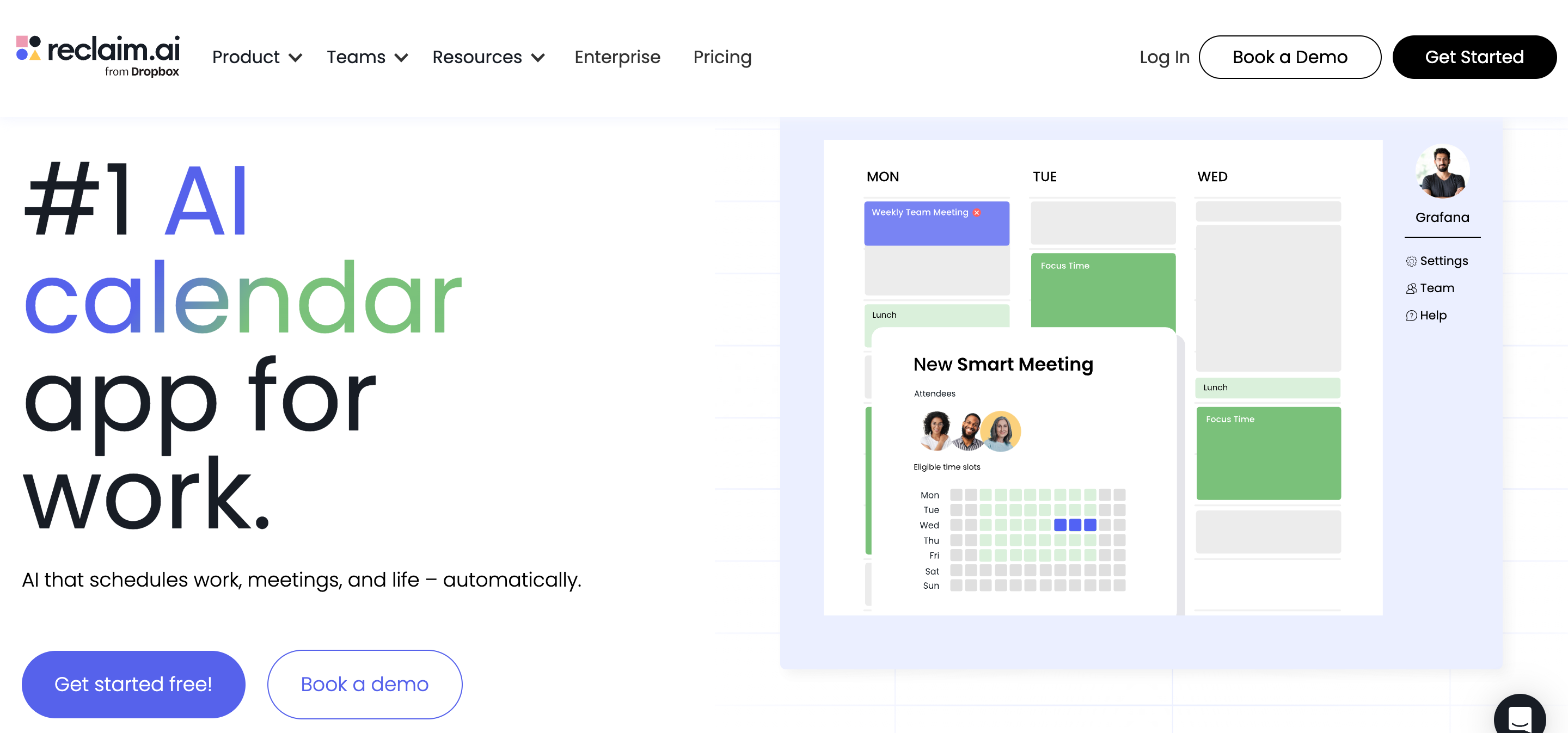
My search for AI scheduling tools led me to Reclaim, which I found was a remarkably smart calendar assistant that does more than basic time management. This tool doesn't just suggest time slots. It actively protects your priorities while you retain control of your calendar's flexibility.
How Reclaim adapts to your schedule
Reclaim's dynamic adaptation to changing priorities amazed me the most. The system adjusts scheduled events automatically when conflicts come up (typically within 15 seconds). This feature proved invaluable when unexpected meetings threw off my daily schedule.
The system takes a smart approach to free/busy time. Your scheduled tasks start as "free" (with a 🆓 emoji) and automatically switch to "busy" (with a 🛡️ emoji) as your available time gets shorter. You can stay in charge of your schedule without giving up important commitments this way.
Reclaim's AI time-blocking engine
A sophisticated prioritization system powers Reclaim's effectiveness. Both Reclaim-created events and external calendar items can receive Critical (P1), High (P2), Medium (P3), or Low (P4) priority levels. This creates a smart hierarchy where high-priority tasks naturally bump lower-priority ones when time becomes scarce.
Reclaim's AI balances several factors at once:
- Task due dates and priorities
- Your scheduling hours priorities
- Existing calendar commitments
- The optimal sequence (Smart Meetings first, then Habits, then Tasks)
Who should use Reclaim
My testing shows Reclaim works best for professionals dealing with calendar chaos. The system helps people establish consistent routines, some users say
I ate lunch five times this week for the first time in years" thanks to Reclaim’s flexible scheduling.
Team leaders with multiple direct reports will like the Smart 1:1 meetings feature that reschedules automatically around conflicts. Developers who need uninterrupted coding time can make use of Reclaim's Focus Time feature to protect their deep work sessions.
A free forever Lite plan with major features is available to everyone, even without a budget. Paid plans give you longer scheduling ranges and team controls if you need more scheduling power.
Where it shines :
“Reclaim is if you want to be organized but don’t have the personality for it. It’s basically like letting a home-organized consultant … just go through your house and start labeling things and organizing stuff.”
Where it falls short:
Users complain it can be clunky and slow when the schedule is interrupted often. “If things come up, manually intervening is annoying.”
2Motion
Source: usemotion.com
Motion caught my eye right away by promising to eliminate the daily stress of scheduling tasks manually. I tested it thoroughly and can say with confidence that it delivers through its AI-powered calendar management.
Motion's live calendar updates
Motion stands out from other tools because of how it responds to schedule changes. Your entire schedule gets recalculated in seconds when meetings take longer or emergencies pop up. This automatic reshuffling saves your time and energy that you'd normally spend reorganizing everything manually.
The tool impressed me most by knowing how to sync multiple calendars- Google, Microsoft Outlook, and iCloud, into one easy-to-use interface. Events updated in Motion show up in your external calendar and the other way around, which creates a smooth experience no matter which platform you use.
AI-generated workdays with Motion
Motion does more than simple scheduling. It creates an optimized daily plan based on what you can actually handle. The system lets you know when you've taken on too much, so you can adjust expectations before deadlines become a problem.
The AI calendar proved especially valuable because it analyzes your work and shows your top priority at any time. I no longer waste time figuring out what to tackle next. Motion also guards your focused work time by letting you set preferred meeting windows and daily meeting limits. This stops your calendar from getting overwhelmed.
Best fit for Motion users
Motion works great for professionals and small teams who want their time managed automatically.
Ally Advantage reports that Motion's AI project manager automates resource allocation and planning, which saves hours they used to spend coordinating manually. Efficient App completed projects 30% faster with Motion.
Motion ended up being perfect for people who want their day planned automatically and optimized as things change, letting them focus on getting work done instead of constantly juggling their calendar.
3SparrowCRM
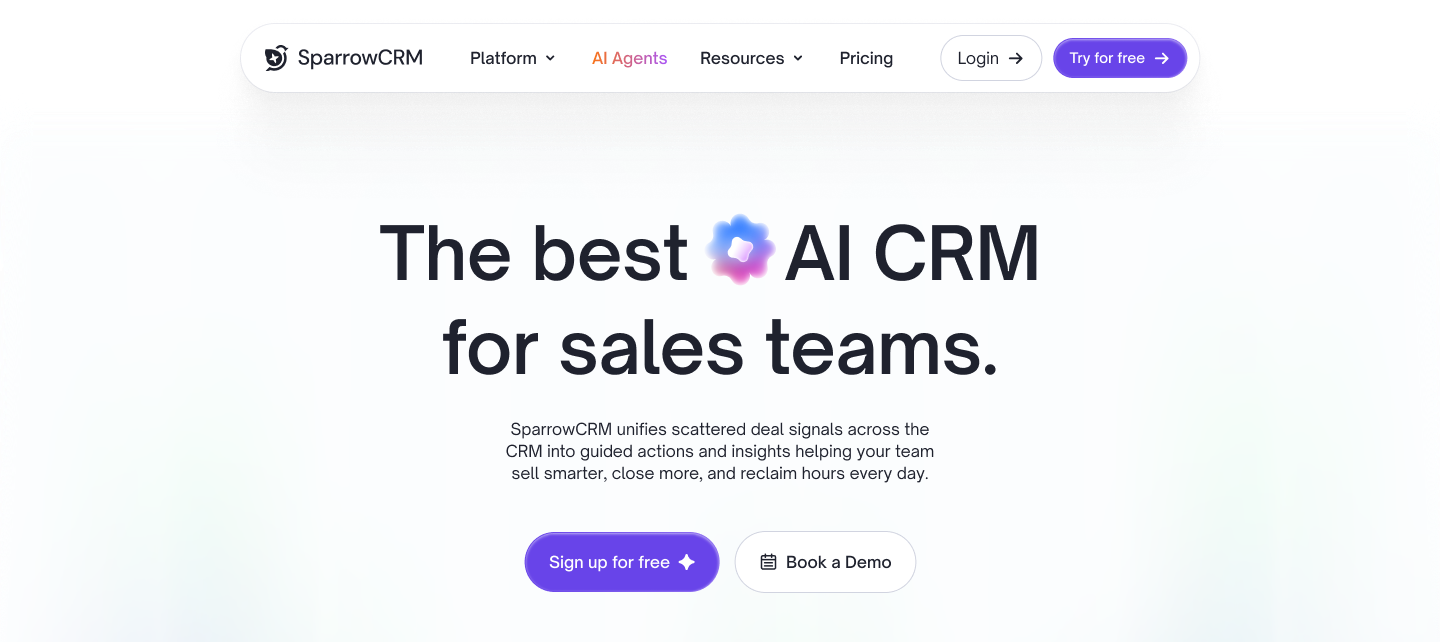
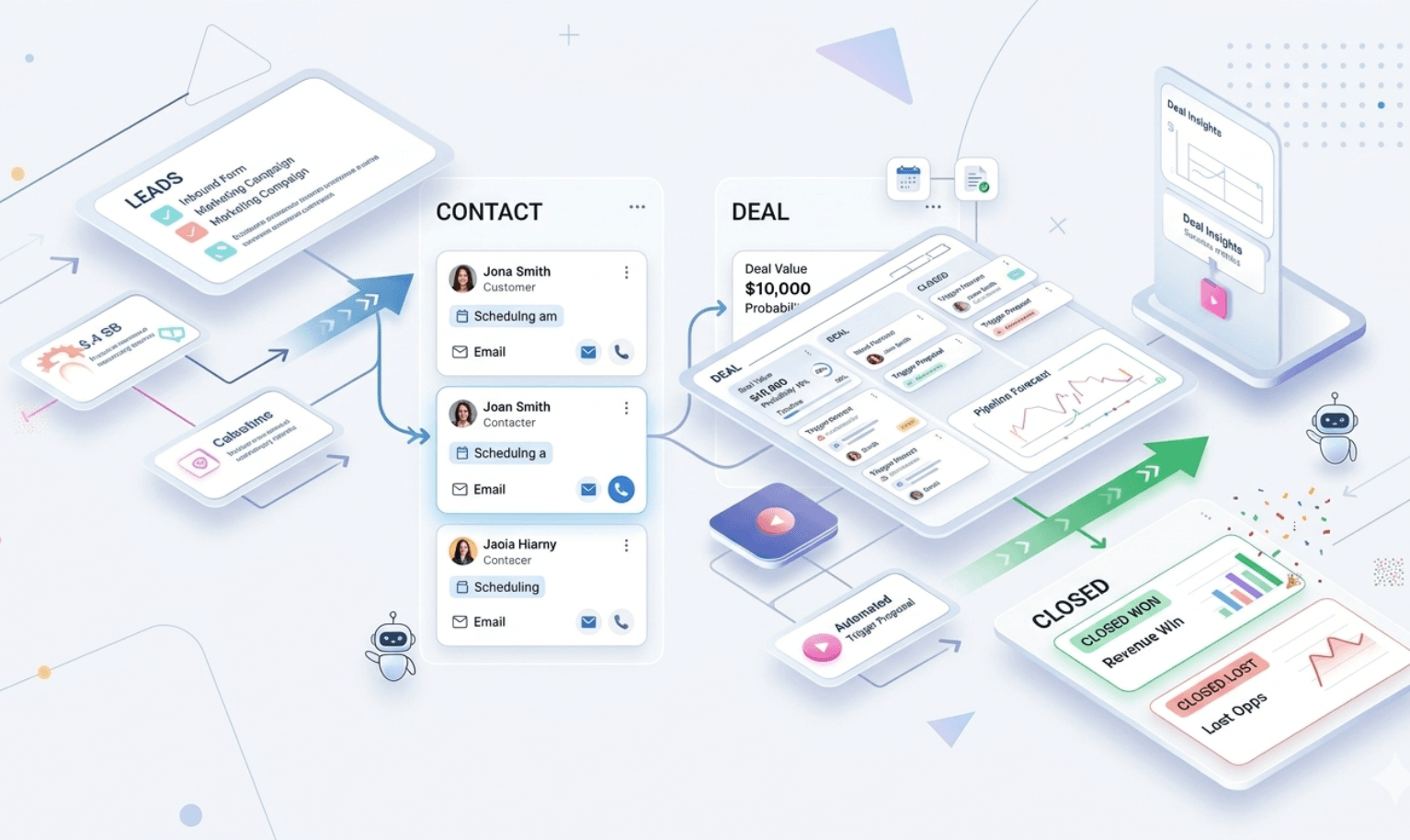
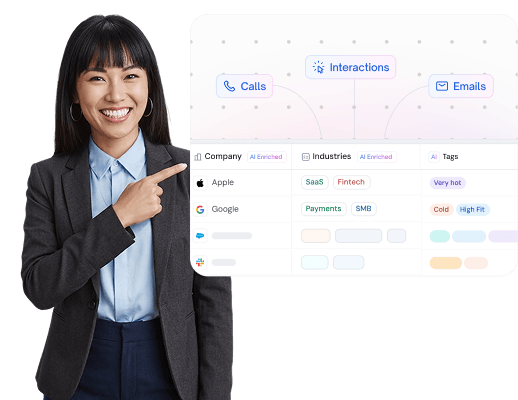
SparrowCRM's Meetings module is built directly inside the CRM. When a prospect books a call, it doesn't just land on your calendar, it automatically surfaces on the related deal record, contact page, and company timeline. There's no syncing step. There's no copy-pasting. The meeting already knows where it belongs.
How scheduling works inside SparrowCRM
You can create meetings two ways: manually from any contact or deal record, or by sharing a personalised appointment link that lets prospects self-book based on your live availability. When a booking comes in through the link, SparrowCRM's Smart Router automatically assigns it to the right rep, not just whoever has a gap, but the right person based on rules you configure.
What happens after the meeting is booked is what separates SparrowCRM from a standalone AI scheduling tool:
- The meeting links instantly to the Contact, Company, and Deal record — no manual association. Every conversation becomes part of your sales pipeline, tracked automatically without rep effort
- SparrowAI generates a pre-meeting briefing: previous conversation history, the prospect's pain points, buying intent signals, recommended strategy, and tailored discovery questions
- After the call, the AI Meeting Score evaluates talk-to-listen ratio, speech rate, tone, word clarity, and interruptions — giving managers real coaching data from real conversations
Who should use SparrowCRM
SparrowCRM makes the most sense for sales teams and revenue orgs that are running demos, discovery calls, and follow-up meetings at real volume. If your team is already using or evaluating a CRM, having AI scheduling embedded in the same platform will save more time than running a separate AI scheduling app alongside it. This matters even more for distributed teams — the remote sales CRM features that connect scheduling, routing, and deal context in one place eliminate the context switching that kills deal momentum
Connect scheduling directly to your deals
4Clockwise
Source: getclockwise.com
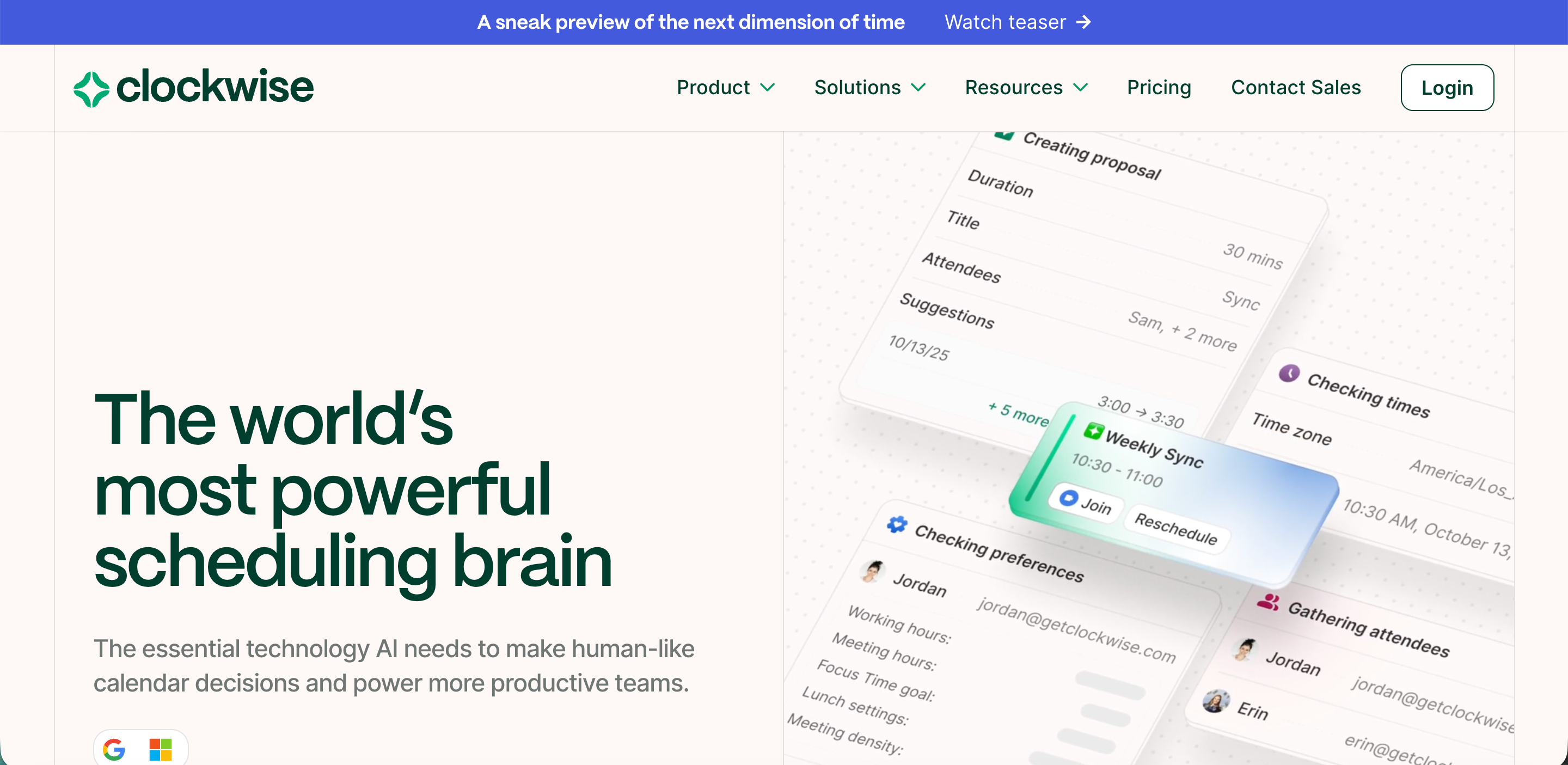
My experience managing team schedules led me to discover Clockwise, a remarkable AI scheduling assistant that protects productive time in organizations. This smart calendar assistant goes beyond optimizing your personal schedule and coordinates multiple calendars to create seamless team productivity.
Clockwise for team-wide focus time
Clockwise stands out by automatically creating and protecting Focus Time, defined as 2+ hour blocks of uninterrupted work. The system consistently rearranges flexible meetings to create these essential deep work periods for the whole team.
You can tailor Focus Time to match your work style:
- Choose your preferred times for focused work
- Set weekly Focus Time targets
- Block incoming meetings during protected time slots
The system lets you customize Focus Time blocks to show what you're working on. This helps your teammates understand your current priorities.
Clockwise's smart meeting shifts
The intelligent scheduling engine runs through millions of calendar combinations each day. It identifies meetings tagged as "flexible" and finds the best times that work for everyone involved.
The platform balances everyone's priorities at team and company levels. More importantly, it evaluates the "Focus Time cost" for each meeting participant before suggesting times that minimize schedule disruption.
Ideal use cases for Clockwise
Clockwise proves most effective for companies dealing with too many meetings. Engineering teams benefit greatly when they need protected coding time. Users often report "better focus and knowing how to get work done".
The platform excels at team coordination and automatically adapts to changing priorities while respecting work schedules. Executive teams find great value in its ability to clear schedules quickly and automatically adjust affected meetings.
5Akiflow
Source: akiflow.com
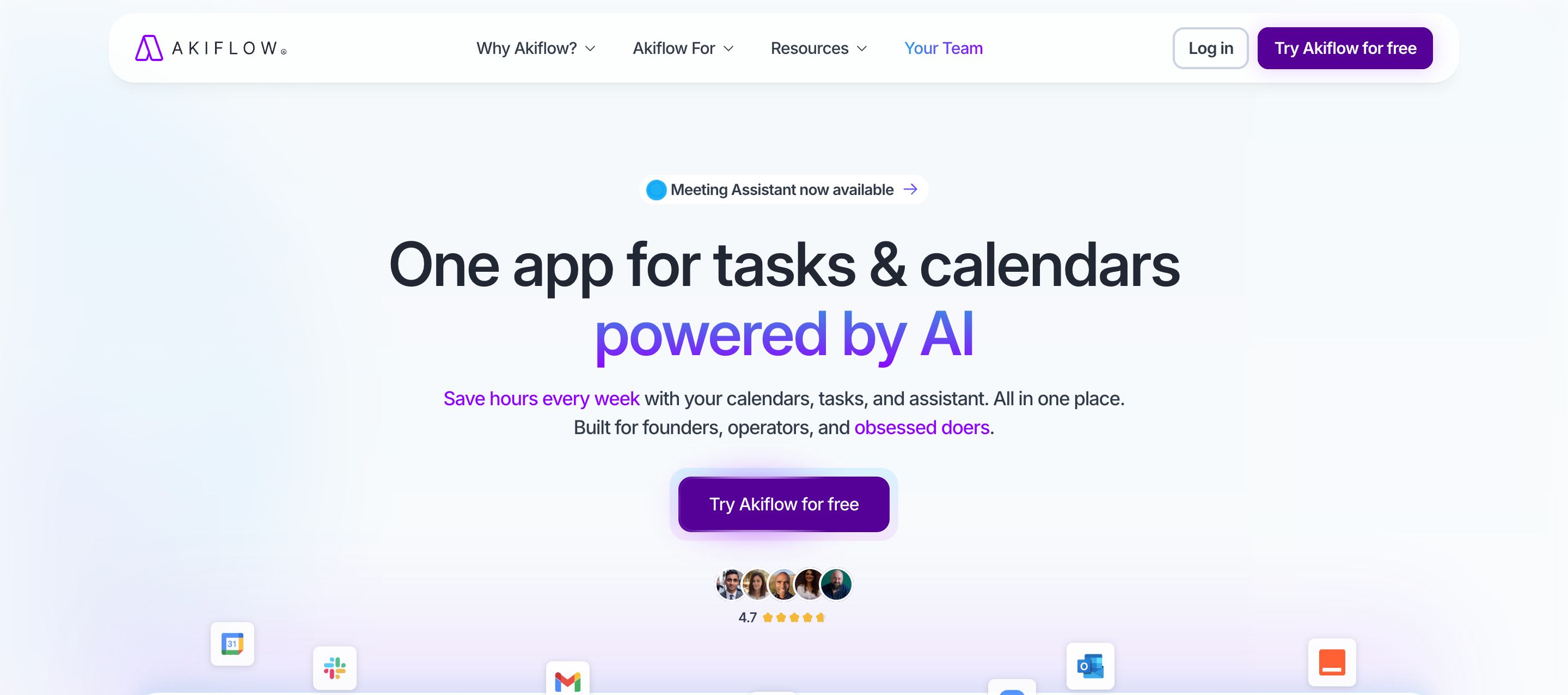
My testing of productivity tools revealed Akiflow as a versatile solution that tackles the problem of scattered tasks and fragmented schedules. This all-in-one platform naturally blends task management and calendar features with a user-friendly approach.
Akiflow's task and calendar integration
Akiflow brings your digital life together by pulling tasks from over 3,000 tools into one unified inbox. The platform's integration capabilities impressed me as it combined smoothly with Google Calendar, Outlook, Gmail, Slack, Microsoft Teams, and Zoom. Akiflow's ability to automatically import and label tasks from these sources creates a combined command center that manages all your commitments.
Akiflow's AI-powered daily planning
Aki, Akiflow's built-in AI assistant, stands out as it helps manage tasks, calendars, and routines. The AI assistant proved valuable during my testing. It rescheduled conflicts and automated daily workflows with simple commands like "Clear my afternoon and push everything that isn't on fire to tomorrow". The platform's daily shutdown ritual helped me close the workday loop mentally.
Who benefits most from Akiflow
My experience shows that Akiflow excels for professionals who manage tasks on multiple platforms. Users save up to 2 hours daily. The tool proves especially valuable for:
- Solo professionals and founders who use various tools
- People with ADHD who need well-laid-out organization
- Anyone looking to combine scattered to-do lists
6Structured

Source: structured.app
AI scheduling tools are everywhere, but Structured stands out because of its unique approach to planning through voice commands.
Structured's voice-based planning
Structured changes planning with its voice-command system that lets you dictate tasks while moving around. This feature proved useful when my hands were busy. You can talk through your plans, and the AI creates tasks that show up on your timeline. The system supports all languages backed by OpenAI, making it available to multilingual users. Voice-based planning does more than create simple tasks, you can tell it to "Clear out my schedule other than the airport pickup today" or "Book time to send emails before I head to the airport".
Structured's mobile-first design
The team built Structured with mobility in mind. Its easy-to-use interface adds pauses and breathing room between events automatically. The app's clean layout shows your wake-up time at the top of the day, and events are hosted with helpful icons that visually separate tasks. This design makes Structured perfect for planning on-the-go, though some AI features exist only on the mobile app instead of the web version.
Best use case for Structured
My experience shows that Structured works best for personal planning scenarios. It suits people who like talking through their schedule instead of typing it out. The tool really shines when you have trips to plan, shopping lists with cooking instructions to create, or recurring events to manage.
7Lindy

Source: lindy.ai
Lindy stands out because of its fresh take on AI scheduling with a feature they call "Agent Swarms." My hands-on experience with this feature left me impressed.
Lindy's AI agent swarms
The platform's strongest point is its ability to deploy multiple AI agents that work together naturally to handle complex scheduling tasks. My tests showed I could create different specialized Lindies that went together with one another - to name just one example, see how one managed exercise schedules while another handled business meetings. This multi-agent system lets you process many tasks at the same time, like sending hundreds of tailored emails.
Lindy's workflow automation
Lindy shines with its detailed workflow automation that goes beyond simple scheduling. The platform comes with a visual drag-and-drop workflow builder that needs no coding knowledge. During my review, I found Lindy's smooth connection with over 3,000 apps including Gmail, Slack, and HubSpot really useful. You can build complex, conditional logic in your workflows - like automatically researching leads before you schedule sales calls.
Lindy's ideal user profile
My experience shows Lindy works best for founders, operations teams, and busy professionals who use multiple tools. Teams looking to automate complete workflows, not just single meetings, will find it especially valuable. The platform offers a free plan with up to 400 monthly tasks,
8Clara
Source: claralabs.com
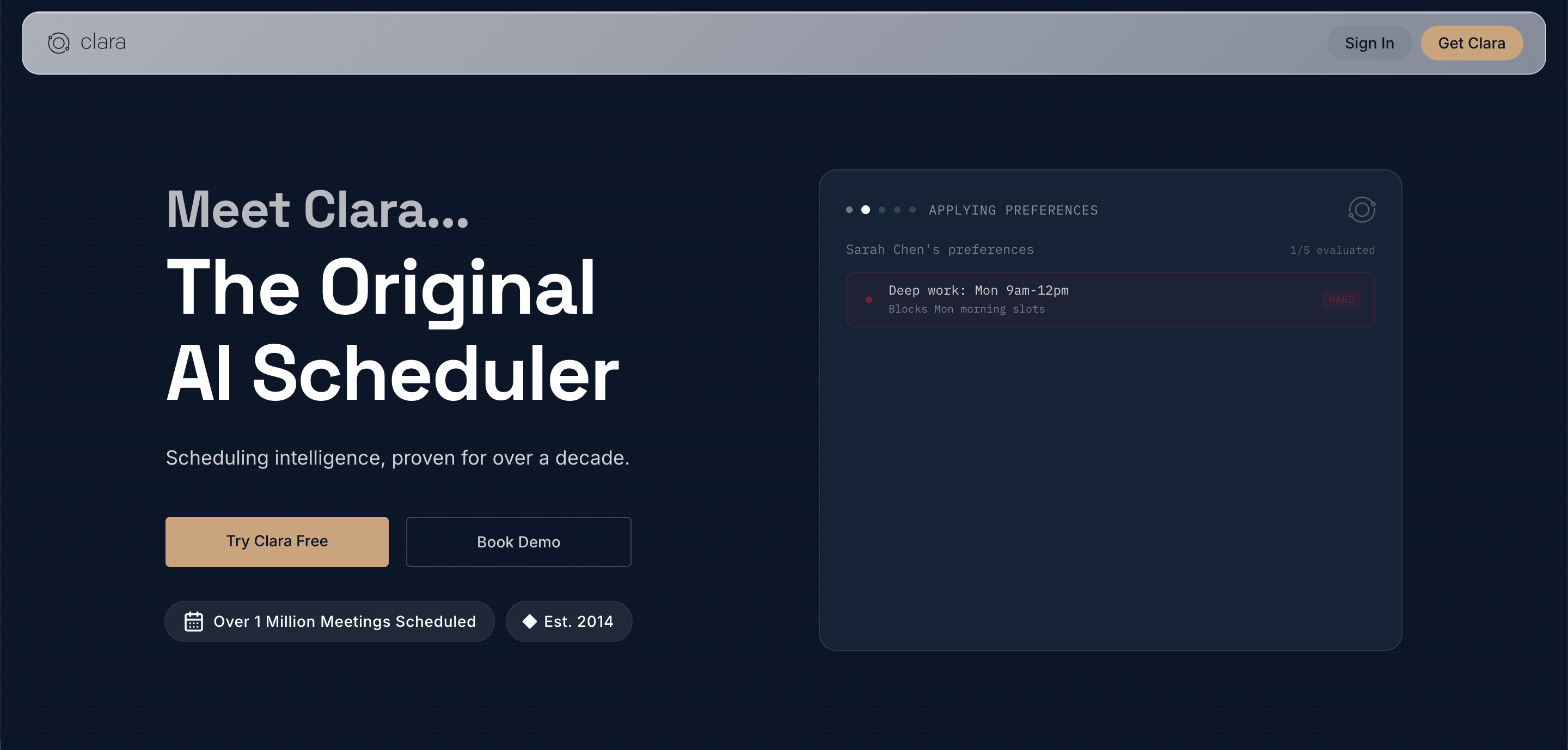
My hands-on testing of AI scheduling assistants revealed Clara's standout feature -email integration that removed the need for another app.
Clara's email-based scheduling
Clara works right inside your email workflow. You simply CC Clara on any scheduling-related email thread, and it manages the back-and-forth coordination. This virtual teammate handles the scheduling process on its own, from finding available times to sending calendar invites. The system proved incredibly valuable during my travels, as Clara gave the impression of having a personal assistant without actually needing one.
Clara's natural language processing
Clara's advanced natural language processing capabilities set it apart by creating remarkably human-like interactions. The assistant understood complex scheduling requests and responded appropriately during testing, which made conversations feel natural and user-friendly. This technology helps Clara grasp scheduling nuances and context in ways that left even my clients impressed.
When to choose Clara
Professionals drowning in scheduling emails will find Clara most useful. CEOs and business owners save significant time - users report saving hundreds of hours each year on scheduling tasks. The system helps frequent travelers with its 24/7 availability across time zones. You'll get the personal touch of a human assistant without the overhead costs, as Clara delivers this experience straight to your inbox.
9Trevor AI
Source: trevorai.com
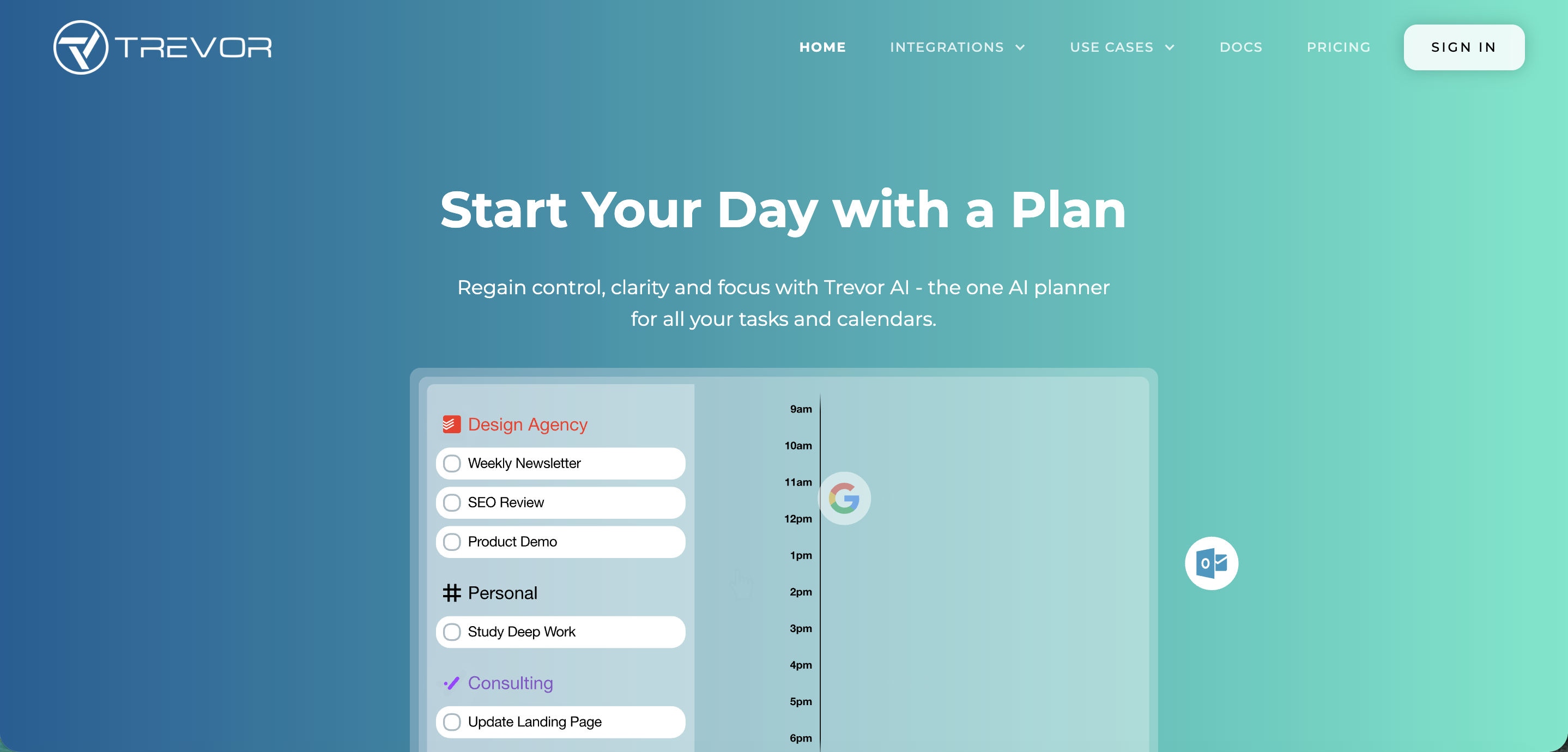
Trevor AI caught my eye with its clean, simple approach to scheduling. The tool's simplicity was a breath of fresh air after trying many complicated alternatives that still delivered all the features I needed.
Trevor AI's smart scheduling queue
Trevor AI's Smart Scheduling Queue stands out as its best feature. This system prioritizes tasks based on urgency and importance. We used drag-and-drop to add tasks or complete lists to the queue with a single click. The system became my go-to solution for managing multiple deadlines by suggesting the quickest way to complete high-priority work.
Trevor AI's minimalist interface
Trevor's interface stays clean and focused, unlike its feature-packed competitors. The Task Hub sorts everything through color-coded lists, and the user-friendly calendar view helps plan your day visually. The customizable timeline let me add breaks and adjust my schedule without any resistance. This simple, uncluttered design helps reduce decision fatigue.
Best users for Trevor AI
Trevor fits perfectly with solopreneurs and minimalists who love simplicity. Freelancers managing multiple projects and people who want clutter-free planning will find it most useful. The tool's straightforward approach really clicked with my visual organization style.
10Skej
Source: skej.com
Skej caught my eye with its unique take on scheduling that feels just like having a human EA in your digital chats. The best part? You don't need any new apps or websites.
Skej's messaging-based scheduling
Skej lives right inside your existing communication channels. The tool works naturally in emails when CC'd, responds to Slack messages, and connects through WhatsApp and SMS. The system reads your chat, checks everyone's calendars, and suggests the best meeting times based on when people are free. I tried it by adding Skej to an email thread and asked, "Can you offer some times that might work this week?" The tool took care of everything from there.
Skej's multilingual and multimodal support
Skej speaks more than 100 languages, which makes it ready for users worldwide. People can schedule meetings in their native language. The tool also turns screenshots or pasted confirmations into calendar events automatically. I was amazed when I sent over a conference invitation and Skej added it to my calendar without me doing anything else.
Why Skej stands out
Skej works like a scheduling marketplace that matches free times across participants, time zones, and priorities. The tool handles incoming Calendly links by finding times that work for everyone. Even more impressive, it works with human executive assistants, creating a natural connection between AI and human schedulers.
How to find the best AI meeting scheduler according to your need
Picking the right AI scheduling tool depends on your specific scheduling challenges. I spent hours testing these tools and found that there was no one-size-fits-all solution. Your needs will determine the best choice.
AI task-scheduling software helps anyone who needs to manage life and work tasks across multiple to-do lists and calendars. These tools keep you focused and make sure nothing slips through the cracks, especially if you often book overlapping meetings or can't fit all your tasks into your day.
Each platform handles scheduling differently. Some apps look for gaps in your calendar and fill them with tasks based on priority. They reschedule these tasks when conflicts pop up. Other apps use "timeboxing." This method splits your day into chunks - like doing admin work in the morning and focused work in the afternoon. The AI then matches relevant tasks to these time blocks.
Here's what you should think over to get the best results:
- Integration capabilities - Pick tools that work with your current systems like Slack, Google Calendar, or Microsoft Outlook
- User interface - You'll use this tool every day, so go for an accessible design that feels right
- Time blocking features - Look for apps that can set aside uninterrupted time for your important tasks
- Multiple calendar sync - The best tools naturally connect with both work and personal calendars
- Meeting scheduling - Many tools offer Calendly-style booking links for others to schedule meetings
The AI works better when you feed it more information about your tasks. Label your work, set priorities, and break down tasks into smaller steps. This helps the AI boost your workflow.
Conclusion
Testing these AI scheduling assistants revealed a simple truth: the best tool depends entirely on your workflow and what's actually causing you scheduling pain.
For personal productivity, Reclaim protects daily routines and habits better than anything else I tested. Motion adapts to calendar changes in real time and takes the thinking out of planning your day. Clockwise maximises focus time across teams in a way that benefits everyone, not just the person who set it up. Akiflow creates a central hub for people with tasks scattered across too many platforms. Structured makes scheduling accessible and visual for people on the go.
For sales teams, SparrowCRM stands apart. It's the only AI scheduling assistant for CRM on this list where meetings, deal records, AI briefings, and pipeline activity all live in the same platform. If your team runs demos and discovery calls at scale, embedding AI-powered scheduling in your CRM will save more time than any standalone AI scheduling software can because you're not just cutting calendar overhead, you're closing the context gap that causes good deals to stall after strong conversations.
Start by identifying your biggest scheduling bottleneck, then pick the tool designed to fix exactly that. These AI scheduling tools should make scheduling invisible, something that happens in the background while you focus on the work that actually matters.