CRM SOFTWARE
12 Best Sales Tracking Software Tools in 2026 (Reviewed for Growing Teams)

By Ganesh Ravi Shankar
Last updated on Jul 24, 2026
Written by a sales operations practitioner who has evaluated and configured tracking tools across inbound and outbound workflows for SaaS and tech companies.
QUICK SUMMARY
Explore this blog to compare 12 sales tracking software tools — with honest reviews, pricing tables, and a use-case selection guide built for founders and sales leaders at small and mid-size teams.
Sales Tracking Software: Tools, Reviews, and Selection Guide
Compare 12 sales tracking software tools with pricing, reviews, and a practical selection guide for small and mid-size sales teams.
- SparrowCRM — Best for AI-Native Sales Tracking on Lean Teams
- HubSpot Sales Hub — Best for Inbound-Led SMBs
- Salesforce Sales Cloud — Best for Enterprise Sales Operations
- Pipedrive — Best for Visual Pipeline Management
- Zoho CRM — Best for SMBs Wanting Affordability and Customization
- Monday Sales CRM — Best for Teams That Want Workflow Flexibility
- Freshsales — Best for Multichannel Teams with Built-In Calling
- Close CRM — Best for High-Volume Inside Sales
- Copper CRM — Best for Google Workspace Teams
- Zendesk Sell — Best for Sales and Support Unified Teams
- Insightly — Best for Post-Sale Project Delivery Teams
- Nutshell — Best for Simplicity-First Small Teams

Start tracking deals with zero manual effort
See SparrowCRM pipeline in action. Get real-time visibility without rep updates and close deals faster
Most sales teams do not lose deals because of weak pitches. They lost them because no one knew the deal was slipping until it was already gone.
When your pipeline lives across spreadsheets, email threads, and a CRM nobody actually updates, you are not tracking sales; you are guessing. And guessing is expensive.
The right sales tracking software turns that guesswork into a live, structured view of every deal, activity, and rep's performance. It connects your sales pipeline stages, sales metrics, and sales forecasting into one system so you can actually manage revenue instead of chasing it.
This guide covers the 12 best sales tracking tools in 2026, reviewed specifically for VPs of Sales, founders, and RevOps leads at companies with 2 to 50 people in SaaS, tech, and B2B services. We have included honest use-case callouts, real pricing, and a selection framework at the end so you can match the right tool to your team's actual needs.
What Is Sales Tracking Software?
Sales tracking software is a system that monitors every deal, activity, and rep interaction across your sales process from first contact to closed-won. It is not simply a place to store contacts. It is what turns scattered outreach into a structured sales pipeline with measurable stages, ownership, and forecast value.
A strong sales tracking system does four things reliably: it captures activity without relying on manual rep input, it shows pipeline health in real time, it flags deals at risk before they go cold, and it generates the reporting data your sales forecasting guide depends on to be accurate.
For small and growing teams, the right software for sales tracking is not the one with the longest feature list. It is the one your reps will actually use and the one that gives leadership a reliable read on what is going to close this month.
How Sales Tracking Directly Impacts Revenue
Sales tracking is often positioned as a productivity tool. It is more accurately a revenue tool. When your sales tracking system works well, three things happen that directly affect the number at the bottom of your pipeline report.
Deal velocity improves: When reps know exactly where each deal stands and what the next action is, follow-up happens faster. Faster follow-up shortens sales cycle length, which means more deals closed per quarter with the same headcount.
Forecast accuracy goes up: Most forecast errors come from pipeline data that is stale or incomplete. A sales monitoring system that auto-captures activity and keeps deal stages current gives your forecasting models clean data to work from. According to research from CSO Insights, companies with disciplined sales tracking processes achieve over 10% higher win rates than those without.
Revenue leaks get plugged: The deals that disappear quietly are the most expensive. A pipeline metrics guide approach, tracking coverage, velocity, and conversion rates per stage surfaces where your process breaks down before it costs you quota.
How We Evaluated These 12 Sales Tracking Tools
We did not rank tools by features alone. The criteria below reflect what actually matters for a 2–50 person sales team making a real purchase decision, not a feature checklist built from vendor documentation.
Evaluation Criteria | What We Looked For |
Pipeline Visibility | Does the tool give a real-time, accurate view of where every deal stands? |
AI Capabilities | Does automation go beyond reminders? Does it auto-log, score, and suggest actions? |
Ease of Adoption | Can a 5-person team be up and running in days, not months? |
Pricing Transparency | Is pricing openly listed? Are there hidden seat minimums or add-on walls? |
Integration Depth | Does it connect natively with your email, calendar, and communication stack? |
G2 / Capterra Signals | What do real users at SMB companies (2–50 employees) say about day-to-day use? |
User reviews from G2 and Capterra were weighted toward reviews from SMB teams (2–200 employees) to keep the evaluation grounded in the use cases this blog is written for.
Quick Comparison: 12 Sales Tracking Tools at a Glance
Tool | Best For | Starting Price | Free Plan | AI-Native | Free Trial |
|---|---|---|---|---|---|
SparrowCRM | AI-native tracking for lean sales teams | $0 (Early Access) | Yes | Yes | Yes |
HubSpot Sales Hub | Inbound-led SMBs & marketing-aligned teams | $20/user/mo | Yes | Partial | Yes |
Salesforce Sales Cloud | Enterprise orgs with complex sales ops | $25/user/mo | No | Partial | Yes |
Pipedrive | Visual pipeline management for small teams | $14/user/mo | No | Partial | Yes |
Zoho CRM | SMBs wanting affordability + customization | $14/user/mo | Yes (3 users) | Partial | Yes |
Monday Sales CRM | Teams wanting workflow flexibility | $10/user/mo | Yes | No | Yes |
Freshsales | Multichannel teams with built-in calling | $15/user/mo | Yes | Partial | Yes |
Close CRM | Inside sales teams with high call volume | $29/user/mo | No | No | Yes |
Copper CRM | Google Workspace-first teams | $23/user/mo | No | No | Yes |
Zendesk Sell | Sales-support unified teams | $19/user/mo | No | No | Yes |
Insightly | Teams managing post-sale project delivery | $29/user/mo | Yes | No | Yes |
Nutshell | Small teams want simplicity | $19/user/mo | No | No | Yes |
SparrowCRM
Best For
AI-native tracking for lean sales teams
Starting Price
$0 (Early Access)
Free Plan
Yes
Ai-native
Yes
Free Trial
Yes
HubSpot Sales Hub
Best For
Inbound-led SMBs & marketing-aligned teams
Starting Price
$20/user/mo
Free Plan
Yes
Ai-native
Partial
Free Trial
Yes
Salesforce Sales Cloud
Best For
Enterprise orgs with complex sales ops
Starting Price
$25/user/mo
Free Plan
No
Ai-native
Partial
Free Trial
Yes
Pipedrive
Best For
Visual pipeline management for small teams
Starting Price
$14/user/mo
Free Plan
No
Ai-native
Partial
Free Trial
Yes
Zoho CRM
Best For
SMBs wanting affordability + customization
Starting Price
$14/user/mo
Free Plan
Yes (3 users)
Ai-native
Partial
Free Trial
Yes
Monday Sales CRM
Best For
Teams wanting workflow flexibility
Starting Price
$10/user/mo
Free Plan
Yes
Ai-native
No
Free Trial
Yes
Freshsales
Best For
Multichannel teams with built-in calling
Starting Price
$15/user/mo
Free Plan
Yes
Ai-native
Partial
Free Trial
Yes
Close CRM
Best For
Inside sales teams with high call volume
Starting Price
$29/user/mo
Free Plan
No
Ai-native
No
Free Trial
Yes
Copper CRM
Best For
Google Workspace-first teams
Starting Price
$23/user/mo
Free Plan
No
Ai-native
No
Free Trial
Yes
Zendesk Sell
Best For
Sales-support unified teams
Starting Price
$19/user/mo
Free Plan
No
Ai-native
No
Free Trial
Yes
Insightly
Best For
Teams managing post-sale project delivery
Starting Price
$29/user/mo
Free Plan
Yes
Ai-native
No
Free Trial
Yes
Nutshell
Best For
Small teams want simplicity
Starting Price
$19/user/mo
Free Plan
No
Ai-native
No
Free Trial
Yes
12 Best Sales Tracking Software Tools: Reviewed
1SparrowCRM — Best for AI-Native Sales Tracking on Lean Teams
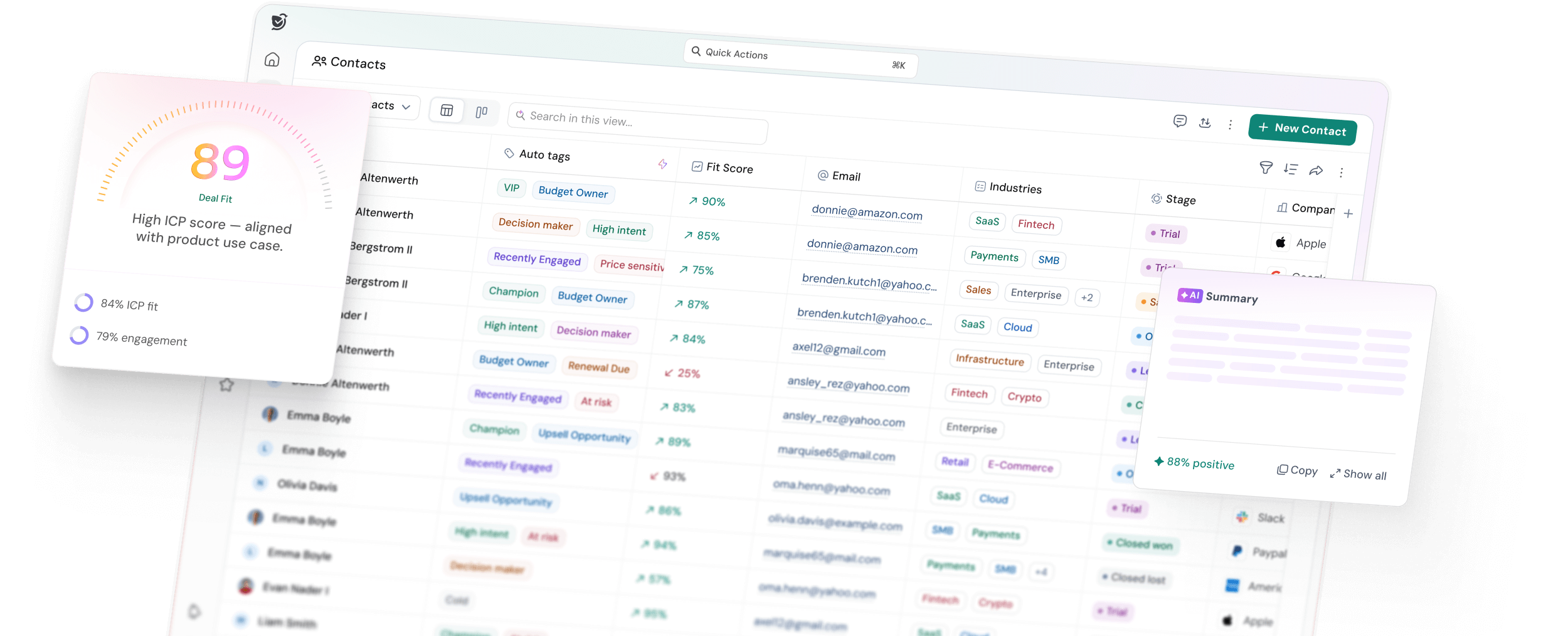
SparrowCRM is an AI-native CRM built for small and growing sales teams that want tracking to happen automatically, not because a rep remembered to log something.
Unlike legacy CRM tools that added AI as a feature layer on top of manual workflows, SparrowCRM was built with automation as its core architecture. Activity logging, deal scoring, and pipeline updates happen without rep intervention, which means your pipeline data is accurate even when your team is busy selling.
For a founder managing a three-person outbound team, or a VP of Sales trying to get clean pipeline data without hiring a RevOps analyst, SparrowCRM removes the overhead that makes most CRMs frustrating to maintain.
Key features: Auto-activity logging, AI-powered deal scoring, real-time pipeline health monitoring, and forecasting tied to actual activity data, not manual stage updates.
Pricing: Free plan available for up to 3 seats. Growth from $19/user/month; Pro from $49/user/month.
- Best for: SaaS founders, small outbound teams, RevOps leads who need clean pipeline data without manual admin
- Not ideal for: Large enterprise orgs needing complex multi-team territory management out of the box
Turn sales tracking into predictable revenue with SparrowCRM
2HubSpot Sales Hub — Best for Inbound-Led SMBs
Source:hubspot.com
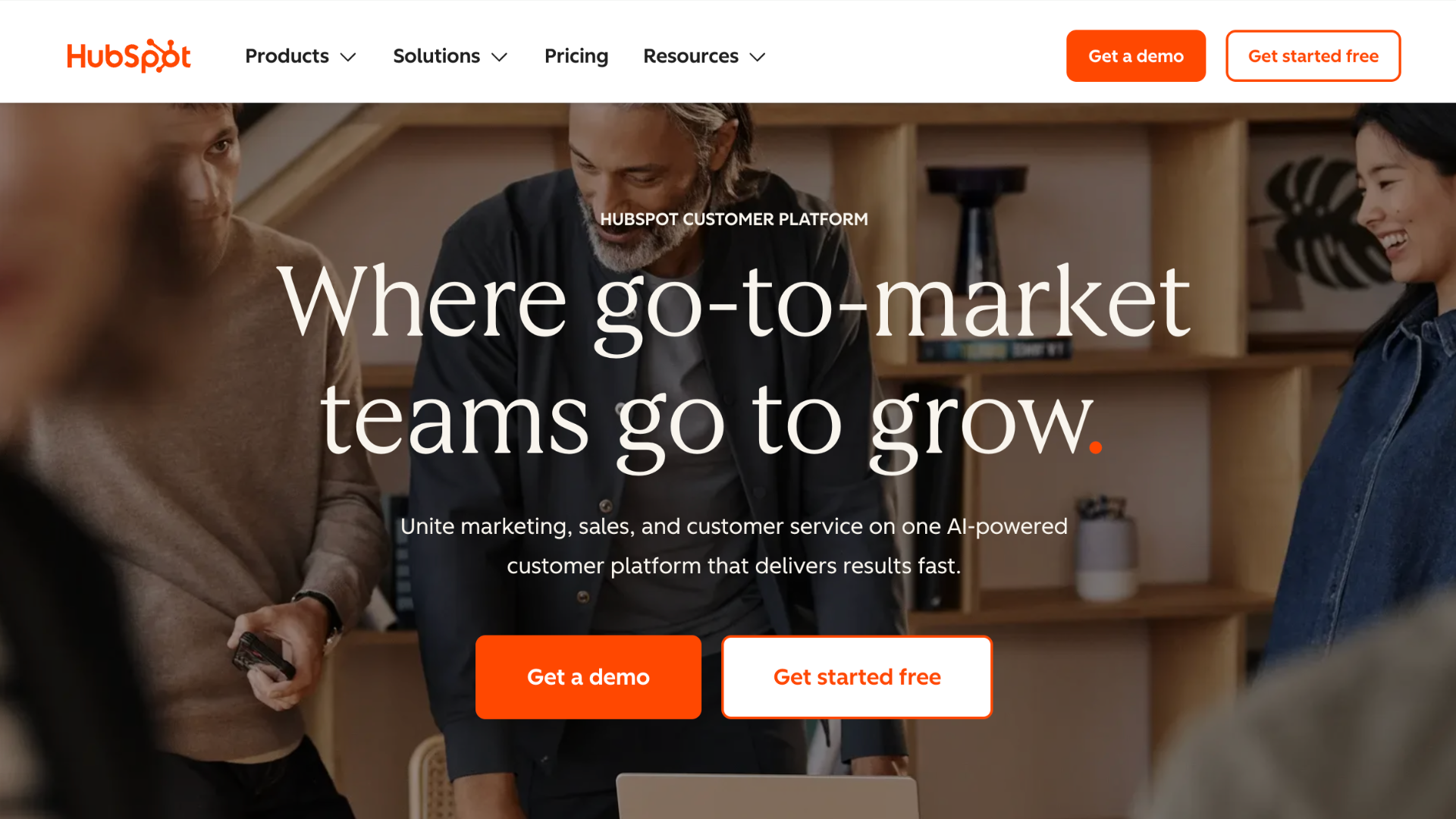
HubSpot Sales Hub is the most widely used sales tracking tool among SMBs, primarily because it sits on top of HubSpot's marketing and CRM ecosystem. If your leads come through content, ads, or email campaigns that are already running in HubSpot, the sales tracking integration is seamless.
For teams starting from scratch, the free tier is genuinely useful; it includes deal tracking, email logging, and basic pipeline views. The gap shows when you need advanced reporting, sequences, or forecasting, which require a jump to the Professional tier at $100/user/month.
G2 reviewers at SMBs consistently highlight ease of use and strong email tracking as standouts. The most common complaint is that pricing scales steeply, and the mobile app lags behind the desktop experience.
Pricing: Free tier available; Starter from $20/user/month; Professional from $100/user/month. See HubSpot pricing for current tier details.
- Best for: Inbound-led teams already using HubSpot marketing tools
- Not ideal for: Teams that rely primarily on outbound. HubSpot's depth is strongest on the inbound side
3Salesforce Sales Cloud — Best for Enterprise Sales Operations

Source:salesforce.com
Salesforce is the default for large sales organizations that need deep customization, complex territory management, and an ecosystem of third-party integrations. It is also among the most expensive and time-intensive to set up correctly.
For teams under 30 people, the honest assessment is that Salesforce is often overkill both in cost and in configuration complexity. Most small teams end up using 20% of their features while paying for 100% of the seats. That said, if you are at 30+ reps and need enterprise-grade reporting with custom objects, Salesforce is the standard for a reason.
Capterra reviewers at enterprise companies rate it highly for customization and reporting depth. Common complaints from SMBs include steep learning curves and implementation costs that are not visible in the base pricing.
Pricing: Essentials from $25/user/month; higher tiers available. Full pricing at Salesforce pricing.
- Best for: Enterprise orgs with dedicated Salesforce admins and complex sales hierarchies
- Not ideal for: Teams under 25 reps without RevOps resources to maintain it
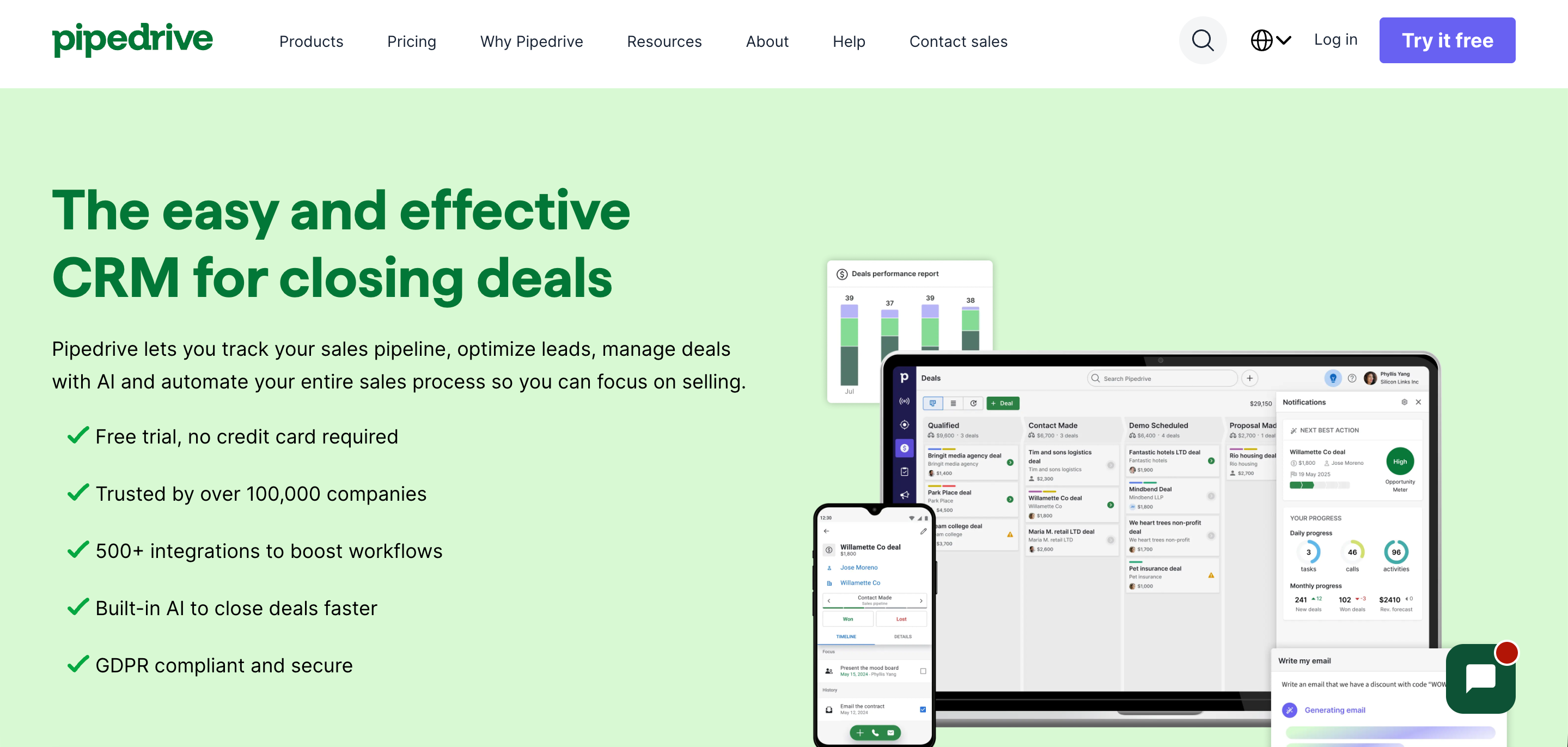
4Pipedrive — Best for Visual Pipeline Management
Source:pipedrive.com
Pipedrive built its reputation on making pipeline management visual, intuitive, and low-friction. The drag-and-drop deal board is genuinely well-designed, and the activity-based selling methodology baked into the product suits teams that sell on relationships and consistent outreach cadences.
Where Pipedrive falls short is on the analytics side. Basic reporting is available across all tiers, but the forecasting and pipeline metrics that a VP of Sales needs for a reliable revenue call are locked behind the Professional or Power tiers.
G2 reviewers consistently give Pipedrive high marks for UI simplicity. Criticism centers on reporting gaps at lower tiers and limited marketing automation compared to HubSpot.
Pricing: Lite from $14/user/month; Growth $39/user/month. See Pipedrive pricing.
- Best for: Small teams (3–15 reps) that want a simple, visual sales tracking system and do not need heavy analytics
- Not ideal for: Teams that need accurate revenue forecasting tied to pipeline data
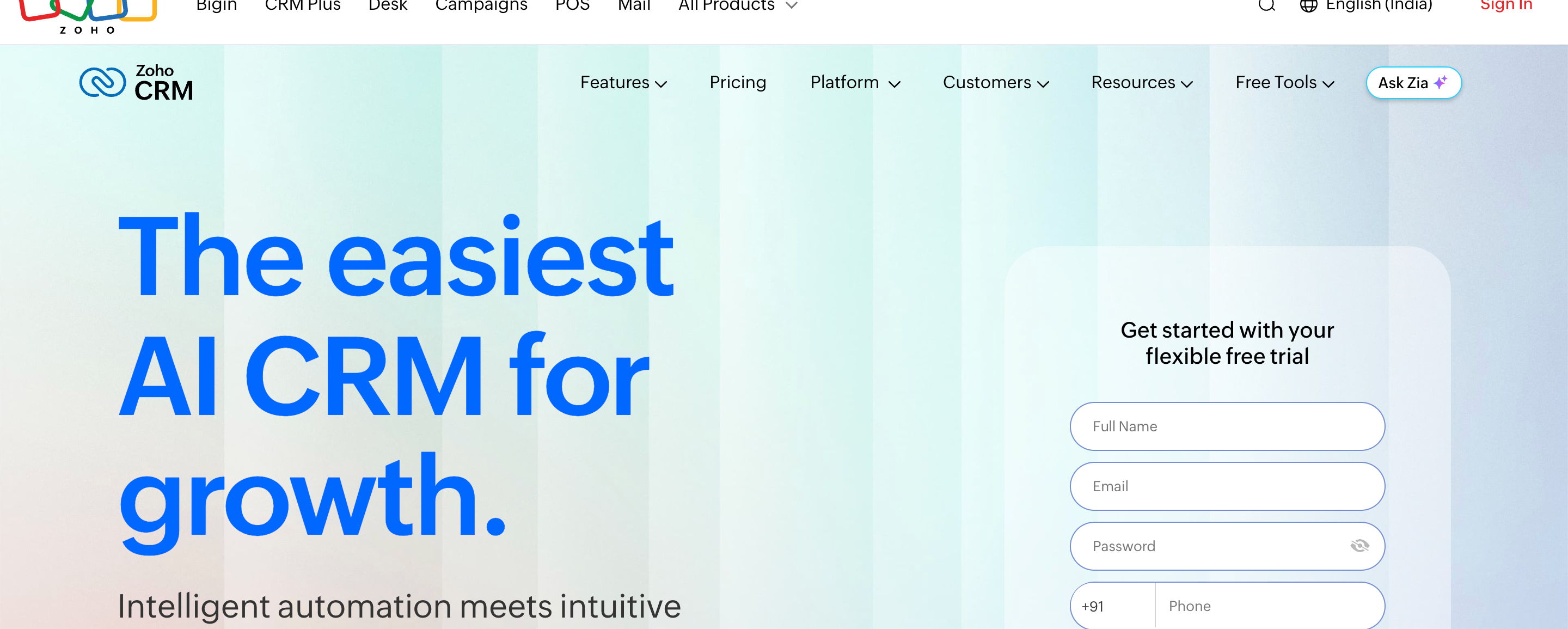
5Zoho CRM — Best for SMBs Wanting Affordability and Customization
Source: zoho.com
Zoho CRM packs a wide range of features into one of the most competitively priced platforms in the market. For SMBs that want pipeline tracking, workflow automation, and basic AI-powered insights without spending $50+/user/month, Zoho is a legitimate option.
The trade-off is interface complexity. Zoho's depth can feel overwhelming when you first log in, especially compared to Pipedrive or HubSpot. Its Zia AI assistant provides lead scoring and deal predictions, but these features are gated behind the Enterprise tier ($40/user/month), which narrows the value gap with competitors at that price point.
Pricing: Free for up to 3 users; Standard from $14/user/month; Enterprise $40/user/month. See our full Zoho CRM pricing breakdown for a tier-by-tier comparison
Best for: SMBs in the Zoho ecosystem or teams that want broad features at a lower cost
Not ideal for: Teams that want a clean, fast setup. Zoho requires configuration time to get right
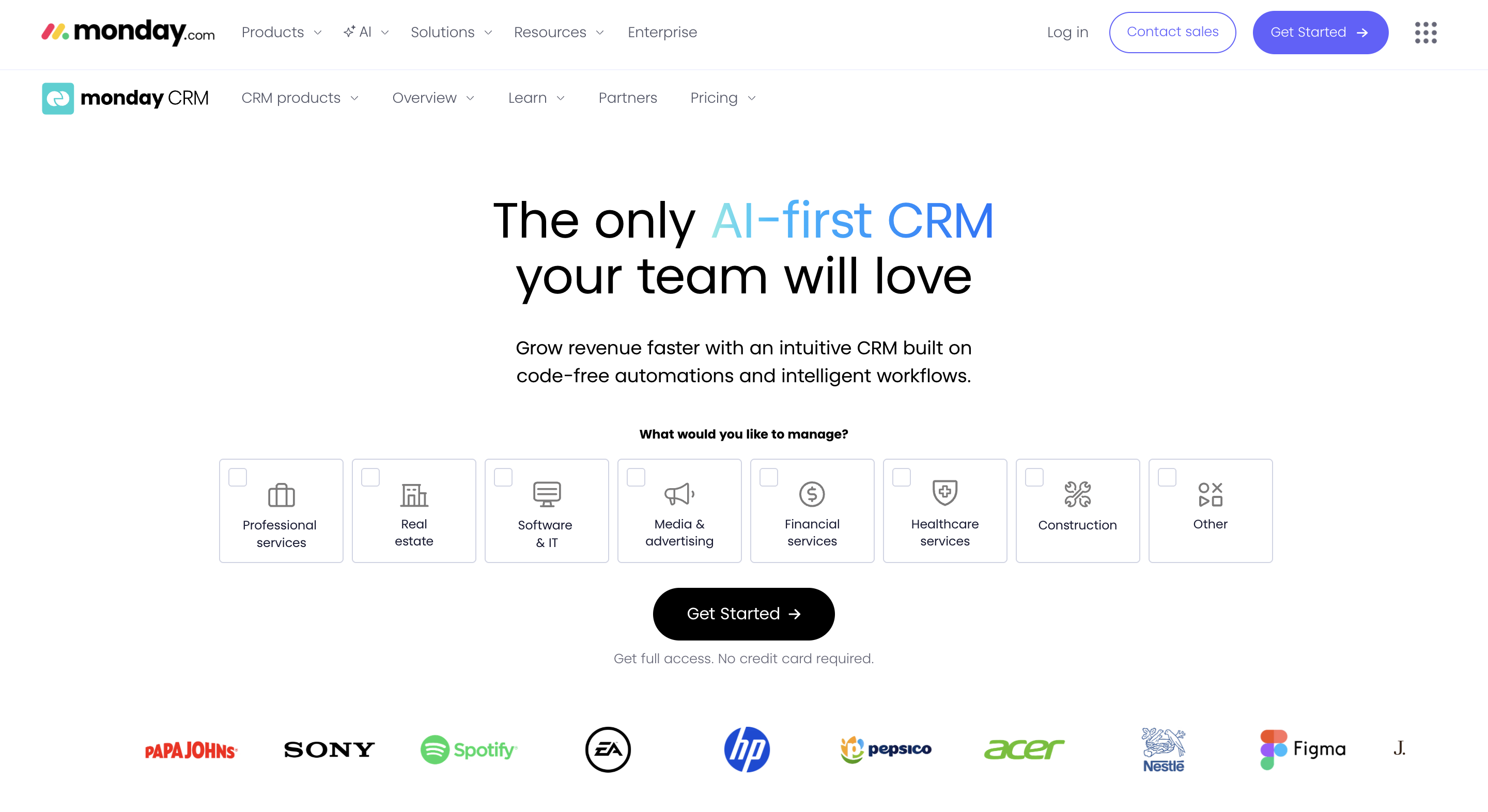
6Monday Sales CRM — Best for Teams That Want Workflow Flexibility
Source: monday.com
Monday Sales CRM is built on the monday.com Work OS, which means the pipeline is highly customizable; you can build it to match exactly how your team sells. This no-code flexibility is the platform's main differentiator.
For sales teams that have non-standard sales processes or that want to connect sales tracking directly into project management and delivery workflows, Monday's cross-functional setup is a genuine advantage. For teams that just need a straightforward CRM, the customization can feel like unnecessary overhead.
Pricing: Basic from $10/user/month (minimum 3 users). Current pricing at Monday CRM pricing.
- Best for: Teams that sell alongside project delivery, or that want to build a custom sales workflow without developer help
- Not ideal for: Teams that need deep sales-specific analytics. Monday's reporting is broad, not sales-optimized
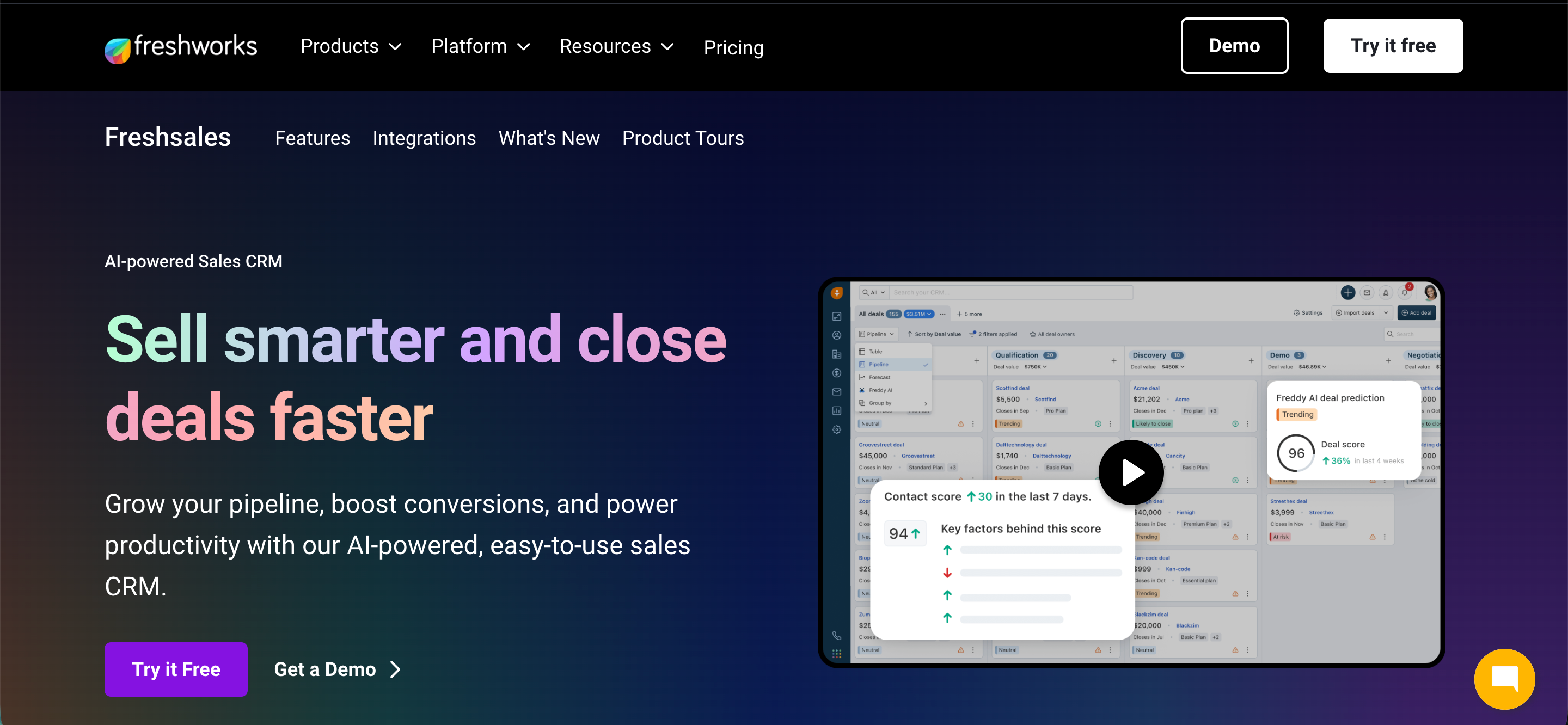
7Freshsales — Best for Multichannel Teams with Built-In Calling
Source: freshworks.com
Freshsales stands out for building phone, email, and chat capabilities natively into the CRM rather than requiring integrations. For inside sales teams doing high volumes of calls alongside email outreach, having all communication tracked in one place without switching tools is a real workflow advantage.
The Freddy AI assistant provides lead scoring and deal insights, though G2 reviewers note that its accuracy improves significantly with data volume, meaning newer teams or small pipelines may not get as much value from the AI features early on.
Pricing: Free plan available; Growth from $15/user/month. See Freshsales pricing.
- Best for: Teams doing multichannel outreach (call + email + chat) who want a unified activity log
Not ideal for: Teams with very small pipelines, Freddy AI needs data volume to deliver meaningful scoring
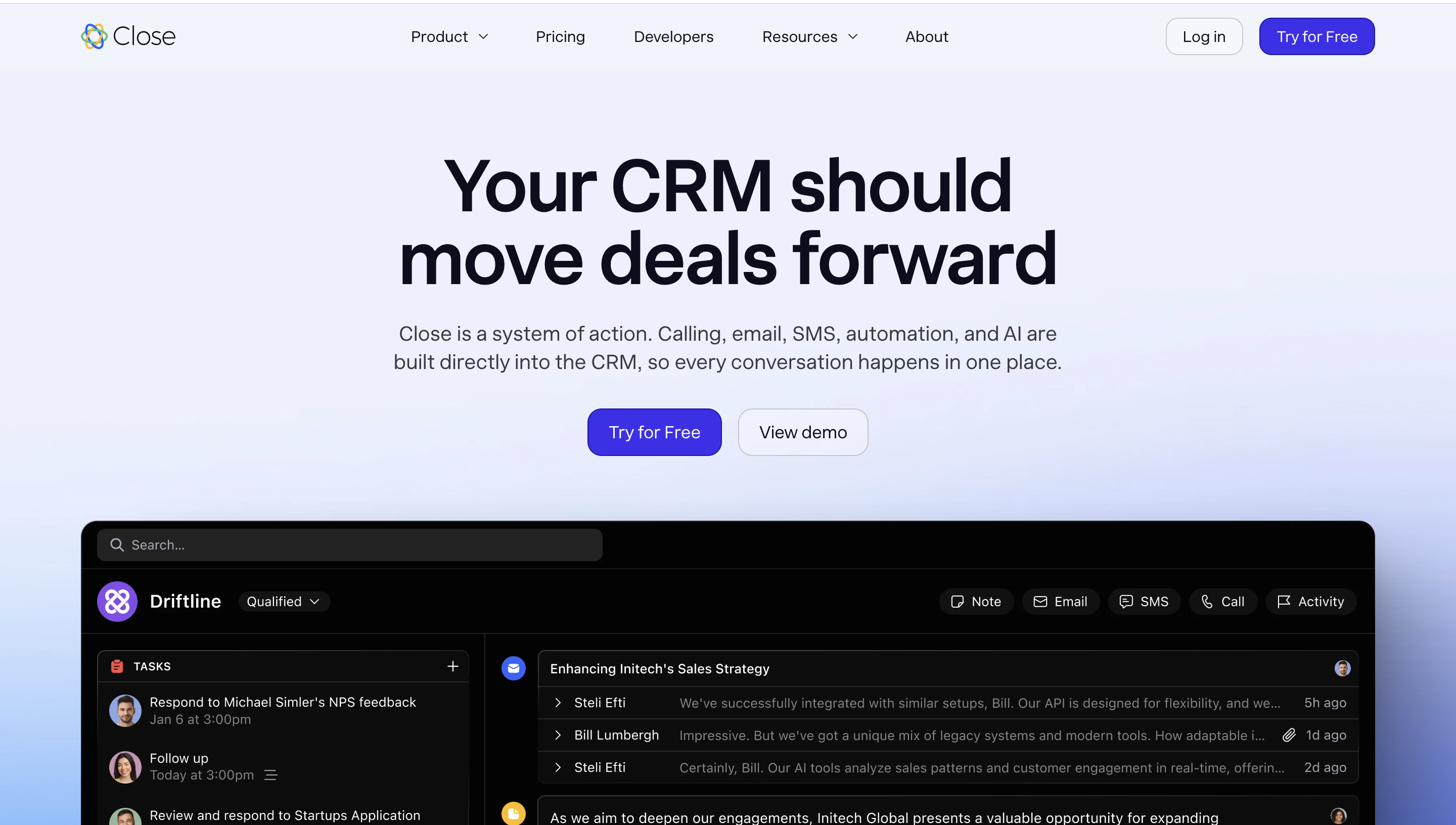
8Close CRM — Best for High-Volume Inside Sales
Source: close.com
Close CRM was built for inside sales teams that live and die by call volume. The built-in power dialer, SMS, and email sequencing tools are natively integrated into the pipeline, so reps can move from a call to a follow-up email to a pipeline update without ever leaving the tool.
For teams doing fewer than 50 deals at a time or teams with complex multi-stakeholder B2B sales, Close's interface can feel too activity-focused. It is optimized for high-velocity, high-touch outreach, which is exactly what it does well.
Pricing: Base from $29/user/month. See Close CRM pricing.
- Best for: Inside sales teams doing 50+ calls/day with structured outreach sequences
- Not ideal for: Complex enterprise or relationship-led sales with long cycle times
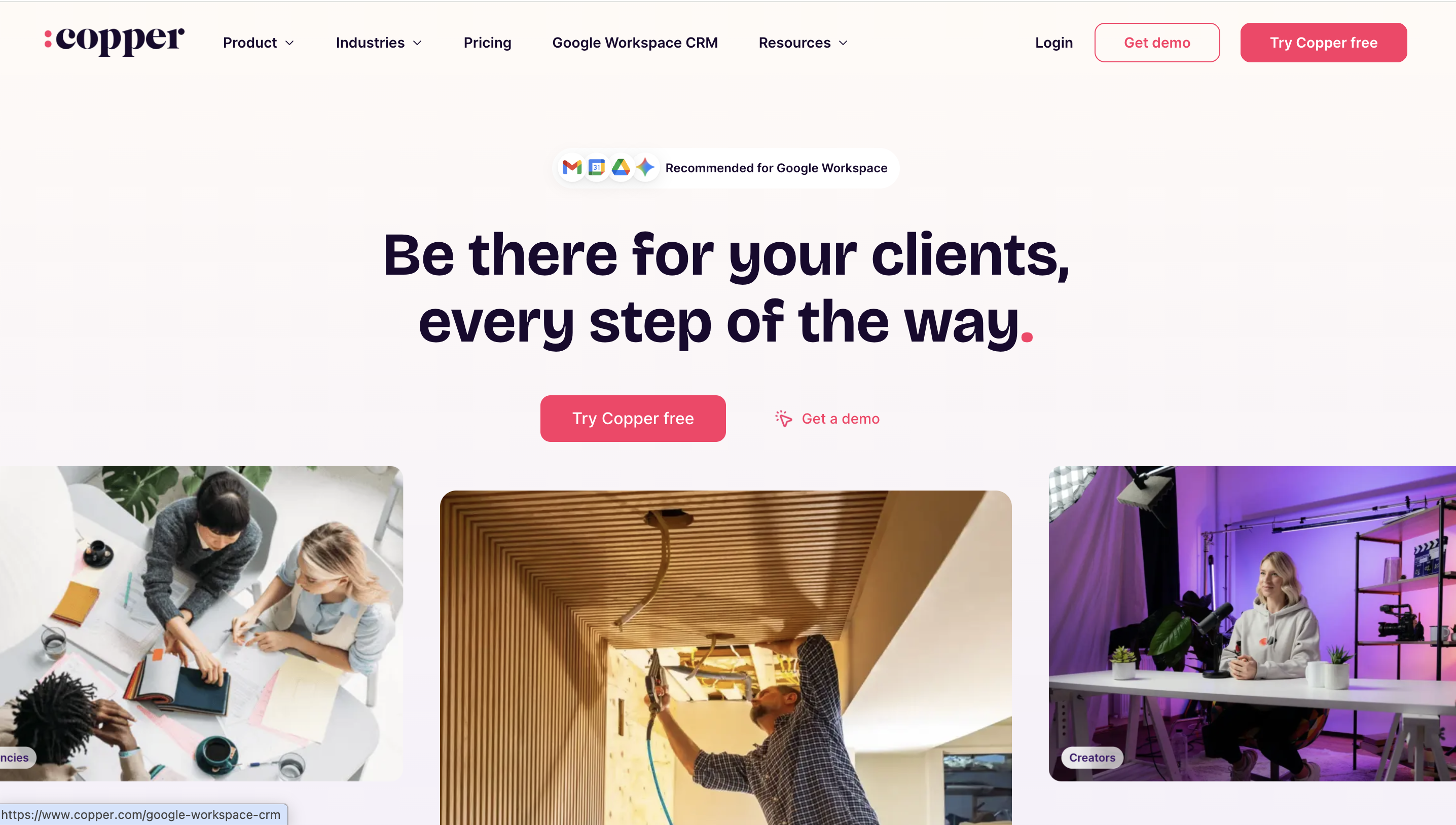
9Copper CRM — Best for Google Workspace Teams
Source: copper.com
Copper is the only CRM built natively inside Gmail. Contact records, email history, deal stages, and task reminders surface directly in your inbox, no tab-switching, no manual logging. For teams whose entire workflow runs through Google Workspace, this native integration removes the single biggest reason reps stop using their CRM: the friction of data entry.
The limitation is predictable: if your team does not live in Google Workspace, Copper is not the right fit. Reporting and analytics are also more basic compared to Salesforce or HubSpot at equivalent price points.
Pricing: Basic from $23/user/month. See Copper pricing.
- Best for: Teams fully embedded in Google Workspace who want zero-friction CRM adoption
Not ideal for: Teams on Outlook, or teams needing advanced pipeline analytics
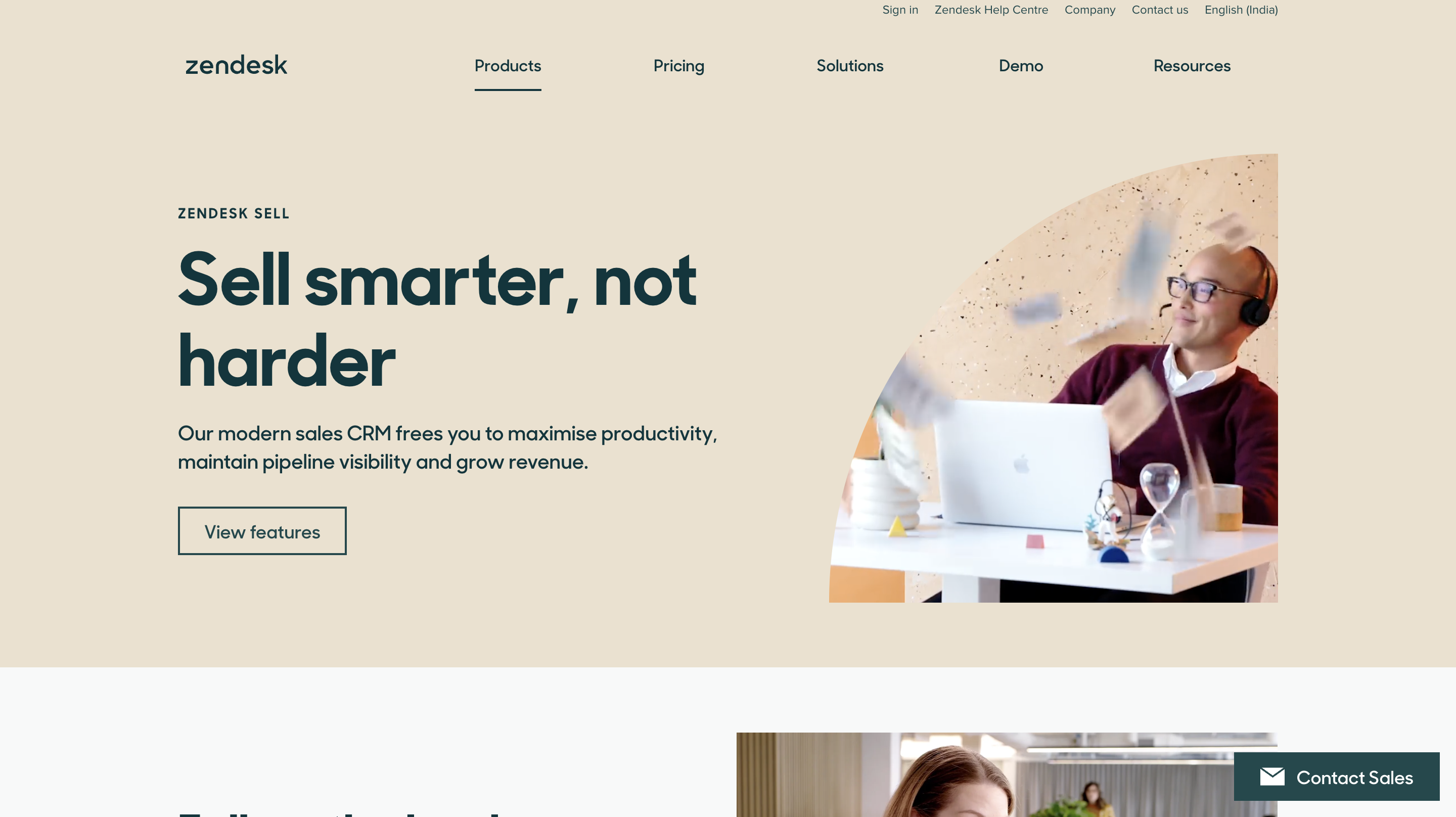
10Zendesk Sell — Best for Sales and Support Unified Teams
Source: zendesk.com
Zendesk Sell makes the most sense for organizations already using Zendesk for customer support. The sales CRM and support ticketing system share a customer record, which means a rep can see a prospect's open support ticket history before getting on a call, and a support agent can see if a customer is in an active upsell conversation.
For companies where sales and customer success work closely together, this visibility is genuinely useful. For pure-play sales teams with no Zendesk footprint, the added cost over standalone CRMs is harder to justify.
Pricing: Team from $19/user/month. See Zendesk Sell pricing.
- Best for: Sales orgs that share customer data with a support team already using Zendesk
- Not ideal for: Pure sales teams with no Zendesk infrastructure, the cross-team value is the main differentiator
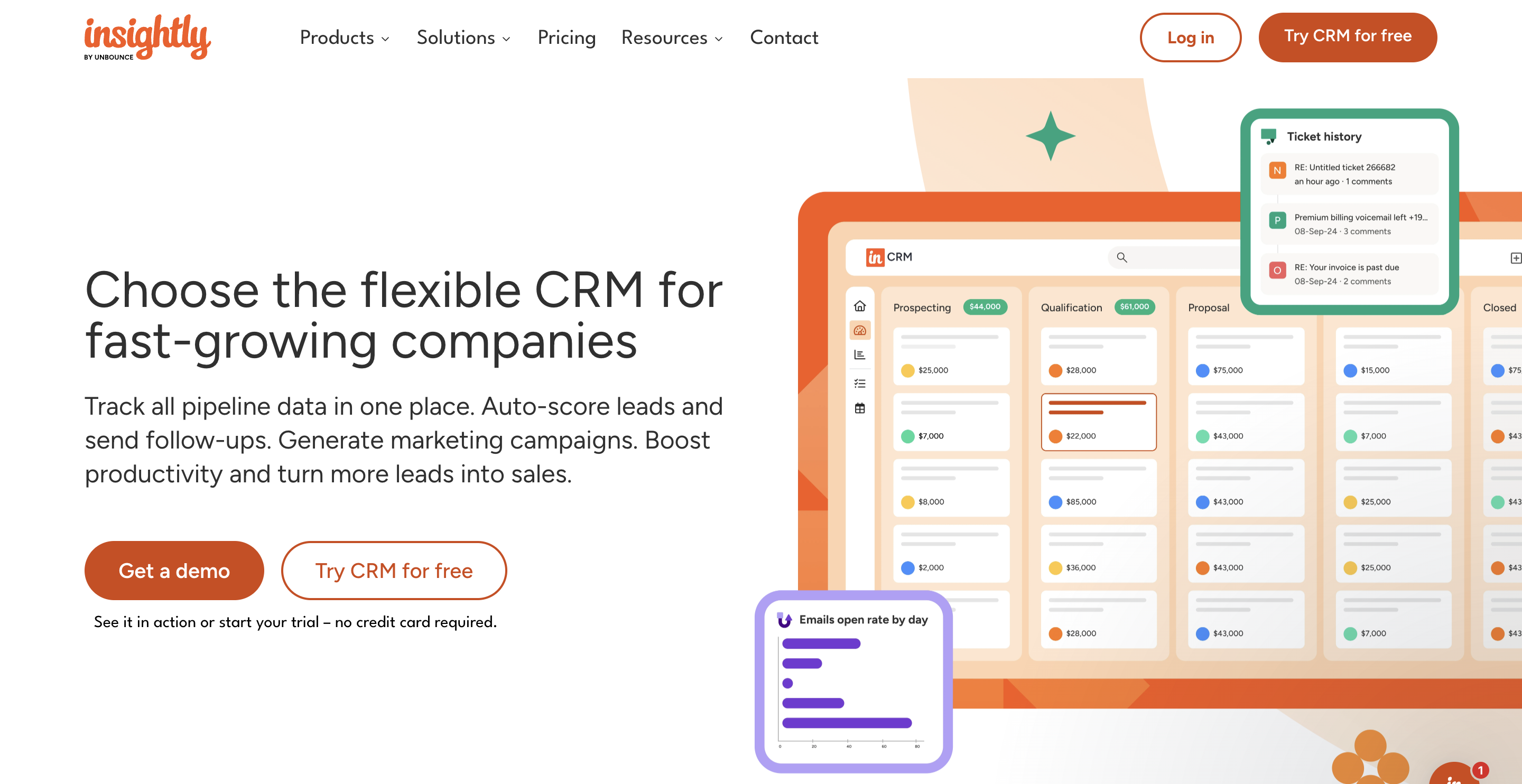
11Insightly — Best for Post-Sale Project Delivery Teams
Source: insightly.com
Insightly is positioned uniquely: it connects sales pipeline management with post-sale project delivery in a single platform. When a deal closes, the record converts into project tasks, milestones, and delivery timelines without any handoff to a separate tool. For professional services companies, agencies, or any B2B business where the sale triggers a delivery project, this removes a genuine operational gap.
As a standalone sales tracking tool, Insightly is solid but not exceptional. Its strength is the sales-to-delivery bridge. Capterra reviewers highlight this specifically as the reason they chose it over more sales-pure platforms.
Pricing: Plus from $29/user/month. See Insightly pricing.
- Best for: Agencies, consultancies, or B2B teams where closed deals immediately trigger project delivery
- Not ideal for: Pure transactional sales teams that close deals without delivery complexity
12Nutshell — Best for Simplicity-First Small Teams
Source: nutshell.com
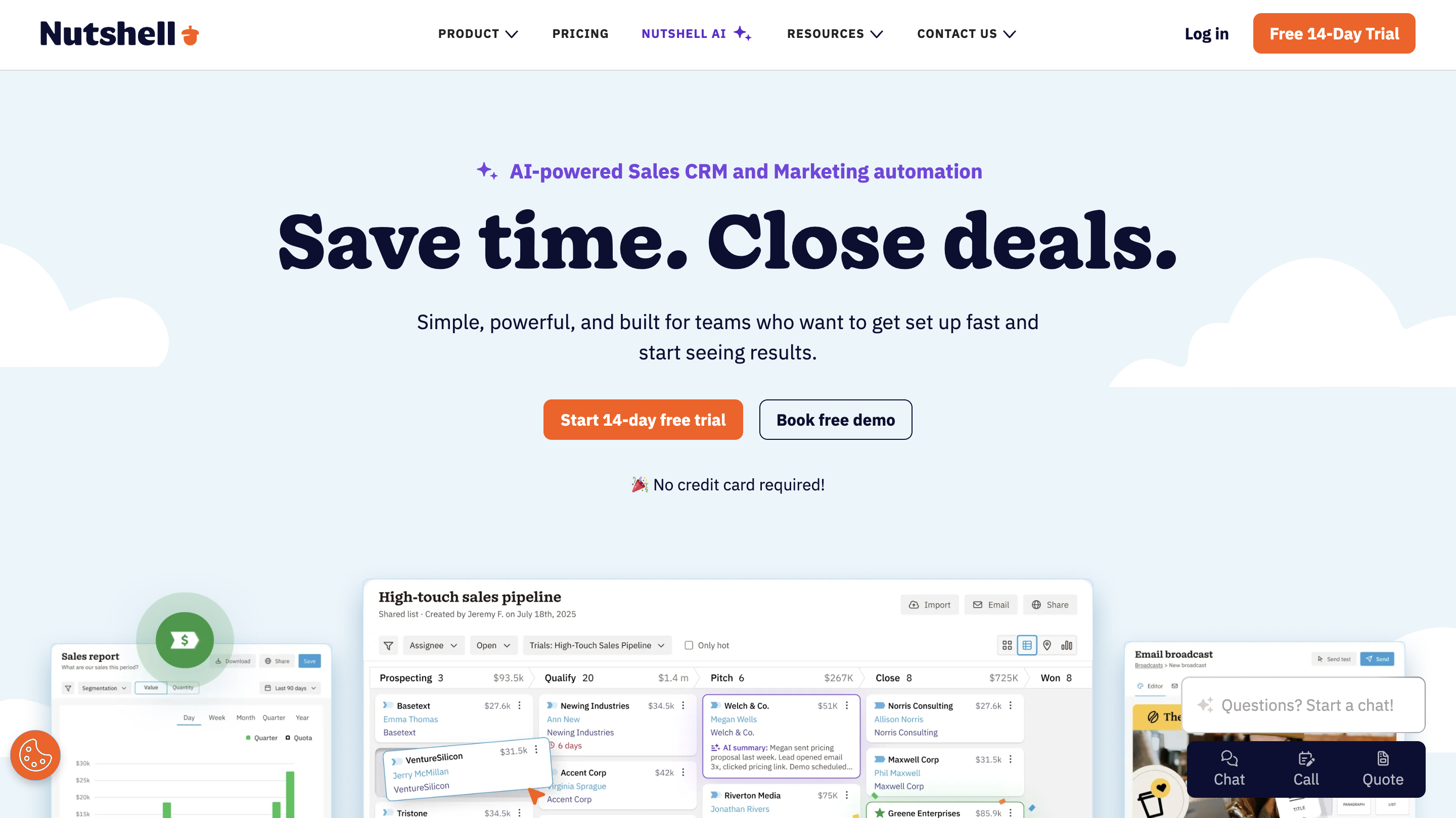
Nutshell is one of the most straightforward sales-tracking tools available, by design. It strips out the complexity that makes CRMs intimidating for small teams and focuses on clean pipeline management, email sequences, and basic reporting. For a team of 3–8 people that has never used a CRM before and needs to get running in a day, Nutshell is a genuinely fast path to organized sales tracking.
The trade-off is depth. Nutshell does not compete with Salesforce or HubSpot on analytics, AI features, or integration breadth. G2 reviewers value it specifically for ease of use, not for power.
Pricing: Foundation from $19/user/month. See Nutshell pricing.
- Best for: Small teams (3–8 reps) that want a simple, fast-to-adopt sales tracking system with no learning curve
- Not ideal for: Growing teams that will need advanced analytics or forecasting within 12 months
How CRM Sales Tracking Software Ties to Revenue Predictability
Most teams think of their sales tracking system as a place to store deal information. The teams that consistently hit quota treat it as a revenue management tool, and there is a meaningful difference.
When deal stages are kept current and activity is logged consistently, your pipeline coverage ratio becomes a reliable leading indicator. A 3x pipeline coverage means you have three times your quota target in active deals. If your sales forecasting methods are built on that clean data, your monthly revenue call becomes a number you trust rather than a number you defend.
AI-native platforms like SparrowCRM take this further by eliminating the dependency on rep discipline. When the system auto-captures calls, emails, and meetings and scores deals based on that activity rather than manual stage updates, the accuracy of your sales revenue projections improves without requiring anyone to become a better CRM user. The data quality comes from the architecture, not the behavior change.
How to Choose the Right Sales Tracking System for Your Team
The most common mistake teams make when evaluating sales tracking tools is optimizing for features instead of fit. Here is a practical decision framework based on team size and sales motion.
1–10 people (founder-led or early sales hire): You need something you can set up yourself in a day, and that does not require a dedicated admin. Prioritize ease of adoption, free or low starting pricing, and basic pipeline visibility. SparrowCRM, Nutshell, or Pipedrive fit this stage well.
10–30 people (first real sales team, quota-carrying reps): You need reliable activity tracking, rep-level reporting, and forecast data your leadership team can trust. The risk here is buying a tool that is too simple for where you are heading. HubSpot Sales Hub, Freshsales, or Zoho CRM, depending on your motion, are strong fits. Make sure the reporting tier you actually need is included in the pricing you are evaluating.
30–50+ people (scaling, RevOps function taking shape): You need integration depth, customizable pipelines, and the ability to run territory management or multi-team visibility. Look at Salesforce if you have the admin bandwidth, or evaluate HubSpot Professional or Zoho Enterprise, depending on your stack.
Before signing any contract, run a 14-day trial with two to three reps actually using it in a live pipeline. If adoption is not natural within the trial, it will not magically improve after onboarding. See also: how to build an effective sales pipeline using CRM for a practical setup guide.
Conclusion
The right sales tracking software is not the one with the most features; it is the one your team will actually use, which gives your leadership team data they can trust, and that grows with you rather than breaking at 20 reps.
For lean, fast-moving teams that want AI-native tracking without the overhead of a legacy CRM, SparrowCRM is worth exploring. It was built to remove the manual work that makes most tracking tools fail in practice, so your pipeline reflects reality rather than optimism.
If you are at the stage where your spreadsheet-tracked pipeline is costing you deals, the 12 tools reviewed here cover every team size and sales motion. Use the selection framework in the previous section, run a real trial with live deals, and pick the tool your reps will actually update.